
Winclone Pro
Description
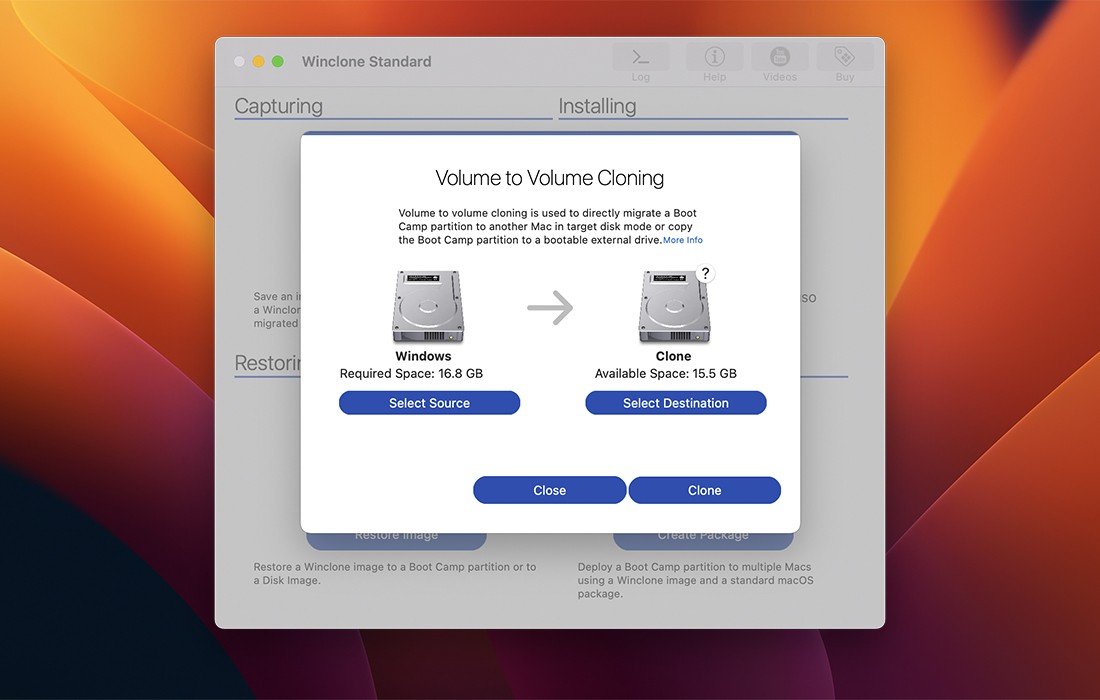
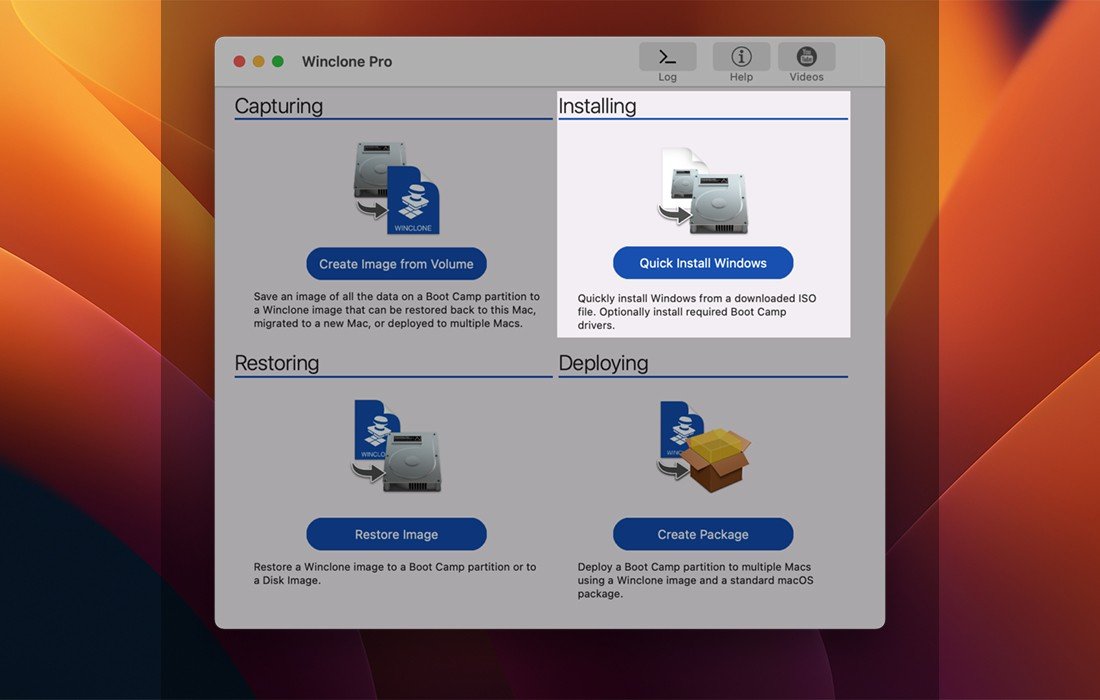
Winclone is the most comprehensive solution for protecting your Boot Camp Windows system on Mac from data loss. Winclone Pro is the most reliable cloning solution available when migrating your Boot Camp partition to a new Mac computer.
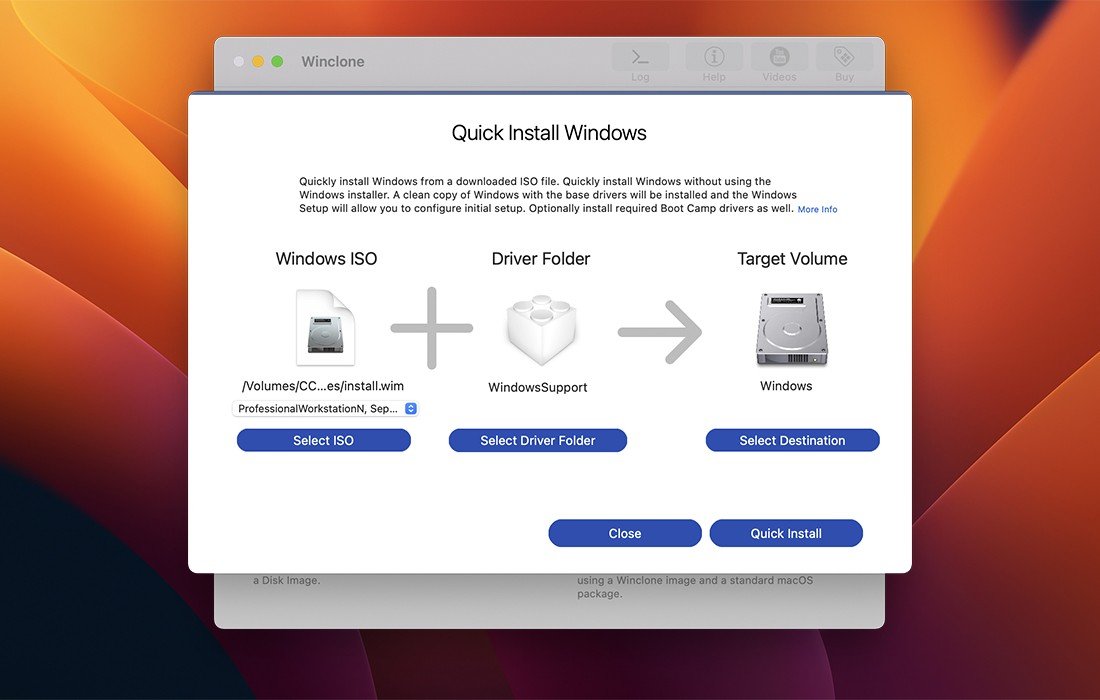
Winclone Pro app can create a package installer that automatically builds a Boot Camp partition and restores a Winclone image into the newly created partition. Winclone packages can be deployed using any client management system capable of deploying macOS packages. If you can install a package on your Mac, you can deploy a Boot Camp partition with ease.
Winclone packages can deploy fully configured and customized Windows images, base images that are configured during the first boot, or a WinPE environment for imaging and configuration using standard Microsoft deployment tools on your Mac.
Features
- Clone and restore Boot Camp partitions on Mac
- Supports restoring images created with Winclone Pro mac
- Supports restoring images to DOS-FAT32, ExFAT, and NTFS formatted volumes
- Supports restoring images to mounted volumes (bootable depending on hardware configuration and Windows version)
- Supports saving to external drives or network-attached storage
- Fast incremental image creation for efficient backups
- Core storage volume support
- Detection and reporting of inconsistent GPT and MBR boot records
- Support for local disk-to-disk migration on Mac
- Shrink/expand the Boot Camp file system as needed
- Options to "Make Legacy Bootable" and "Make EFI Bootable" (Windows 7 and later)
- Progress bar estimation and completion percentage display
- Audio notification alerts for successful or failed operations
- In-app links to relevant support resources and documentation
- Updated and modernized user interface for Winclone Pro download
Frequently Asked Questions
You May Also Like
Reviews & Comments
No comments yet.