
Description
Widgetter is your ultimate assistant for organizing your Mac desktop space in the most efficient and visually appealing way!
Intuitive widget interaction, stylish modern design, and a vast collection of diverse widgets allow you to fully customize your desktop workspace to suit your personal preferences and workflow.
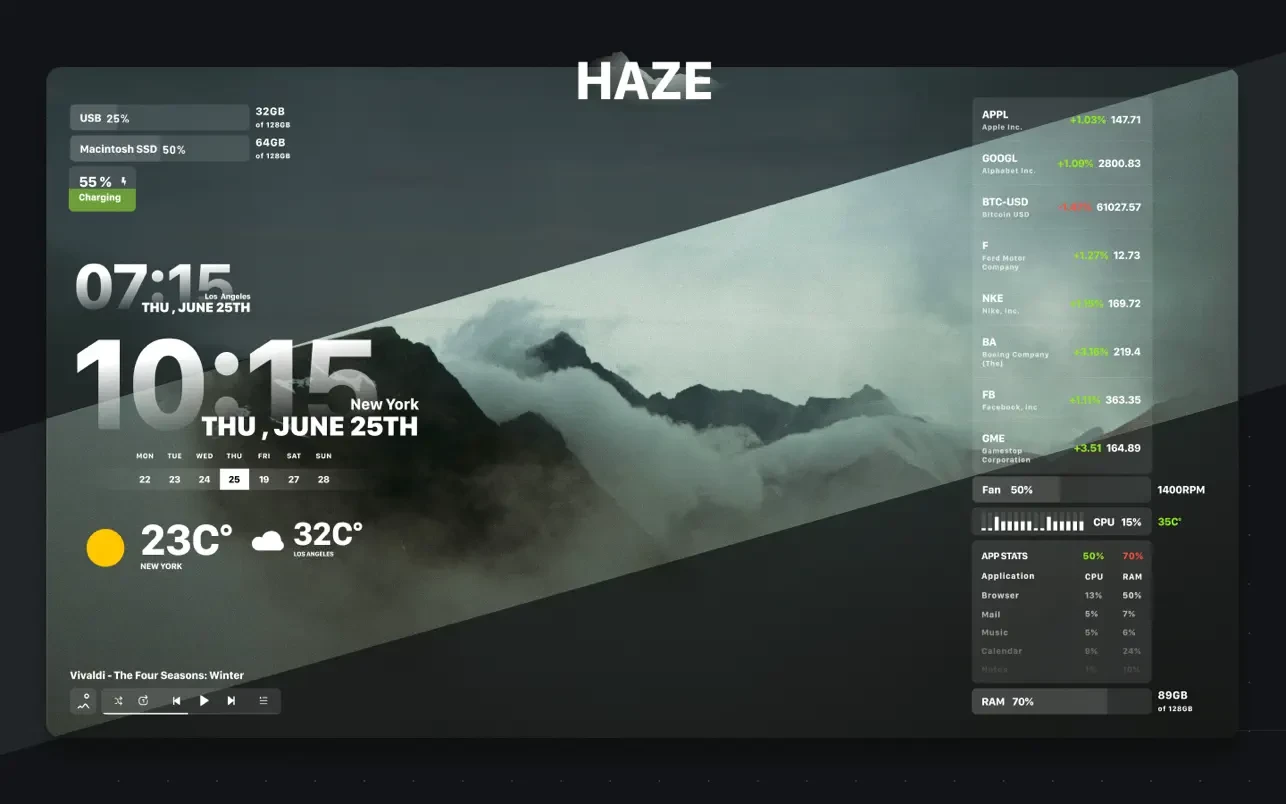
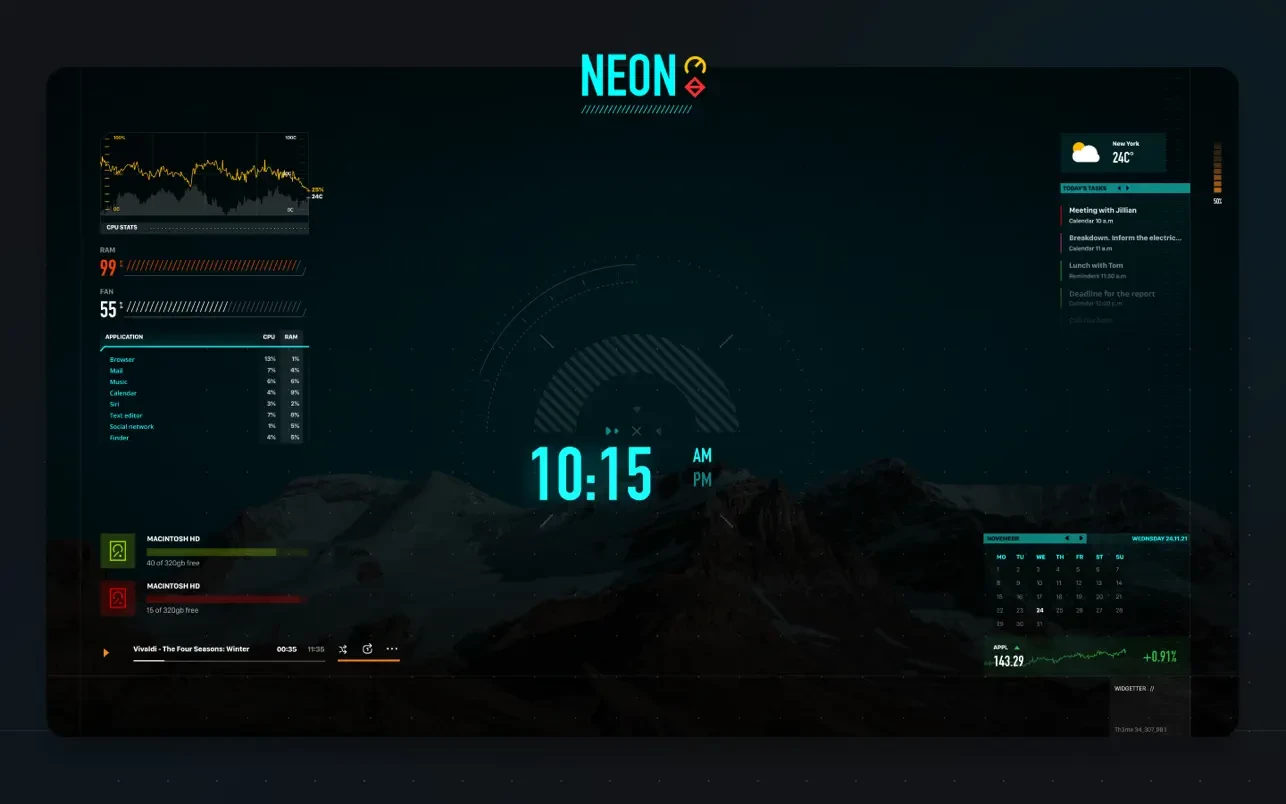
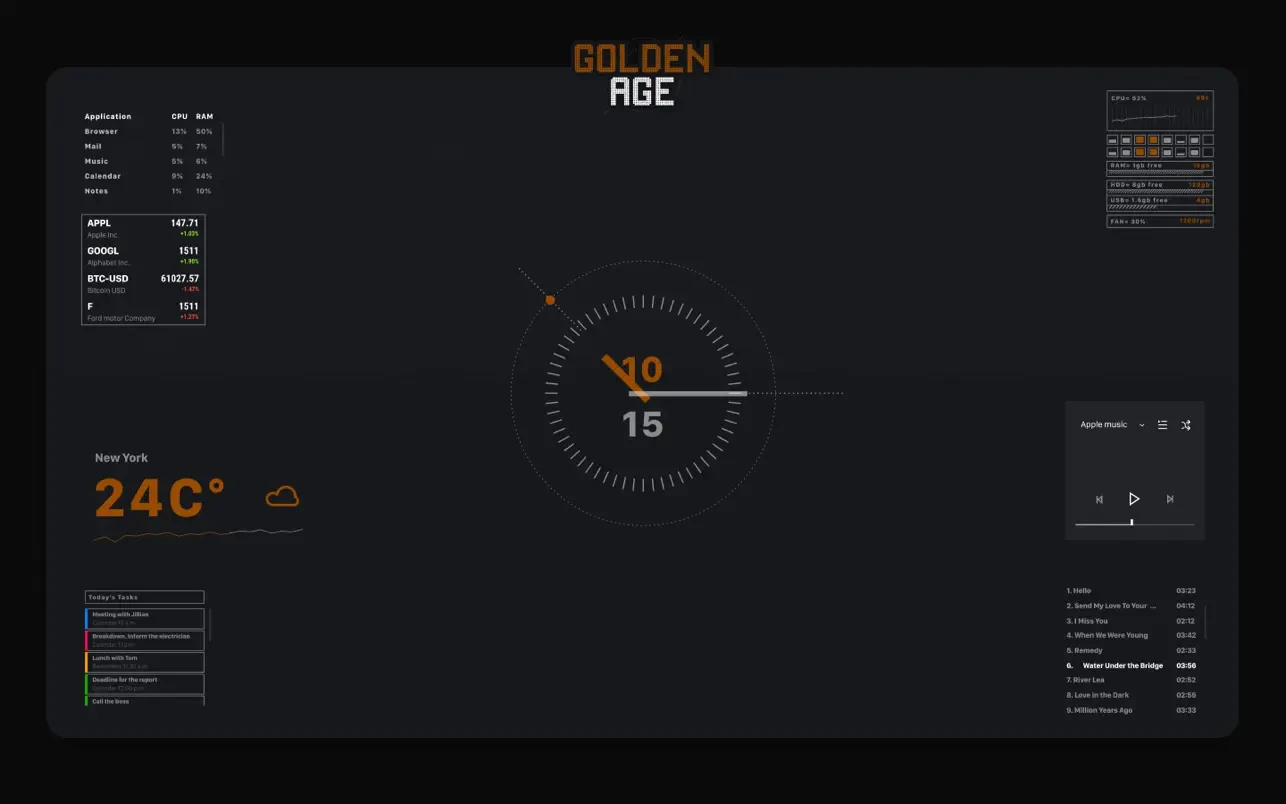
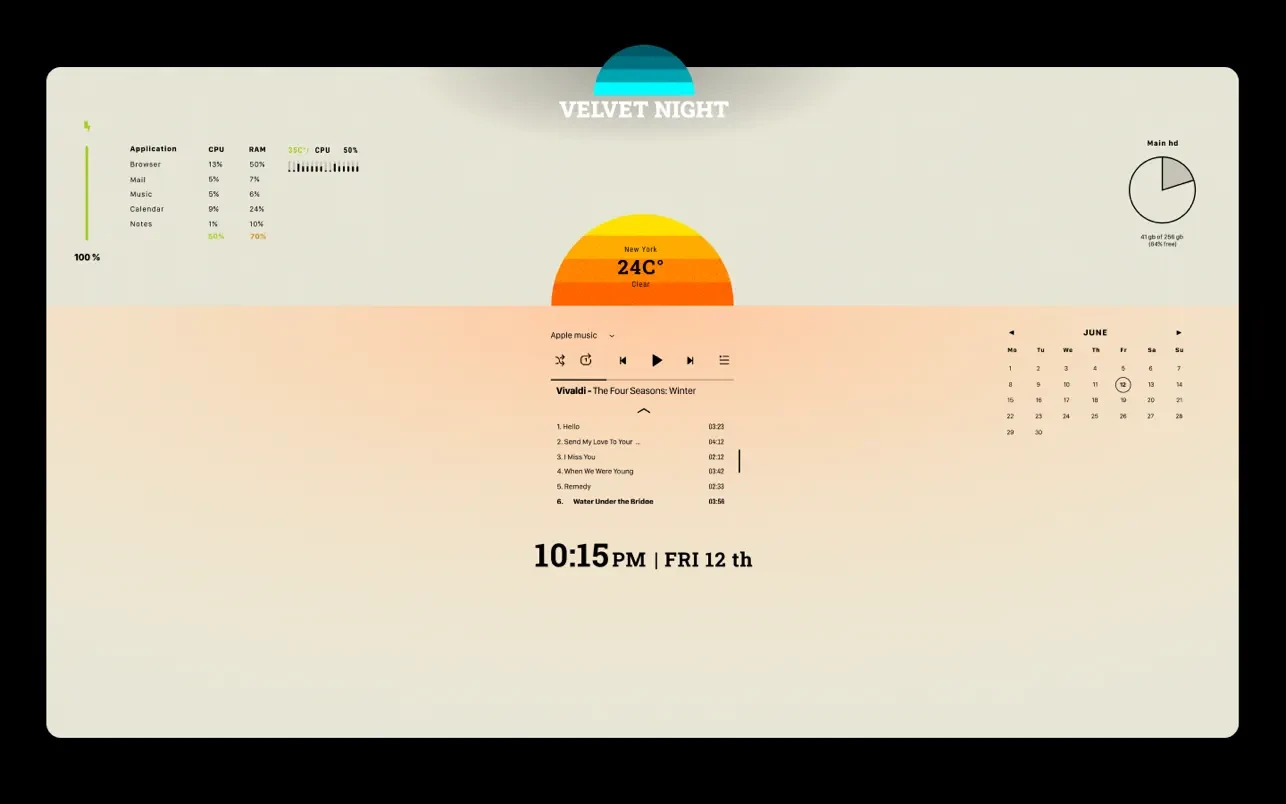
Within the app, you will discover curated sets of background wallpapers and widgets combined into beautifully designed themes available in various designer variations. Additionally, there is an option to browse, select, and install stunning 4K and 5K wallpapers from the presented collection to enhance your Mac display.
Adjust the desired widget size in a freeform format, meaning exactly the way that works best and feels most comfortable for you!
FULL CUSTOMIZATION: configure colors and fonts exactly the way you like them to match your personal style.
Current widget set available in Widgetter:
Date and Time
a stylish clock face available in multiple variations and designer solutions for you to choose from;
Calendar
a clear and visual monthly calendar always right in front of your eyes on your Mac desktop;
Weather
all the most important weather conditions for the current day and the upcoming week displayed at a glance;
Battery
keep track of your Mac battery charge level and monitor the overall condition of your battery health;
Player
create the perfect atmosphere in just a couple of clicks – choose your favorite tracks right in the playlist window;
Internet Speed and Downloaded File Volume
monitor your current internet connection speed and the total volume of downloaded data in real time;
Currency and Cryptocurrency Quotes
stay informed about exchange rate fluctuations and keep an eye on the latest stock market situations;
Tasks and Reminders
all of your current and upcoming tasks are laid out clearly – you will never miss anything important throughout your day;
CPU
monitor your Mac processor load in real time using widgetter system stats to ensure smooth and uninterrupted performance;
RAM
find out which applications consume the most memory and whether there is still available resource capacity remaining;
HDD and SSD Storage Drives
make sure your disk space is not overloaded or running critically low on available storage;
RPM
track the efficiency of your cooling system to prevent potential overheating and maintain optimal Mac performance;
The widget collection covers a comprehensive range of system data including logs, reports, and operations, all of which you can conveniently and easily manage right from your Mac desktop. No special technical knowledge is required for this, because the widgets in widgetter mac will automatically highlight and notify you about possible errors, issues, and potential problems that need your attention.
Add multiple widgets of the same type to track weather data and time across different cities around the world, as well as to compile personalized selections of the stocks and assets you need to follow.
As the perfect finishing touch for your setup – after you widgetter download and install the app, decorate your desktop to your own taste by choosing a beautifully crafted theme from the curated collection.
Frequently Asked Questions
You May Also Like
Reviews & Comments
No comments yet.