
System Toolkit
Description
System Toolkit is a versatile information and maintenance application designed exclusively for macOS.
• Information
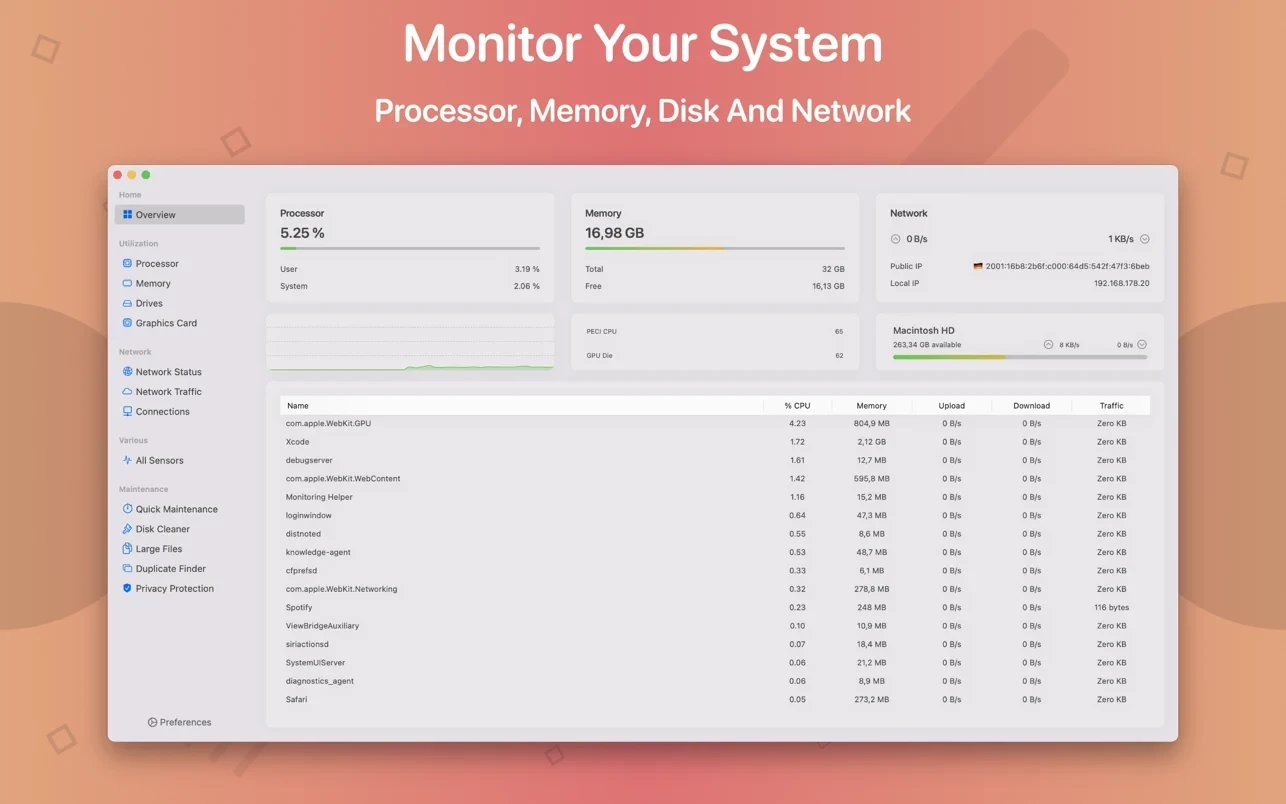
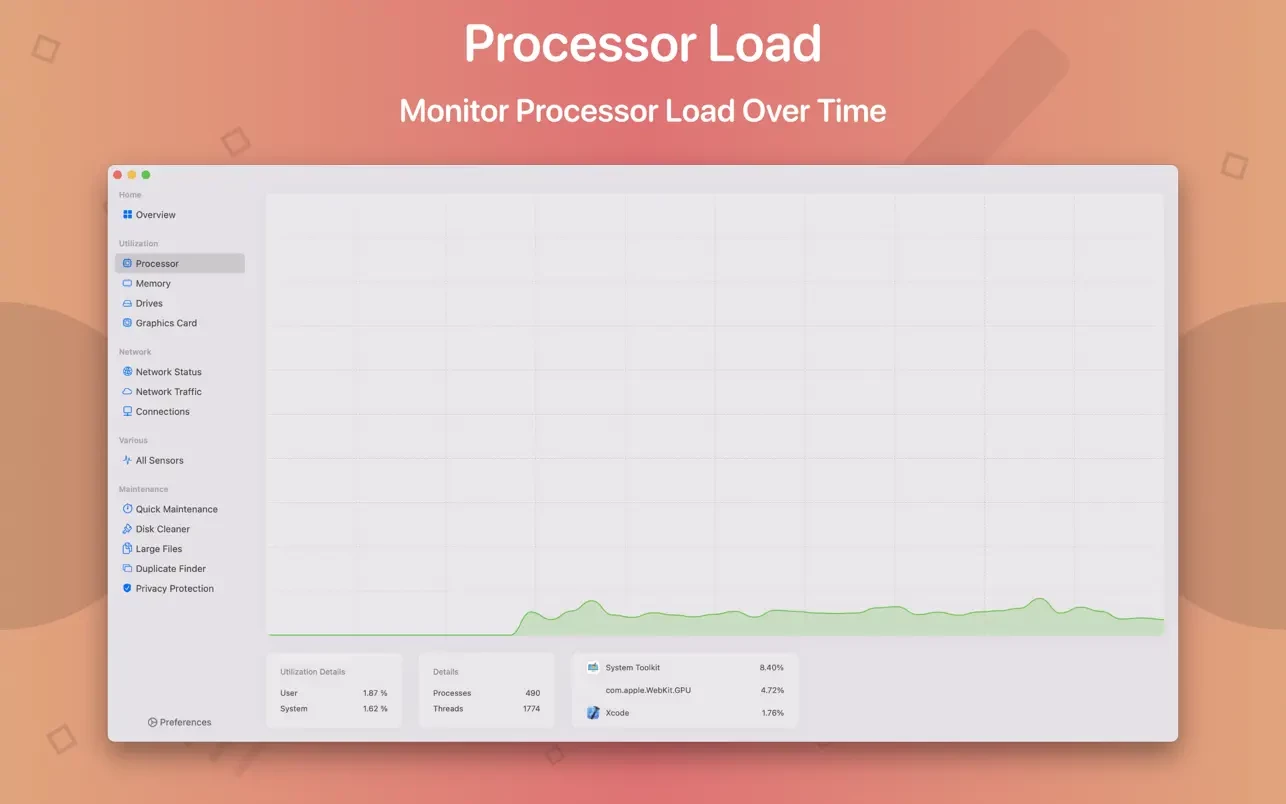
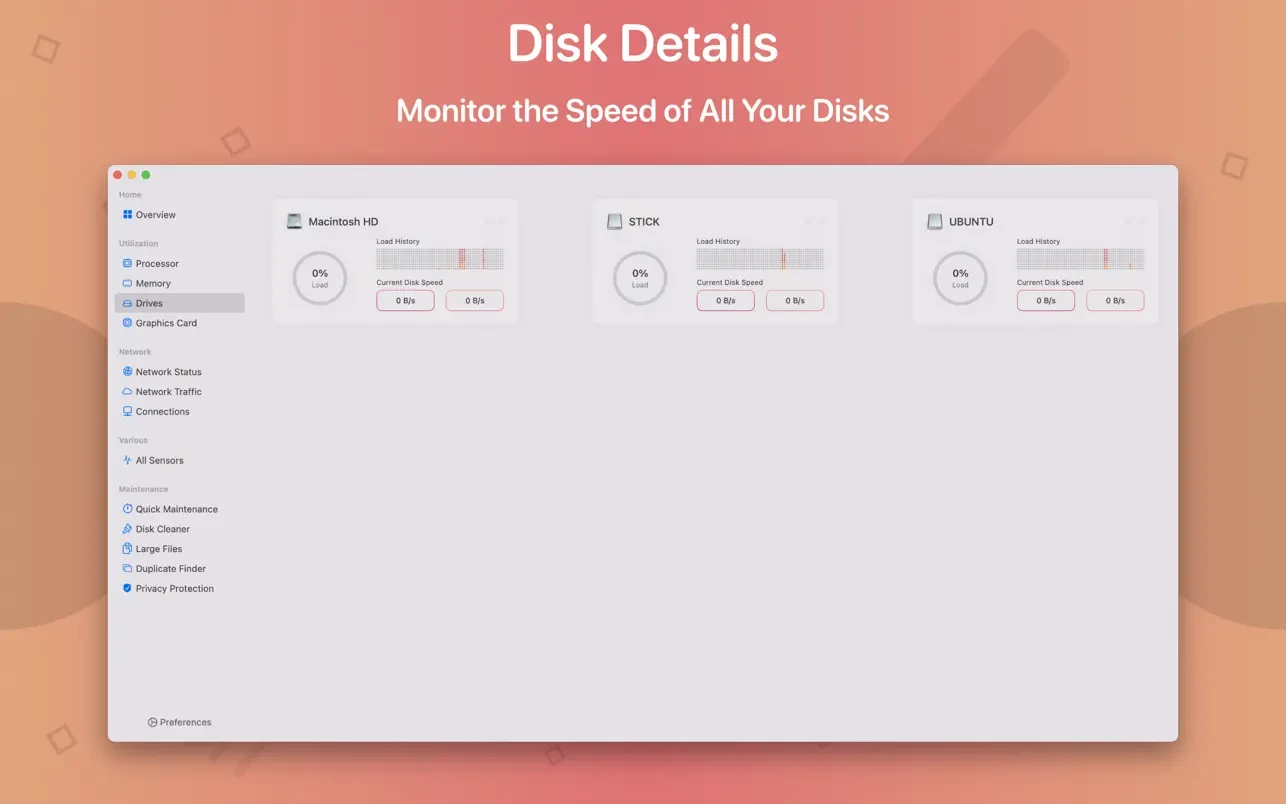
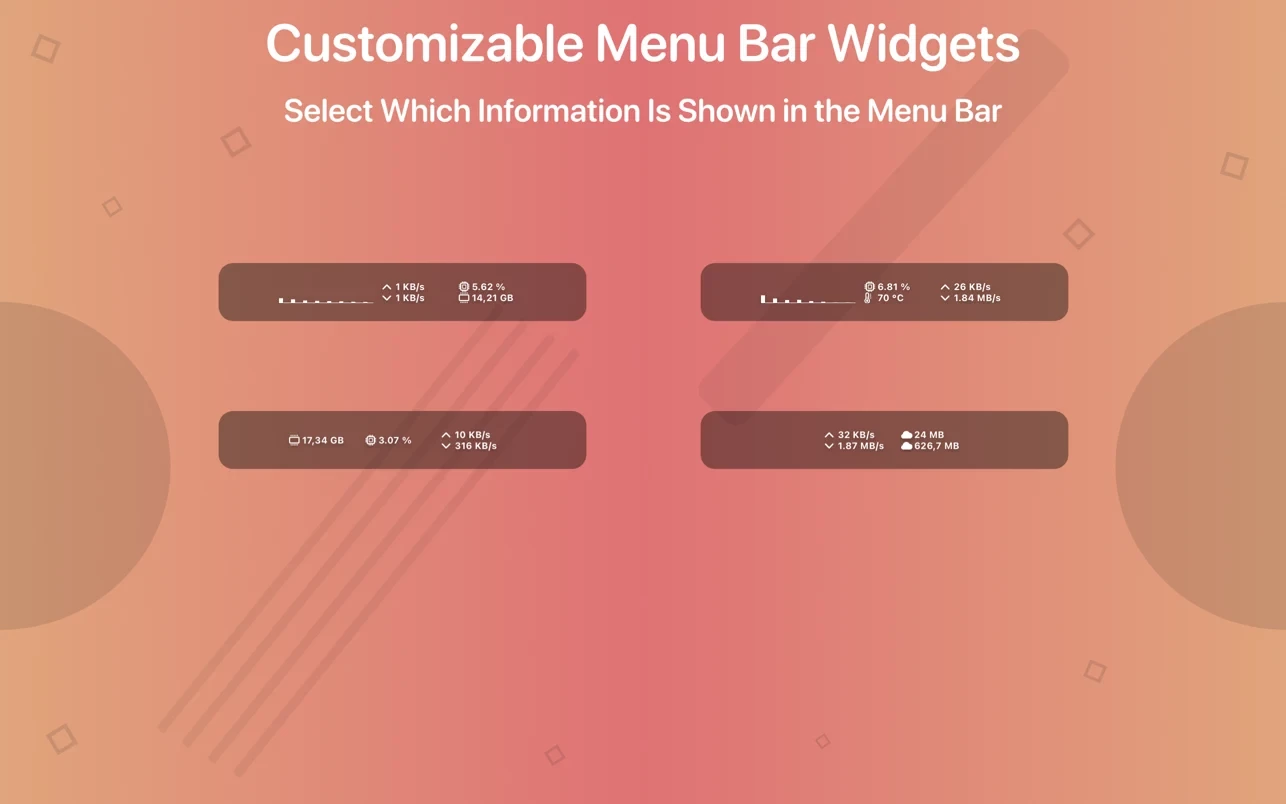
Monitor all of your system's workloads in real time. This includes CPU load, memory usage, network speed and traffic, as well as open network connections. All of this information can be displayed both in an additional menu bar and in an overlay window. Use the Dashboard to get a quick glance at the most important system parameters and performance metrics.
• Additional
Menu Bar You can add any number of menu bar widgets to your Mac. Each menu bar widget can be individually configured to display the specific information you need.
• Dashboard
The Dashboard presents the most essential system information in a dedicated, separate window for easy monitoring.
• Overlay Window The overlay
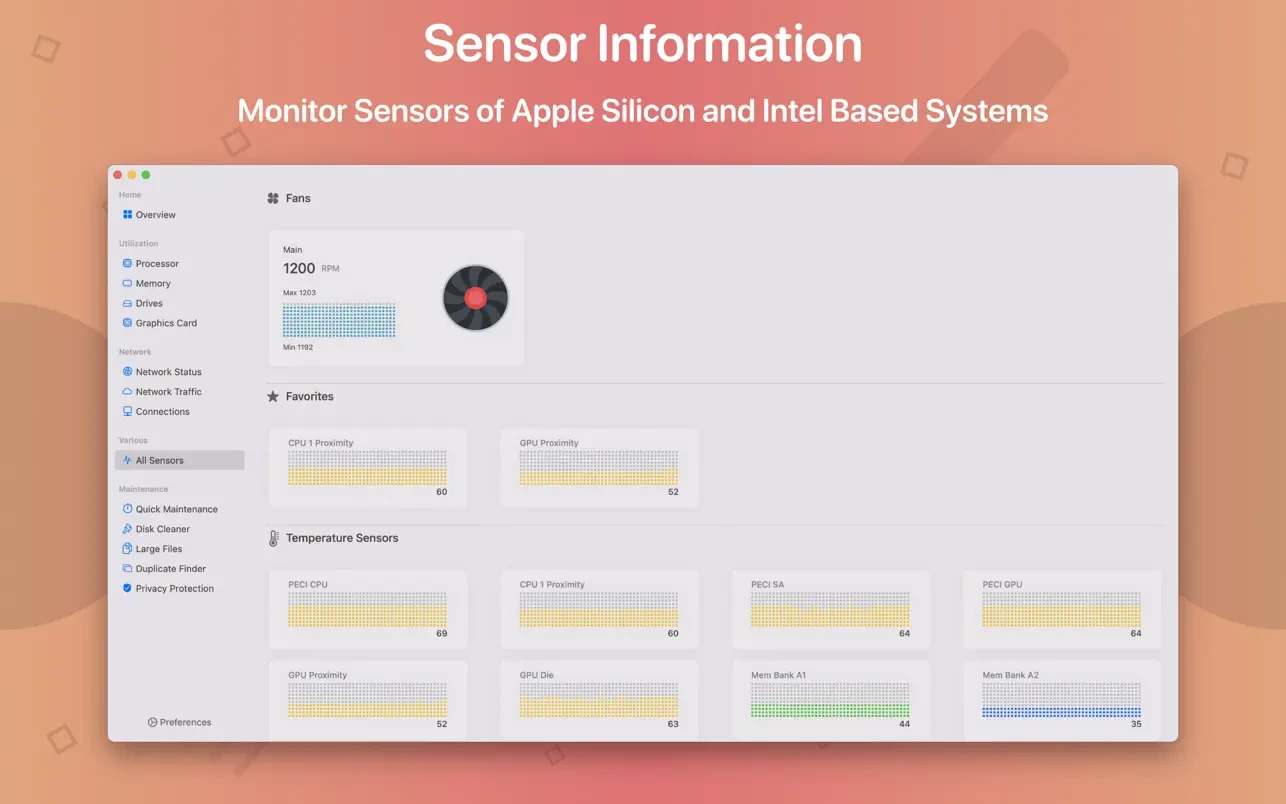
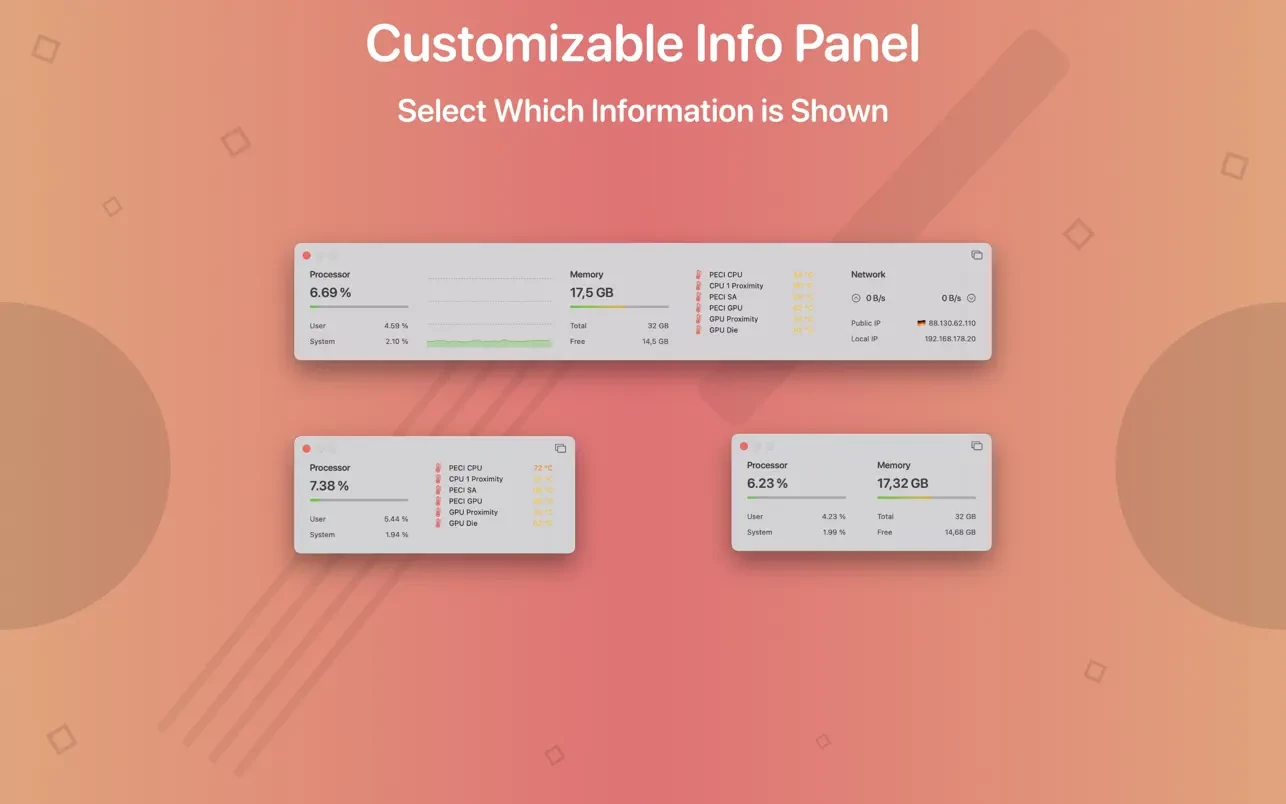
window always stays on top of all other windows. This means that even if you are running a full-screen application, you can use the overlay window to keep tracking your system. Just like the menu bar widgets, the overlay window can be customized to show any system information, including hardware sensor data.
• Bluetooth Device Battery Level
System Toolkit app displays the battery level of your connected Bluetooth devices.
The following devices are supported Devices
Input Devices
Apple Magic Mouse
Apple Magic Mouse 2
Apple Magic Trackpad 2
Apple Wireless Keyboard
Apple Wireless Trackpad
Headphones
Apple AirPods
Beats Solo 3
Beats
• Battery Information
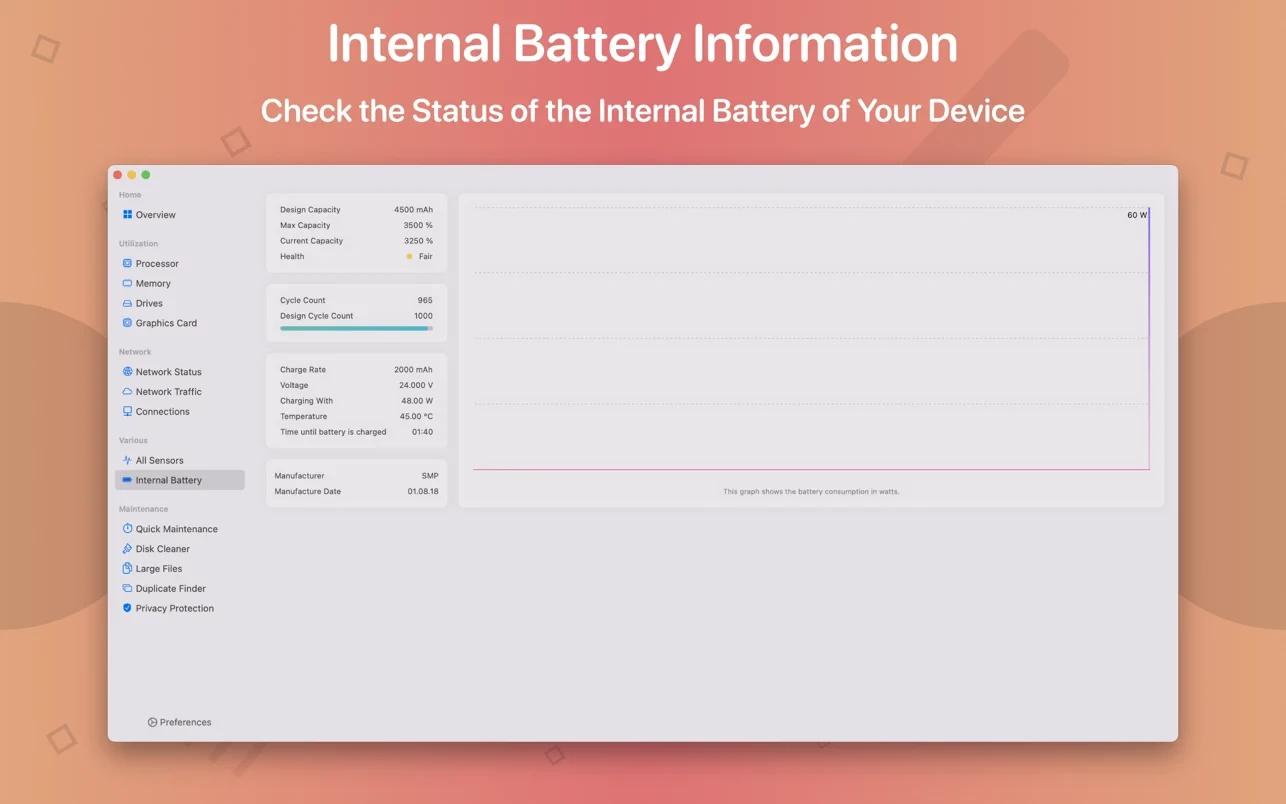
You can check battery parameters on the dedicated battery page. This page provides detailed information about the internal battery of your Mac. If you are using a Mac that does not have an internal battery, this page will be automatically hidden.
In addition to the information pages, System Toolkit mac also offers the following maintenance features
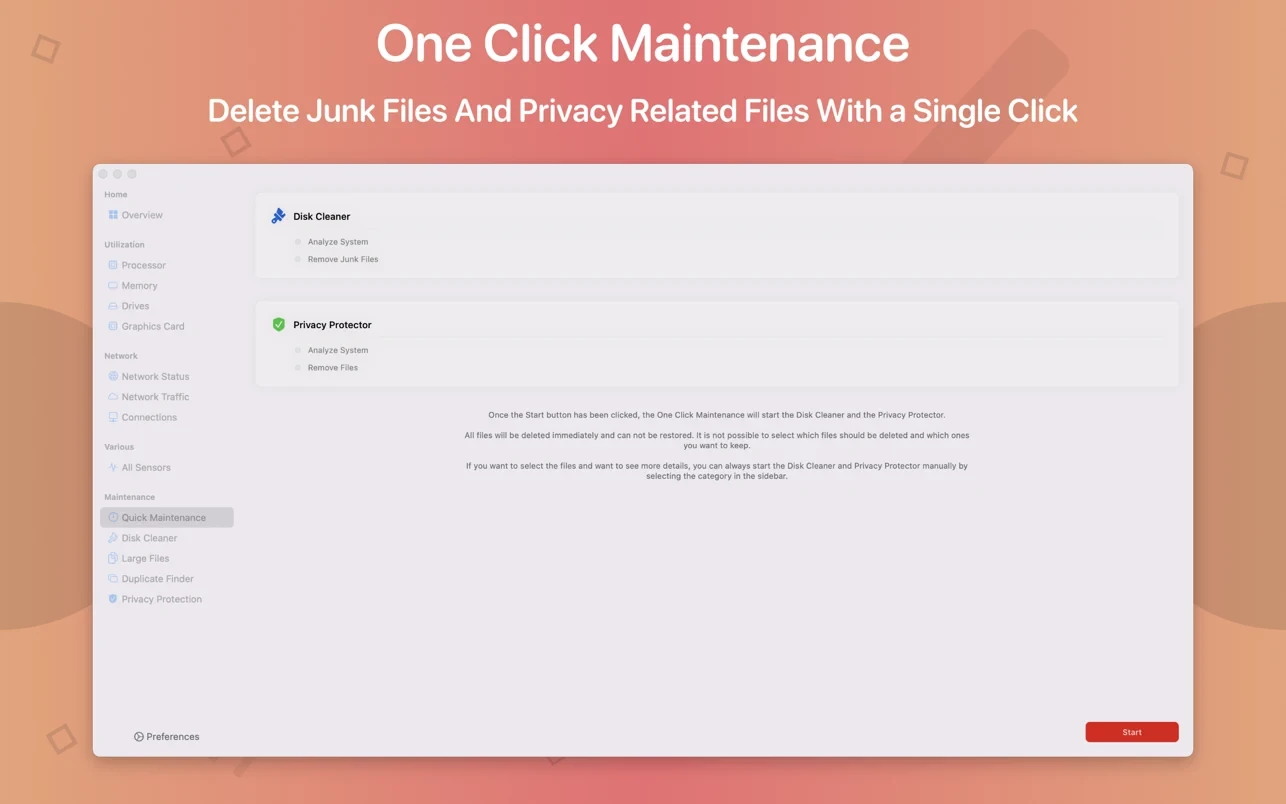
• Quick Maintenance: clean up your Mac system with just a single click of the mouse!
• Disk
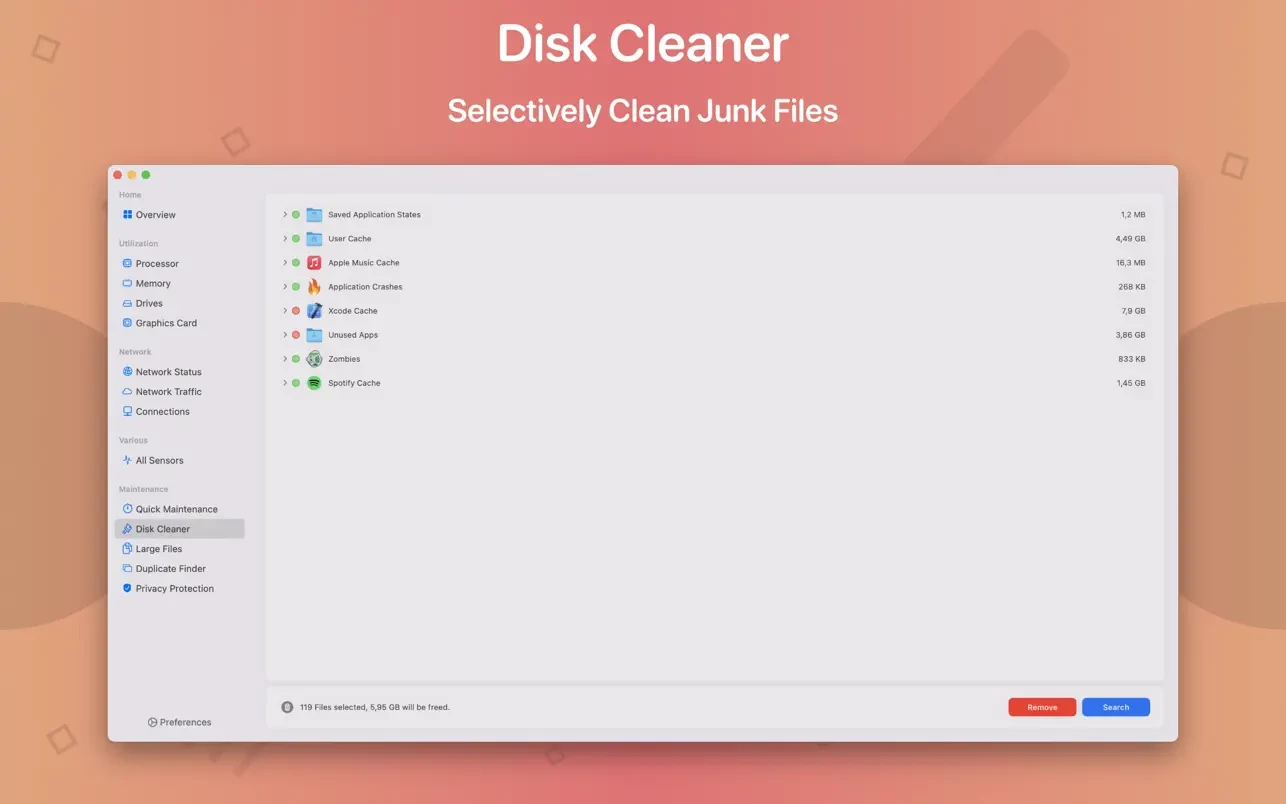
Cleaner The Disk Cleaner scans your entire hard drive for temporary or cached files that can be safely removed to free up valuable disk space. Categories include application and user cache, developer cache, browser cache, and many other types of cached data.
• Duplicate Finder
Find duplicate files across your entire system. Use the smart selection feature to quickly select and remove duplicate files, helping you reclaim disk space efficiently.
• Large File Finder
This feature allows you to locate large files stored on your hard drive. Quickly see which files are taking up the most space on your Mac. Files can be deleted directly from within the application.
• Privacy Protector
Erase all of your personal data stored within your system. Have you visited a website that you do not want other users of your Mac to know about? Simply launch Privacy Protector and wipe away your traces — it will clear the data from all major Web browsers thoroughly.
• App Cleaner
Use App Cleaner to search for and remove files that were created and are used by an application. After the system toolkit download, this tool helps you fully uninstall apps along with all their associated leftover files.
Frequently Asked Questions
You May Also Like
Reviews & Comments
No comments yet.