SnippetsLab
Description
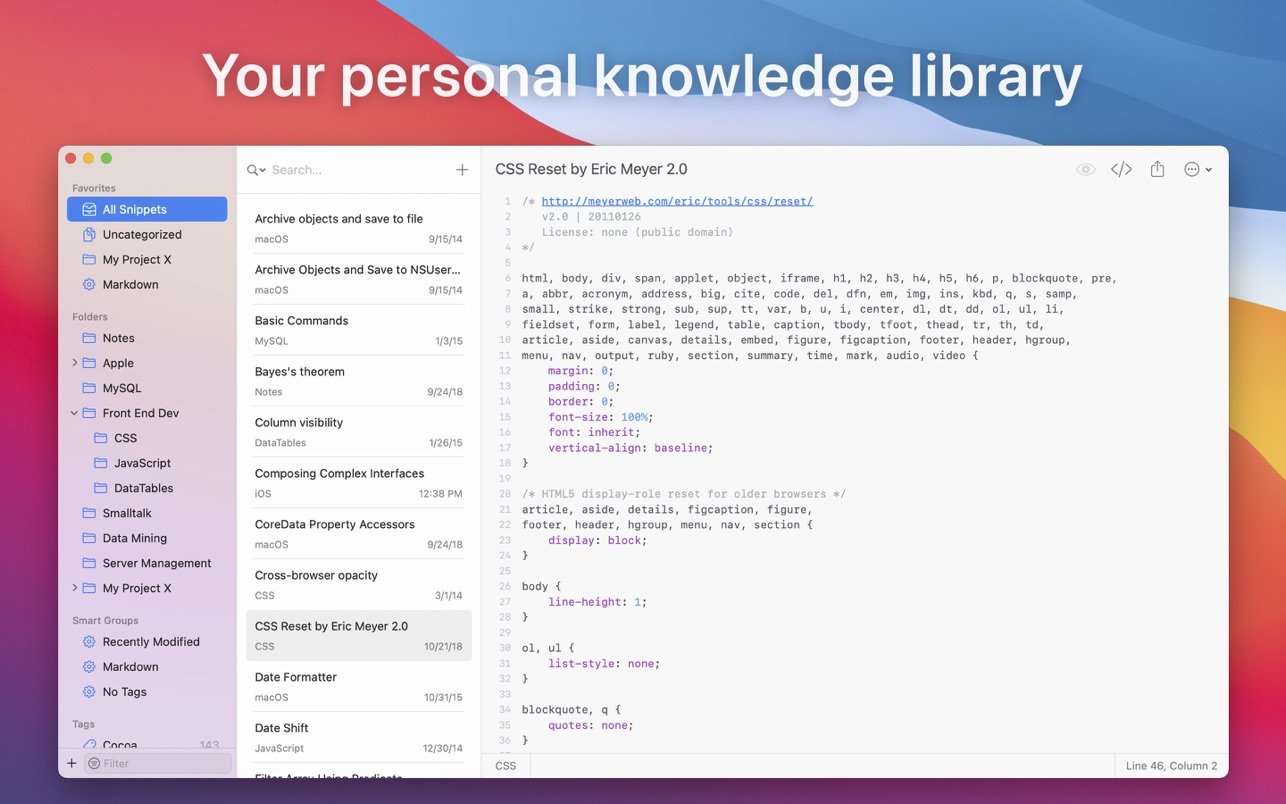
SnippetsLab is a powerful snippetslab app for Mac that saves, organizes, and shares your code snippets with ease. It supports more than 420 programming languages that you can switch between effortlessly, and it ensures a streamlined code management process throughout your workflow. Combine multiple pieces of code into a single snippet, add explanatory comments regarding any reference information you need, and export your snippets directly to GitHub. SnippetsLab is your ultimate playground for smart and efficient coding on Mac.
Organize Your Code Snippets
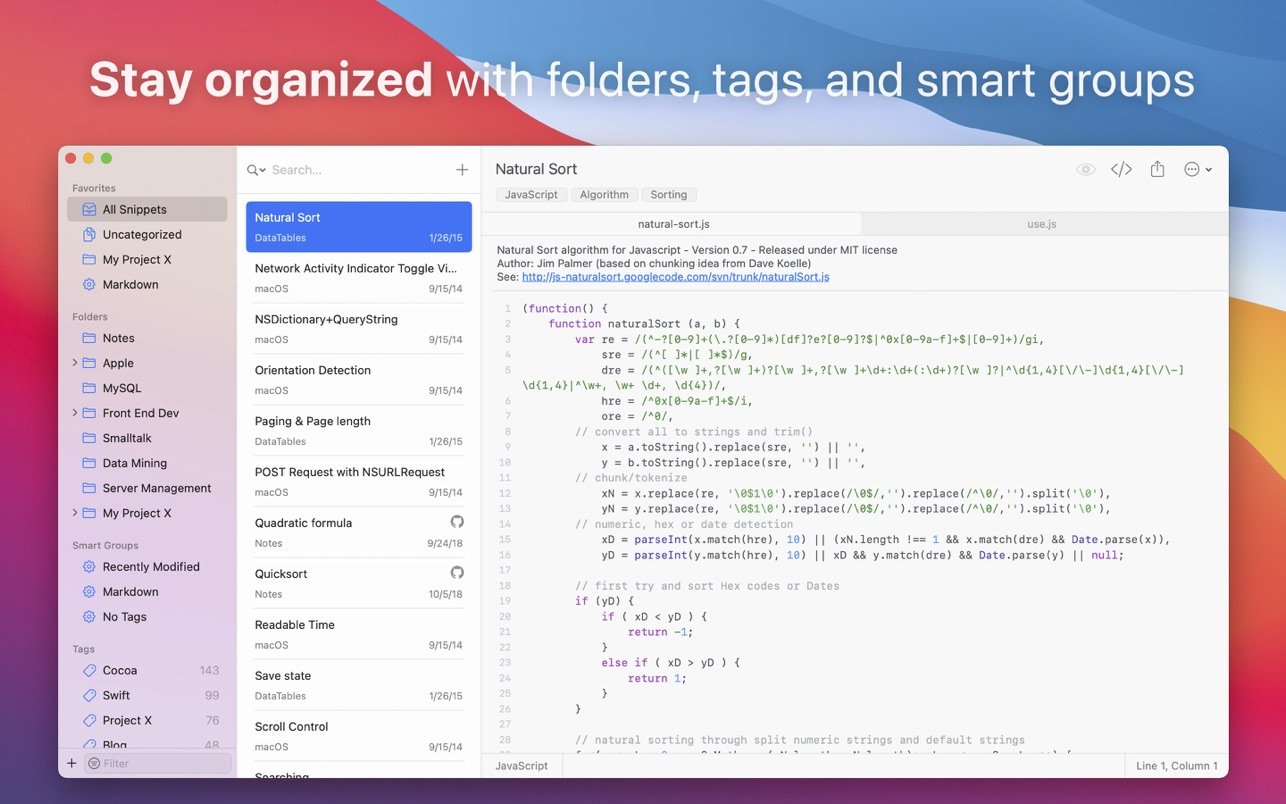
You are the creator of your own code library, and you can customize it exactly the way you want. With the snippetslab mac experience, you get excellent organizational tools at your disposal. Sort your code excerpts by any characteristic you choose, create Smart Groups for automatic filtering, and add tags for simple and intuitive navigation. Every single snippet will always remain within your reach whenever you need it.
Add Comments and Code Fragments
If code alone is not enough, you can enrich your snippet with detailed notes and annotations. Add links, descriptions — any reference information that you believe is worth mentioning for future use. You can also merge several code excerpts into one unified snippet or split larger snippets into separate individual parts. Everything remains flexible and fully customizable at all times.
Your Personal Assistant in the Menu Bar
SnippetsLab creates a convenient shortcut to your code, providing quick access to every single excerpt right from the Mac menu bar. Without even opening the main application window, you can search through your snippets according to your own specific criteria, preview the code in detail, and switch to the full main screen whenever the need arises.
Syntax Highlighting and Markdown Support
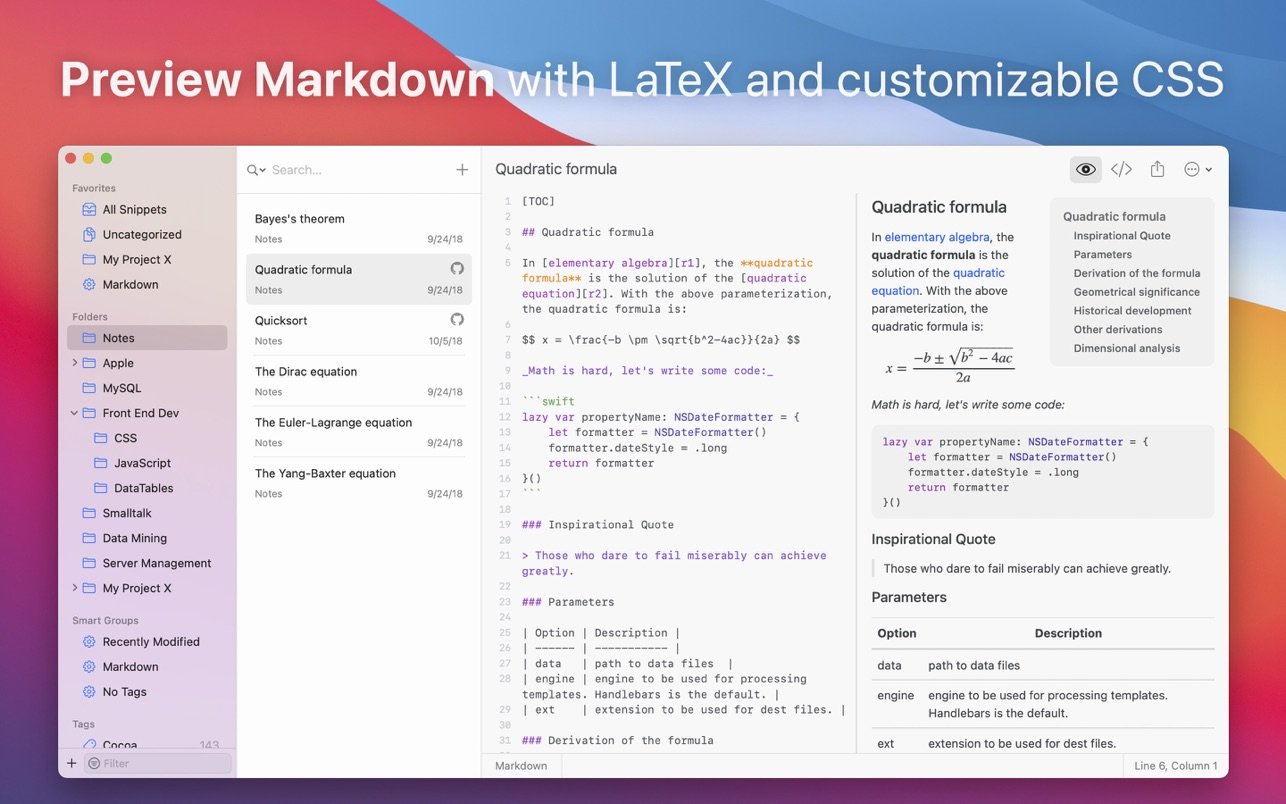
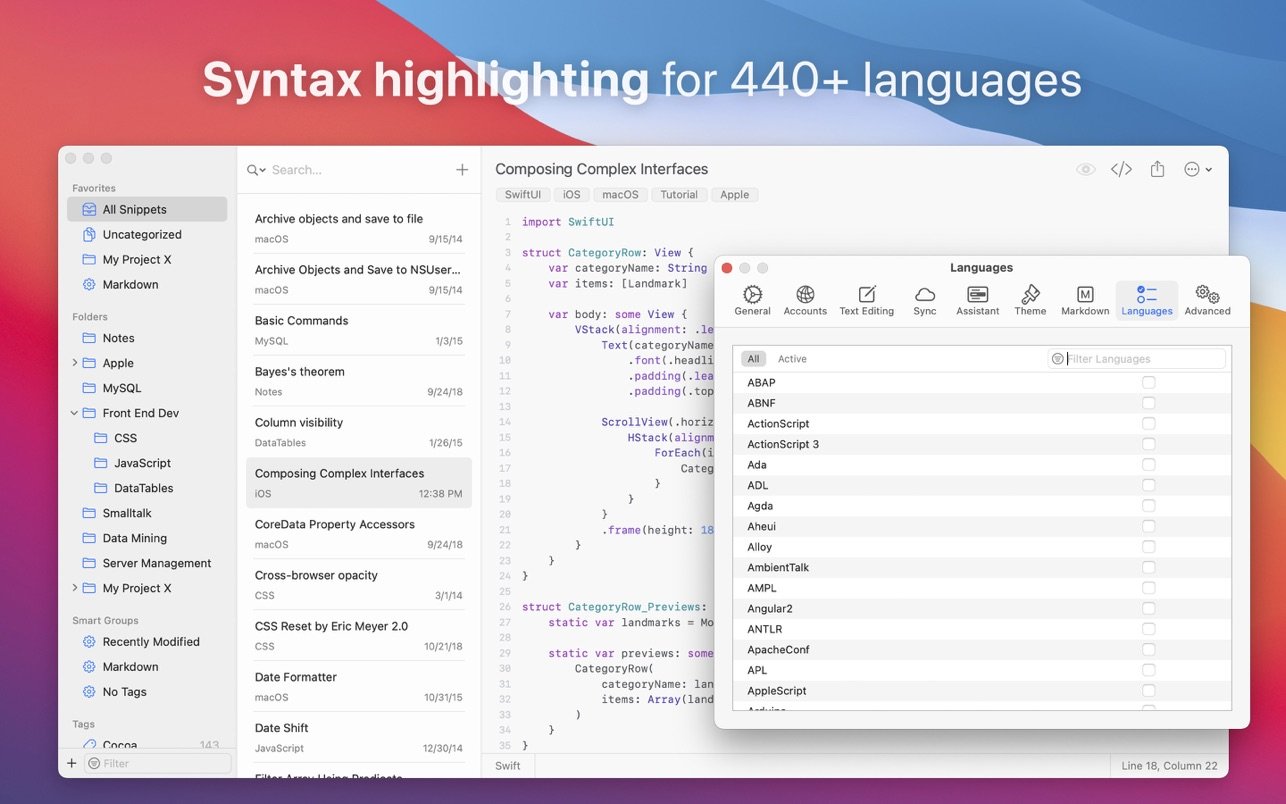
This code snippet manager supports syntax highlighting for more than 420 different programming languages. Quickly switch the selected language at the bottom of the application window and see your code displayed in its proper, correctly formatted form. SnippetsLab also supports markdown preview rendering for greater visual clarity and improved readability of your documentation.
GitHub Gist Integration
Best of all, you can synchronize your work between SnippetsLab and GitHub seamlessly. With the built-in Gist integration, the application allows you to import code directly from your GitHub account, and also export your complete library of individual snippets for publication as gists. You will never have to choose where to store your code — both platforms work together harmoniously.
Sync and Safeguard Your Code
After you snippetslab download and install it, you can work with popular synchronization services such as Dropbox and Google Drive, and also keep your code consistent across different devices using iCloud sync. Moreover, you will never have to worry about losing any part of your valuable code — the application automatically creates backup copies on a daily basis to ensure complete data safety.
Frequently Asked Questions
You May Also Like
Reviews & Comments
No comments yet.