
Slidepad
Description
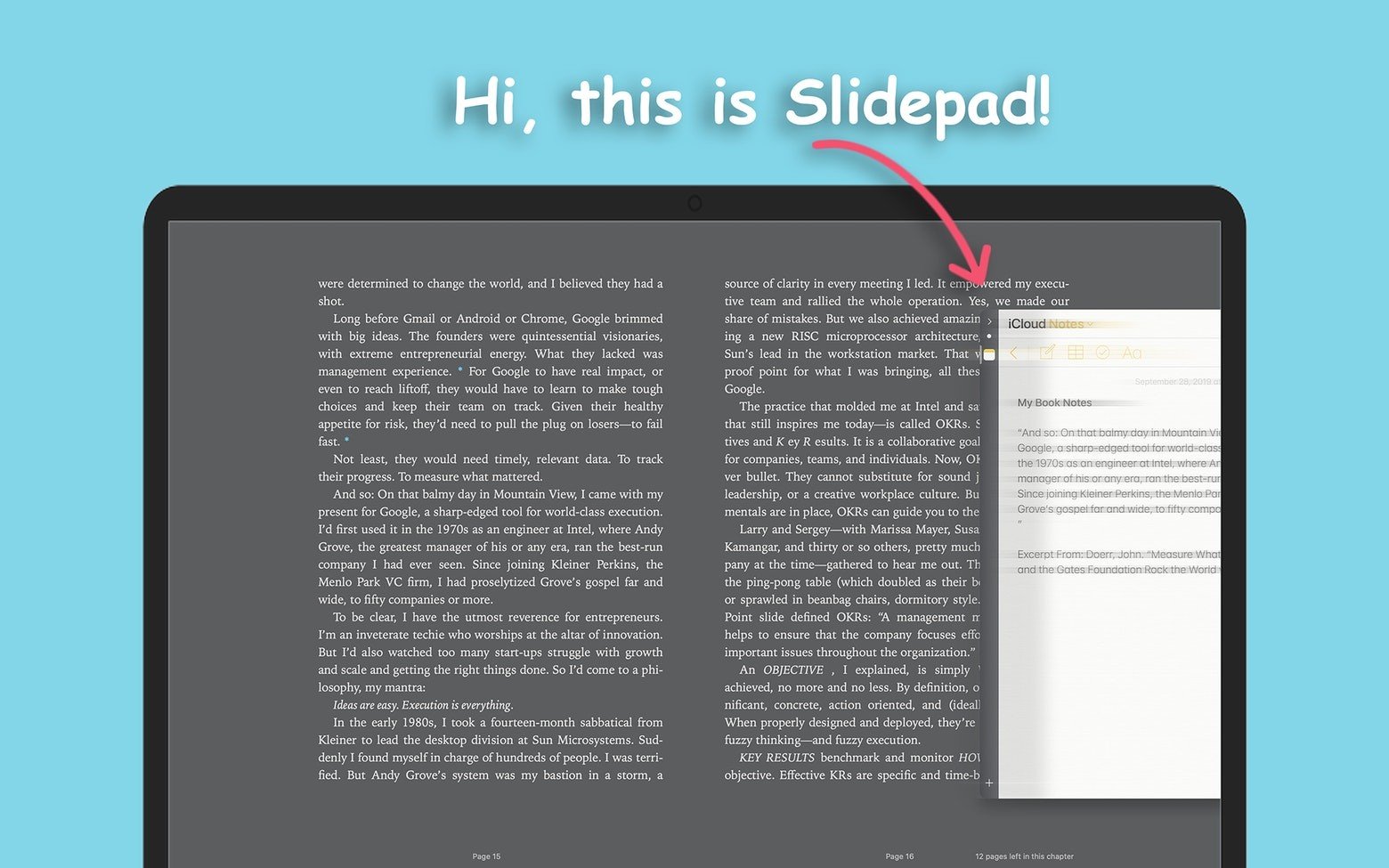
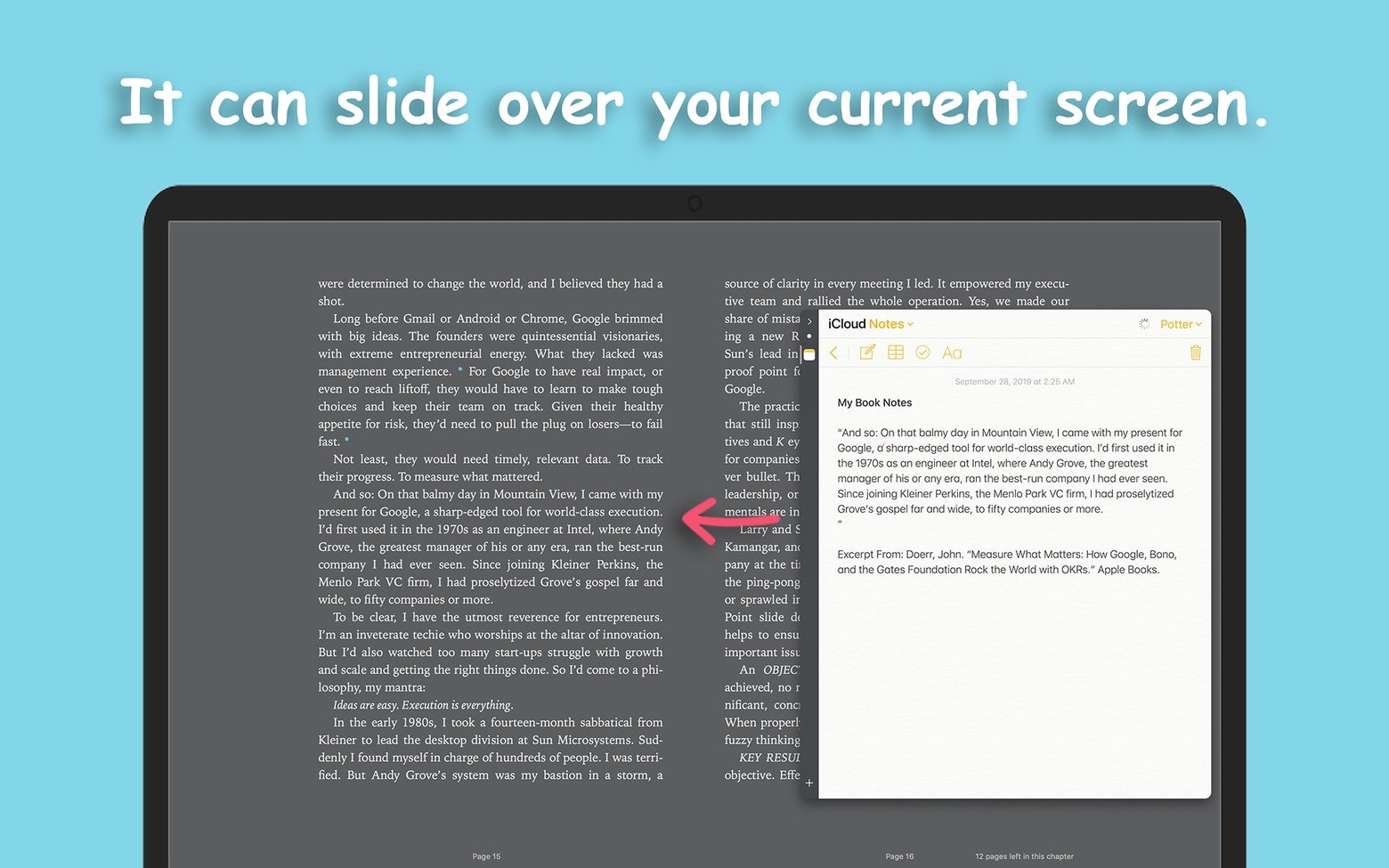
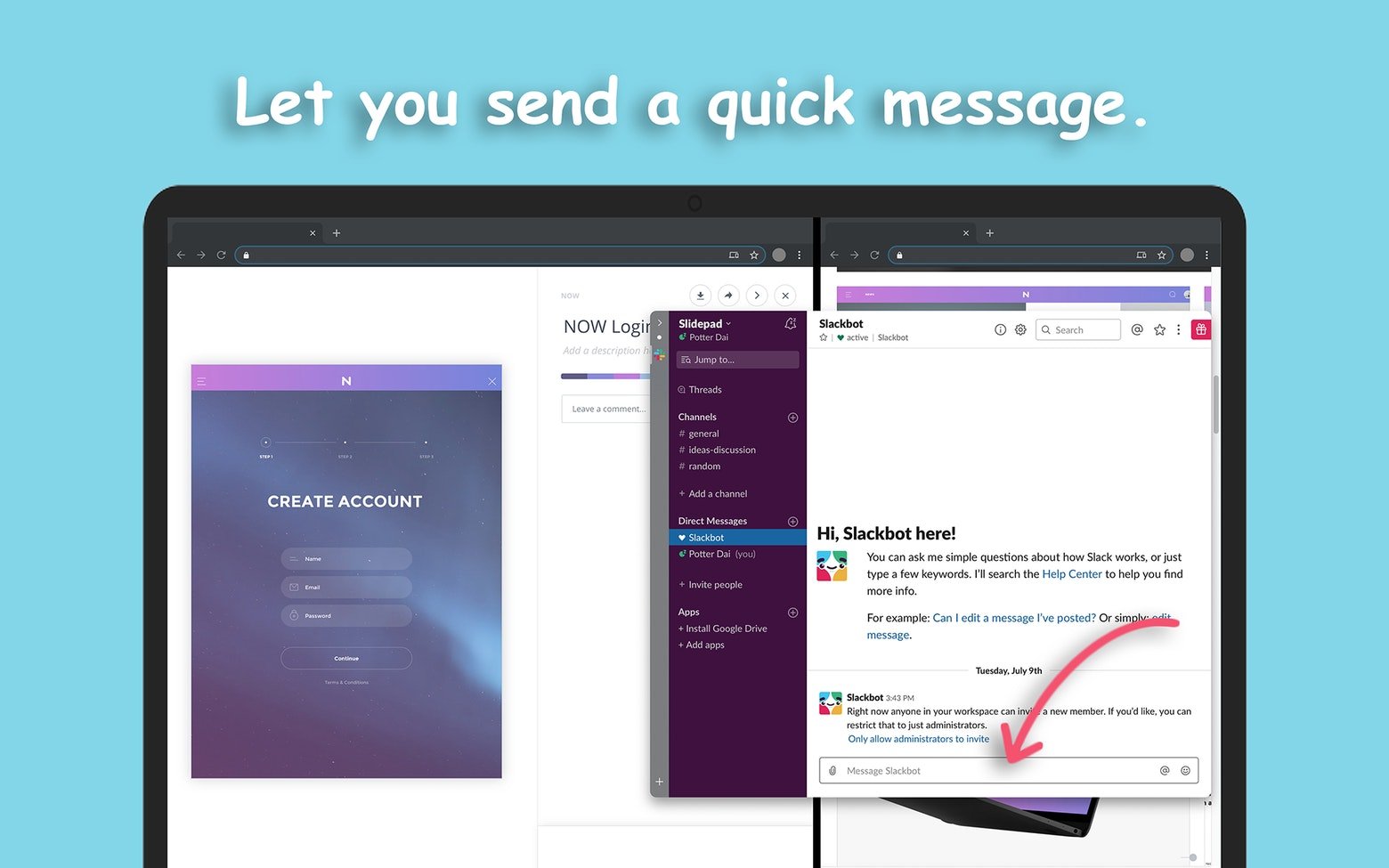
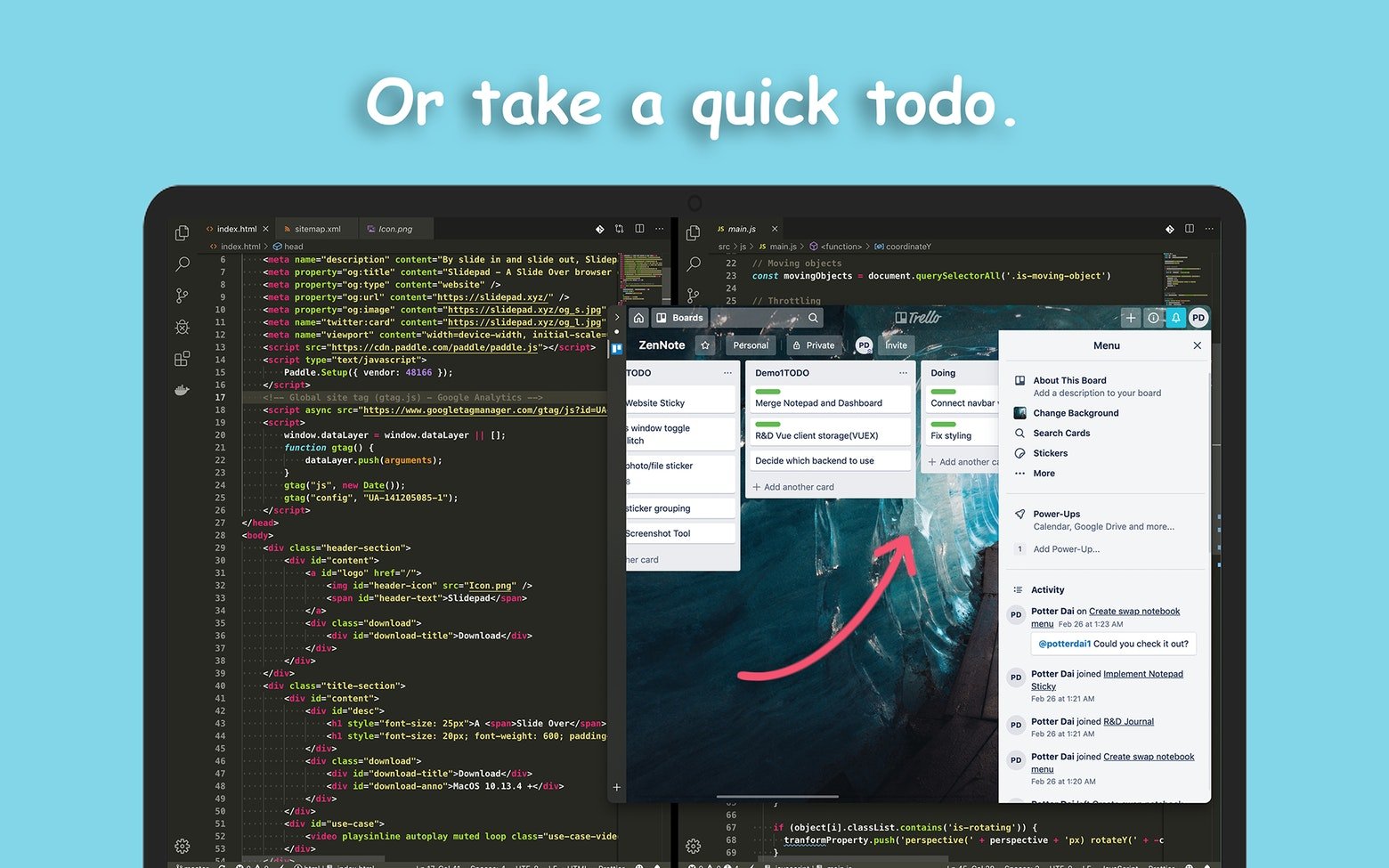
Slidepad is a streamlined browser that brings the flexibility of iPad-style multitasking directly to your Mac screen. Expand it or collapse it, instantly gaining access to all the websites or web applications you rely on throughout the day. Whether you need to send a message, watch a video, or check your to-do list — everything can be done remarkably fast without getting lost in countless tabs and cluttered interfaces. Experience a top-tier sliding sidebar inspired by the Slide Over feature on iOS 13, as well as productivity-focused applications like Franz and Station.
Intuitive Window Switching
The slidepad app places a slide-out panel right on your screen, already loaded with a curated collection of web applications such as Slack, Gmail, and YouTube — the online spaces that fill your everyday routine. Simply move your mouse cursor to the left or right edge of the screen for quick access and seamless switching between all of them.
Quick Actions to Save Your Time
Imagine you want to compose an email, and to do so you need to glance at your Calendar and check a recent conversation in Slack. With Slidepad on your Mac, you won't have to jump back and forth between separate programs. You can keep all your windows active and accessible at once without overwhelming or cluttering your desktop screen.
Limitless Workspace
Navigate anywhere you want using the powerful omnibox built into Slidepad. Whatever domain or service you wish to add, all it takes is simply typing a URL or entering keywords, just as you would in any standard browser. There are no restrictions on the number of added applications — slidepad mac expands and scales to fit exactly the workflow you need.
Customizable Sounds and Notifications
You can enable or disable Auto Mute within the application's Settings, and also assign specific sounds to each panel sliding motion. To strengthen the presence of your most essential applications in your daily life, take advantage of badge icons and live notifications — all consolidated within the single Slidepad window on your Mac.
Take Control of Your Navigation
Your browsing history on your Mac matters because it reveals which applications play the most critical role in your daily workflow. Slidepad, accordingly, preserves and stores that history for you. But privacy is equally important. Therefore, if you ever want to start fresh with a clean slate, Slidepad allows you to clear your cache and cookies directly from the convenient menu bar.
Extensive Compatibility
There are no limitations on the types of content you can interact with using this versatile tool. Whether it's a PDF document or a multi-window application, Slidepad will get you there without any hassle. The slidepad download includes built-in picture-in-picture support, so you can watch videos in floating windows while you work. And for macOS 10.14 and later, you can take full advantage of Dark Mode for a comfortable viewing experience.
Frequently Asked Questions
You May Also Like
Reviews & Comments
No comments yet.