
SiteSucker Pro
Description
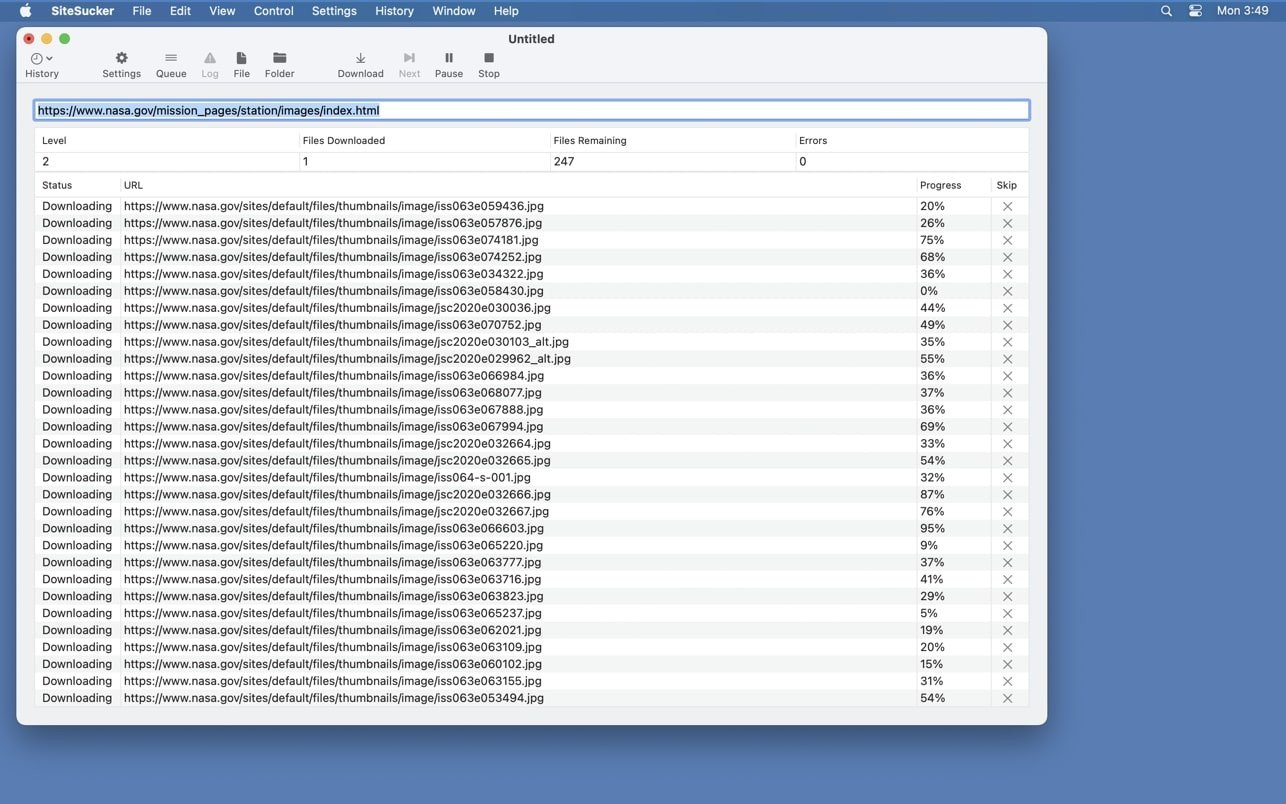
SiteSucker is a powerful application designed for Mac that automatically downloads entire websites from the Internet. It accomplishes this by asynchronously copying the site's web pages, images, PDF documents, style sheets, and other associated files to your local hard drive, faithfully duplicating the original directory structure of the website in the process.
SiteSucker Pro is an enhanced version of SiteSucker that adds the ability to download embedded videos, including embedded YouTube and Vimeo videos, making it an even more comprehensive website downloading solution for Mac users.
The SiteSucker Pro app is capable of downloading an entire website to your Mac computer while fully preserving its original structure, or alternatively, downloading only specific types of content such as images, archives, and so on. When downloading a website using the default settings, the application will not download files that have been added to the exclusion list found in the ROBOTS.txt file, which exists within the directory structure of every website on the Internet. However, this particular restriction can also be easily disabled within the application's settings if needed.
From the very moment a download begins, the application maintains a detailed log file of the operation, in which any errors encountered during the download process are recorded, along with certain other parameters that are specified in the corresponding settings menu item. The log file can be viewed by clicking the Open Log button located on the toolbar. The log file itself opens within the Console application on your Mac.
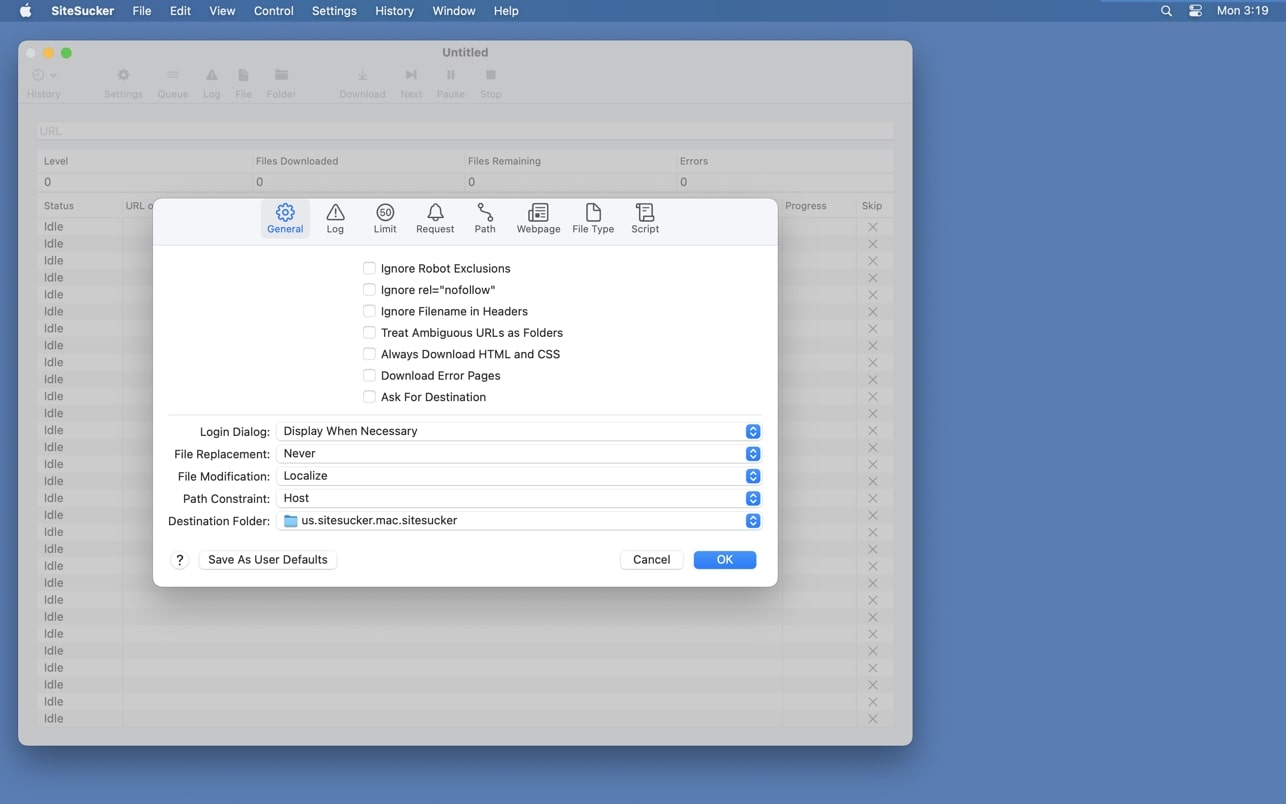
Functionally, all of the available settings are organized and grouped within a convenient drop-down menu
• GENERAL. This tab contains the most important and significant configuration parameters, such as the option to ignore exclusions specified in ROBOTS.txt, the behavior of the program when it encounters duplicate files during the download process, the selection of the destination folder on your Mac's hard drive, and various other essential options.
• LOGS. This section allows you to select which specific events are displayed and recorded in the program's log file.
• LIMITS. This tab provides configuration options for setting restrictions on the link depth to follow, the total number of files to be downloaded, their minimum and maximum file sizes, and other related parameters.
• FILE TYPES. Configuration of file downloading preferences. Within this particular tab, you can set up the SiteSucker Pro download process to retrieve either all files from a website or only files of specific individual types that you need.
The options available in the LIMITS and FILE TYPES tabs allow you to flexibly and precisely configure the downloading of various types of files, freeing you from the necessity of uselessly transferring many megabytes of unwanted and unnecessary files, and greatly simplifying the post-processing of the already downloaded website content on your Mac.
• PATHS. This tab allows you to add specific links to particular files or pages of the website that must either be downloaded without exception or deliberately skipped during the download process.
• ADVANCED. This section contains the extended and advanced settings of the SiteSucker Pro Mac application, which are not mandatory for everyday use but significantly expand the program's capabilities and flexibility. For instance, considering that some websites actively prohibit downloading their content using dedicated website download managers, SiteSucker has the ability to disguise itself by presenting a different user agent name — for example, it can masquerade as Safari or Firefox — thereby allowing you to bypass such restrictions and successfully complete the download.
Frequently Asked Questions
You May Also Like
Reviews & Comments
No comments yet.