Scapple
Description
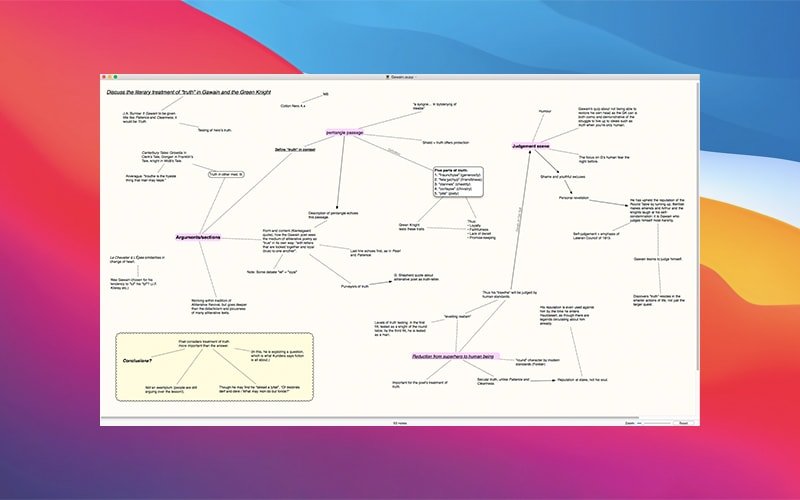
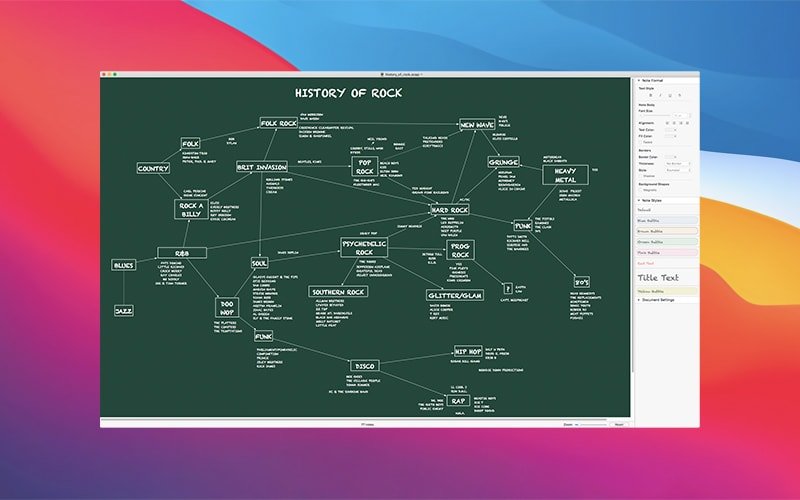
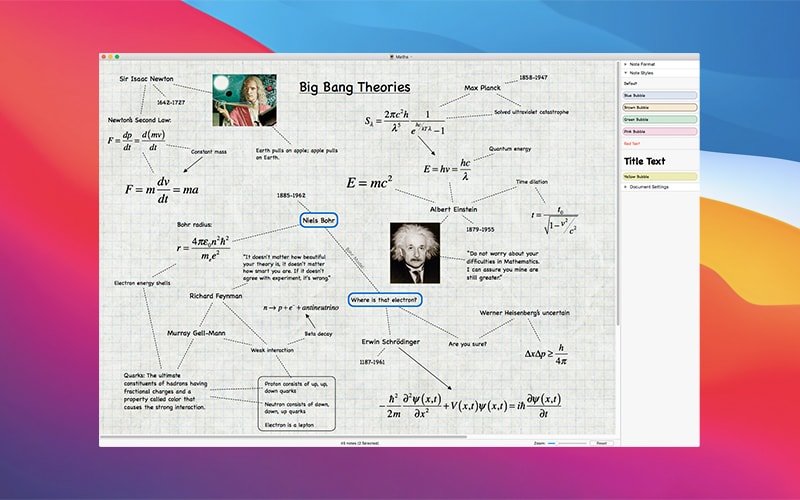
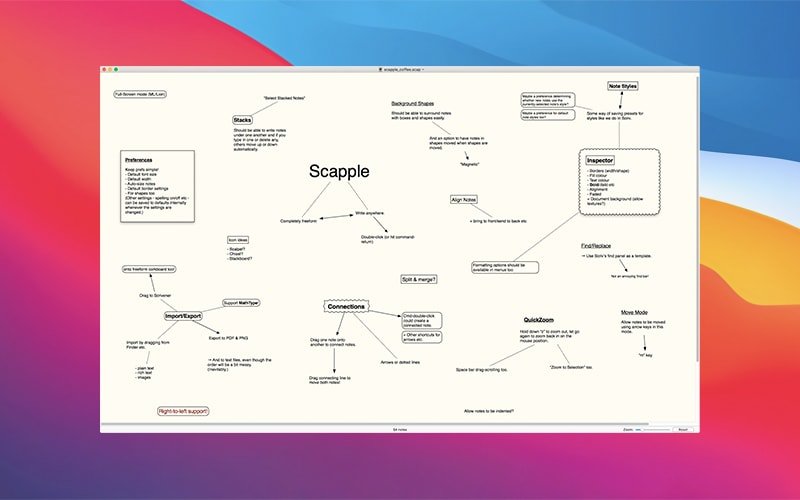
Scapple is an easy-to-use tool designed for your Mac that lets you generate ideas and establish connections between them as quickly as possible. It is not just a simple mind-mapping application — it is more like a freeform text editor that allows you to place notes anywhere on the page and connect them using straight lines or arrows. If you have ever jotted down ideas all over a sheet of paper and drawn lines between related thoughts to find parallels, then you already understand exactly what this scapple app does on your Mac desktop.
Scapple does not force you to create connections, and it does not expect you to begin with a single central idea from which everything else branches outward. In fact, there is no built-in hierarchy at all — in Scapple every single note is treated equally, so you are free to connect them in any way you like. The core philosophy behind this scapple mac tool is straightforward: when you are brainstorming and gathering ideas, you need complete freedom to experiment with how those ideas best fit together and relate to one another.
Creating notes is as simple as double-clicking anywhere on the canvas and then typing your text; forming connections between ideas is as effortless as dragging and dropping one note onto another. And unlike working with paper, you can freely move your notes around, rearrange them at any time, and never run out of space on the page. After you complete the scapple download and install it on your Mac, you will discover a truly unlimited creative workspace for all of your brainstorming sessions.
Frequently Asked Questions
You May Also Like
Reviews & Comments
No comments yet.