
RunCat

Description
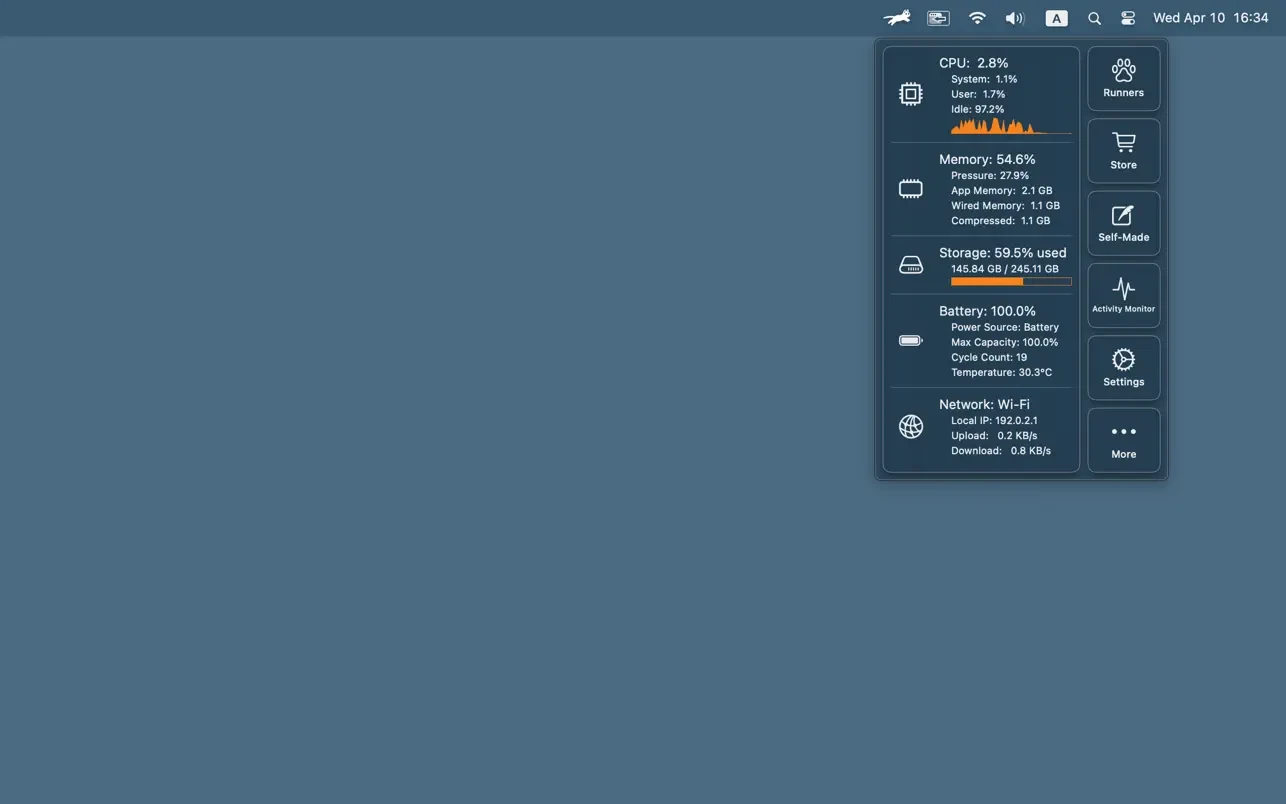
RunCat is an animated system monitor designed for the macOS menu bar. This runcat app allows you to visually assess the current system load using a running cat animation right in your menu bar.
Some of the key features of RunCat:
-CPU load monitoring. The speed of the cat's animation changes dynamically depending on the current CPU load of your Mac computer.
-Accessing additional information. You can click on the running cat to open an expanded window that displays more detailed system data and performance metrics.
-Displaying other system parameters. In addition to CPU load, the runcat mac utility shows memory usage, hard drive or SSD storage consumption, network connection status, and, in the case of MacBook laptops, the current battery condition and charge level.
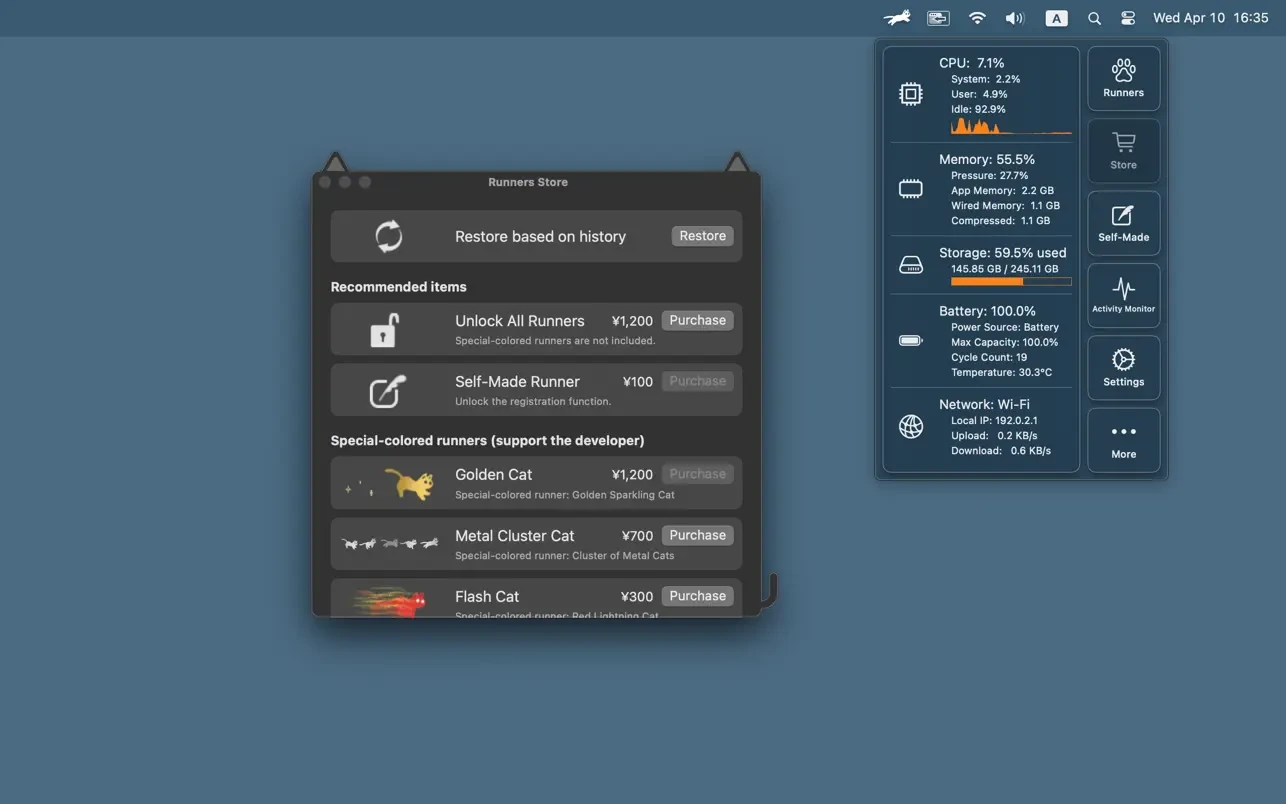
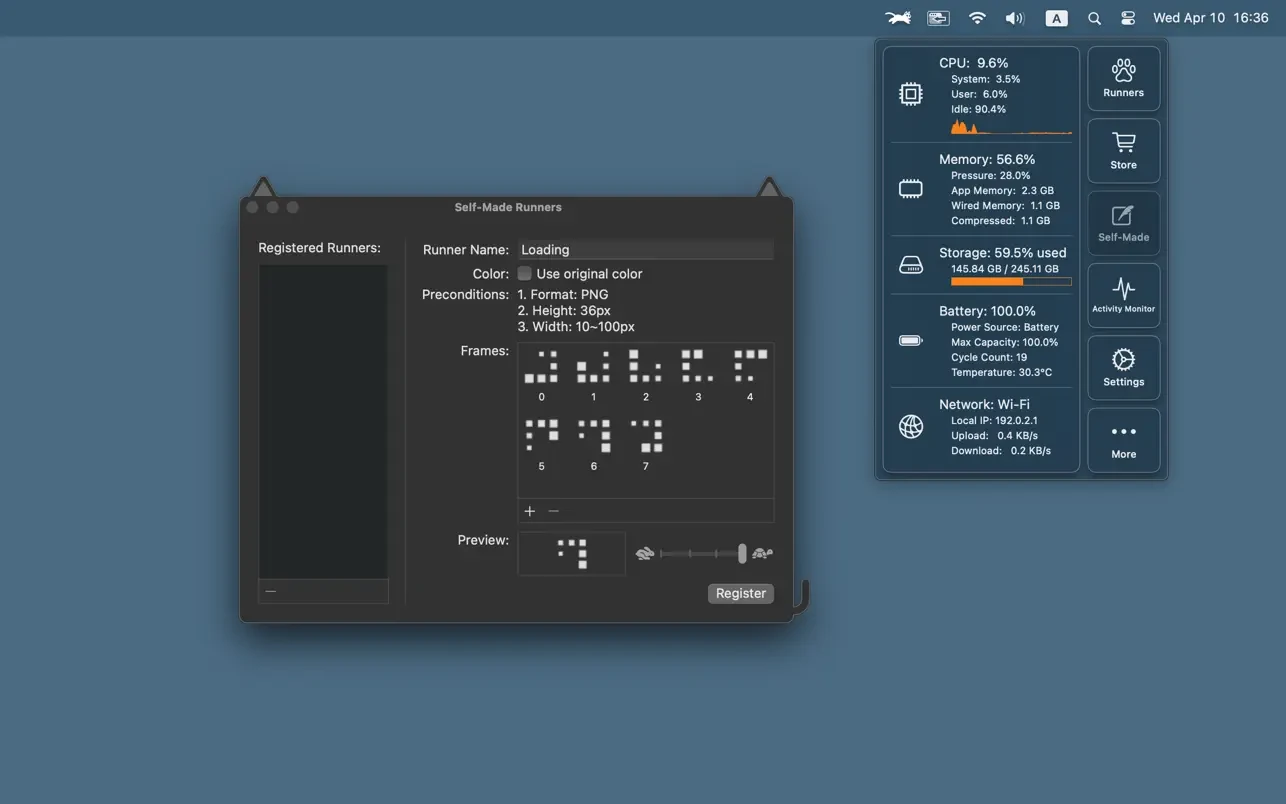
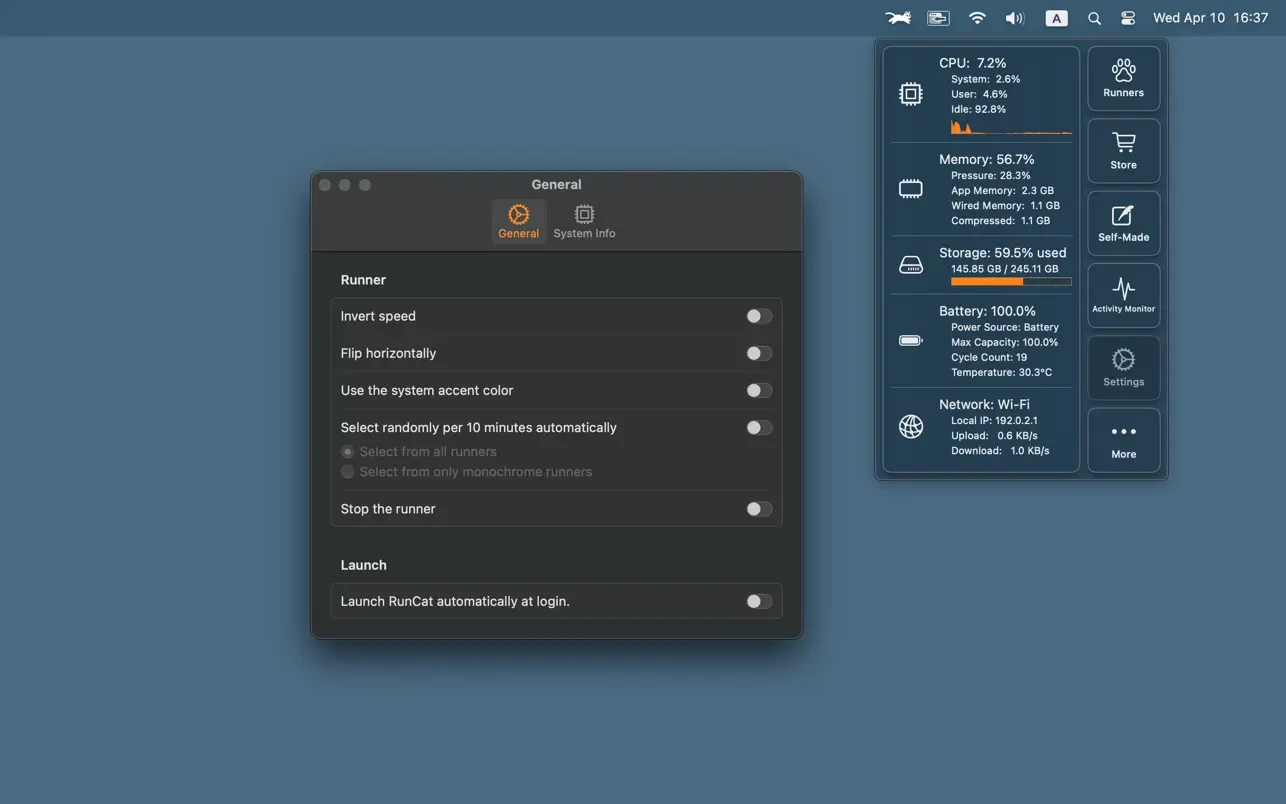
-Ability to pause the animation. The animation can be stopped at any time through the application's settings. Using custom graphics. Users can apply their own custom graphics as menu bar icons to personalize their experience. After the runcat download and installation, you can immediately start monitoring your Mac's performance in an intuitive and visually engaging way.
Frequently Asked Questions
You May Also Like
Reviews & Comments
No comments yet.