
Repo Prompt
Description
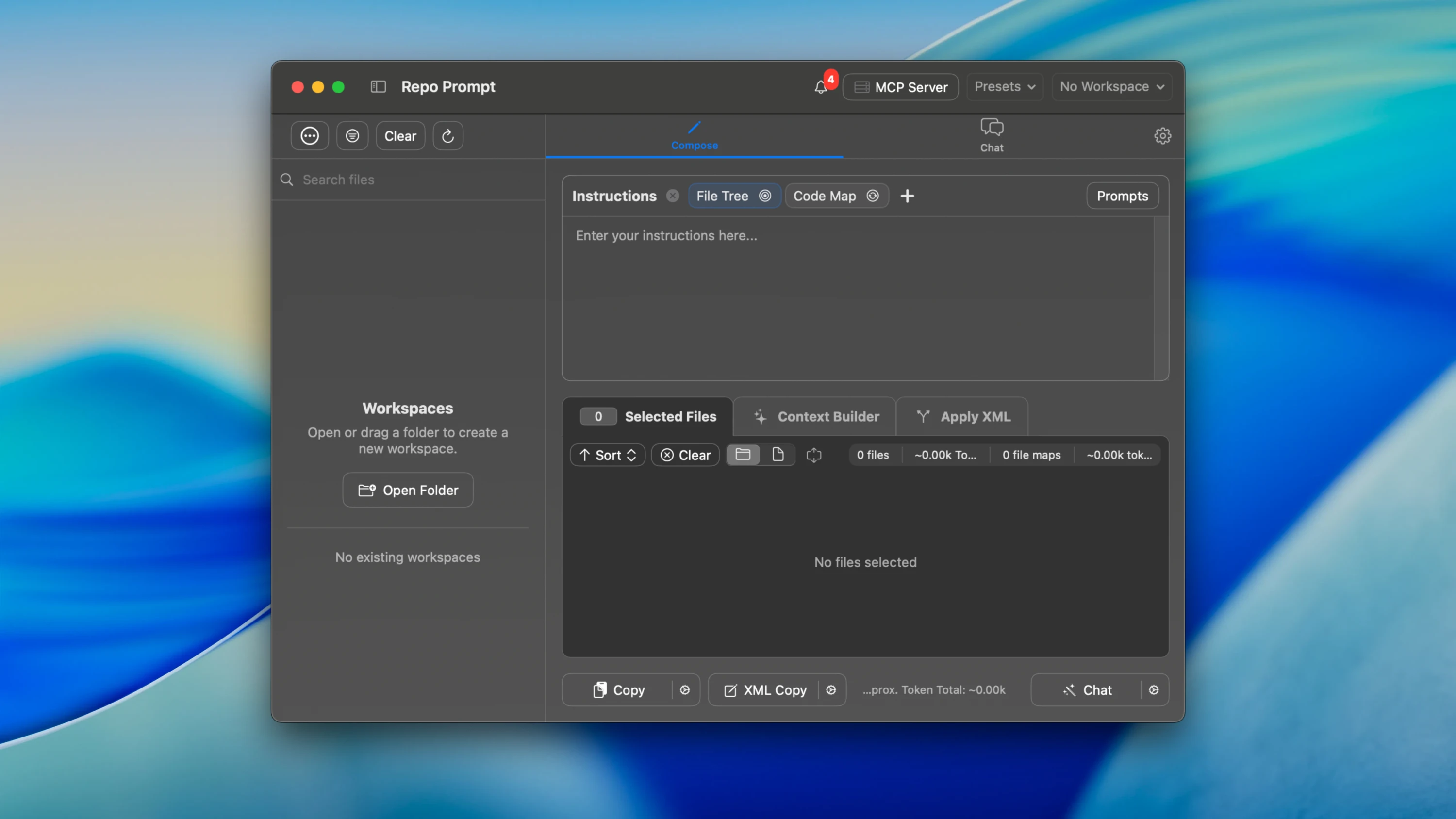
Repo Prompt is an application designed to simplify working with AI models during code development on Mac. It helps developers efficiently manage and modify code files using AI, providing precise context control and seamless integration with various models. The repo prompt app enables you to streamline your entire coding workflow directly on your macOS machine.
Goal: to make AI understand code the same way the user does, and to simplify the process of editing code with the assistance of AI on your Mac.
Features:
-Visual Context Engineering. A file tree interface where you can visually select, search, and browse files across your entire project with ease.
-MCP Integration (Model Context Protocol). Allows you to synchronize context, utilize file analysis, and pull information from multiple repositories directly within the tools you already use in your daily workflow.
-Multiple AI Model Support. You can connect to both local and cloud-based models (OpenAI, Anthropic, Gemini, and others) using your own API keys for maximum flexibility and control.
-Code Verification Mechanism. Lets you inspect and approve AI-generated code changes incrementally or in batches, ensuring nothing unwanted reaches your codebase.
-Token Optimization. Real-time visualization and optimization of token usage, helping you manage costs and efficiency when working with large codebases on Mac.
-Multi-Repository Support. Enables you to work across different projects simultaneously, making the repo prompt mac experience truly versatile for professional developers.
-Prompt Library. You can save and reuse effective prompts to boost productivity and maintain consistency across sessions. After you complete the repo prompt download, this feature becomes immediately available for enhancing your development process.
Frequently Asked Questions
You May Also Like
Reviews & Comments
No comments yet.