RazorSQL
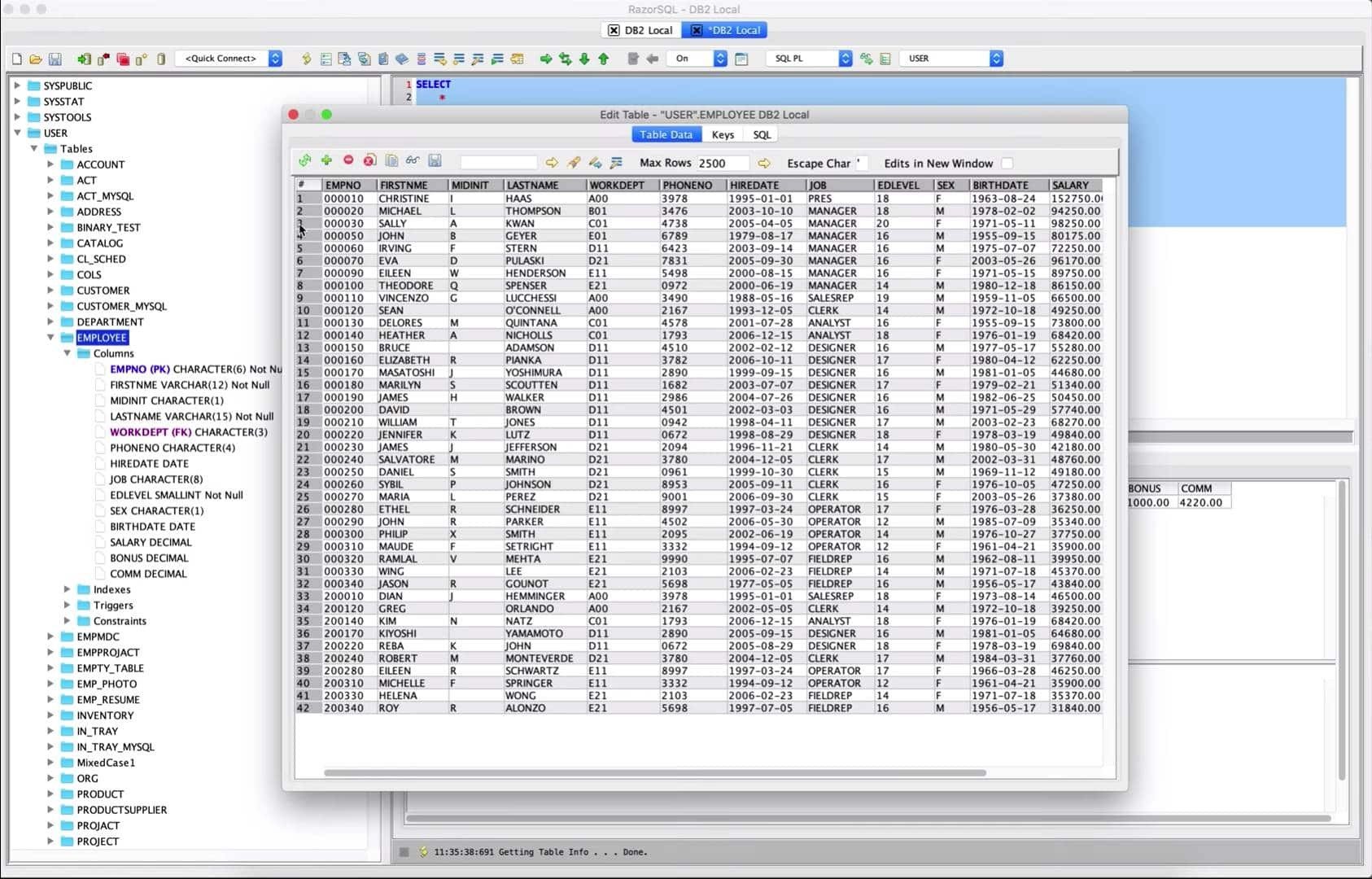
Description
RazorSQL – a powerful application for managing all major databases within a single unified interface on your Mac. This razorsql app allows you to run SQL queries, visually edit, create, modify, and browse tables, import and export data, build queries using the built-in query builder, and navigate databases through the database browser. The application also includes a built-in relational database engine that requires absolutely no configuration. RazorSQL for Mac works seamlessly with all popular databases, including MySQL, Oracle, DB2, Microsoft SQL Server, PostgreSQL, Microsoft Access, Pointbase, and Sybase.
Advanced Connectivity Options
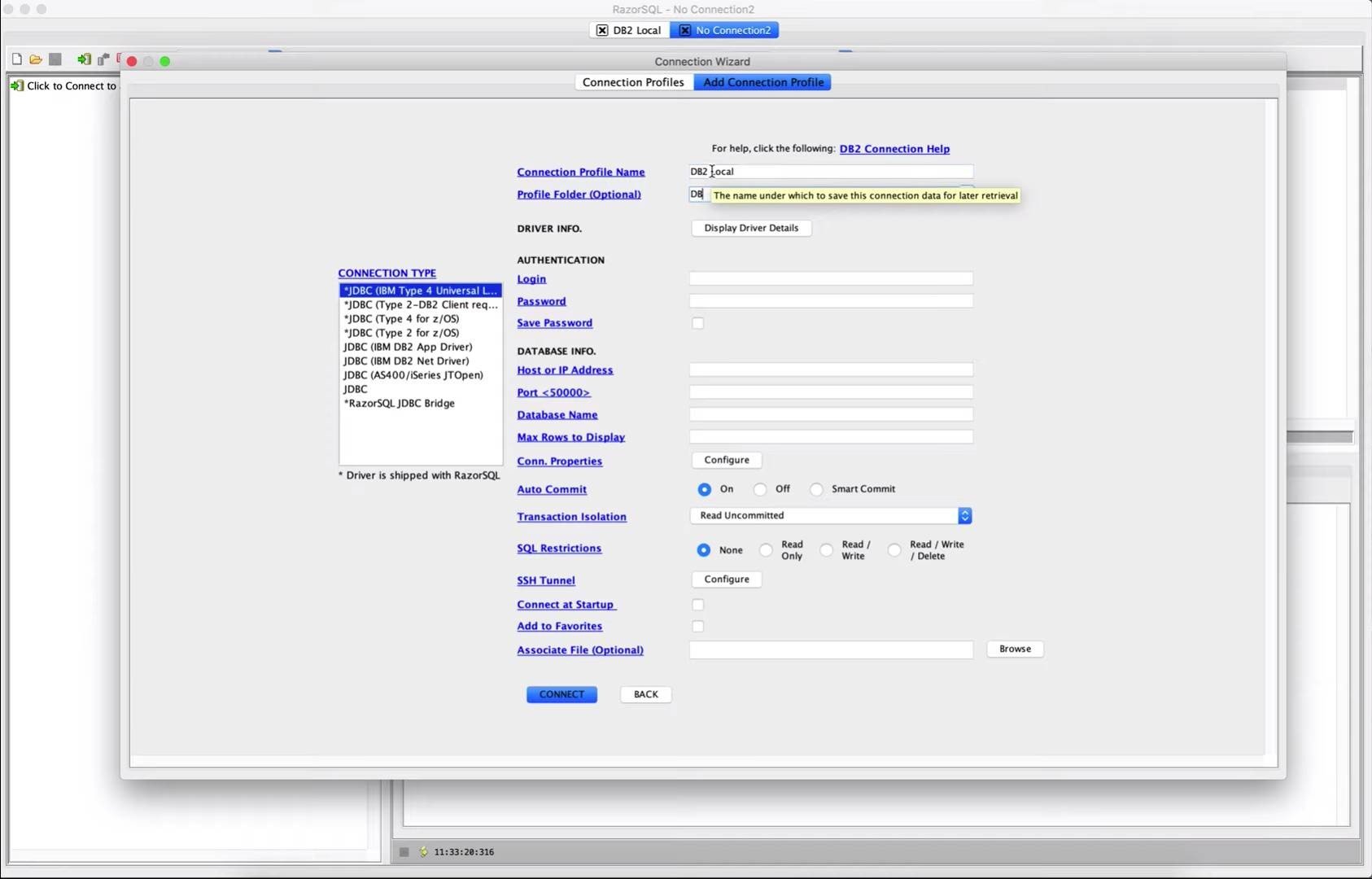
• Built-in native support for DB2, Derby / JavaDB, Firebird, FrontBase, HSQLDB, Informix, MySQL, OpenBase, Oracle, PostgreSQL, SQLite, SQL Server, Sybase Adaptive Server Enterprise, and Sybase SQL Anywhere. It can also connect to any database that supports JDBC or ODBC (Windows only), such as Access, Daffodil, H2, Ingres, Interbase, Mimer SQL, Mckoi, Paradox, Pervasive, Pointbase, Solid, and Teradata.
• PHP bridges for MySQL, PostgreSQL, and MS SQL Server to connect to MySQL, PostgreSQL, and SQL Server databases using PHP. Provides remote access to MySQL, PostgreSQL, or SQL Server databases running behind PHP-enabled web servers
• MS SQL Server ASP bridge for connecting to SQL Server databases via ASP. Provides remote access to SQL Server databases operating behind ASP-enabled web servers
• RazorSQL JDBC bridge for connecting to databases through a JEE/J2EE application server or servlet container
Database and SQL Tools
• Create, alter, and drop tables and views.
• *Create and drop Indexes and Sequences
• *Create and drop Stored Procedures, Functions, Packages, and Triggers
• *Create and drop databases and users
• Table Editing Tool
• *Edit Stored Procedures, Functions, Packages, and Triggers
• Describe tables and views
• DDL Generation Tool for generating DDL of tables, views, and indexes.
• View the contents of tables and views
• *View the contents of Stored Procedures, Functions, Packages, and Triggers
• SQL Query Builder for Select, Insert, Update, and Delete statements
• Export data in text, HTML, XML, Excel, delimited file format, or as insert statements
• Import data into tables from delimited files, Excel spreadsheets, or fixed-width files.
• Execute Stored Procedures
• *SQL Explain Plan Tool
• SQL Query Scheduler
• Compare table data or query results
• File Comparison Tool
• Zip Utility for viewing/extracting Zip files and Jar files
• File System Browser
• View database metadata (Functions, types, etc.)
• Command-line interface for running RazorSQL tools directly from the command line on Mac.
SQL Editor
• Syntax highlighting for SQL, PL/SQL, TransactSQL, SQL PL, Batch, C, COBOL, CSS, C++, C#, Java, JavaScript, JSP, HTML, PHP, Perl, Python, Ruby, Shell Script, and XML
• Auto table and column completion
• Auto Column Lookup
• Auto Table Lookup
• SQL Formatting
• Parameterized query support
• Execute, execute all selected, and batch execution functions
• Multi-tab query result display
• Sortable Query Results
• Filterable Query Results
• Searchable Query Results
• SQL History for all queries and Query Logging for each individual connection
• Auto function lookup for all supported programming languages and auto method lookup for Java and JSP
• Query List, Tag List, and Function/Method List options for interactively displaying queries, tags, or functions/methods contained within the editor
• File tools such as head, tail, get section, search/regex, move, copy, rename, delete, size, and get detailed information.
• Type-ahead feature for populating user-defined text with a single mouse click
• Regex Find, Find/Replace, Find/Replace across multiple files
• Bracket matching, Tag matching, and Go-to-line commands
• Printing support for editor contents and query results output
• Support for dozens of different file encodings
• Built-in and custom user-defined templates
• Keep-alive connection maintenance
• Plugin API (allows users to add custom functionality to the razorsql mac environment)
Database Browser
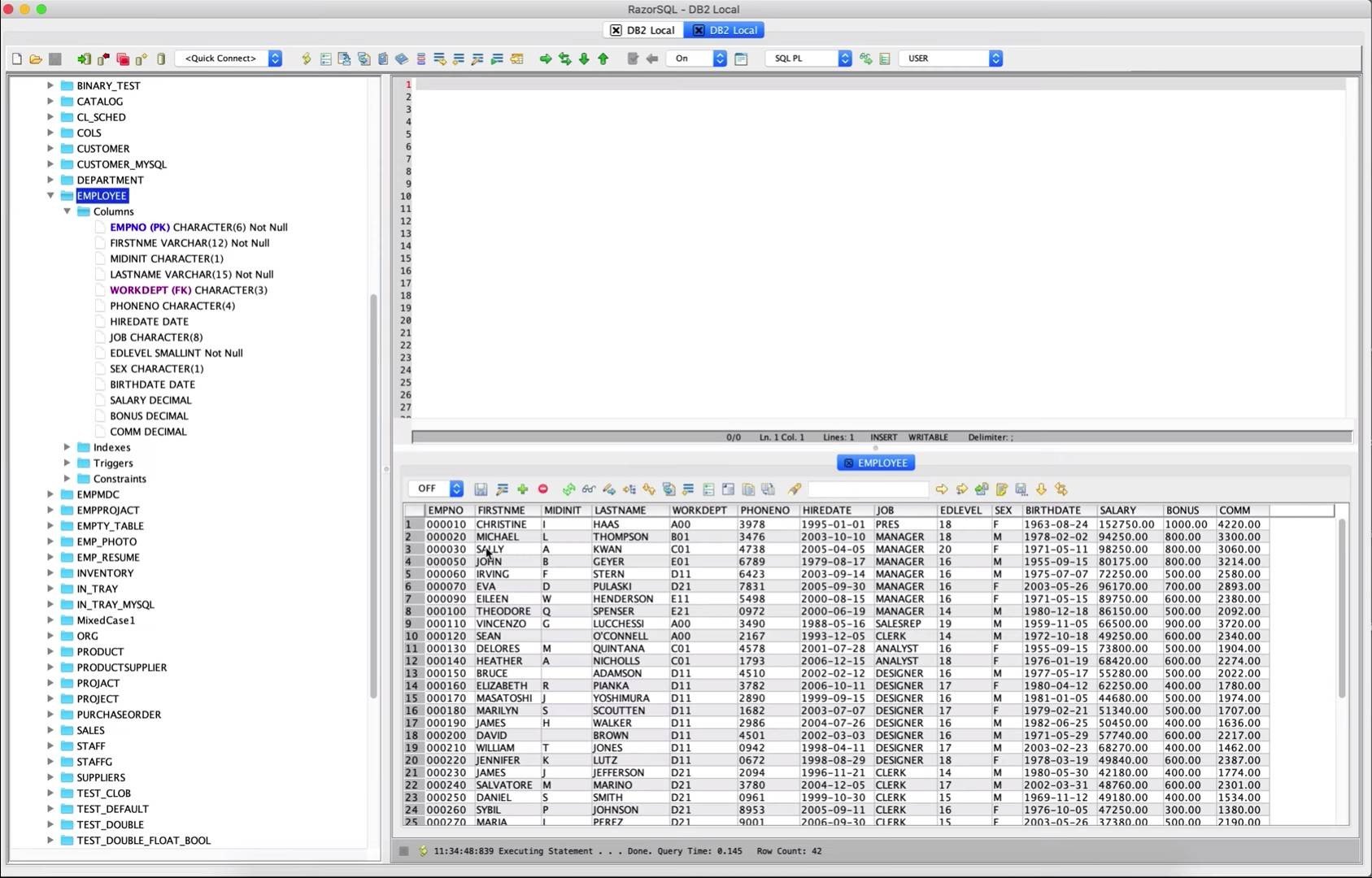
• Tree structure for navigating through database objects
• Use database-specific system queries provided by RazorSQL, or user-supplied queries, to navigate the database, or navigate database structures using default JDBC/ODBC driver settings.
• One-click content viewing for tables, views, and other objects
• Column information including column name, keys, data type, nullable information, and more.
• *Displays information about objects such as procedures, functions, triggers, indexes, constraints, sequences, and more.
• One-click DDL generation for tables, views, and indexes.
• Search tables and browse their data contents.
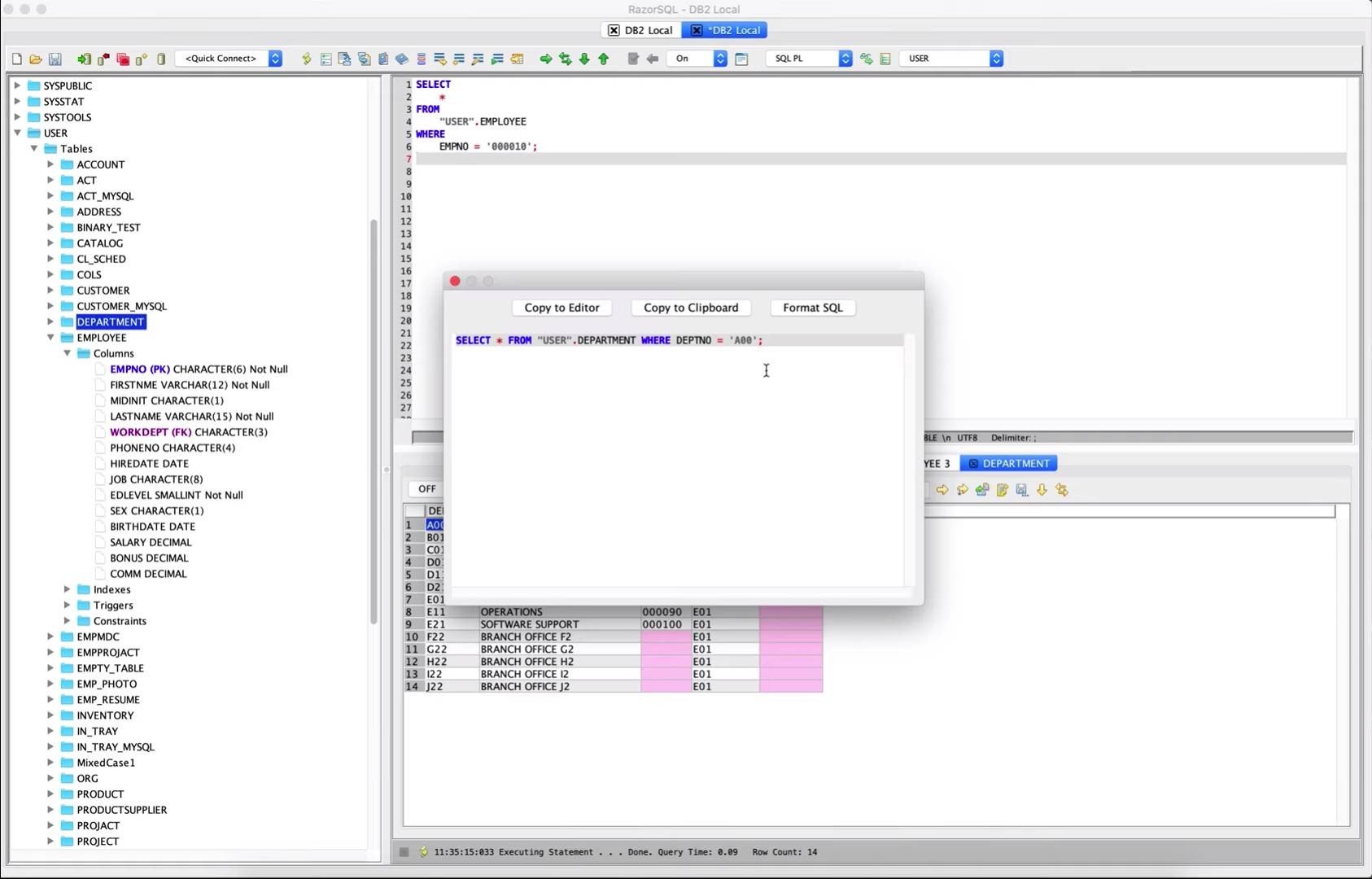
• One-click generation of SQL select, insert, update, and delete queries.
Built-in Database
• Requires no configuration by the end user on Mac
• Connect to a reliable and robust database right out of the box after razorsql download
• Utilizes the powerful and proven HSQLDB database engine
Frequently Asked Questions
You May Also Like
Reviews & Comments
No comments yet.