Description
Raycast Pro — an incredibly fast and fully extensible launcher for Mac. It lets you complete tasks, perform calculations, share common links, and do so much more right from your desktop.
Raycast Pro is a cutting-edge tool designed to streamline and optimize your everyday tasks on Mac. Acting as a personal assistant deeply integrated into macOS, it is just one keystroke away from you and empowers you to work smarter, code faster, and get instant answers thanks to the power of artificial intelligence built directly into the application.
Are you tired of jumping between browser tabs and various tools just to get your work done? The simplest things sometimes require far too many clicks and unnecessary steps. But with the Raycast Pro app, you can control all of your tools in just a few keystrokes. The command-line-inspired interface unifies your tools as commands, helping you cut through the noise and focus on what truly matters throughout your workday on Mac.
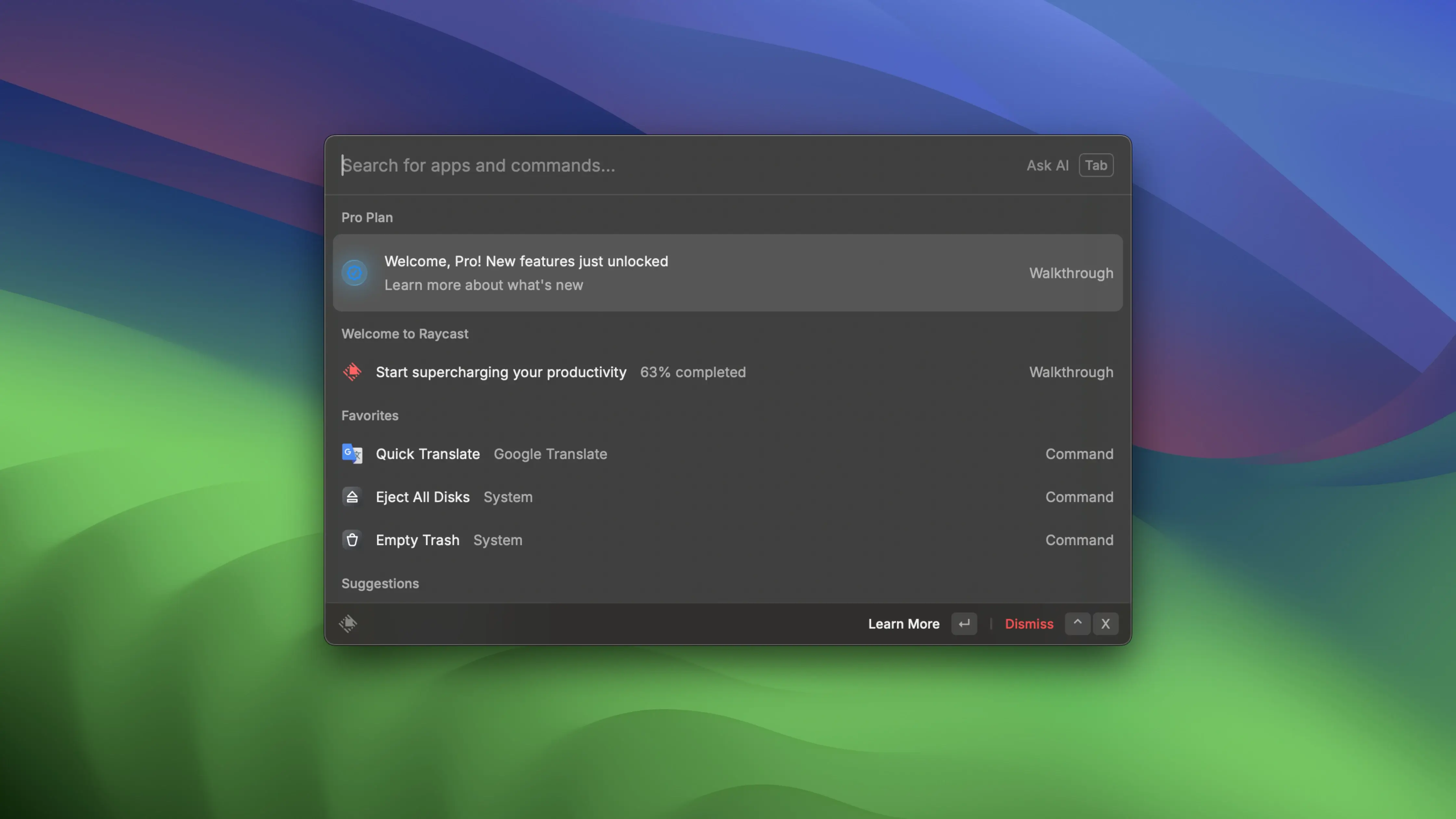
The Raycast Pro interface is known for its exceptionally clean and easy-to-use design. You simply press ⌥ + Space, and a sleek floating interface appears right in front of you, giving you immediate access to everything you need to do within the application without any distractions.
This application is built with integrated shortcuts and commands that dramatically speed up access to specific functions on your Mac and a wide variety of tasks. If you want to create a custom command for defining words, you simply need to go into the extensions menu, write the command for it, and then everything is ready to go. This works for absolutely any action that you want to automate using commands on your Mac.
If the built-in features are not enough for your needs, you can add your own script commands, including access to more than 400 scripts already created and shared by the active Raycast community.
Third-Party App Integration You can connect Raycast to third-party applications and execute custom commands for actions within those apps. One example of this is the ability to connect your Google account to Raycast. From there, you can run a customizable command to create a new Google document or search through your entire Google Drive library directly from the launcher.
Another example is the ability to connect your Zoom account to the launcher. If you are a college professor or a remote team leader who constantly schedules meetings throughout the day, you will certainly find this feature invaluable. After connecting your account, you can set up commands for scheduling meetings, starting meetings instantly, and viewing all of your upcoming meetings at a glance.
Other Features: Suppose you want to program a command to navigate to a specific webpage quickly. The Quicklinks feature allows you to do exactly that with minimal effort. You can even choose which browser or application you want to open those links in on your Mac. You can search for local files using a command and execute commands to view your calendar schedule without ever leaving the launcher interface.
Floating Notes are also an excellent addition to the Raycast Pro Mac experience. For those of you who quickly think of something important and want to jot it down immediately, the floating notes window is perfectly suited for that purpose. After writing a note, you can share it with your Apple Notes, send it to someone via iMessage, or simply copy it to your clipboard for later use.
These are just some of the many wonderful features that are available in Raycast. So, we strongly recommend that you try the Raycast Pro download if you are looking for a program that simplifies creating useful shortcuts and automating your workflow. Be sure to explore Raycast if you are interested in boosting your productivity on Mac!
Frequently Asked Questions
You May Also Like
Reviews & Comments
No comments yet.