Description
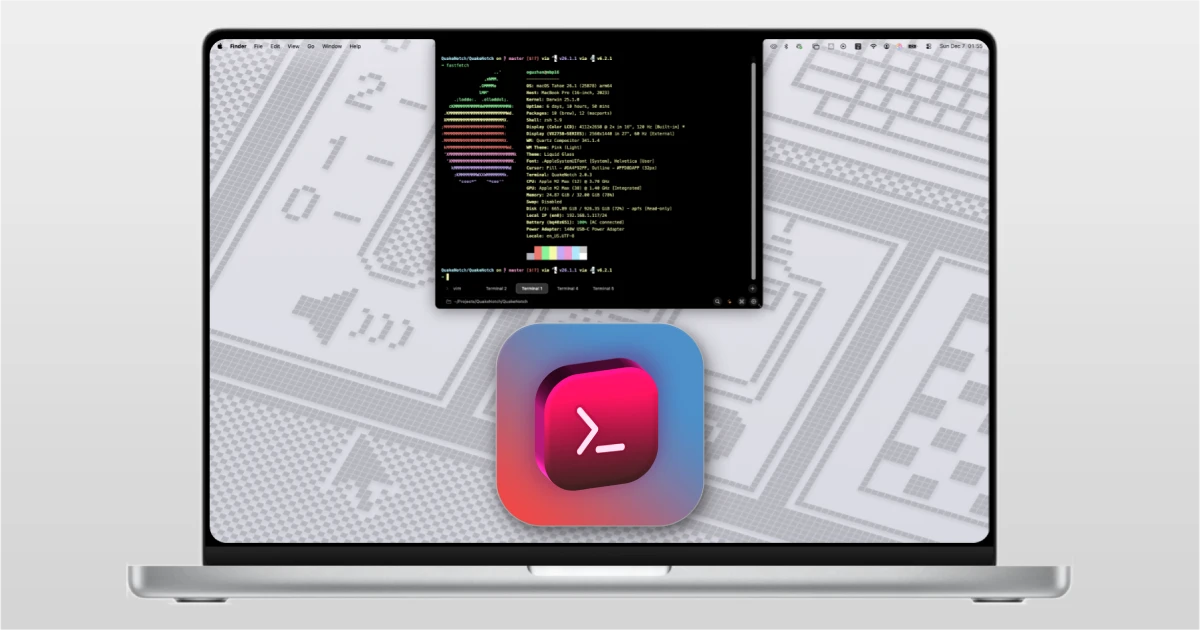
QuakeNotch is an application that transforms the notch at the top of your MacBook screen into a versatile multifunctional tool designed for productivity and convenience on Mac.
Key features: -Quake-style Terminal: The primary function of the quakenotch app is a drop-down terminal emulator that can be triggered with a hotkey and slides out directly from the screen notch, inspired by the classic in-game consoles from the Quake video game series.
-Apple Music Control: The program seamlessly integrates with the Apple Music player, allowing you to browse album artwork, search for tracks, and control music playback directly through the notch area on your Mac.
-AI Command Generator: A built-in artificial intelligence engine, running entirely locally on your device, enables you to convert natural language requests into terminal commands effortlessly. After quakenotch download and setup, this feature works without any internet connection.
-Progress Monitoring: The quakenotch mac utility can display progress bars for CLI commands directly within the notch area of the screen, keeping your main workspace clean and uncluttered while tasks are running in the background.
Frequently Asked Questions
You May Also Like
Reviews & Comments
No comments yet.