
PullTube
Description
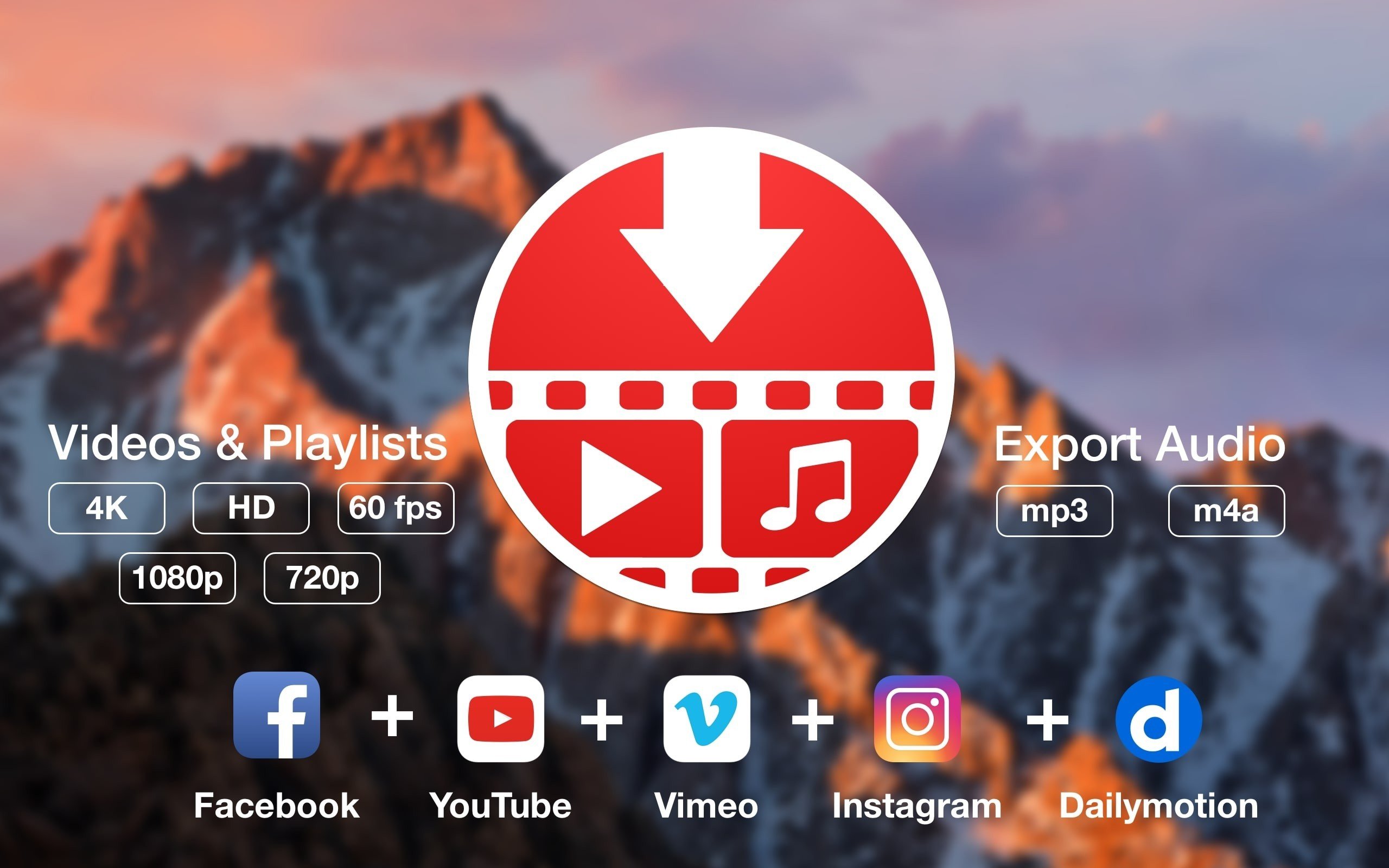
Download online video or audio hosted on YouTube or Vimeo, including entire playlists, while preserving the original format or extracting audio only on your Mac.
Sharing video through internet hosting services such as YouTube or Vimeo is a common practice, but streaming content may not function properly if you have a slow or unstable internet connection on your Mac.
PullTube offers you the ability to download videos from both sources (YouTube and Vimeo) directly to your Mac. The pulltube app can handle playlists, allows you to select the quality of the downloaded output, and can even extract audio only. This is a powerful video downloader that can import links via drag and drop and can automatically detect playlists. PullTube streamlines the entire workflow for quickly saving videos from YouTube or Vimeo and provides full control over the output quality, while also allowing you to extract audio into MP3 or M4A files on your Mac.
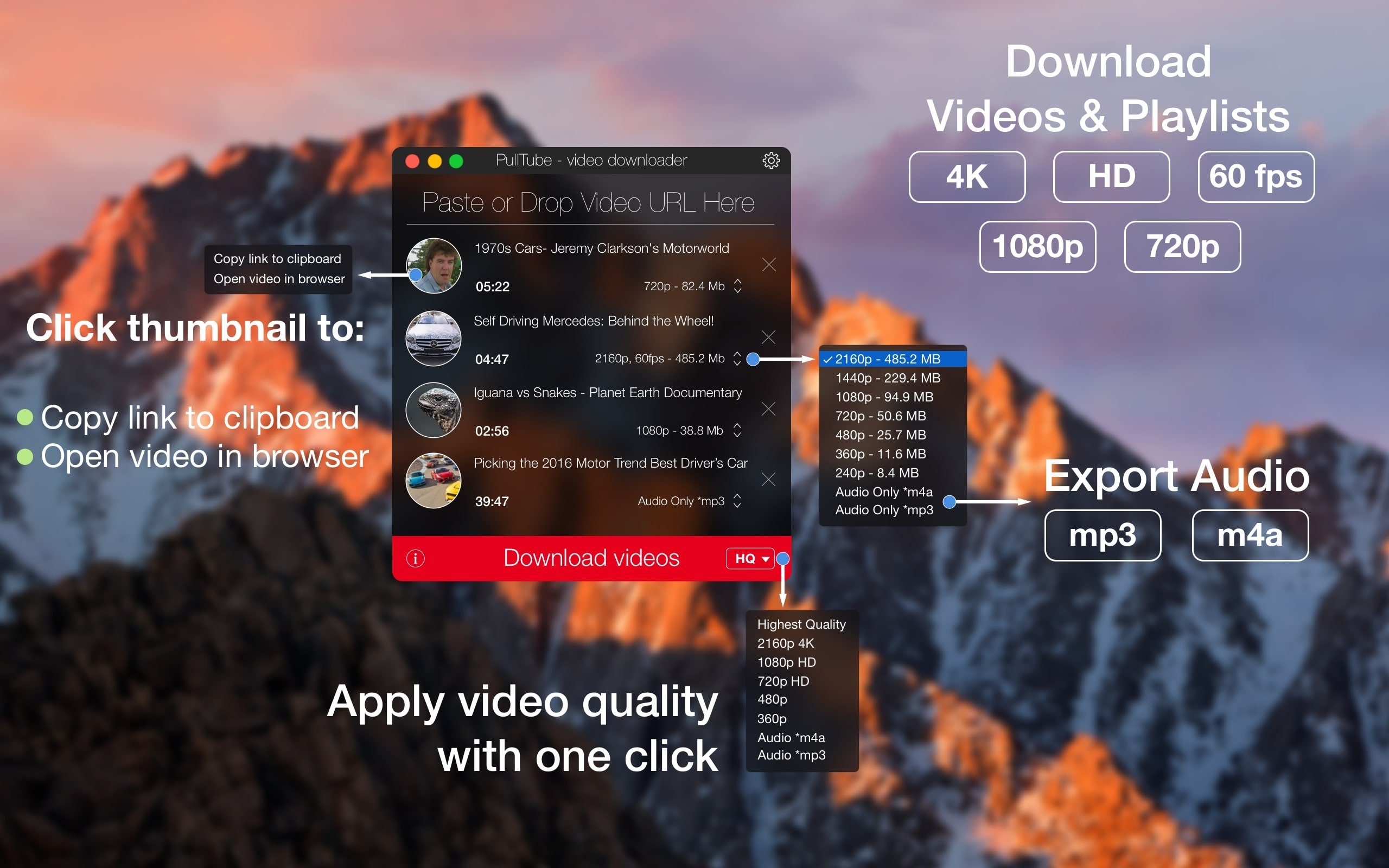
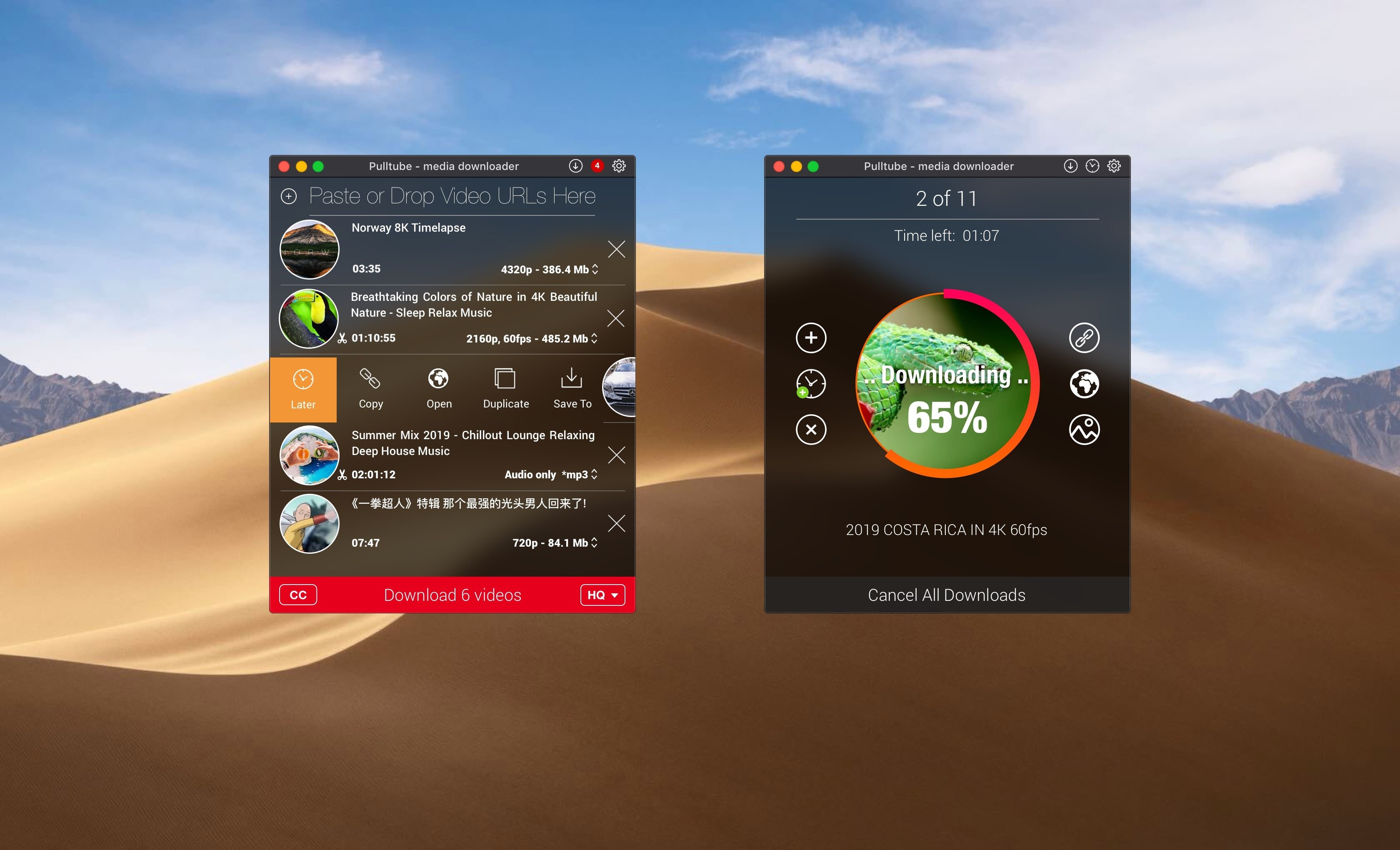
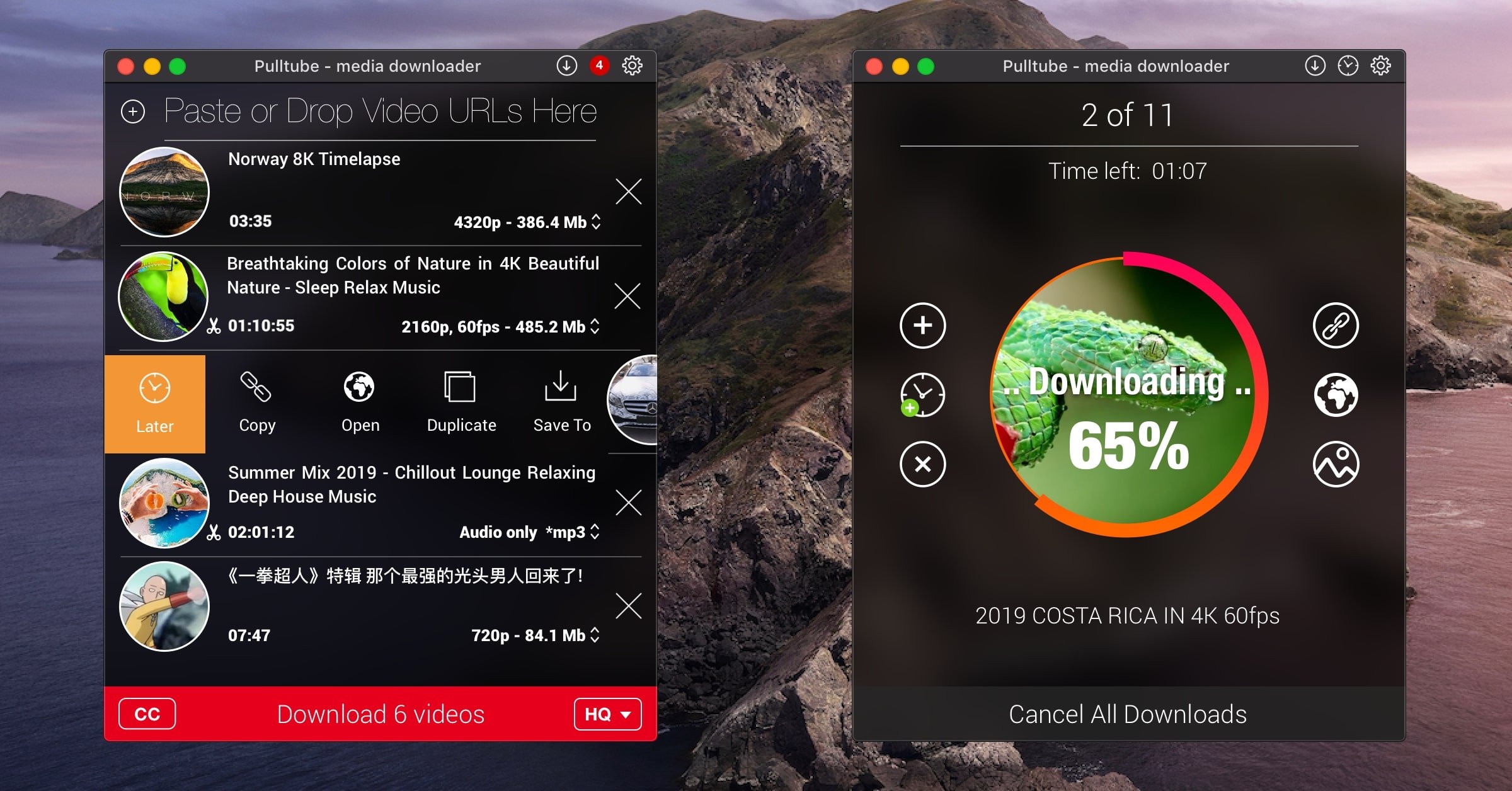
The user interface of the pulltube mac application features a compact window where you can quickly paste a video URL. If PullTube detects that the video is part of a playlist, it will offer to download the entire collection: it will sequentially fetch data for each entry and process all the downloads one by one.
Downloading videos hosted on YouTube or Vimeo with various output sizes and formats is straightforward. The pulltube download process begins fetching video data immediately, so you can see the video title, duration, and a small thumbnail right away. When configuring the download settings, you can choose the quality of the output (highest, 4K, HD, or standard with various resolutions) or opt to export only the audio as an M4A or MP3 file.
Using the preferences panel in PullTube on your Mac, you can change the default download location and adjust the default MP3 bitrate settings (320kbps, 256kbps, 128kbps, 64kbps). You can also append quality information to the video file name and choose to automatically quit the application when all downloads have been completed.
Frequently Asked Questions
You May Also Like
Reviews & Comments
No comments yet.