
Proxyman
Description
Proxyman is a modern and intuitive HTTP Debugging Proxy application designed specifically for Mac. Don't let clunky and cumbersome web debugging tools hold you back or slow down your workflow. With the native Proxyman app for macOS, you can effortlessly capture, inspect, and manipulate HTTP(s) traffic with precision and ease.
Key Features: - Inspect HTTP/HTTPS traffic in plain text - SSL Proxying - Proxying on iOS devices, iOS Simulator, and Android - Export requests/responses - Content filter - Body syntax highlighting - JSON/Tree view format - Horizontal/Vertical layout - Finder - Multiple tabs - Custom preview tabs - Custom header columns - Highlight with color and add comments - MessagePack body previewer - JSONPath filter - Customize toolbar - SSL Proxy server
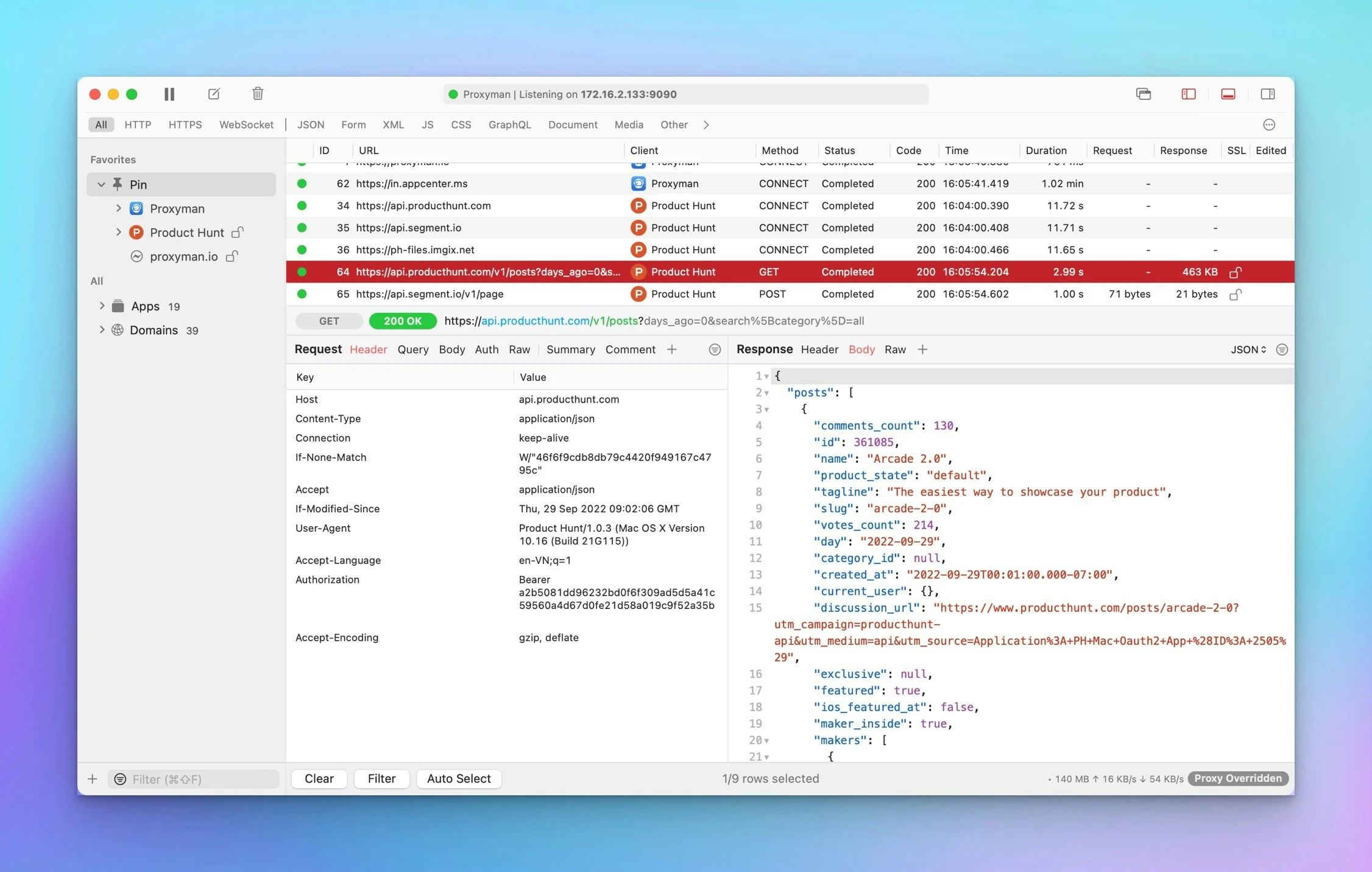
Proxyman mac acts as an intermediary server that intercepts the traffic between your applications and the SSL web server. With the built-in macOS configuration, you can inspect your HTTP/HTTPS requests and responses in plain text with just a single click of your mouse.
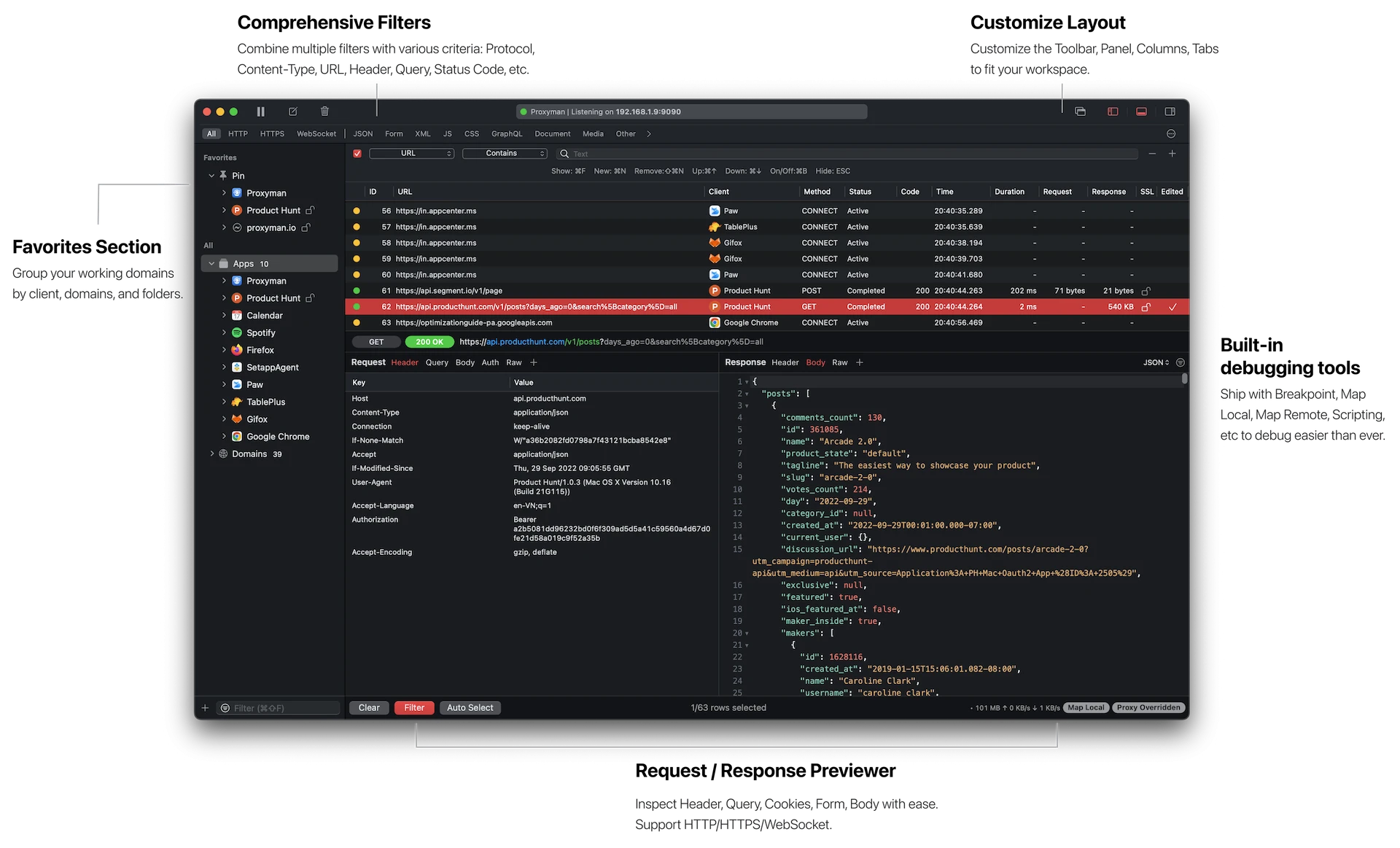
Multiple Filters Narrow down your search results using the powerful multiple filters in Proxyman. You can combine complex filtered criteria such as protocol, content type, URL address, request header, response header, body, and more, which will precisely locate exactly what you are looking for in your network traffic.
GraphQL Debugging Easily debug GraphQL queries by defining a matching rule with a specific GraphQL query name. This works seamlessly with Breakpoints, Map Local, Map Remote, and the Scripting Tool for comprehensive debugging workflows.
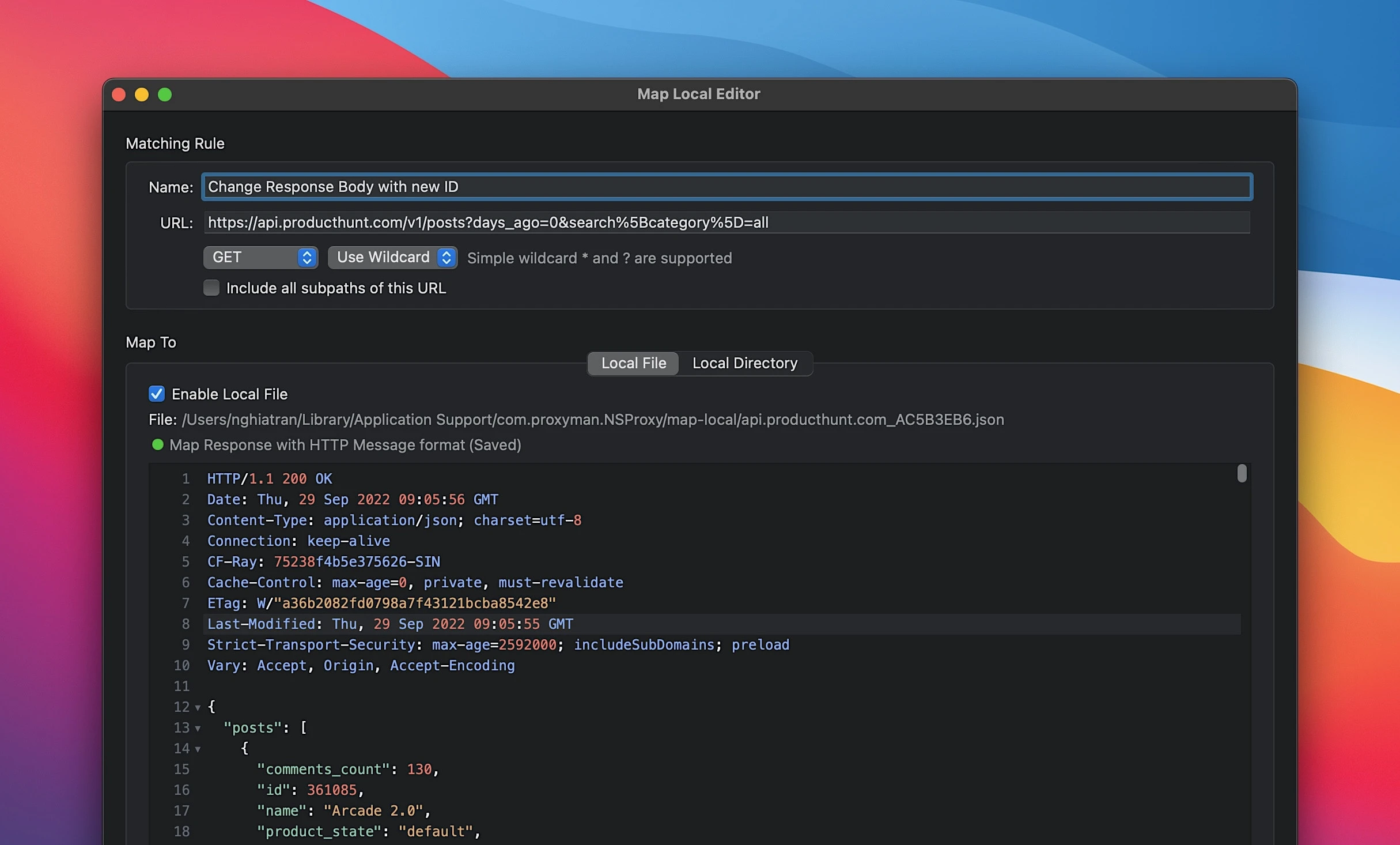
Map Local Tool The Map Local Tool allows developers to simulate a response using a local file stored on their Mac. Increase your development speed by directly modifying the response with the status code, header, and body, without waiting for the backend team to make changes.
Easily find bugs. Quickly spot the differences between requests and responses using the built-in Diff tool that comes integrated within the application.
Zero-Setup for backend development. One click to inspect HTTP traffic from NodeJS, Ruby, and Python directly on your Mac without any additional configuration steps required.
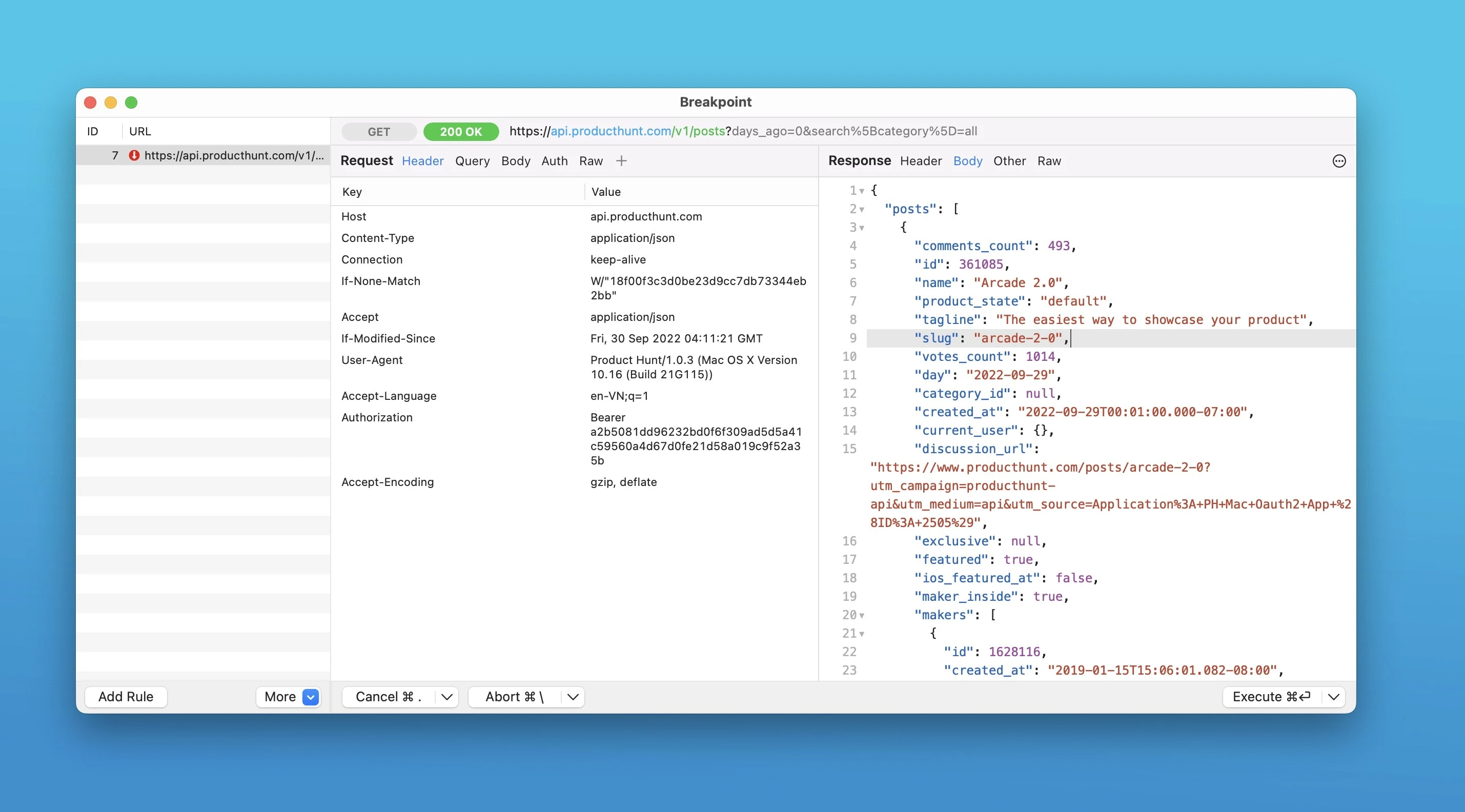
- Support for popular networking libraries - NodeJS — axios, fetch (v18+), node-fetch, got, https, and superagent. - Ruby — http, net/http, net/https, httpparty, and faraday. - Python — requests, aiohttp, http.client, urllib3, and httpx. - Other — cURL, httpie, ElectronJS. - Advanced Features - Proxy helper tool - Map Local (file/directory) - Map Remote - Breakpoint - No Caching - Repeat requests - Compose requests - WebSocket debugging - Save session - Blacklist - Allow list - External proxying (HTTP/HTTPS/SOCKS/PAC) - Protobuf - Import Charles Proxy files - Custom root and client and server certificates - Wildcard and Regex matching rules - Scripting (Rewrite) - JS Addons and code snippet - Atlantis Framework for iOS - GraphQL debugging - Network Condition (network throttling) - Multiple filters - Publish to Gist - Reverse Proxy - Code Generator - Command Line - Diff for request/response - Access Control - Automatic/Manual setup. After you complete the Proxyman download, you will have access to all of these powerful features to streamline your entire debugging process on macOS.
Frequently Asked Questions
You May Also Like
Reviews & Comments
No comments yet.