
Prompt 3
Description
Prompt 3 — an application for managing servers and configuring websites, available on Mac and other Apple devices.
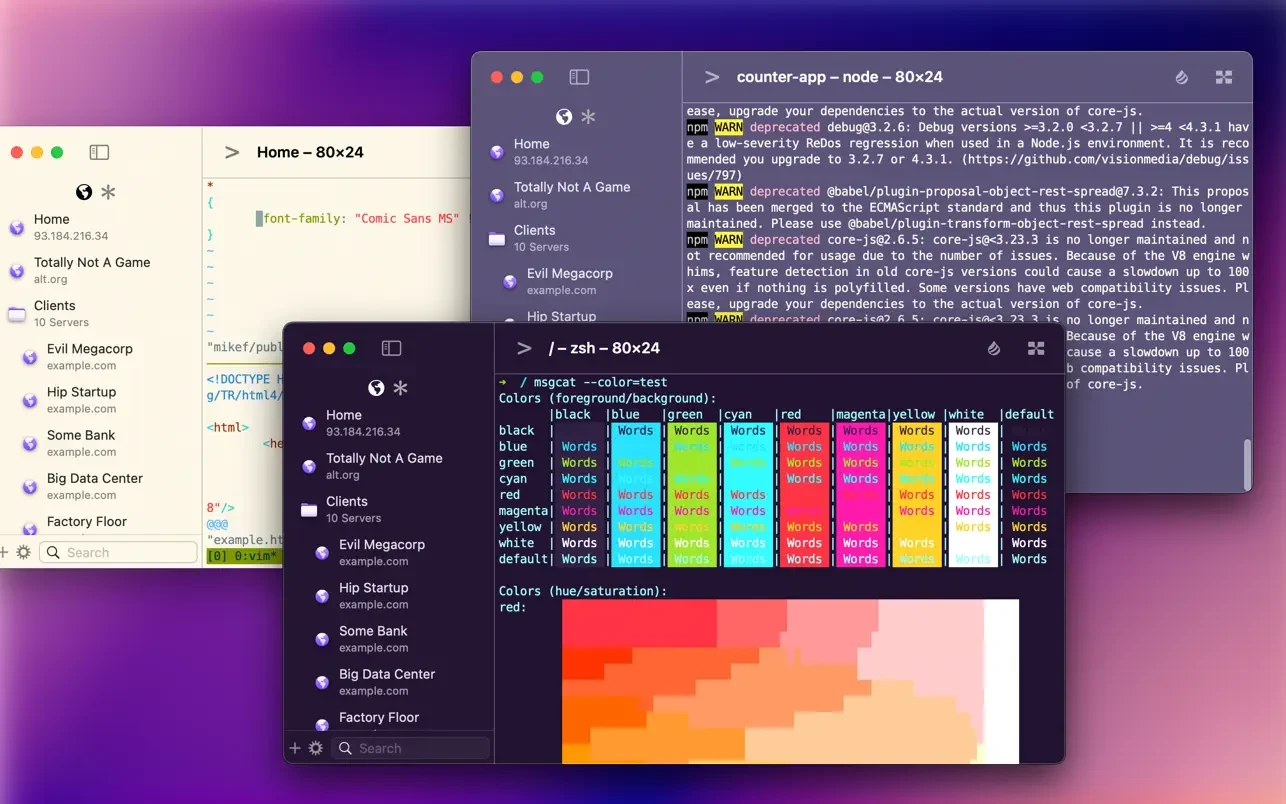
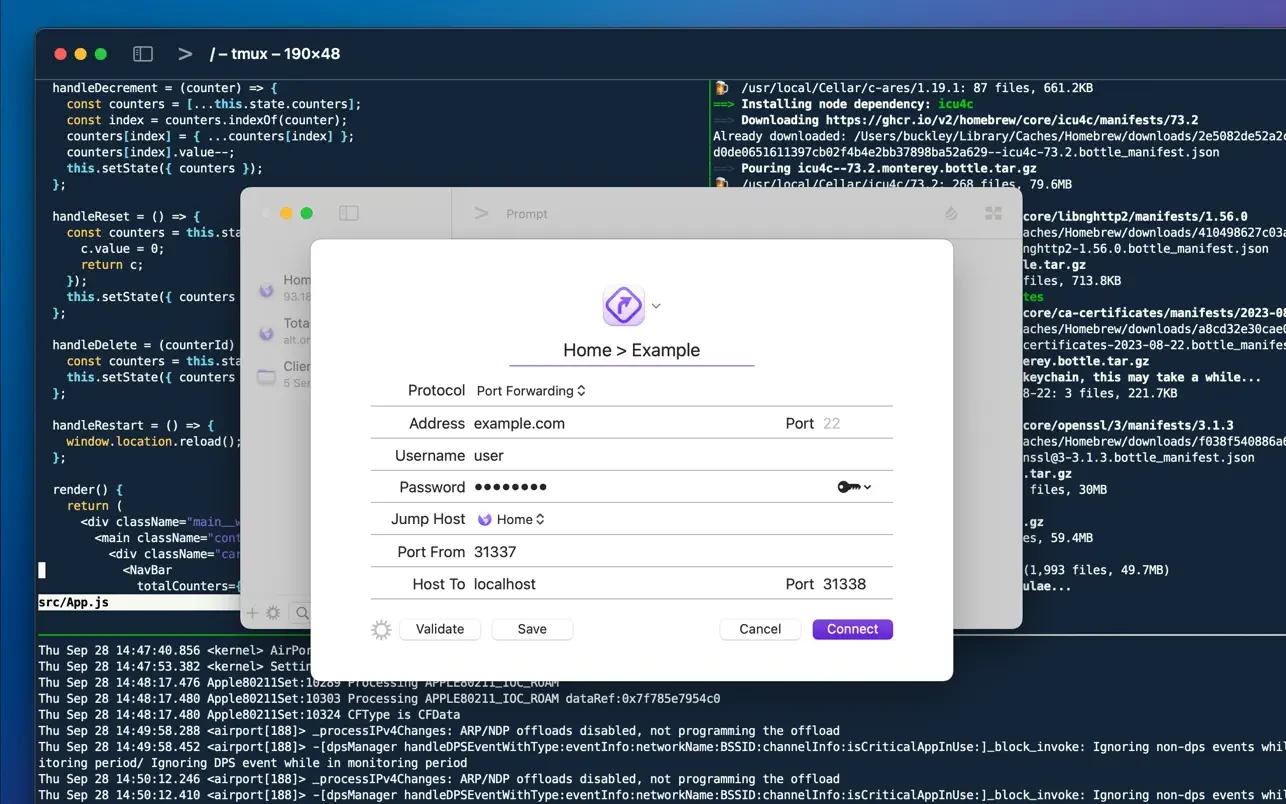
Welcome to Prompt 3. For over a decade, Prompt has been the finest SSH terminal available, and we are excited to finally release the long-awaited version for Mac. But that is far from everything. With two brand-new connection types, port forwarding capabilities, and a significantly faster terminal engine, the prompt 3 app has become better and more powerful than it has ever been before.
Some notable features of the program: -Ultra-Fast SSH. The text rendering engine in Prompt 3 operates up to 10 times faster than before, with full terminal emulation support and GPU-accelerated rendering for a seamless experience on Mac.
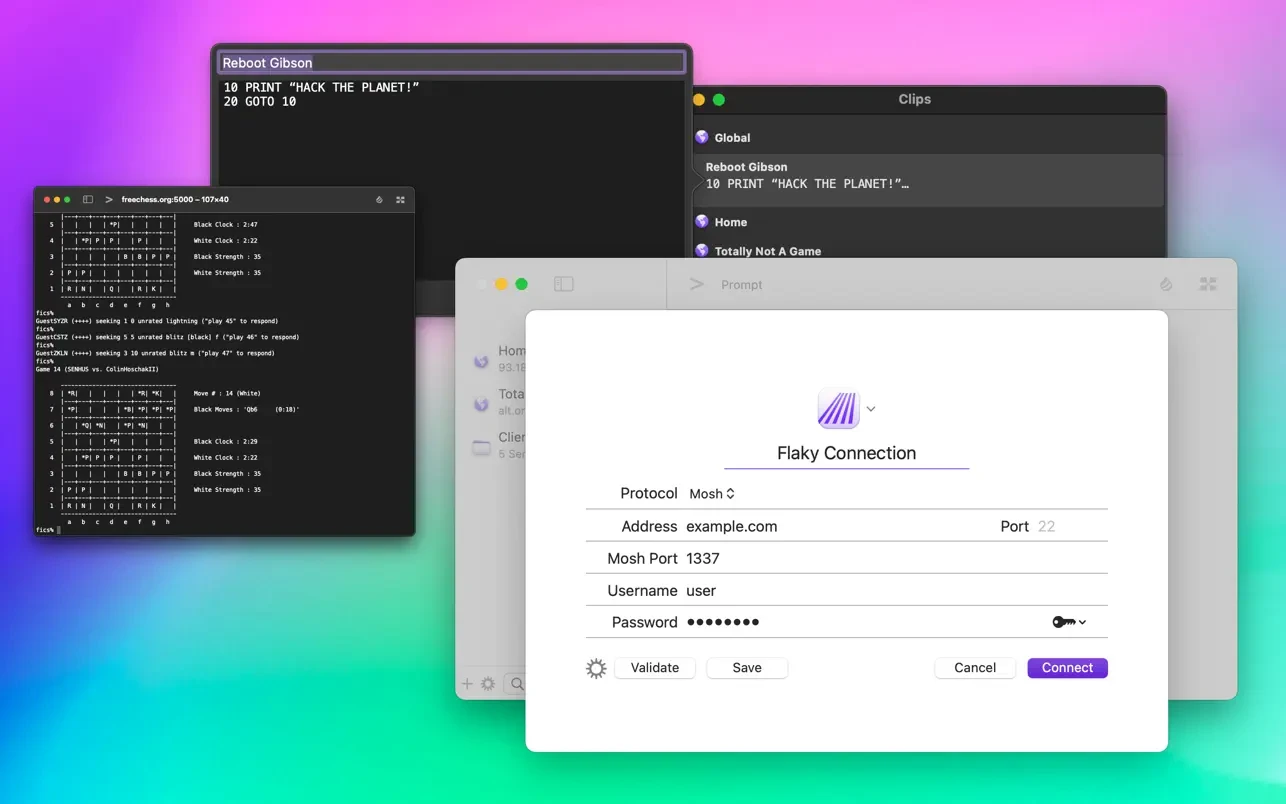
-Clips. Users can save their most frequently used commands and text snippets into clips, then access them instantly with a single tap through the dedicated Prompt keyboard panel.
-Secure Enclave. Authentication powered by FaceID and TouchID ensures that cryptographic keys remain securely stored on your device at all times.
-Panic Sync. Seamlessly synchronize your favorite servers, saved passwords, private keys, and clips across Prompt on all of your Apple devices, keeping everything in perfect harmony.
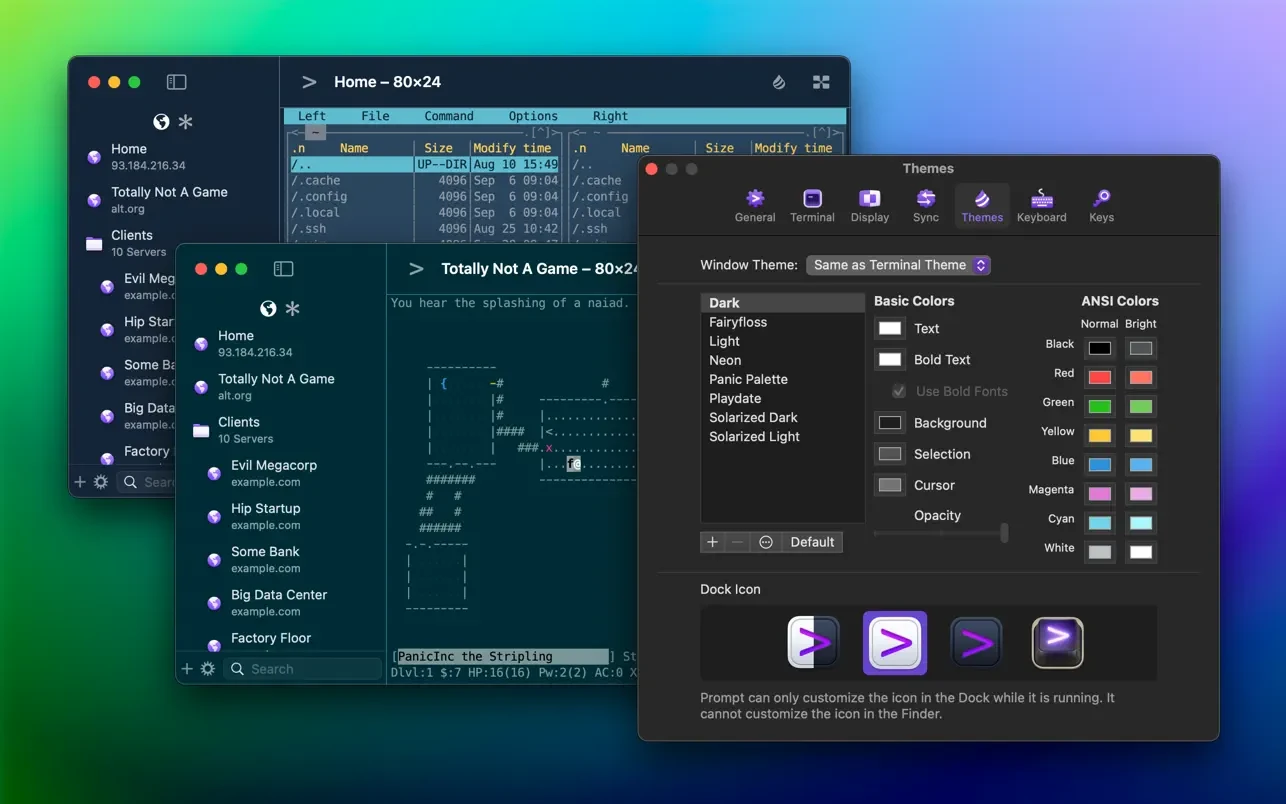
-Customizability. Users can personalize their prompt 3 mac experience with a wide selection of new themes, fonts, and a fully customizable keyboard layout designed for efficiency.
-Jump Hosts and Agent Forwarding. Gain secure access to corporate and enterprise servers through multi-hop SSH connections with ease.
-Mosh and Eternal Terminal Support. Your terminal session stays open and active even when network disconnections or interruptions occur unexpectedly.
-Mouse Support. Users can interact directly with TUI-based applications running inside the terminal using full mouse input, making the prompt 3 download a must-have tool for professionals working on Mac.
Frequently Asked Questions
You May Also Like
Reviews & Comments
No comments yet.