Photomator
Description
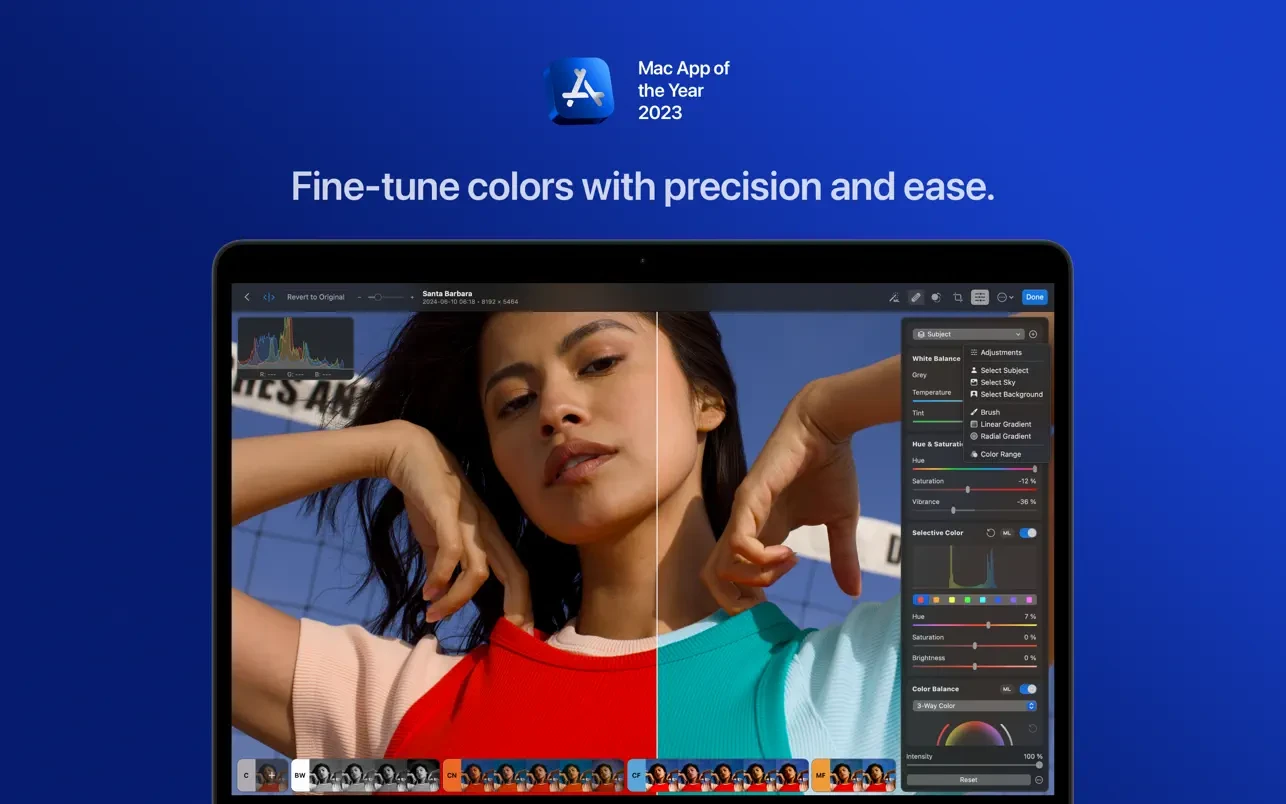
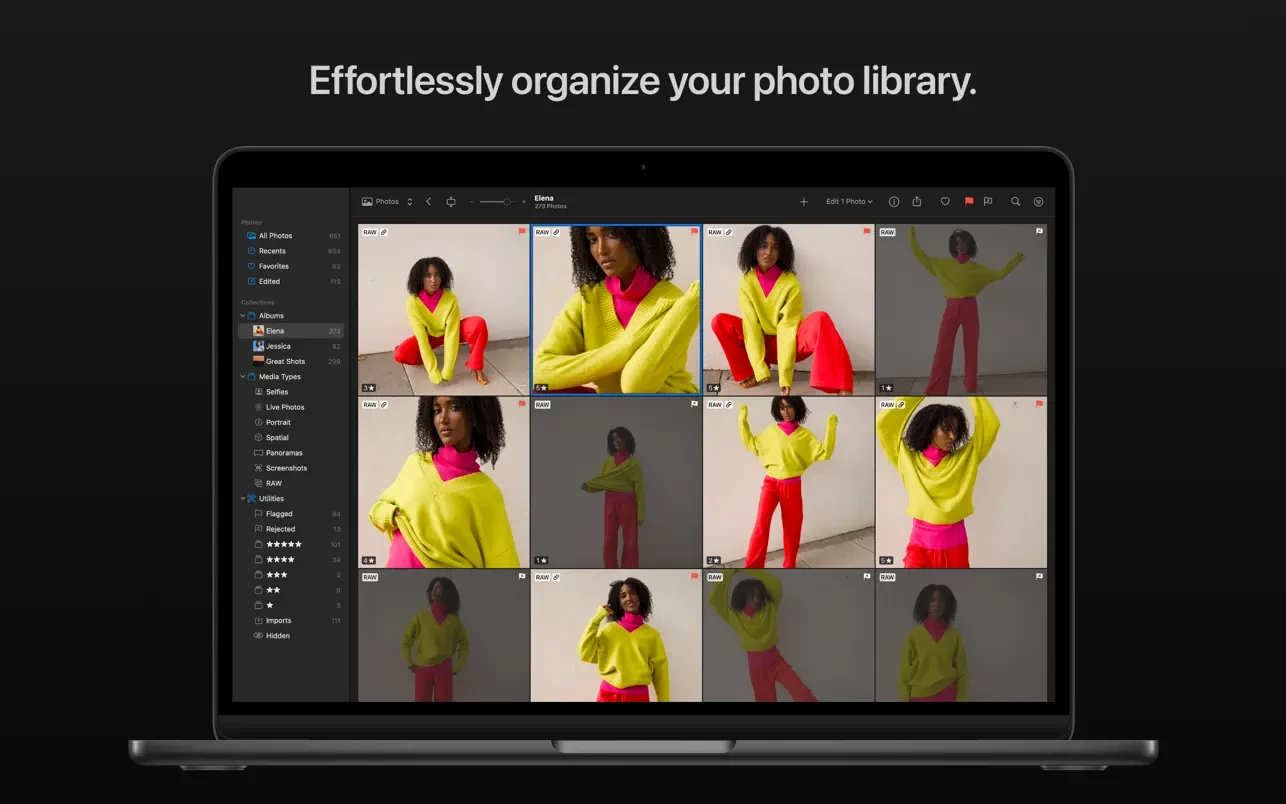
Photomator is a powerful photo editing tool for Mac that offers incredible instruments for enhancing, retouching, and managing your photos. This photomator app includes an extensive collection of advanced color adjustments, automatic AI-powered selection, robust batch editing capabilities, clone and repair tools for removing unwanted objects, and much more. Simply put, it has everything you need to make every single shot look its absolute best on your Mac.
Unmatched Photo Editing Experience:
• Adjust colors and lighting using a comprehensive set of powerful and non-destructive color adjustment tools.
• Automatically and precisely select the subject, sky, and background in your photos using artificial intelligence.
• Add gradient masks, select a color range, or simply brush over the areas you want to adjust and correct.
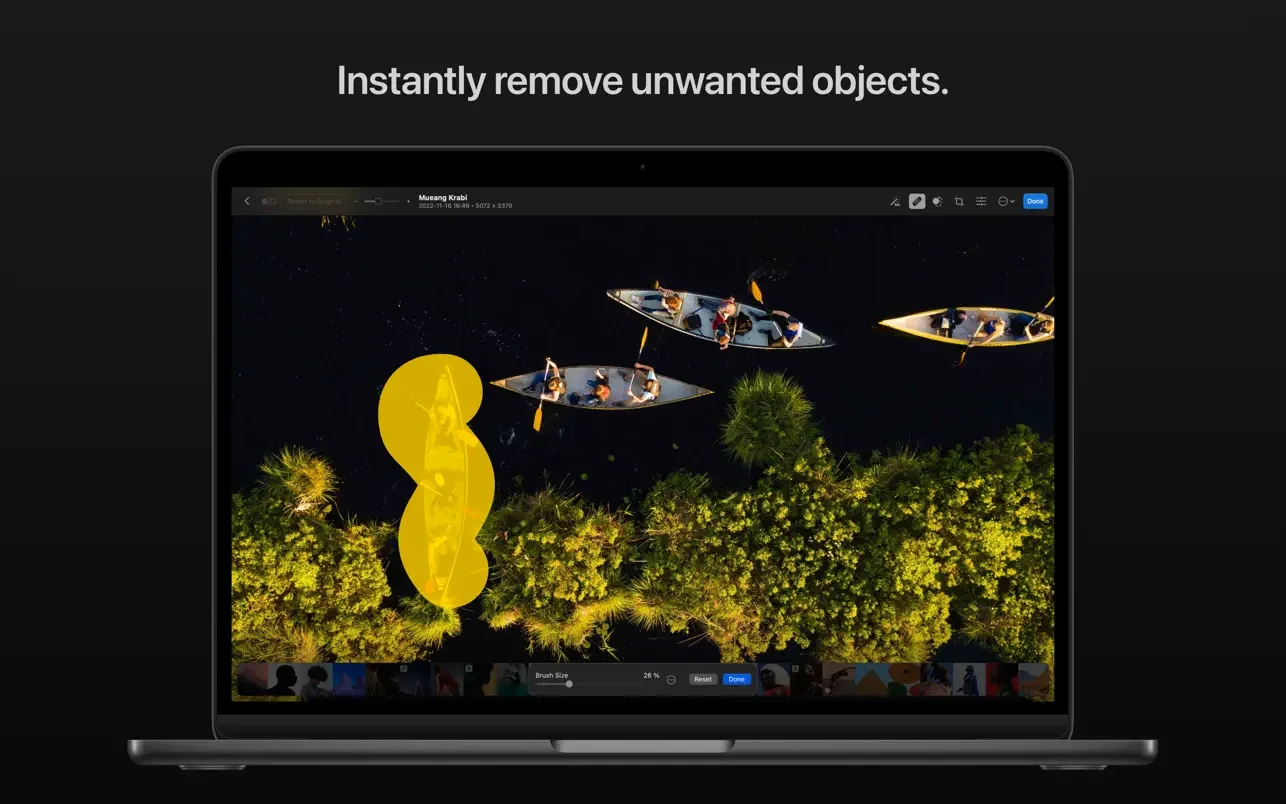
• Easily clone or remove unwanted objects using modern and advanced retouching tools.
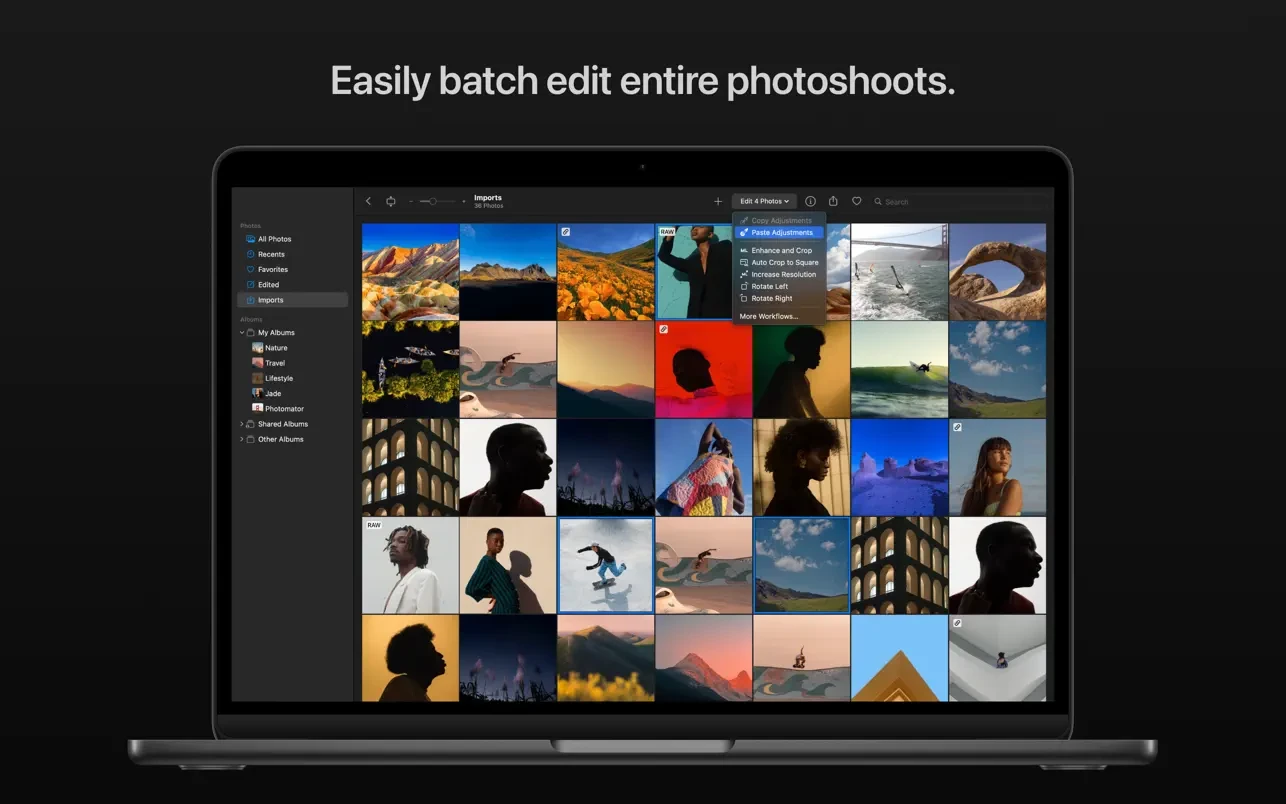
• Effortlessly copy and paste edits between photos or batch edit entire photo sessions all at once.
• Crop, straighten, and change the perspective of your photos using a powerful yet easy-to-use cropping tool.
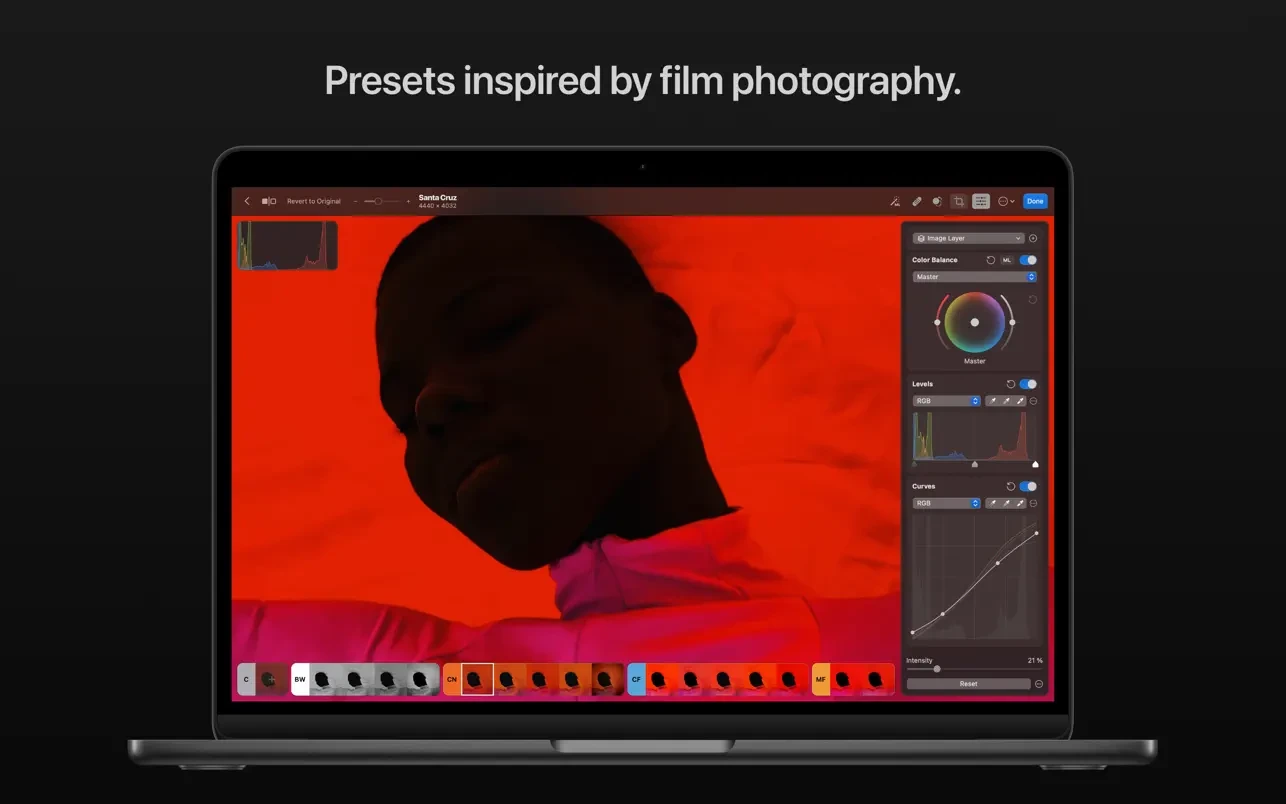
• Quickly transform the look of your photos using an extensive collection of presets designed for landscape, black-and-white, and other photography styles.
AI-Powered Tools:
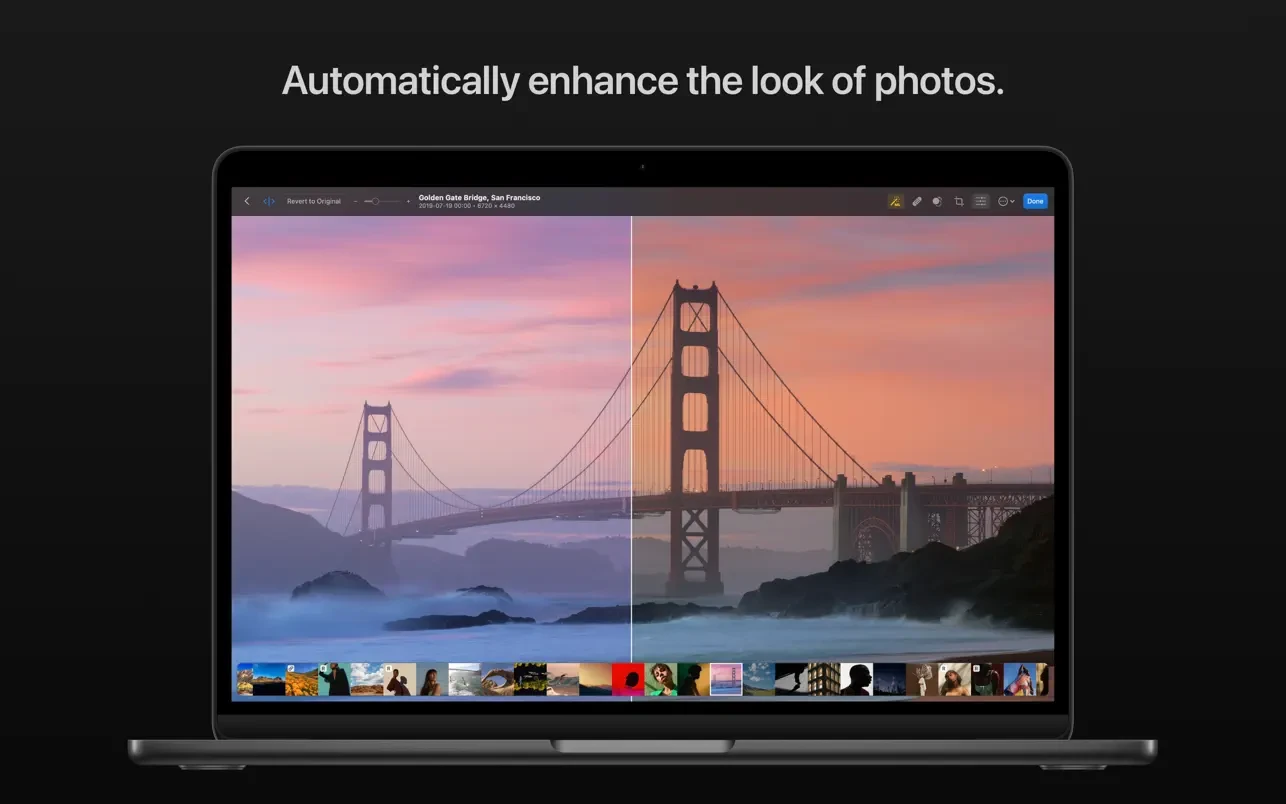
• Automatically enhance your shots using a machine learning algorithm trained on 20 million professional photographs, or fine-tune individual settings such as white balance, selective color, or color balance with a single click of your mouse.
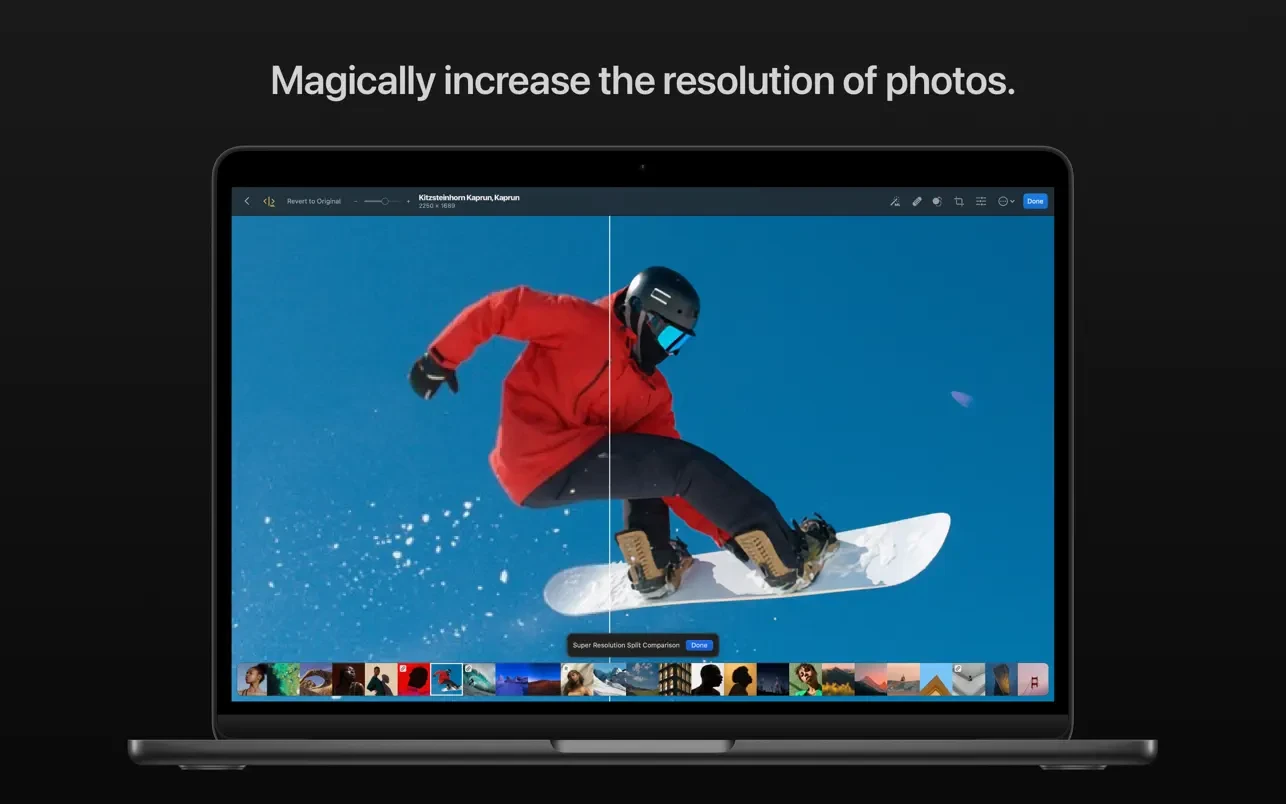
• Magically increase the resolution of your photos while preserving their fine detail and overall sharpness.
• Eliminate camera noise and image compression artifacts using the Core ML-powered Denoise feature on your Mac.
• Instantly improve photo quality by removing color banding and increasing color depth with the AI-powered Smart Deband feature.
• Copy the look and feel of any photo onto another using the incredible color matching feature.
• Intelligently crop your photos with automatic cropping powered by machine learning algorithms.
State-of-the-Art Color Adjustments:
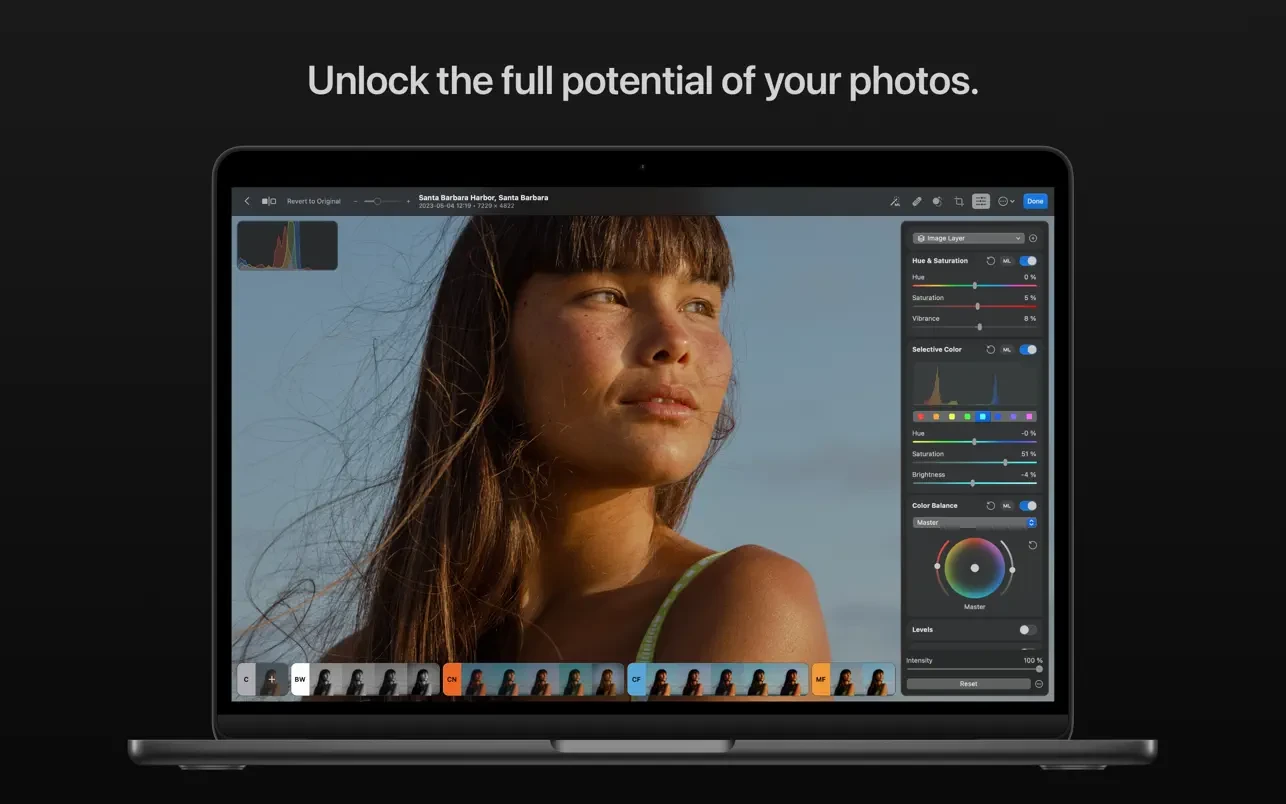
• Take advantage of powerful tools to easily adjust temperature, tint, exposure, contrast, brightness, hue, saturation, and vibrance in your photos.
• Recover an incredible amount of detail in the highlights and shadows of your photographs.
• Magically enhance fine details and the structure of your photos using the powerful Clarity and Texture adjustments, or fine-tune textures in highlights, midtones, and shadows separately and independently.
• Selectively edit individual color ranges using the Selective Color feature, or enhance the color balance in shadows, midtones, and highlights using the Color Balance feature.
• Adjust lighting and colors with complete precision using the Levels and Curves adjustments.
• Mix the balance of red, green, and blue color channels to create intense and dramatic color effects in your images.
• Replace any color with any other color using the Replace Color adjustment tool.
• Create beautiful black-and-white images even from fully colored photographs.
• Use a range of additional adjustments such as Sharpen, Fade, Grain, Color Monochrome, Sepia, and Invert to make your photos truly stand out.
• Instantly change the look of your photos using LUTs or export your own custom LUTs for use in other applications.
RAW Editing Made Simple:
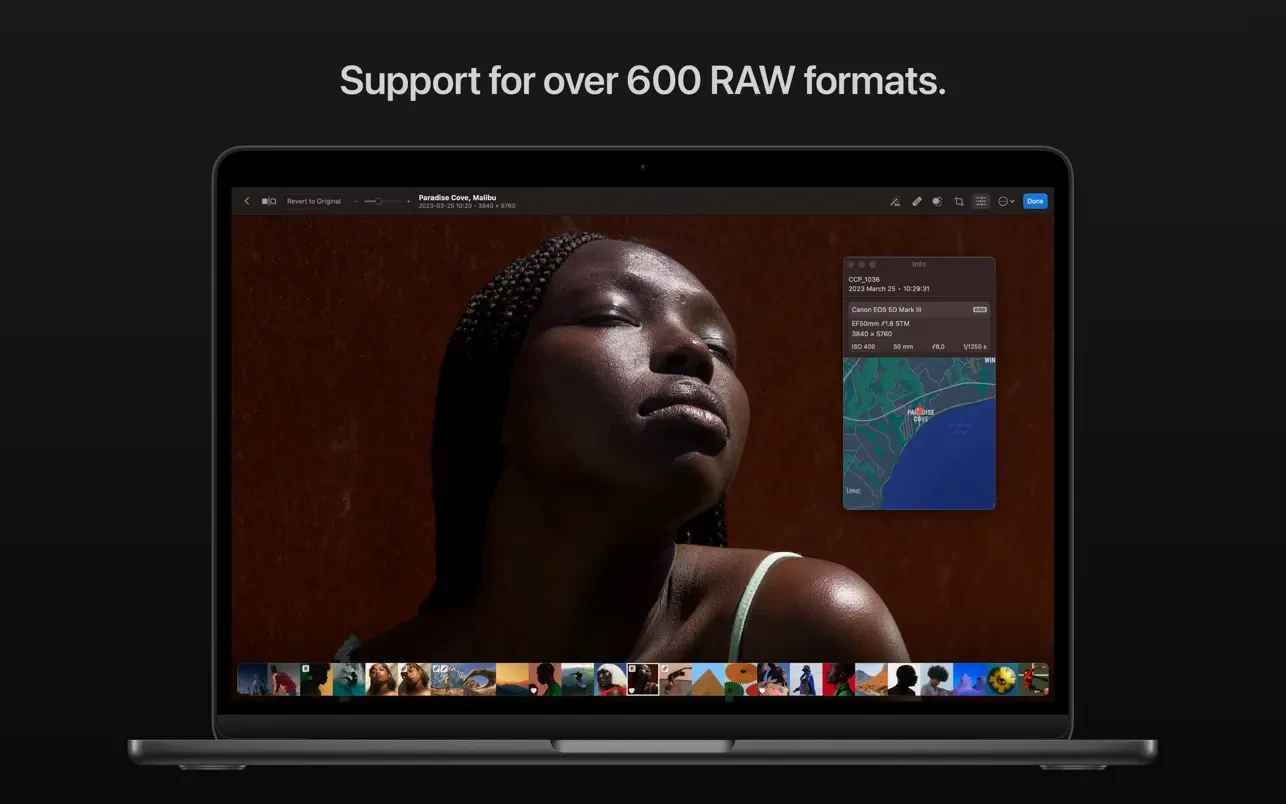
• Open and edit over 650 RAW image formats, including Apple ProRAW and compressed Fujifilm RAW files.
• Edit RAW photos just as easily as photos in other formats using all non-destructive tools, including the repair and clone tools.
• Easily batch edit RAW photos alongside photos in other formats without any limitations.
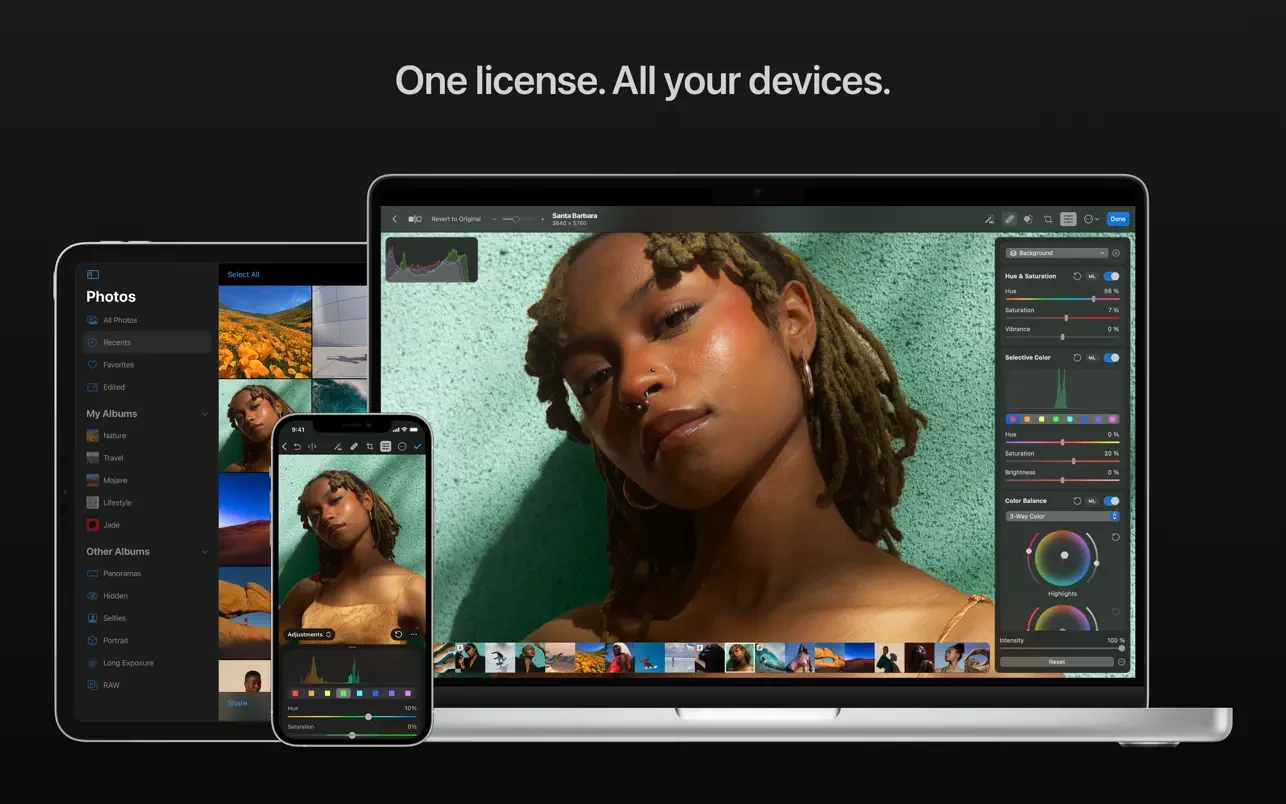
After you complete the photomator download and install it on your Mac, you will discover that it is natively built for macOS and integrates seamlessly with macOS Ventura. Photomator mac leverages powerful Apple technologies such as Metal, Core ML, and Core Image to deliver incredibly high performance even when editing large RAW photographs or batch editing multiple images simultaneously on your machine.
Frequently Asked Questions
You May Also Like
Reviews & Comments
No comments yet.