
OmniFocus Pro
Description
It all started with a very simple idea. You have things that need to get done, and you know it would be wise to write them down somewhere so nothing slips through the cracks, but sticky yellow notes scattered around your desk are probably not going to handle that task effectively enough. You want to try a more reliable and robust system, one that is capable of capturing all your plans and ideas, and even capable of making it a bit easier to organize and put everything in its proper place.
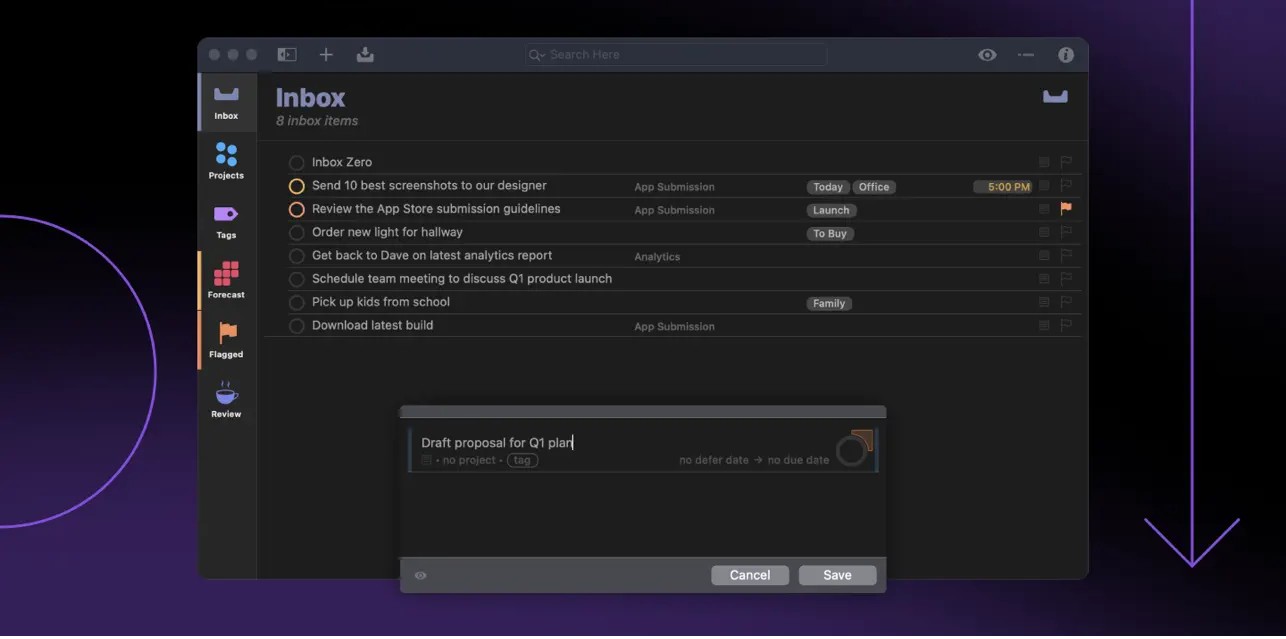
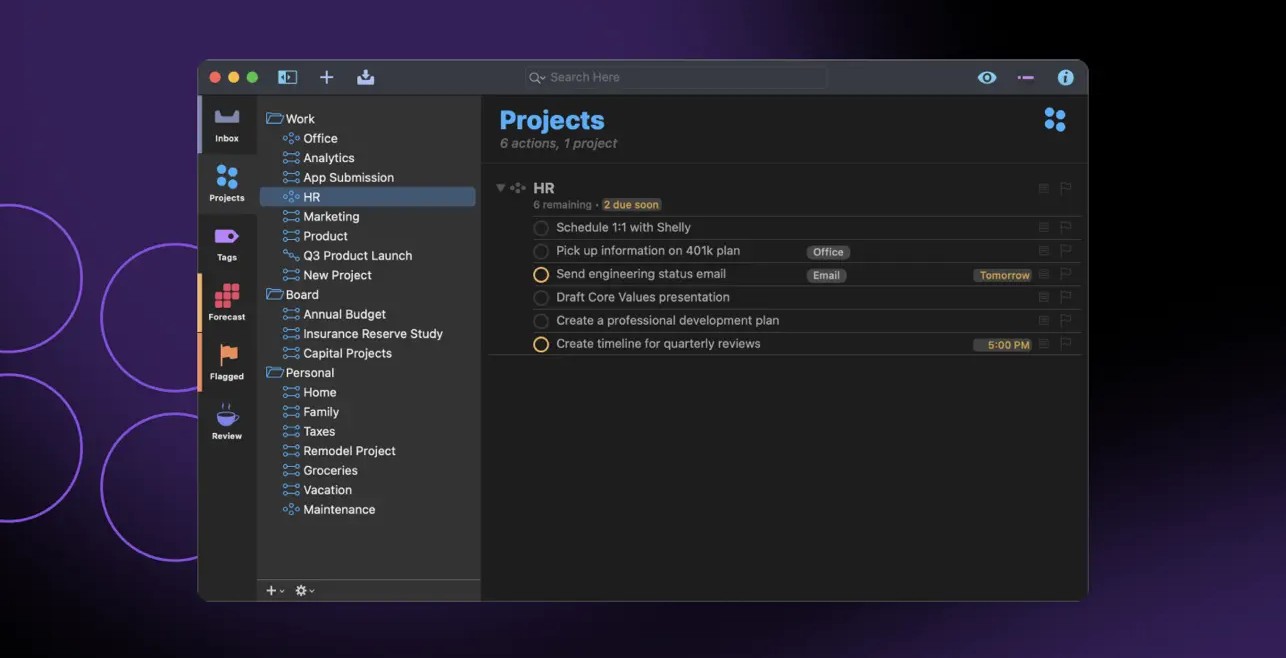
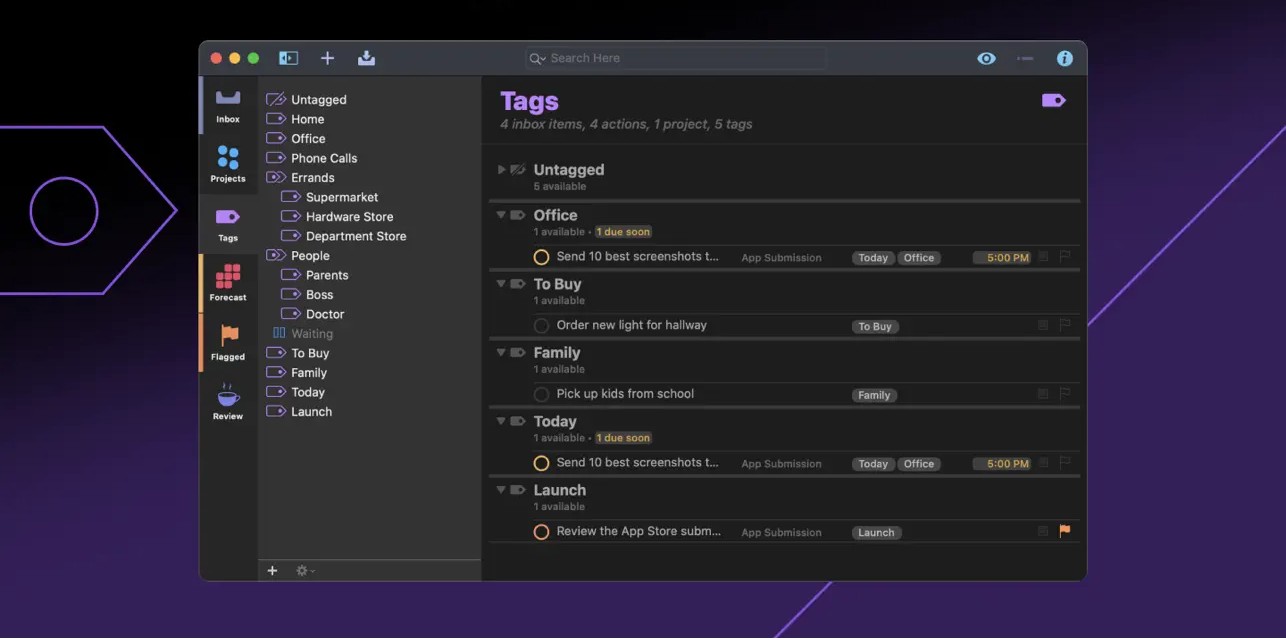
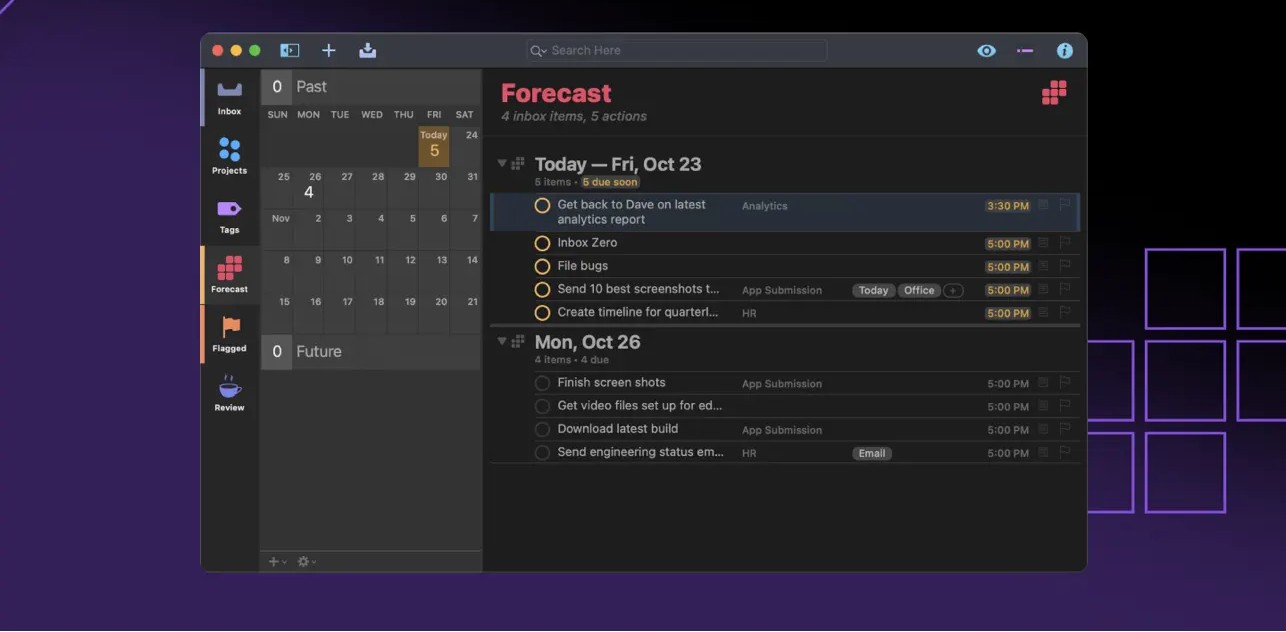
OmniFocus Pro is a personal task management tool for Mac that helps you keep track of all your goals, plans, tasks, and intentions throughout the day. The OmniFocus Pro app helps you stay on top of everything you need to accomplish during your busy schedule. These can be small, everyday errands (for example, stopping by the bike repair shop after work), or more complex undertakings that are part of larger, more ambitious projects (for example, planning an entire vacation from start to finish).
The OmniFocus Pro Mac application, also available on iPhone, iPad, and Apple Watch, offers a wide variety of powerful tools designed to help you prioritize complex projects or simply draft a quick to-do list for the current day. After the OmniFocus Pro download and installation on your Mac, it works effectively as a standalone productivity application or seamlessly integrates with any scheduling and task management systems that suit your particular workflow and personal needs.
Frequently Asked Questions
You May Also Like
Reviews & Comments
No comments yet.