Notability
Description
App of the Year for Apple Mac! Apple Editors' Choice on iPad, iPhone, and Mac!
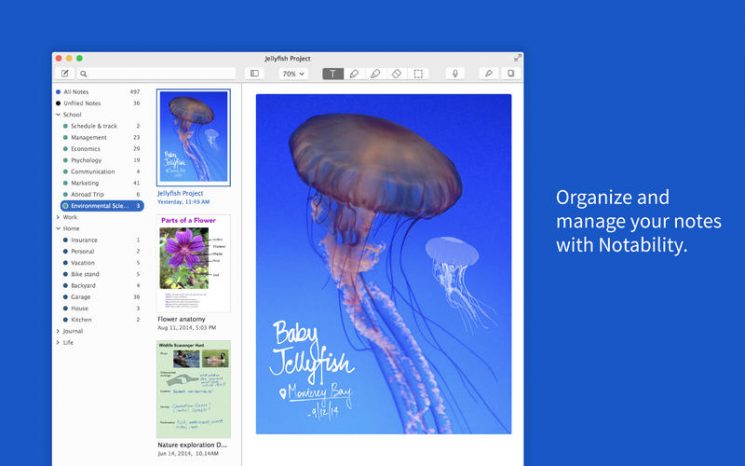
Students, teachers, and business professionals use the notability app every day to make their lives easier. It is specifically optimized for each individual device and provides a seamless note-taking experience at school, at home, and at work. When you get the notability download for your Mac, you unlock a powerful productivity tool designed to enhance every aspect of your workflow.
STREAMLINING YOUR WORKFLOW
• Go completely paperless in the classroom, at the office, and at home with notability mac.
• Create, sign, and share documents directly within Notability.
• Quickly create and edit notes by dragging documents, photos, and audio recordings from your desktop into the workspace.
• Speed up your productivity by taking advantage of keyboard shortcuts on your Mac.
• Secure and lock your notes using Touch ID to keep sensitive information protected.
SEARCH AND CONVERT HANDWRITTEN NOTES
• Search for handwritten words across your entire Library and within individual notes in 14 supported languages.
• Convert your handwritten notes into typed text with ease and precision.
• All processing is performed directly on your device, ensuring that your information remains completely private and confidential.
SAVE TIME WITH THE MULTI-NOTE FEATURE
• The Multi-Note feature allows you to open several notes simultaneously in separate windows on your Mac.
• The Recent Notes section lets you quickly access and reopen your most recently viewed notes.
KEY FEATURES
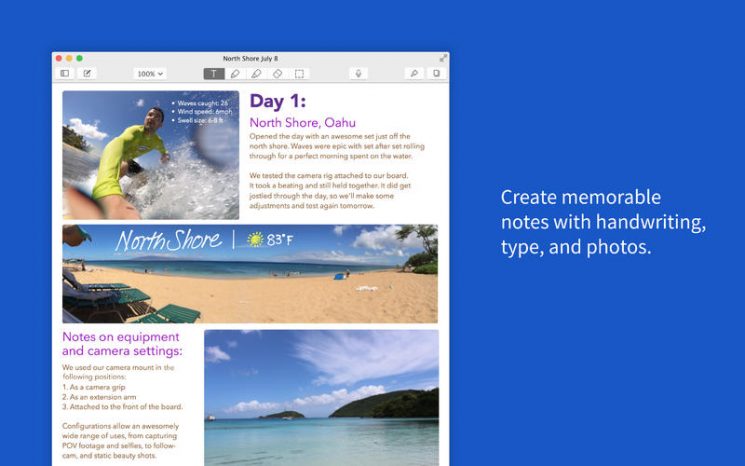
• Notability supports full left-to-right text input with a wide variety of fonts, sizes, and colors to choose from.
• Create sketches, interactive checklists, and text boxes to organize your thoughts and ideas.
• Fully unleash your creative potential with custom colors and pick any color using the eyedropper tool.
• Handwriting input using the trackpad and mouse is carefully optimized so that lines appear smooth and expressive.
• Handwritten elements can be scaled, transformed, rotated, nudged using arrow keys, and modified in various ways.
IMPORT AND SHARE FILES
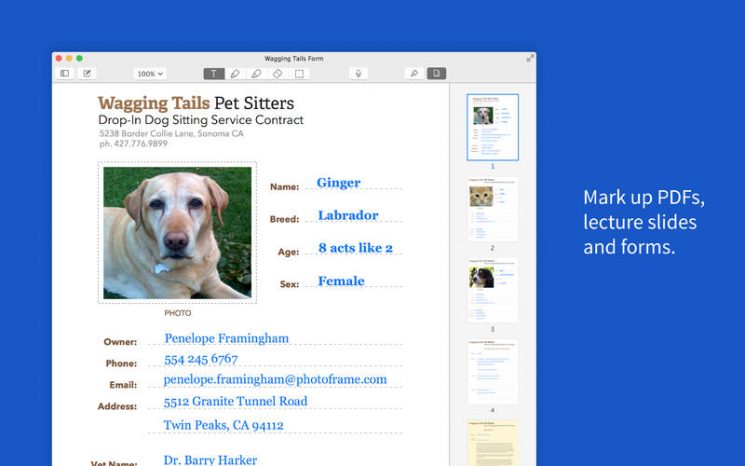
• Import PDF, DOC, PPT documents, images, GIFs, and other file types — conversion to PDF format is handled directly on your device, so your information stays private and confidential.
• Annotate imported images, lecture slides, and meeting agendas, or complete academic assignments with full markup tools.
• Share your notes via email, AirDrop, Dropbox, Google Drive, Box, OneDrive, and other popular services.
AUDIO RECORDING AND PLAYBACK
• Get the most out of your lecture recordings and meeting sessions by capturing every detail.
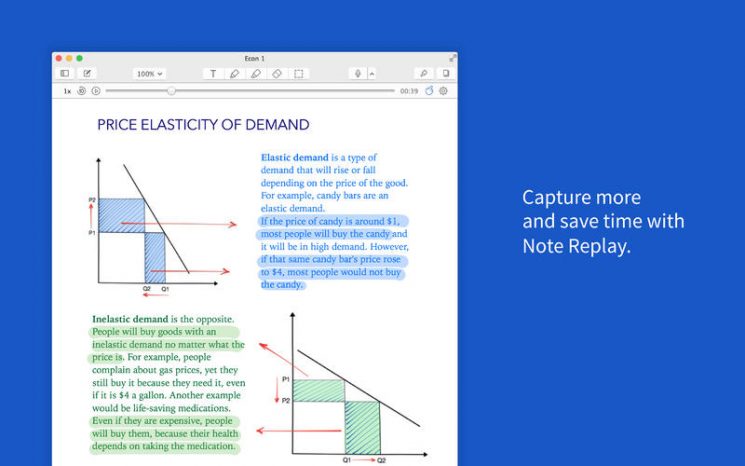
• Notes are automatically synchronized with audio recordings so that during playback you can listen to exactly what was being said at the moment you were writing.
AUTOMATIC BACKUP AND ICLOUD SYNC
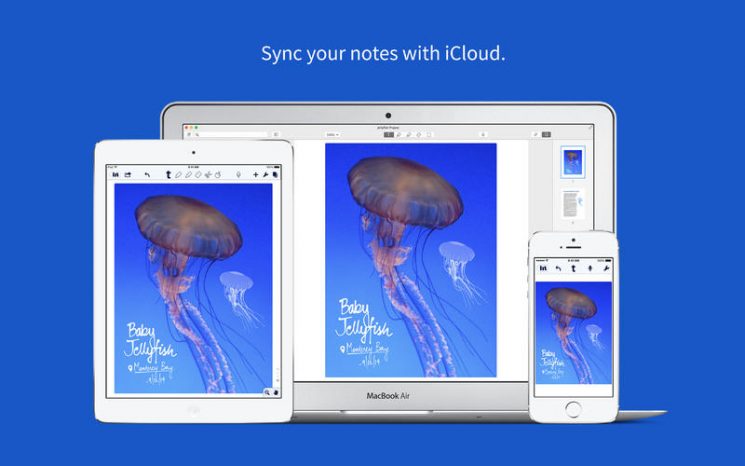
• Use iCloud to automatically sync all of your notes in the notability app across iPad, iPhone, and Mac computers, and restore previous versions of your notes whenever needed.
• Use the automatic backup feature to send your notes to a cloud service for archiving or recovery purposes. Supported services include Dropbox, Google Drive, Box, and OneDrive!
The iOS application is sold separately.
Frequently Asked Questions
You May Also Like
Reviews & Comments
No comments yet.