
Metasequoia
Description
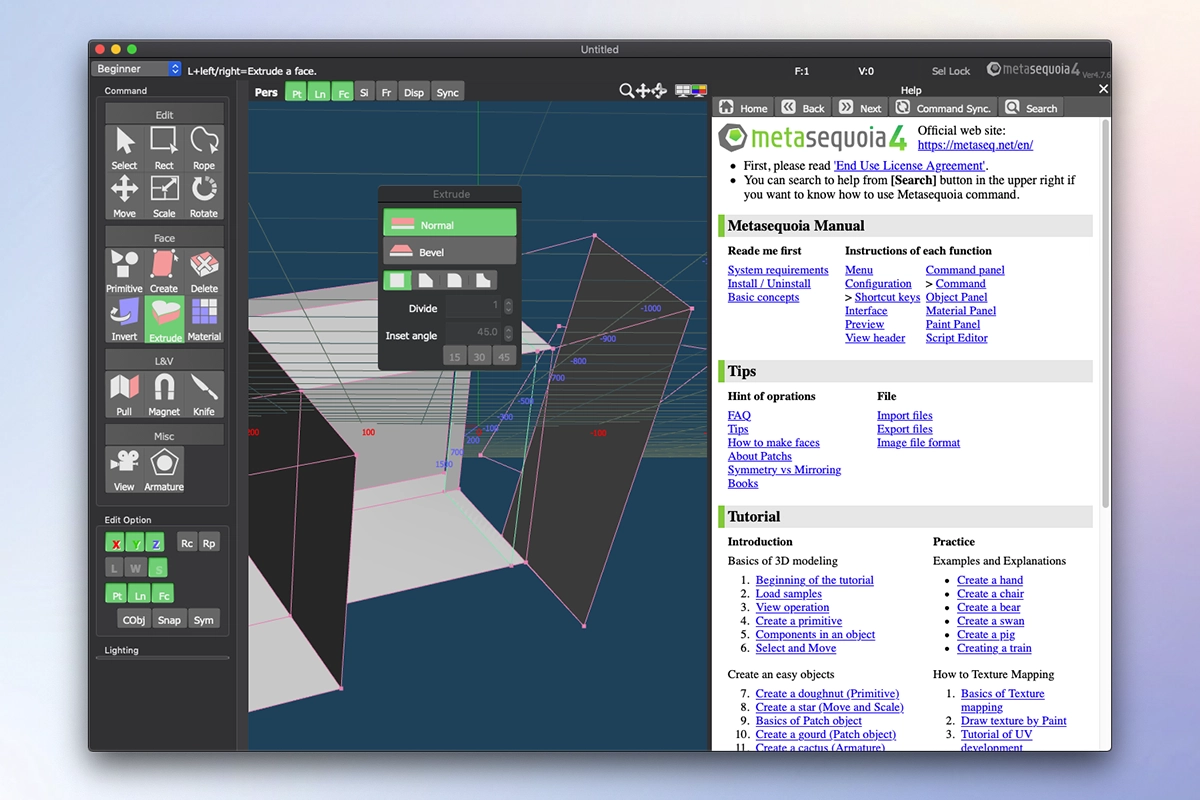
Metasequoia is a polygonal modeling application designed for 3D computer graphics and video game development, originally created by an enthusiast from Japan named Osamu Mizuno. This metasequoia app features a straightforward and intuitive interface, setting it apart from more complex professional 3D modeling software, which makes it an excellent starting point for beginners who are just getting into the world of 3D modeling on Mac. If you need to make minor adjustments to a model or feel overwhelmed by the sheer complexity and "monstrosity" of well-known 3DCG software packages, then you can easily start with Metasequoia, which is remarkably lightweight, does not demand significant system resources from your Mac, and can get you up and running with minimal configuration effort.
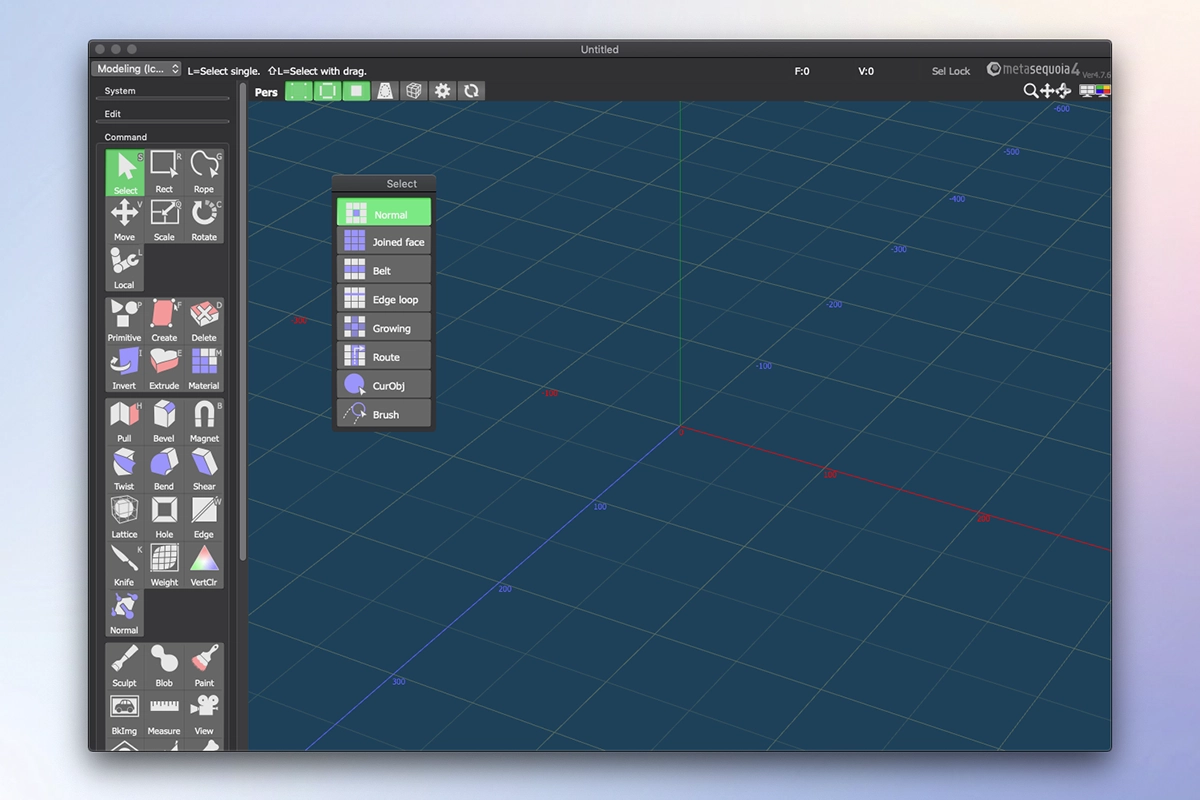
Creating a three-dimensional model, especially designing characters that closely resemble humans or animals, requires a certain level of knowledge and expertise in this field, and most importantly, a proper set of suitable tools to carry out the work effectively. For those who have completed several 3D development projects using various specialized software solutions on their Mac and who need to continue working on those projects without the hassle of reinstalling each individual program, a utility like Metasequoia can be the perfect choice. If you are considering a metasequoia download for your Mac, you will appreciate that this application provides an extensive range of features and makes them all easily accessible through a genuinely user-friendly interface. There are several workspace modes available within metasequoia mac, specifically: "Beginner," "Modeling" (string-based), "Modeling" (icon-based), and "Mapping."
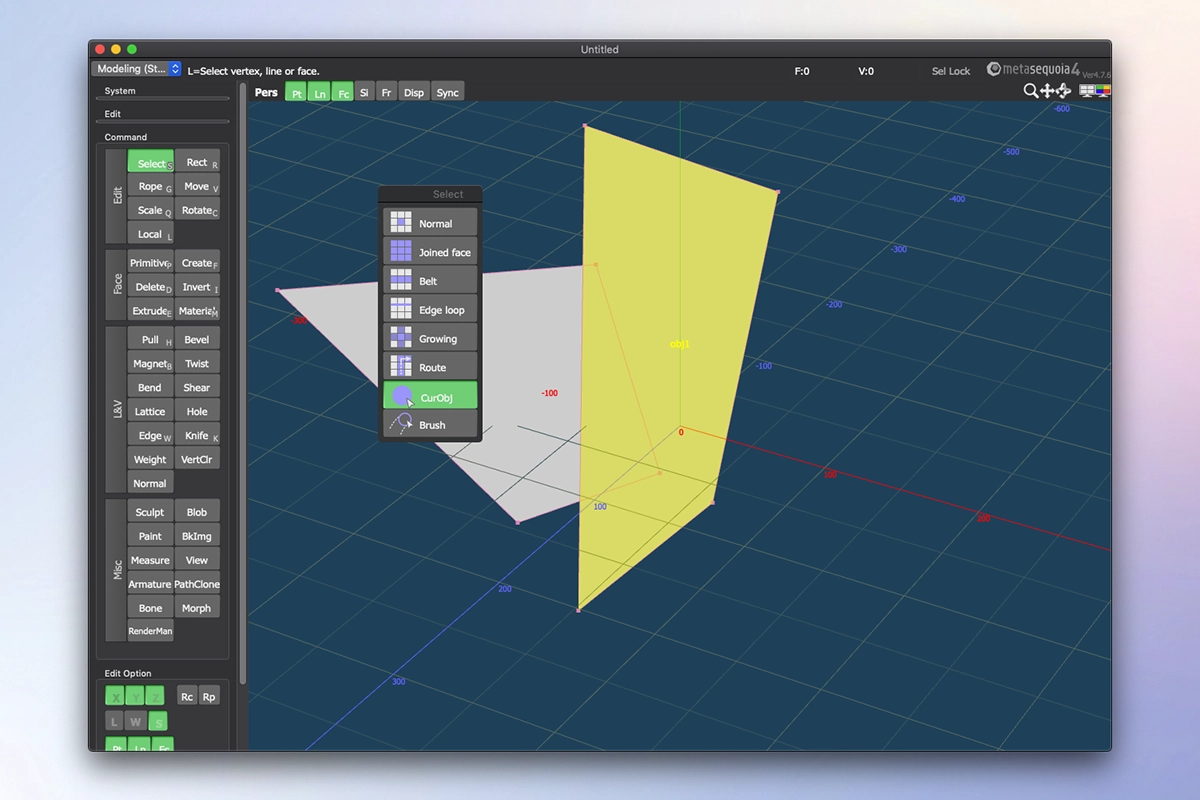
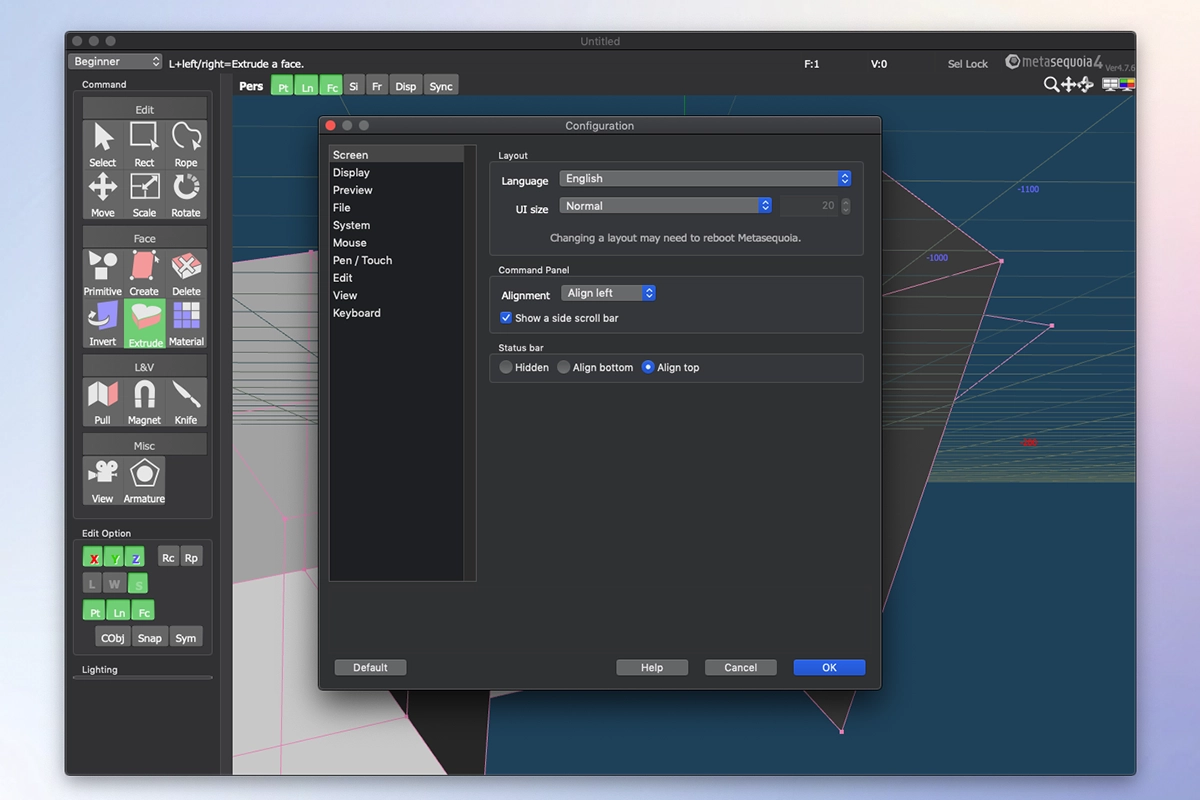
Each of these workspace styles comes equipped with its own dedicated set of commands for editing the loaded model, adjusting the corresponding lighting settings, and performing many other tasks. There is a wide variety of objects that you can select and insert into your design, along with a number of specialized tools specifically intended for modifying the model you are currently working on. The editing functionality that Metasequoia provides is fairly straightforward in nature, but it nevertheless covers all the essential actions required for processing objects, material faces, and vertices with precision and reliability. Every selected part of the design can be corrected, saved, or restored whenever necessary, and it can also be adapted for viewing purposes or set as the center of rotation for more convenient navigation around your project. In the "Configuration" area of the application, a wide range of settings can be adjusted, so you can assign, for example, different actions to mouse buttons and various keyboard shortcut combinations to streamline your workflow. Texture rendering shortcomings and some potential glitches or crashes can be effectively avoided by carefully configuring the OpenGL preview parameters on your Mac system. Taking all of these factors and circumstances into consideration, Metasequoia proves to be a worthy and capable alternative to more complex utilities of this kind, particularly thanks to its remarkable ease of use combined with solid support for a diverse range of file formats that this software is able to work with on Mac.
Frequently Asked Questions
You May Also Like
Reviews & Comments
No comments yet.