
MediaInfo
Description
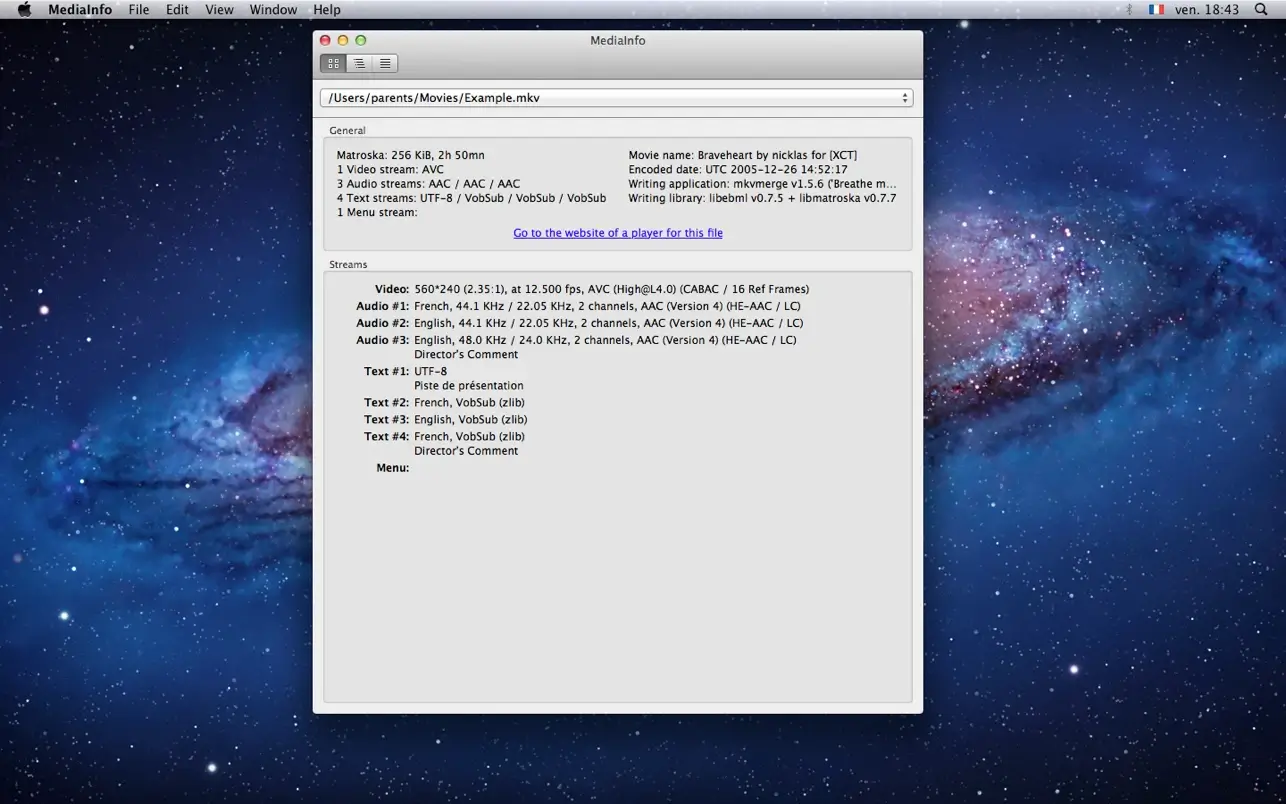
MediaInfo is a convenient unified display of the most important technical data and tags for video and audio files on your Mac. This mediainfo app provides a comprehensive way to analyze any media file quickly and efficiently.
The data display in MediaInfo includes the following:
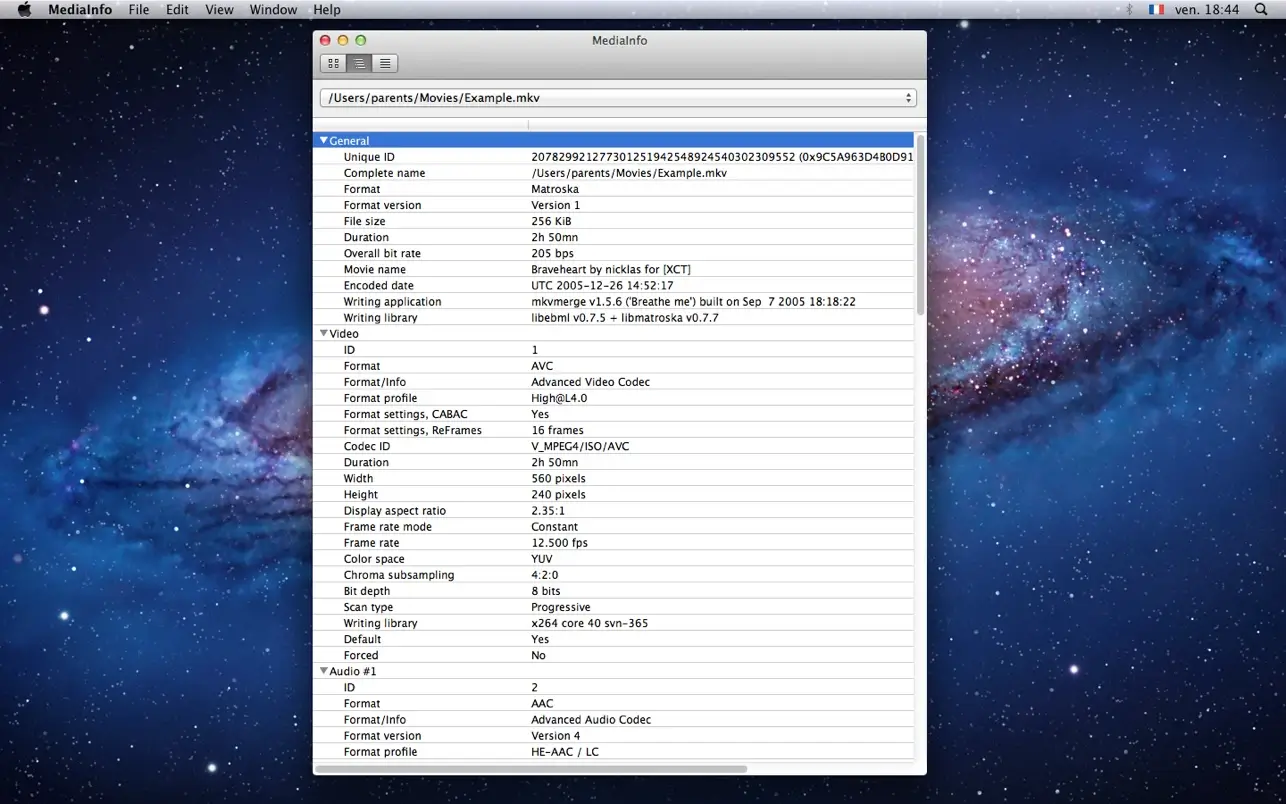
- Container: format, profile, commercial format name, duration, overall bit rate, writing application and library, title, author, director, album, track number, date...
- Video: format, codec ID, aspect ratio, frame rate, bit rate, color space, chroma subsampling, bit depth, scan type, scan order...
- Audio: format, codec ID, sampling rate, channels, bit depth, bit rate, language...
- Subtitles: format, codec ID, subtitle language...
- Chapters: chapter count, chapter listing...
The analytical data provided by MediaInfo includes:
- Container: MPEG-4, QuickTime, Matroska, AVI, MPEG-PS (including unprotected DVD), MPEG-TS (including unprotected Blu-ray), MXF, GXF, LXF, WMV, FLV, Real...
- Tags: Id3v1, Id3v2, Vorbis comments, APE tags...
- Video: MPEG-1/2 Video, H.263, MPEG-4 Visual (including DivX, XviD), H.264/AVC, H.265/HEVC...
- Audio: MPEG Audio (including MP3), AC-3, E-AC-3, AC-4, DTS, AAC, xHE-AAC, MPEG-H 3D Audio, Dolby E, AES3, FLAC, PCM...
- Subtitles: CEA-608, CEA-708, DTVCC, SCTE-20, SCTE-128, ATSC/53, CDP, DVB Subtitle, Teletext, SRT, SSA, ASS, SAMI...
The capabilities of this mediainfo mac application include: - Reading a wide variety of video and audio file formats on macOS
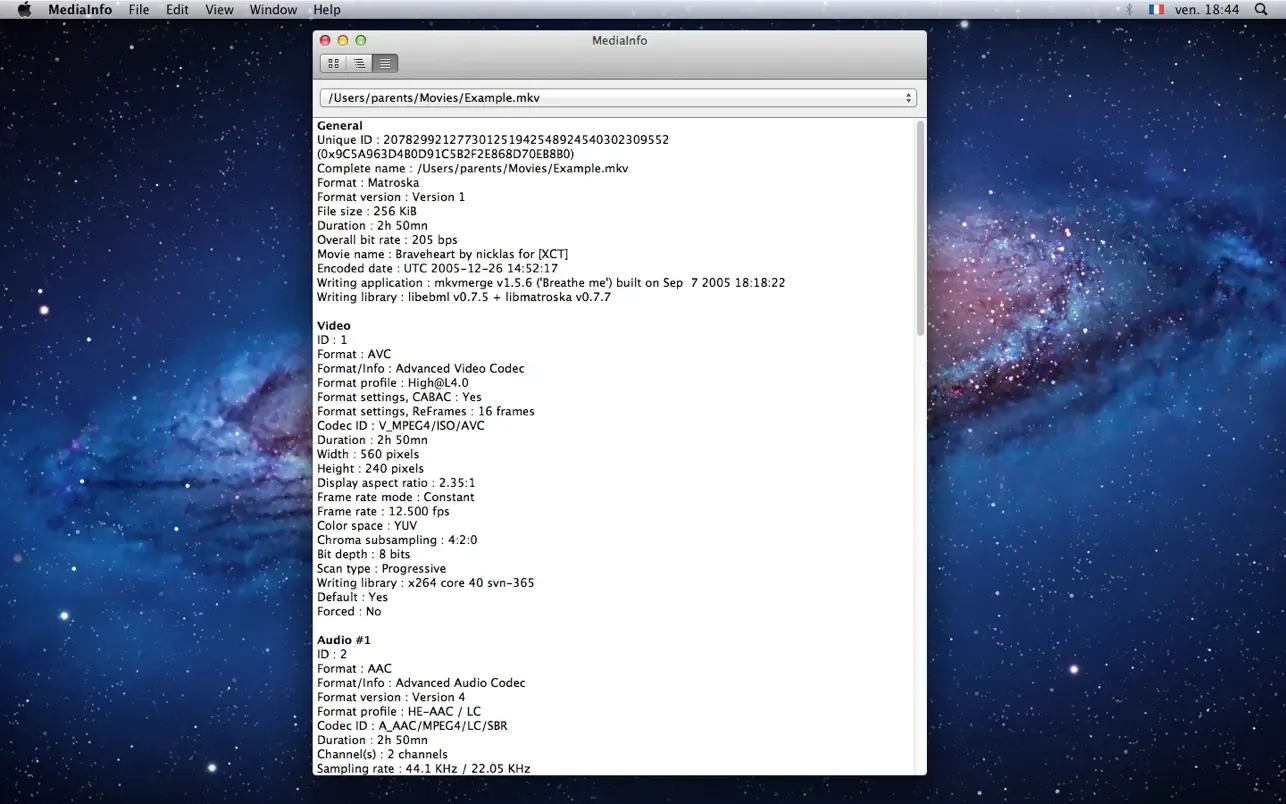
- Viewing detailed information in different display formats (text, tree view) - Exporting information as text, XML, JSON, EBUCore...
- A graphical user interface, command-line interface, or library versions (.dylib) are available after mediainfo download (the command-line and library versions are available separately, at no cost, on the developer's website) - Shell integration with drag 'n' drop and context menu support for seamless workflow on Mac.
Frequently Asked Questions
You May Also Like
Reviews & Comments
No comments yet.