Magic Battery
Description
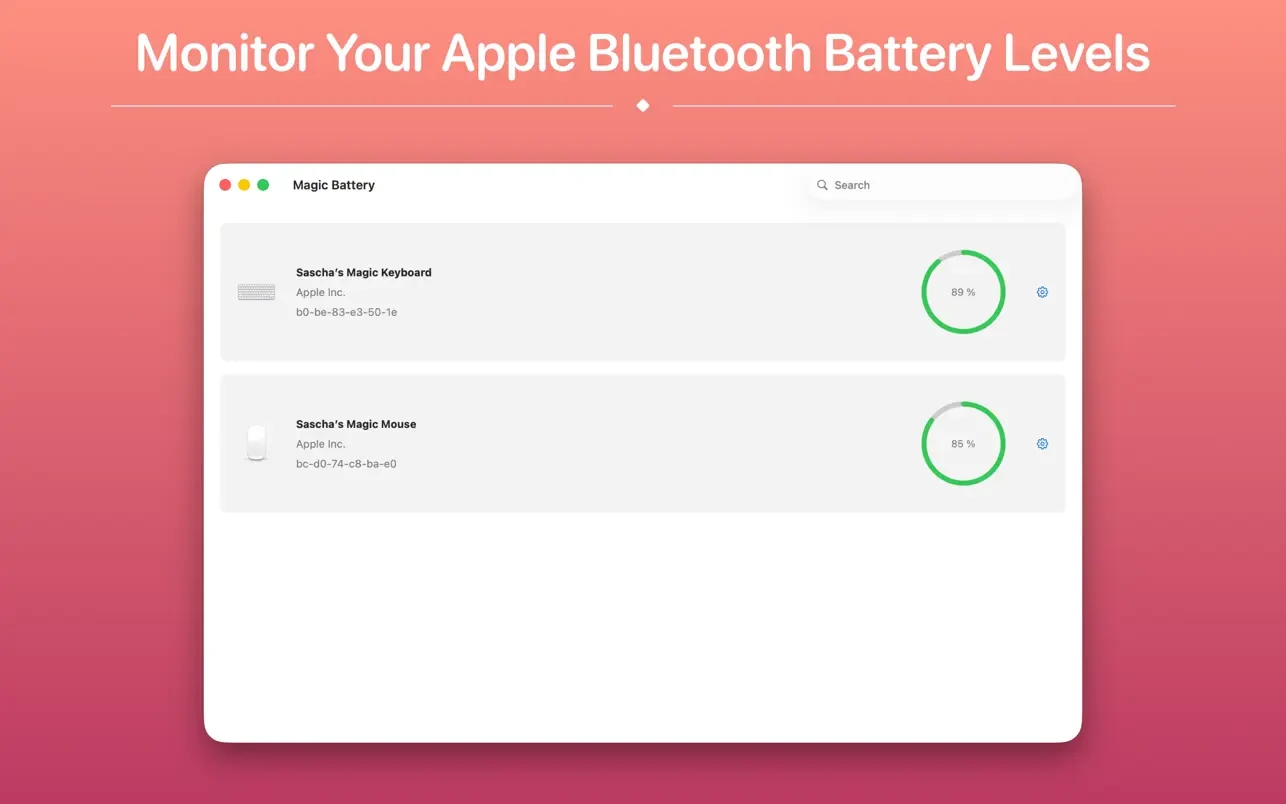
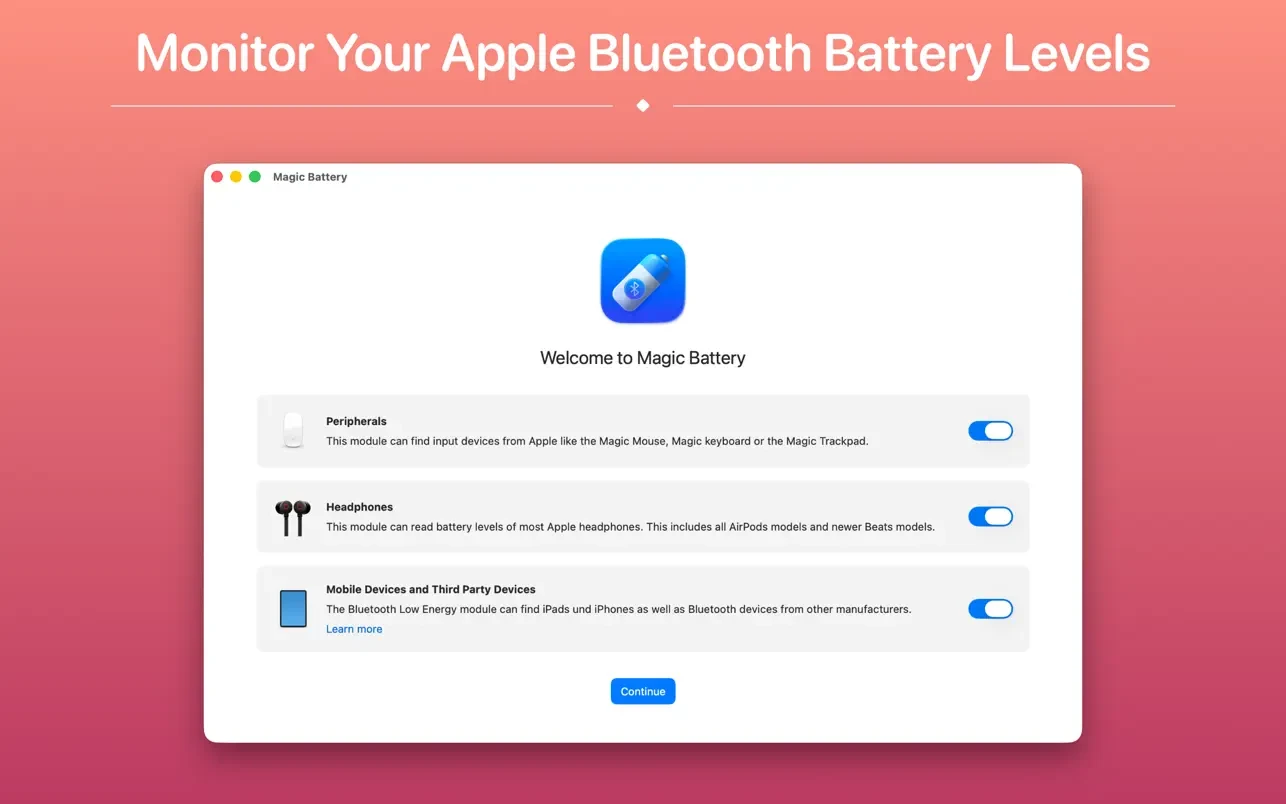
Magic Battery app displays the battery level of supported input devices and headphones connected via Bluetooth right in the menu bar on your Mac. Internal batteries are also fully supported by this handy utility.
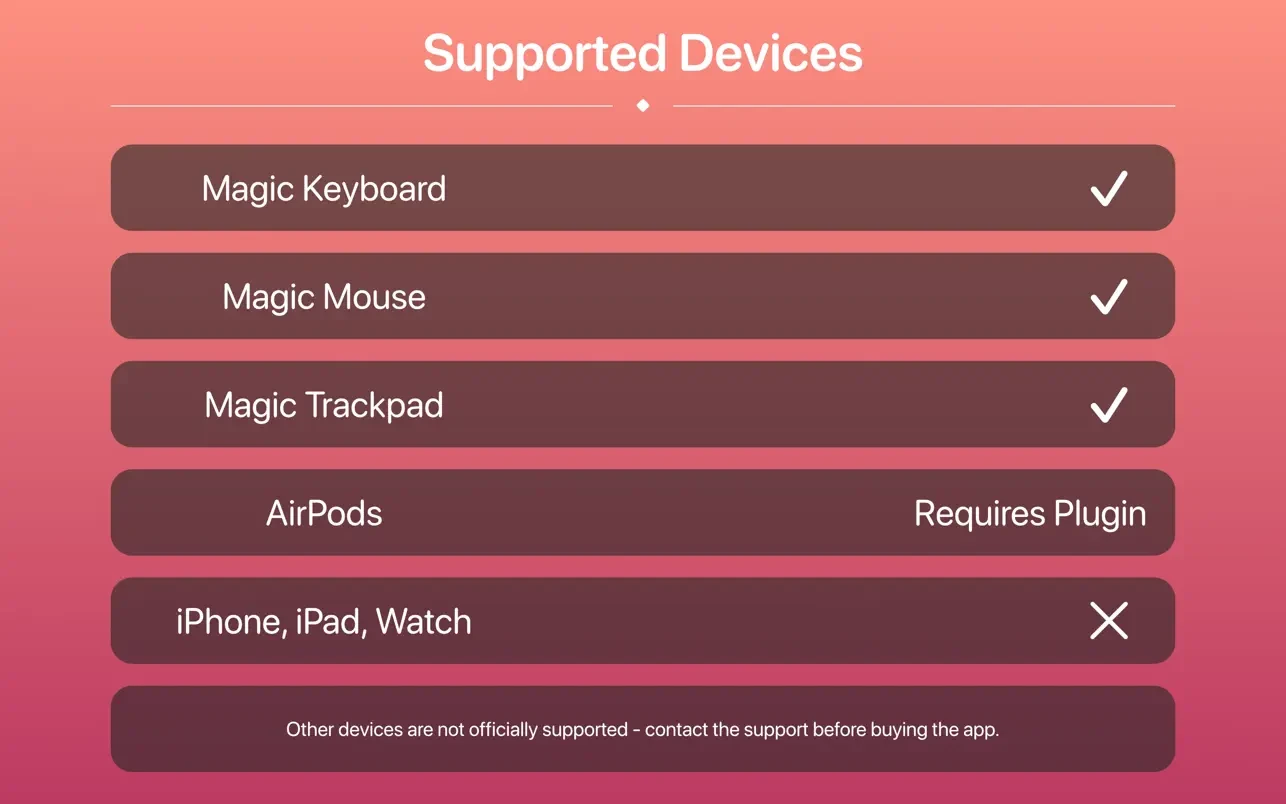
Supported input devices:
• Apple Magic Mouse
• Apple Magic Mouse 2
• Apple Magic Trackpad 2
• Apple Wireless Keyboard
• Apple Wireless Trackpad
• Logitech mice like the MX3 Anywhere and Logitech Pebble
• Logitech keyboards (K series)
Application features:
A modern graphical interface for displaying all connected devices and their current charge levels on your Mac.
Shows the internal battery percentage, including the estimated remaining battery life time.
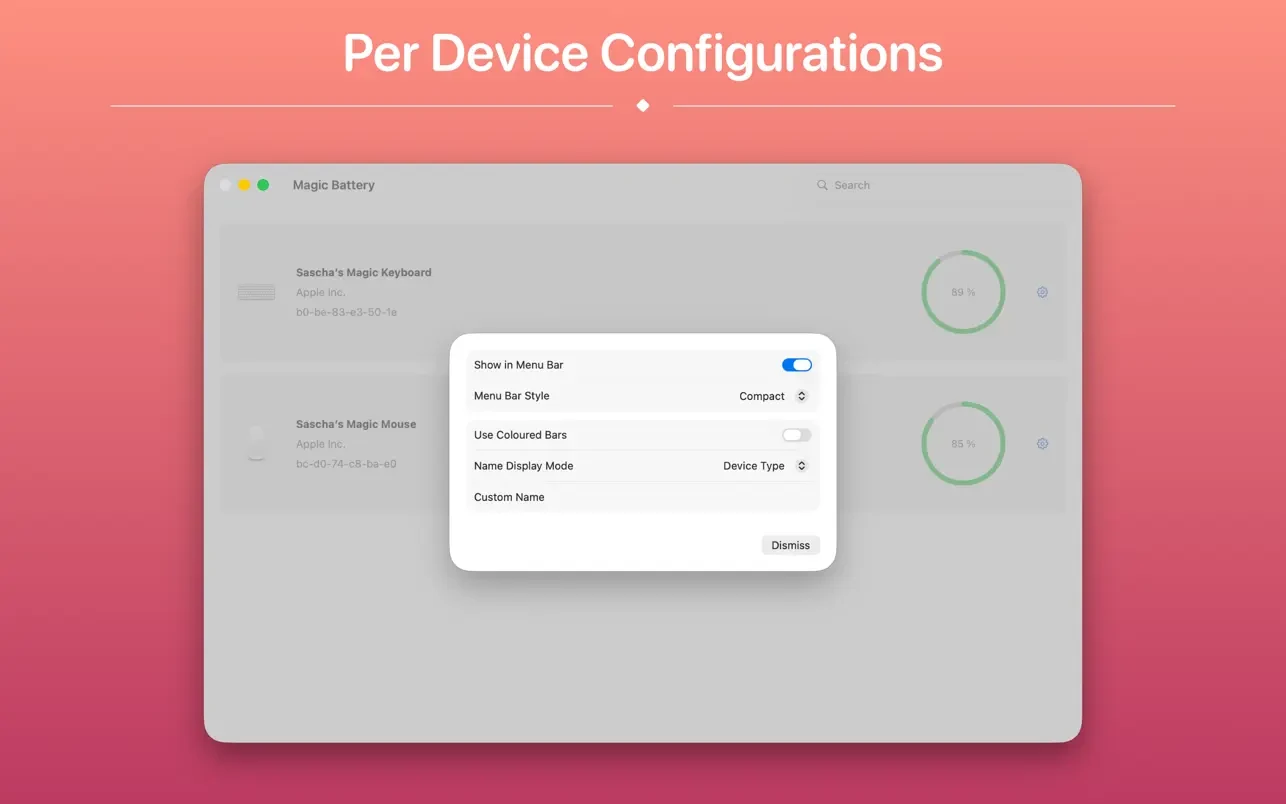
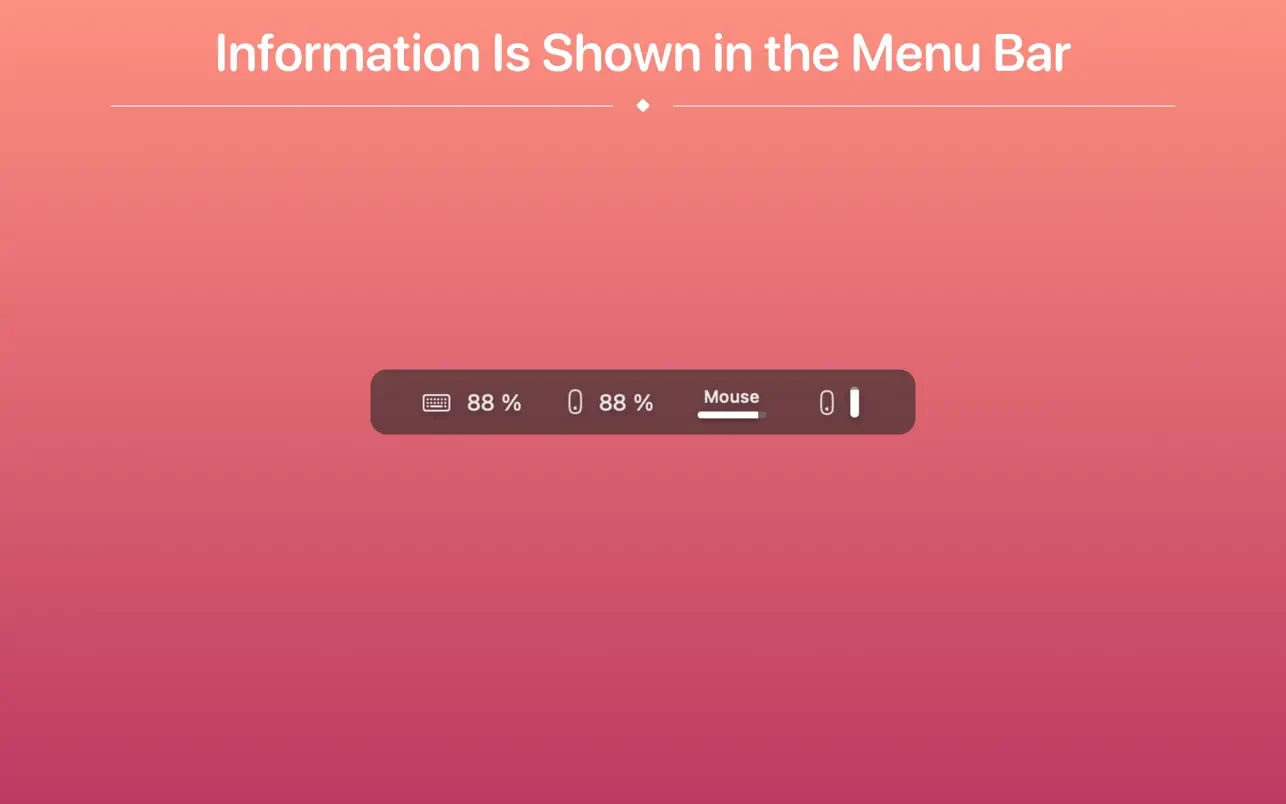
You can choose between detailed, compact, or icon-only view modes. In the detailed overview, the battery charge level is displayed right next to the device icon. In icon-only view mode, the battery charge level is shown after opening the application menu. The compact view presents all the information in a way that uses very little space in the menu bar.
Full Apple Silicon support for magic battery mac compatibility.
Connected or disconnected devices are detected automatically. The view then adjusts accordingly to reflect the current state of peripherals.
Receive notifications when a device's battery charge level reaches 20%, so you never run out of power unexpectedly.
Auto-launch support: with magic battery download and installation, the application starts as soon as the user logs into the system (optional).
Frequently Asked Questions
You May Also Like
Reviews & Comments
No comments yet.