
LanScan
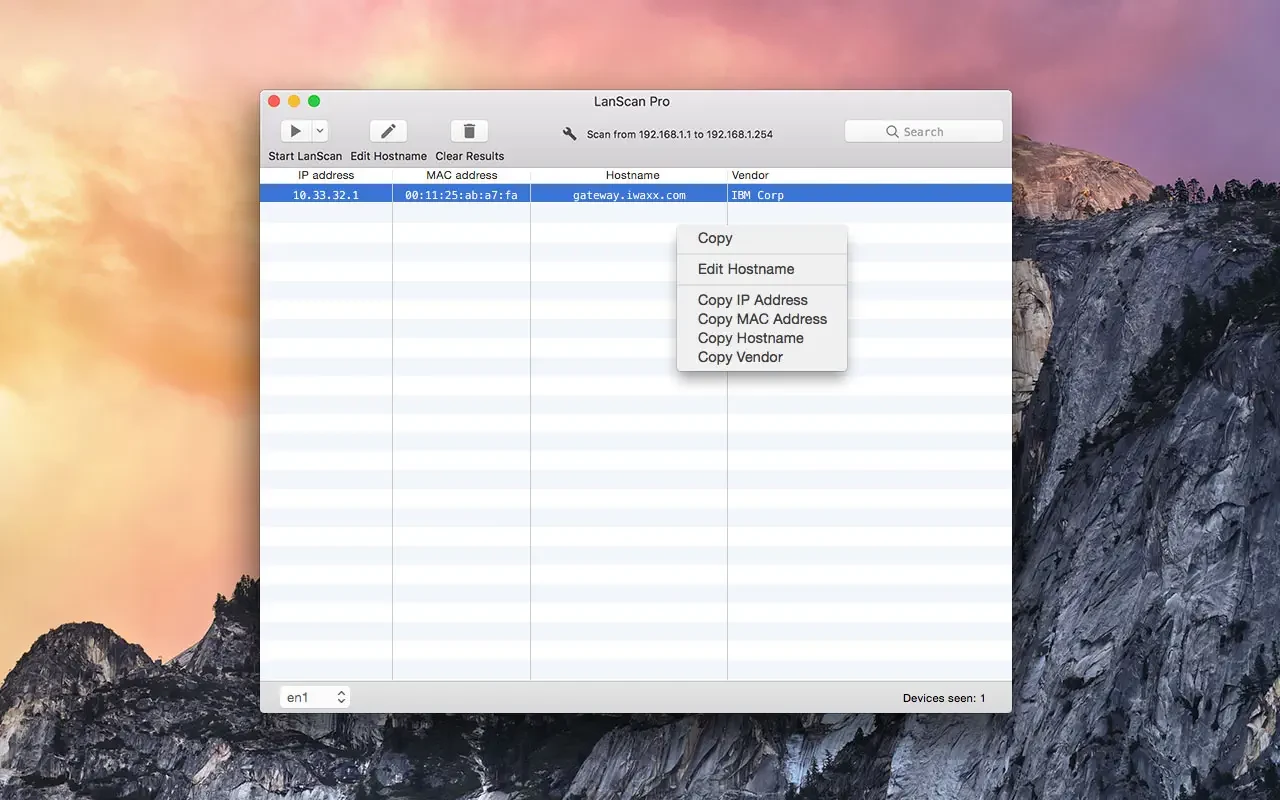
Description
LanScan is a simple and powerful network scanner for IPv4 and IPv6 that detects all active devices on any subnet — whether it is your local network or any public subnet that you choose to configure. This lanscan app is designed specifically for Mac users who need a reliable and intuitive way to monitor their network environment.
Features:
→ Automatic detection of configured network interfaces: Airport, Ethernet, Virtual interfaces, and more
→ Scanning any IP address range, from a single IP address all the way up to the entire IPv4 address space!
→ Scanning the local network using ARP packets for fast and accurate device discovery
→ Scanning public IP address ranges using Ping / SMB / mDNS packets for broader reach
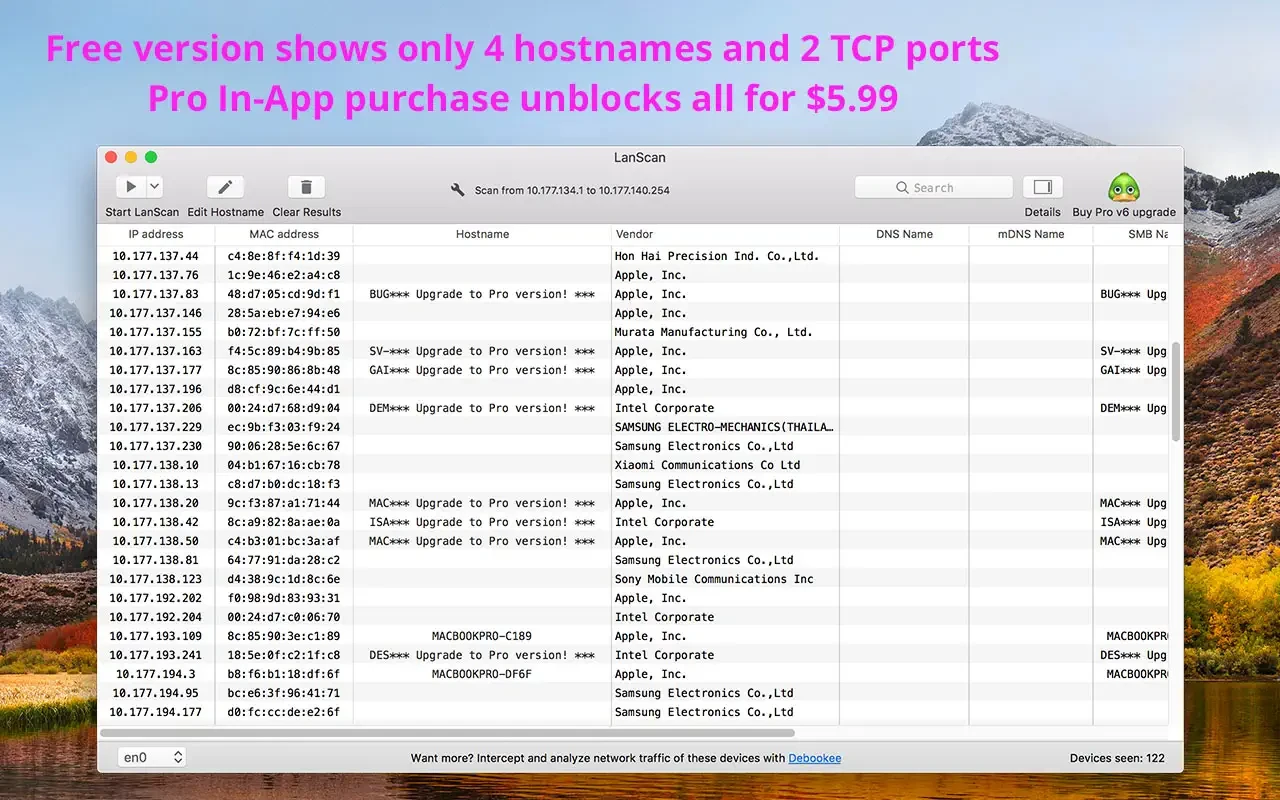
→ Displaying the IP address, MAC address, hostname (up to 4 hostnames) and the associated manufacturer for each device
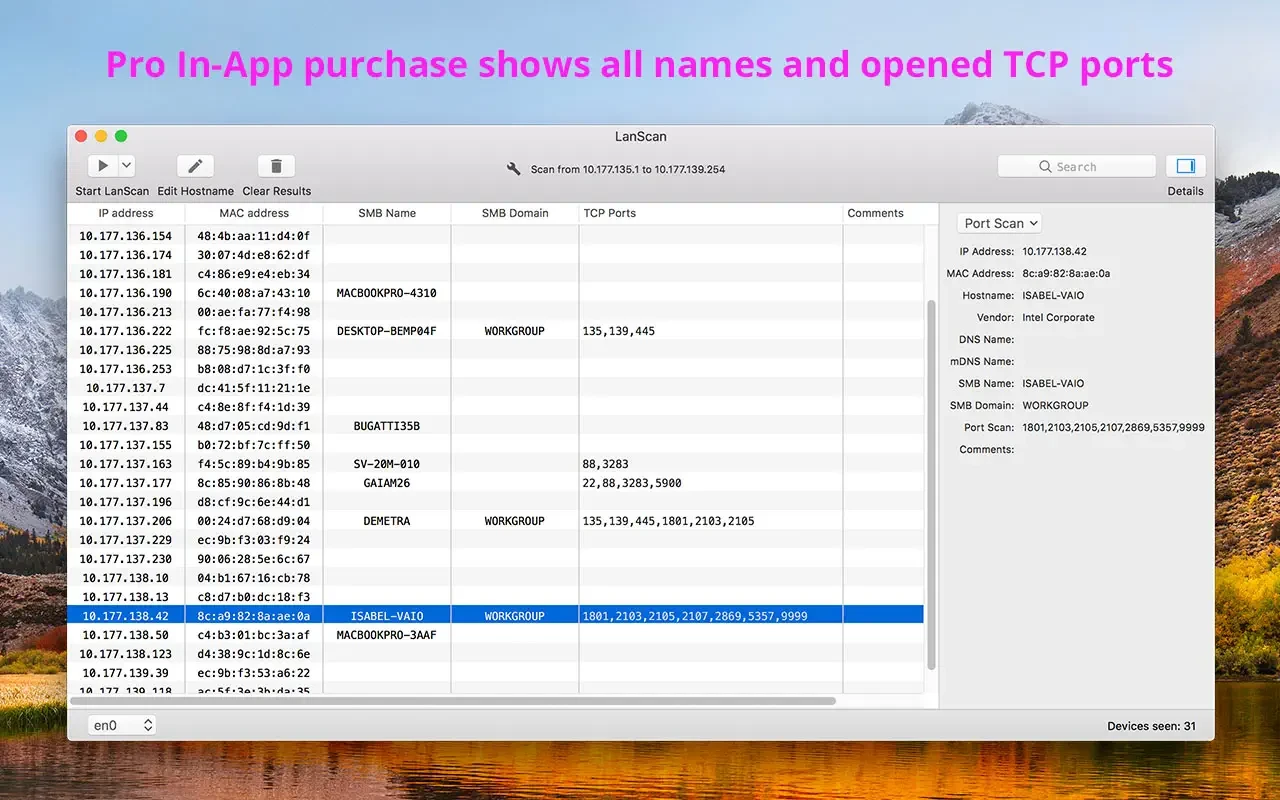
→ Detection of the SMB domain, if one has been configured on the network
→ Hostname resolution via DNS, mDNS (for Apple devices) and SMB (for Windows devices)
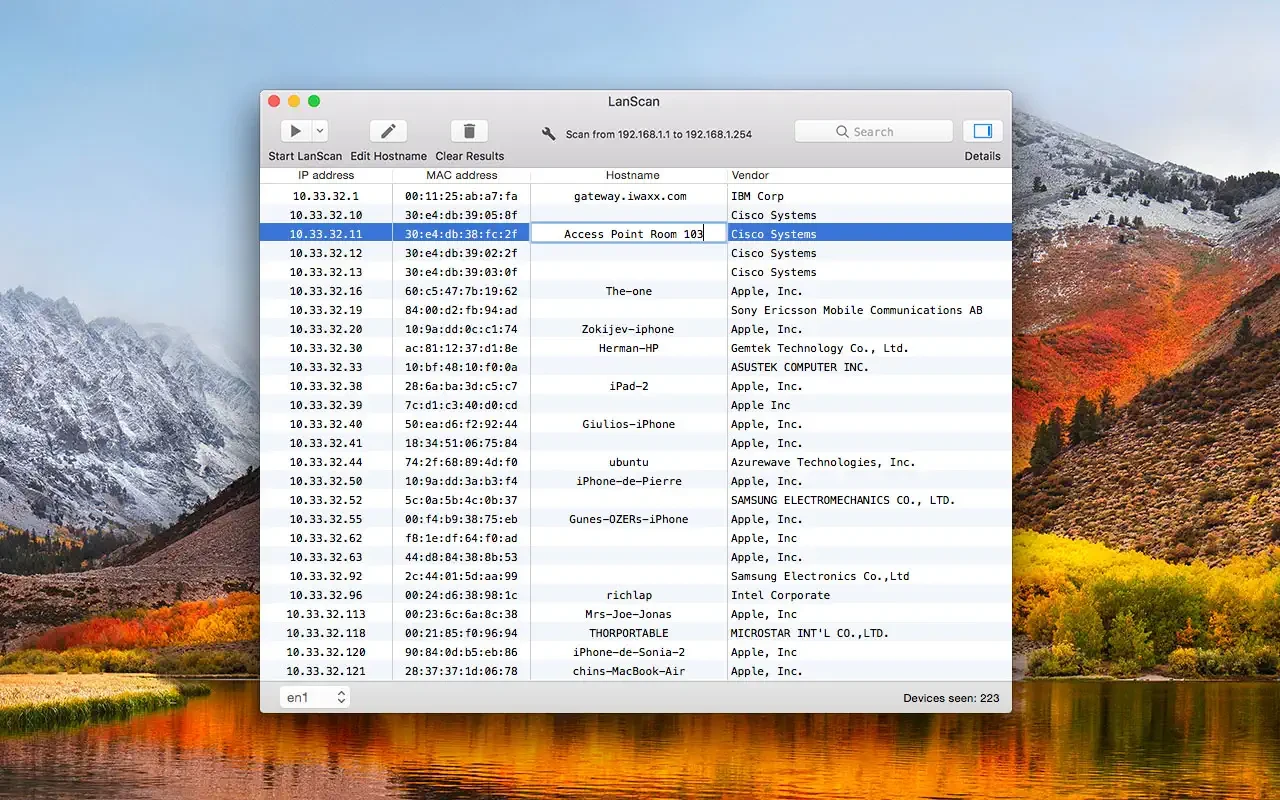
→ Custom hostname editing so you can label devices to your preference
→ Custom comment field for each discovered device for your personal notes
→ Opening a custom URL directly in your default browser from the lanscan mac interface
→ Exporting all scan results to CSV files for further analysis or record-keeping
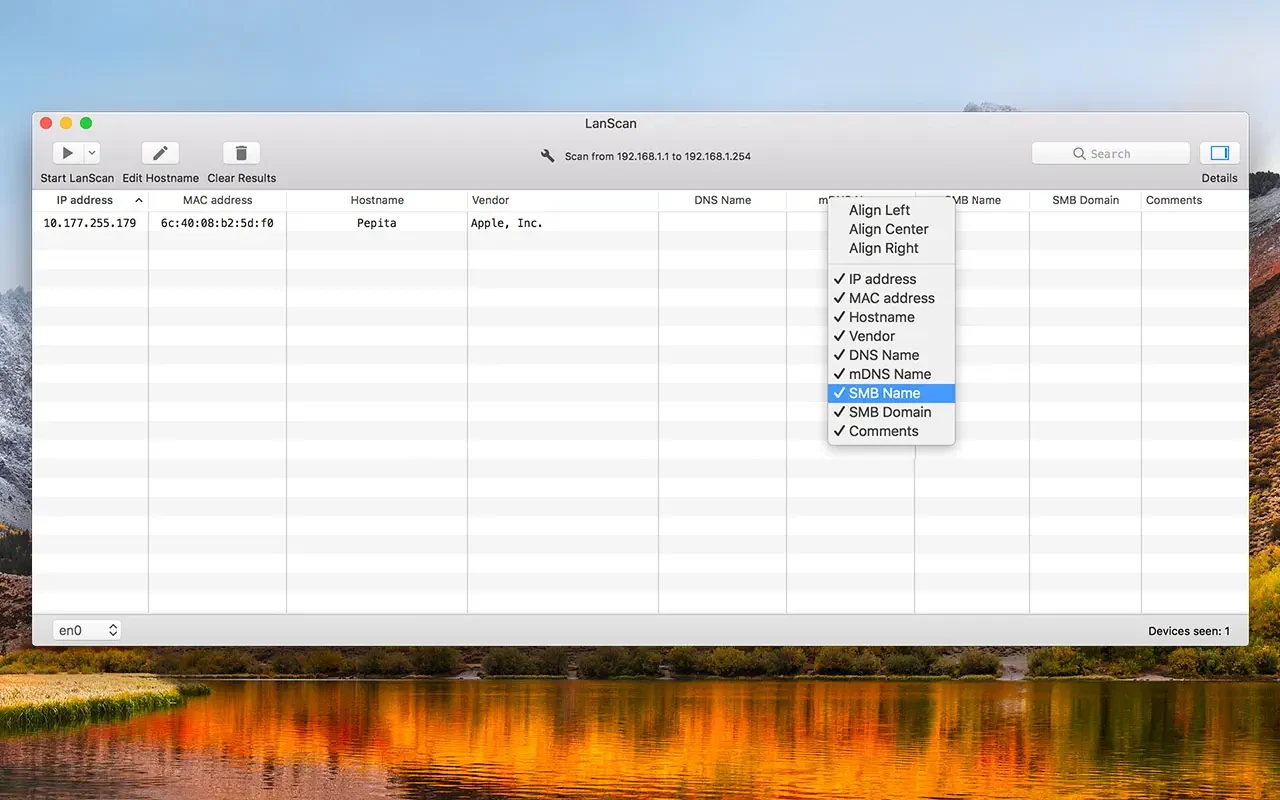
→ Hide or show each individual column depending on your needs
→ Align each column exactly as you prefer for a personalized layout
→ No limitations on the number of discovered devices whatsoever! With lanscan download, you get a complete network scanning solution on your Mac with absolutely no device count restrictions.
Frequently Asked Questions
You May Also Like
Reviews & Comments
No comments yet.