
KeepNotes for Google Keep
Description
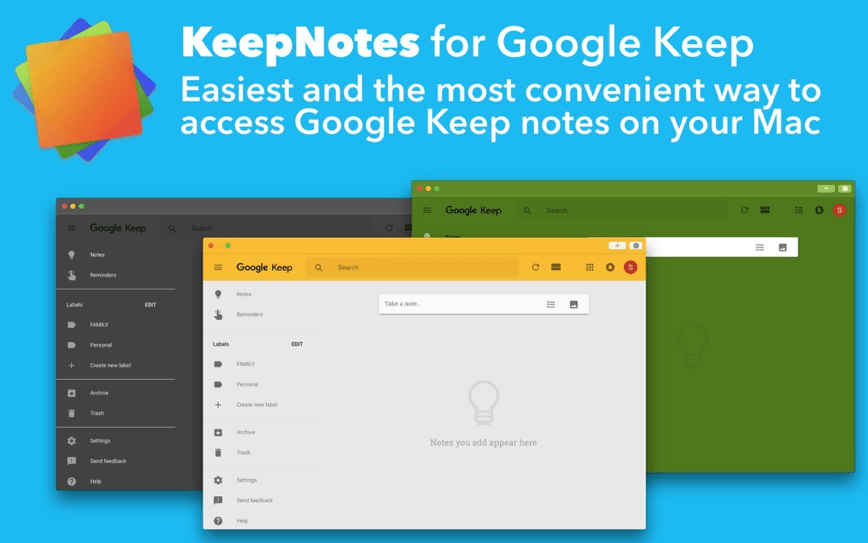
KeepNotes for Google Keep (formerly known as MyKeep Notes for Google Keep) is a simple and convenient way to access your Google Keep notes directly on your Mac. Once you keepnotes download and install the application, you get access to powerful features such as a desktop widget, multi-window mode, and quick menu bar access. Plenty of customizable keyboard shortcuts are available to make your everyday workflow even faster and more efficient.
Features:
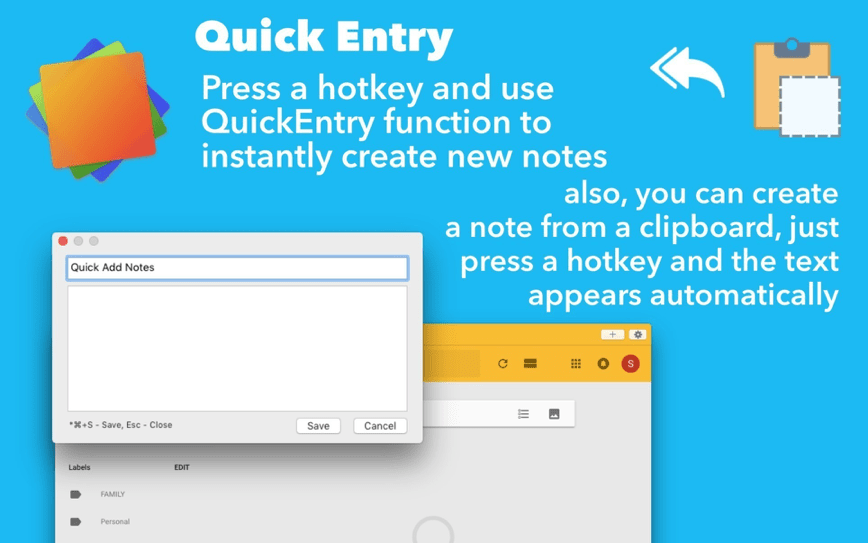
Quickly create notes using a dedicated hotkey and rapid input for seamless note-taking on your Mac
Create notes directly from the clipboard – simply press a hotkey, and the copied text will instantly appear in a new note
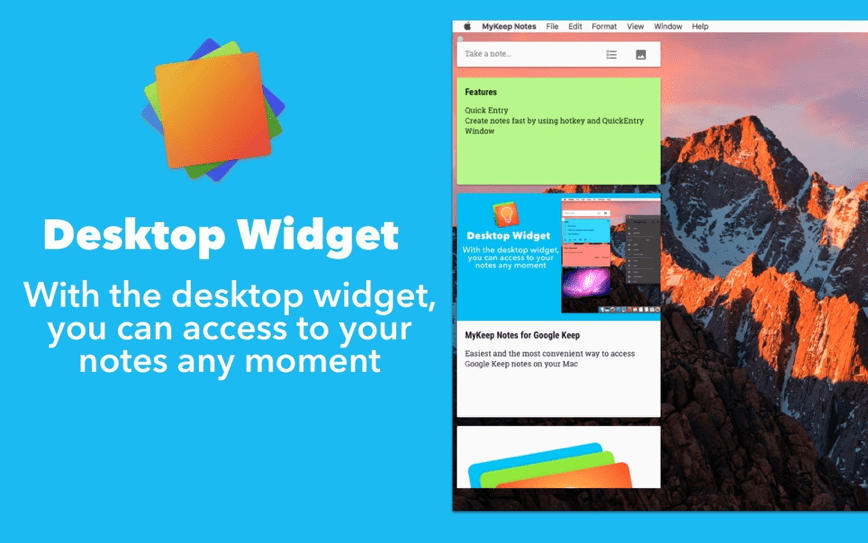
With the desktop widget you can access your notes at any moment without switching between applications
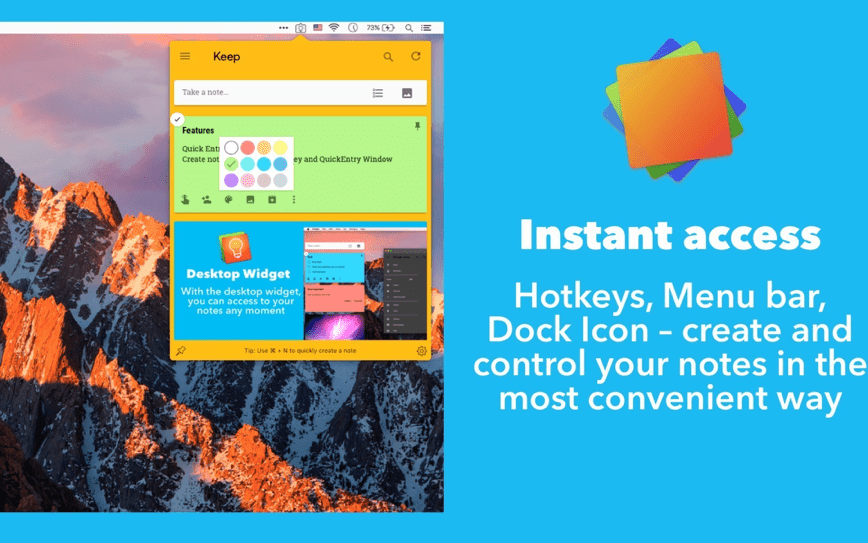
Menu bar access + you can open your full list of notes in the menu bar using a customizable hotkey
Various modes are available – "Window Mode", "Desktop Widget", "Menu Bar Access" – choose whatever suits your workflow best
Set up and customize keyboard shortcuts on your own to match your personal preferences
Beautiful themes to personalize the appearance of the keepnotes for google keep app on your Mac
Launch automatically at system startup so your notes are always ready
Show/Open the keepnotes mac application automatically when the system starts up
Frequently Asked Questions
You May Also Like
Reviews & Comments
No comments yet.