
Hazel
Description
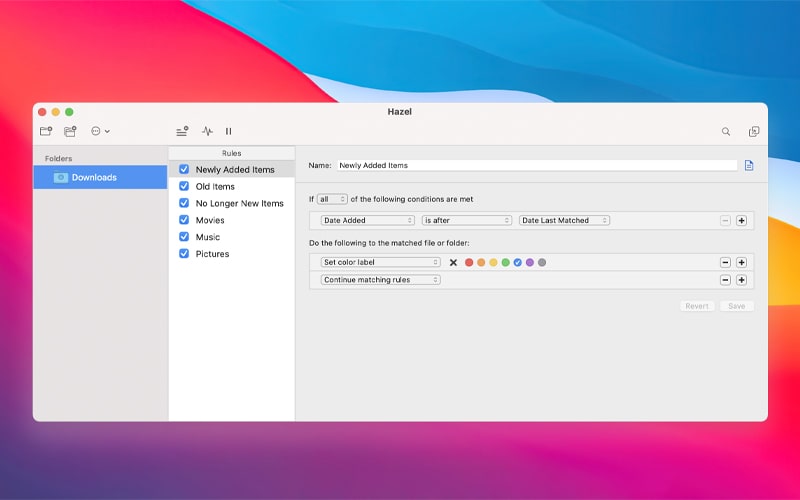
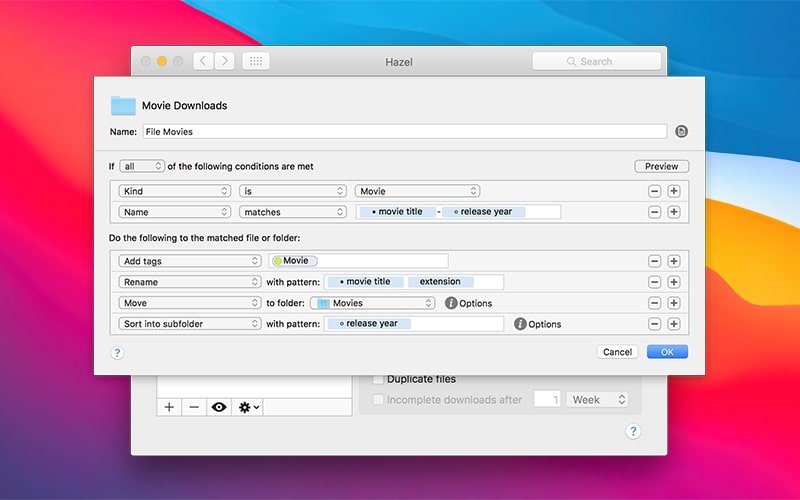
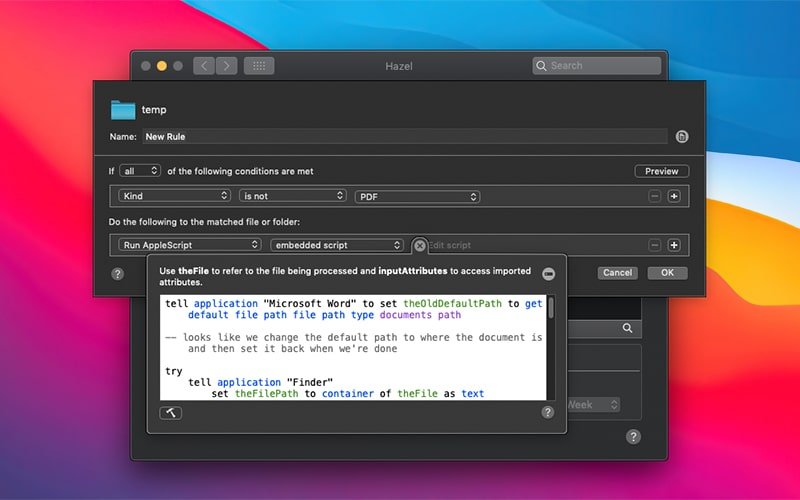
Hazel is a streamlined alternative to the Automator application that comes built into macOS. This hazel app is designed specifically for automating file-related actions based on user-defined conditions. When one or all of the specified conditions are met, the program automatically carries out the assigned actions on your Mac.
For example, if you regularly hazel download clipart assets for graphic design projects and sound files for enhancing your video productions, this application can automatically move them out of the Downloads folder and sort them into dedicated themed folders such as "Cliparts" and "Sounds" without any manual effort.
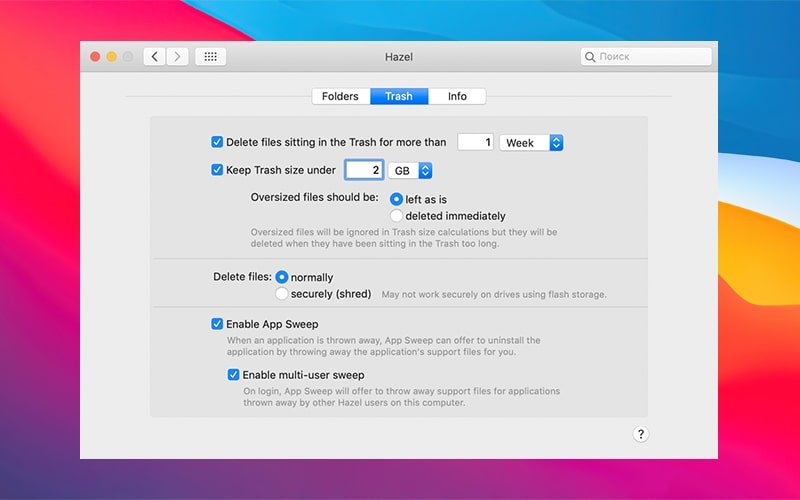
The hazel mac utility will also suggest removing files that you haven't accessed or used in a long time, create backup copies of important documents with a special tag added to the file name, and clean up your desktop at a scheduled time — and all of this represents only a small fraction of the full range of its powerful capabilities.
Frequently Asked Questions
You May Also Like
Reviews & Comments
No comments yet.