Darkroom
Description
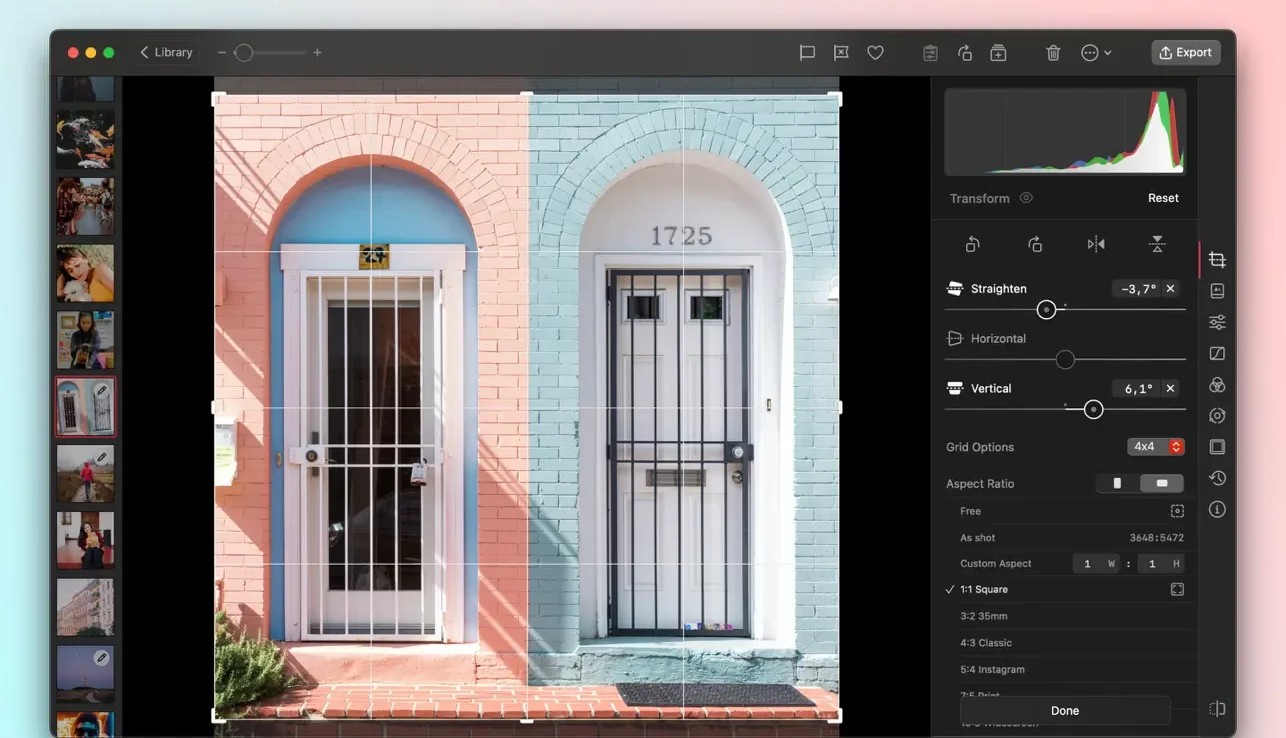
Darkroom is a premium photo and video editor for Mac. It is easy enough for an amateur photographer to use with confidence, yet powerful enough to satisfy the demands of seasoned professionals looking for advanced editing capabilities.
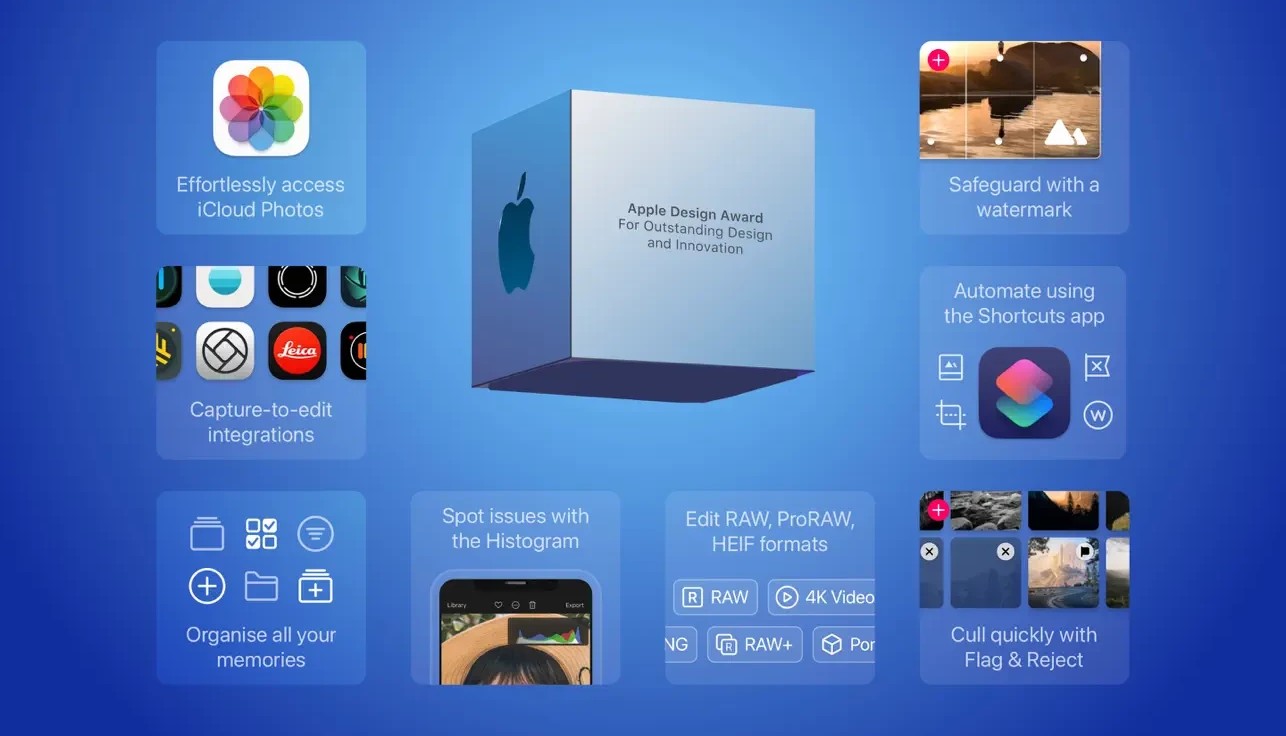
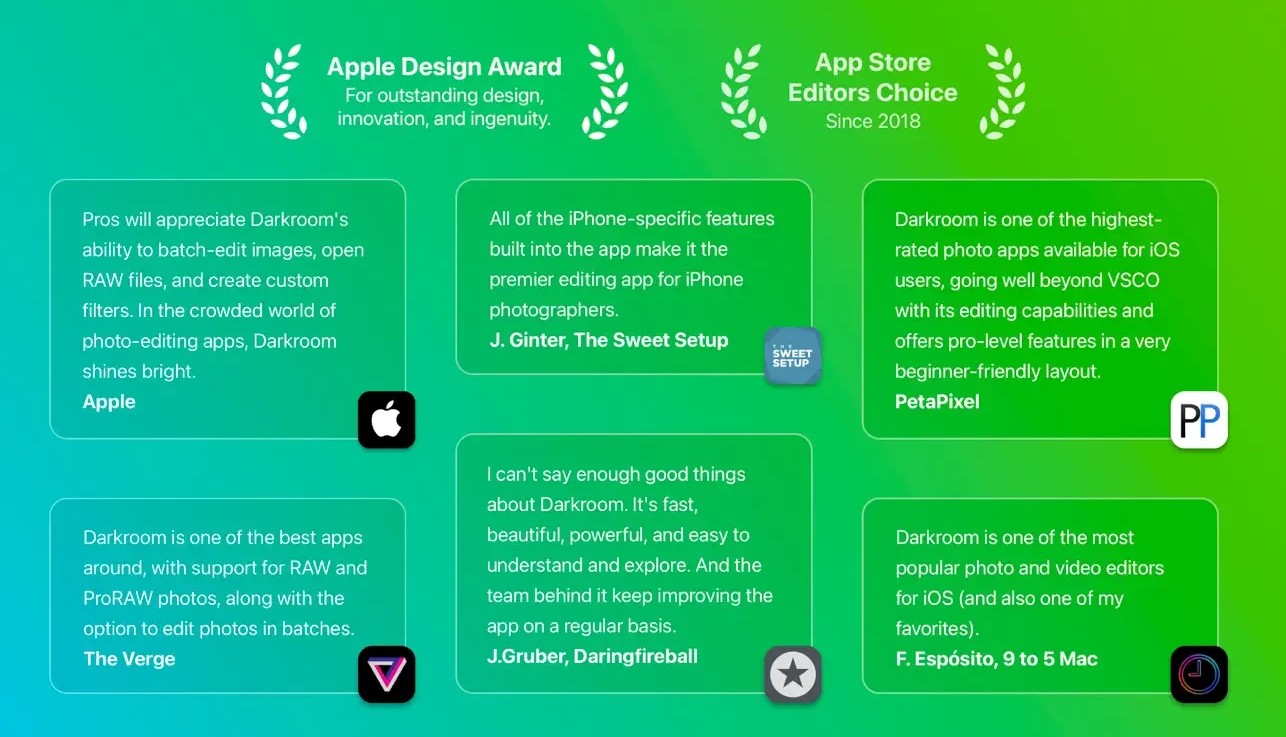
Winner of the Apple Design Award 2020
Best App of 2015 on the App Store
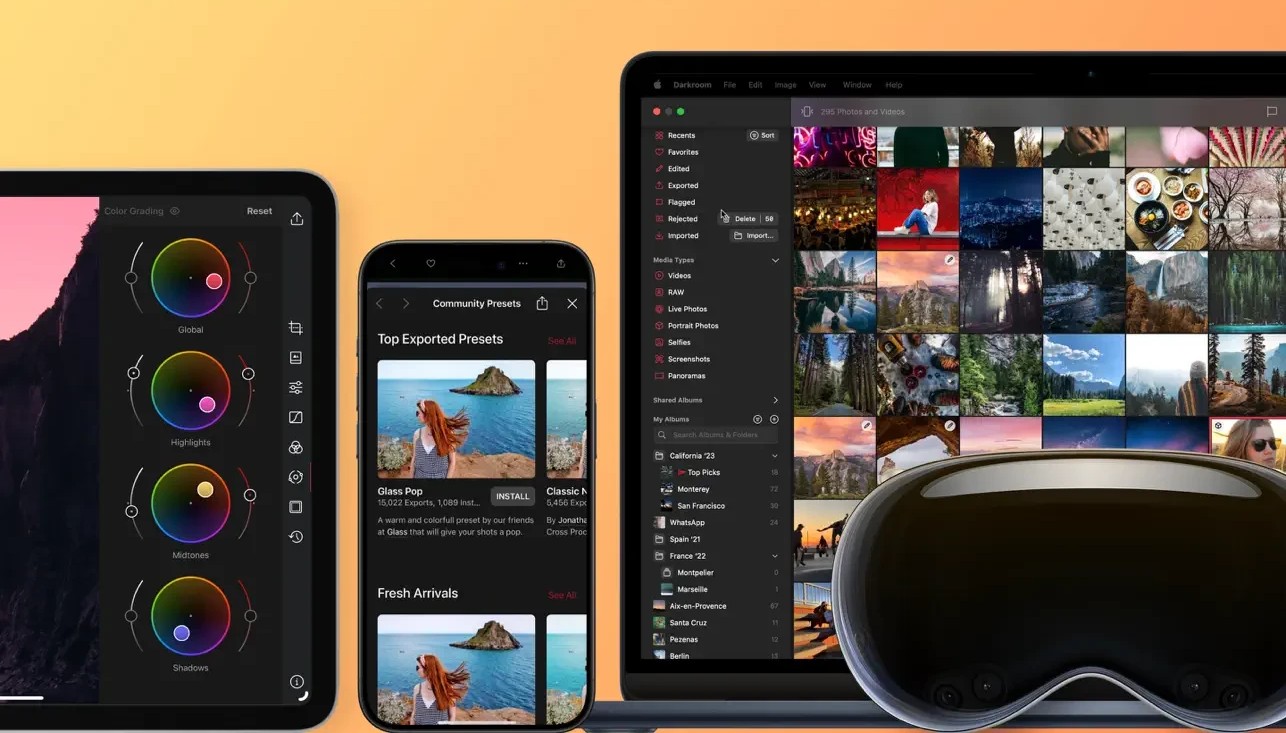
Available as a universal application on iPhone, iPad, and macOS Big Sur with complete integration into all of the latest features and system capabilities.
Versatile Photo Editor for Mac
All the tools you need to bring your photographs to life are right here. Live Photos, RAW format images, and portrait photos are all supported out of the box. The darkroom app is available on iPhone, iPad, and Mac for a seamless editing experience!
Video Editor (Darkroom+ Subscription)
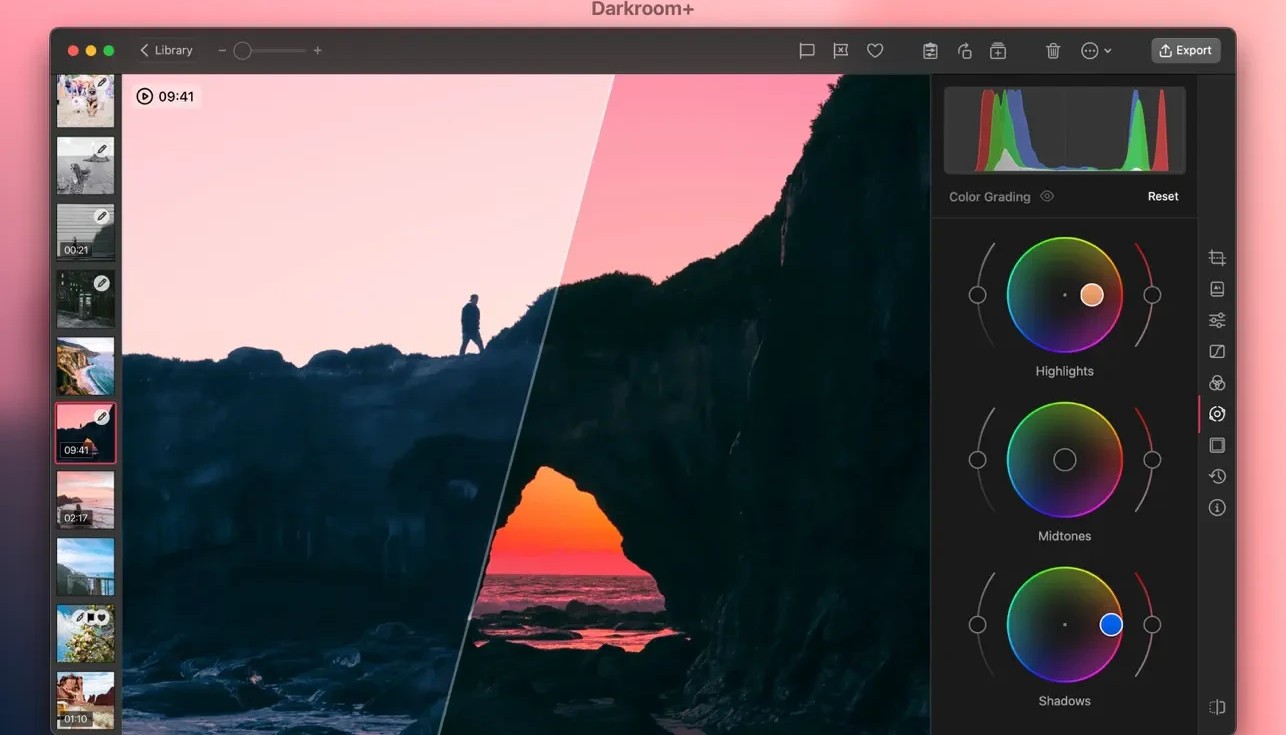
Incredibly fast and intuitive real-time color grading for your video projects. All of our filters and editing tools can be applied to video content as well, including full batch processing support.
Curves and Color Picker Tools (Darkroom+ Subscription)
The heart and soul of the darkroom mac experience: the most useful Curves and Color Picker tools available on macOS. A beautiful combination of powerful functionality and simple, accessible design.
Portrait Mode Blur
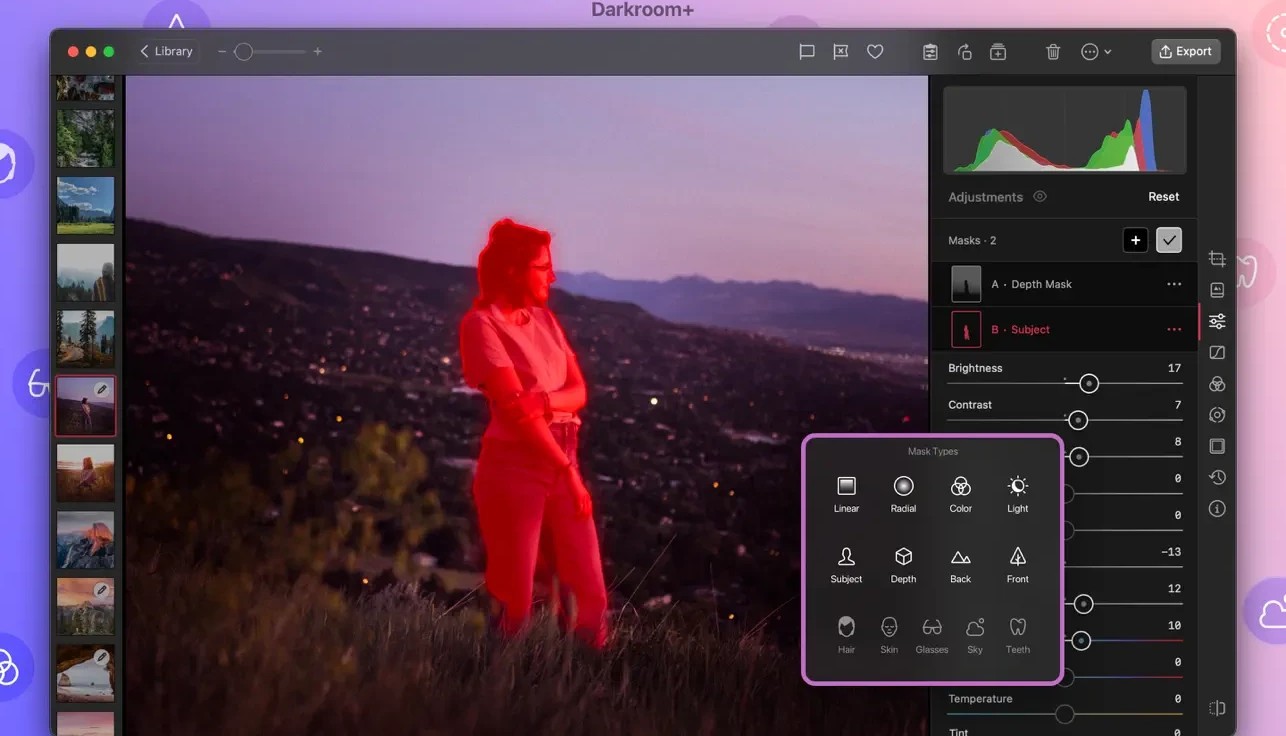
Adjust the foreground and background of your portrait mode photographs independently of each other. Fine-tune the blur intensity of your portrait photos, and separately modify the brightness, contrast, and saturation of both the foreground and background elements.
RAW Editing
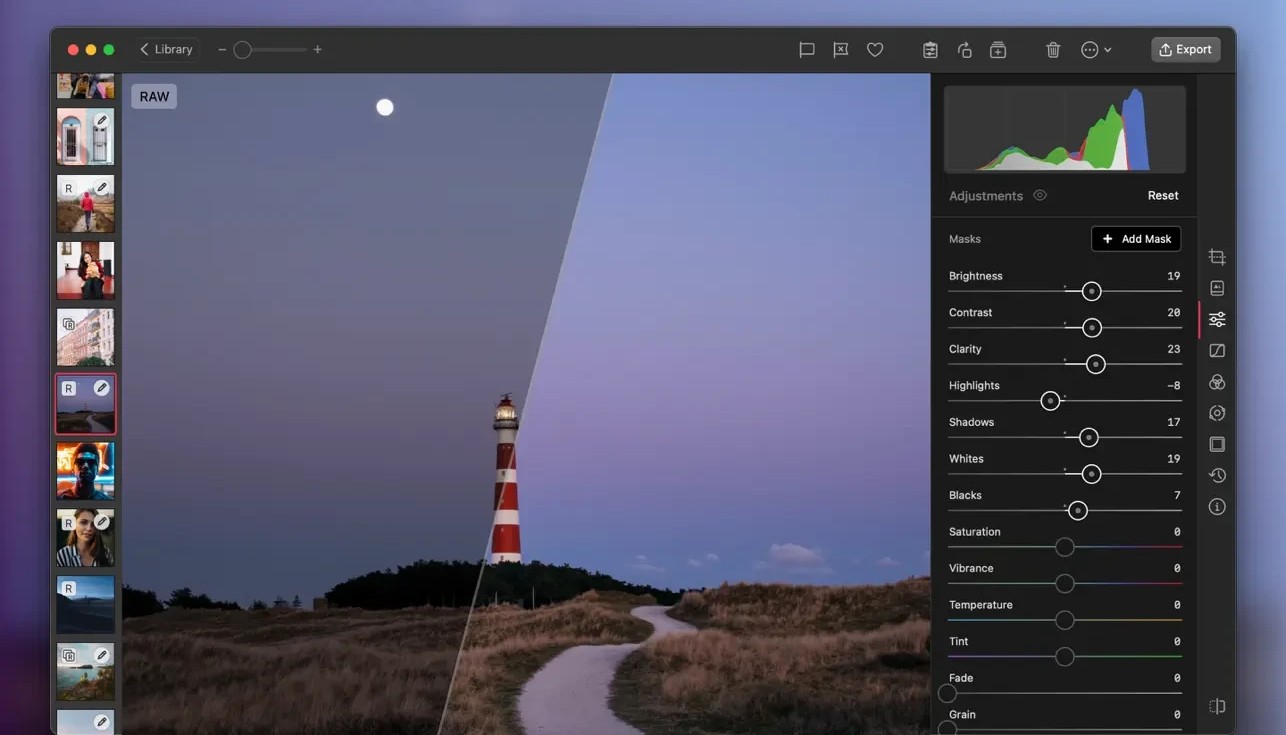
Edit your photographs in RAW format and recover every last detail hidden in the shadows and highlights of your images for stunning results.
Comprehensive Album Management
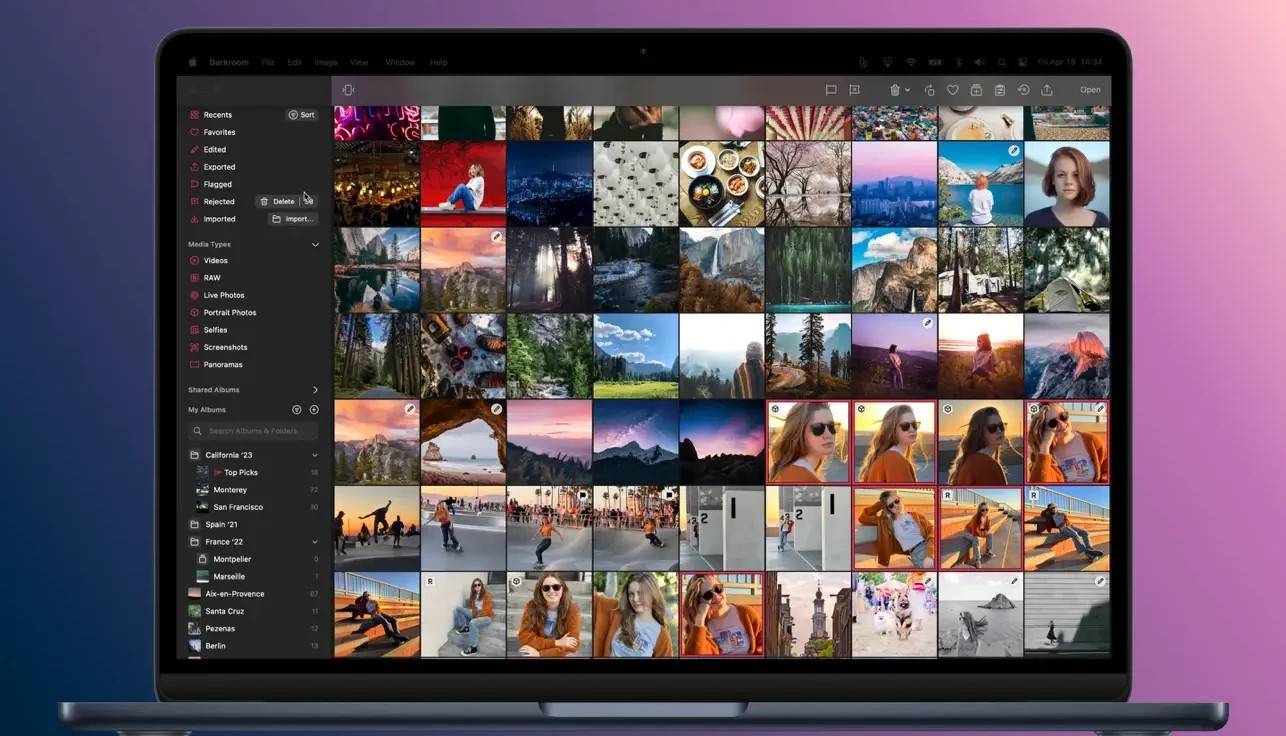
Our complete set of album management controls helps ensure extremely fast and efficient organization of your entire photo library. Every single action you perform in Darkroom is applied directly to your iCloud Photo Library!
Create Your Own Filters
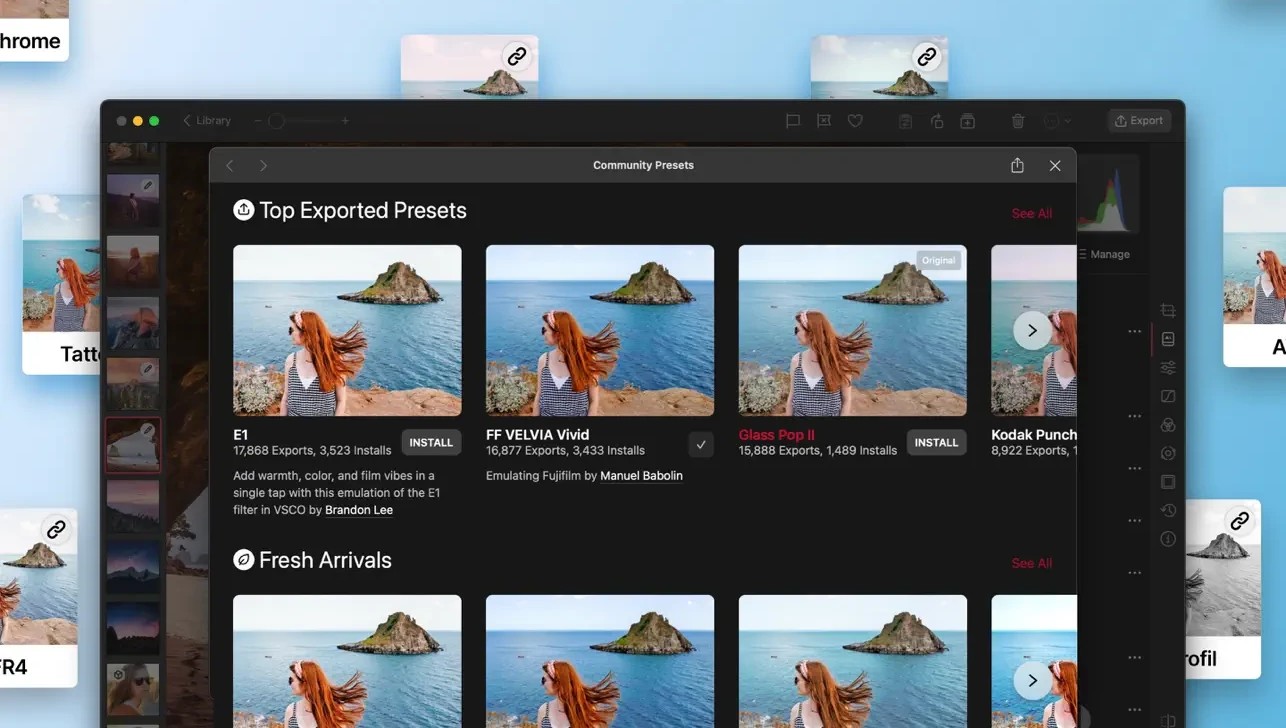
You have access to the very same tools that professional photographers use to create their signature filters. Modify any of the built-in or premium filters to match your specific needs and preferences, or create your own unique filter entirely from scratch.
No Import Required
All of your photos are imported automatically without any extra steps. With the darkroom download installed on your Mac, you never need to worry about manually importing your images into the application.
Batch Processing
Apply edits and filters to many photos simultaneously with a single action. Add multiple images to your favorites, delete them, or hide them with just one click of your mouse on Mac.
Hashtag Management and SIRI Shortcuts
Create organized sets of hashtags that can be exported with a single tap from anywhere you need: the home screen, the Today widget, the Export page, and more. Create your own custom Siri Shortcuts to quickly copy your favorite hashtag sets from any application on your Mac.
Frequently Asked Questions
You May Also Like
Reviews & Comments
No comments yet.