

Description
PastePal is a native application built entirely in pure Swift that gives you complete control over your clipboard history on Mac. This pastepal clipboard manager lets you effortlessly track, organize, and retrieve everything you have ever copied to your clipboard.
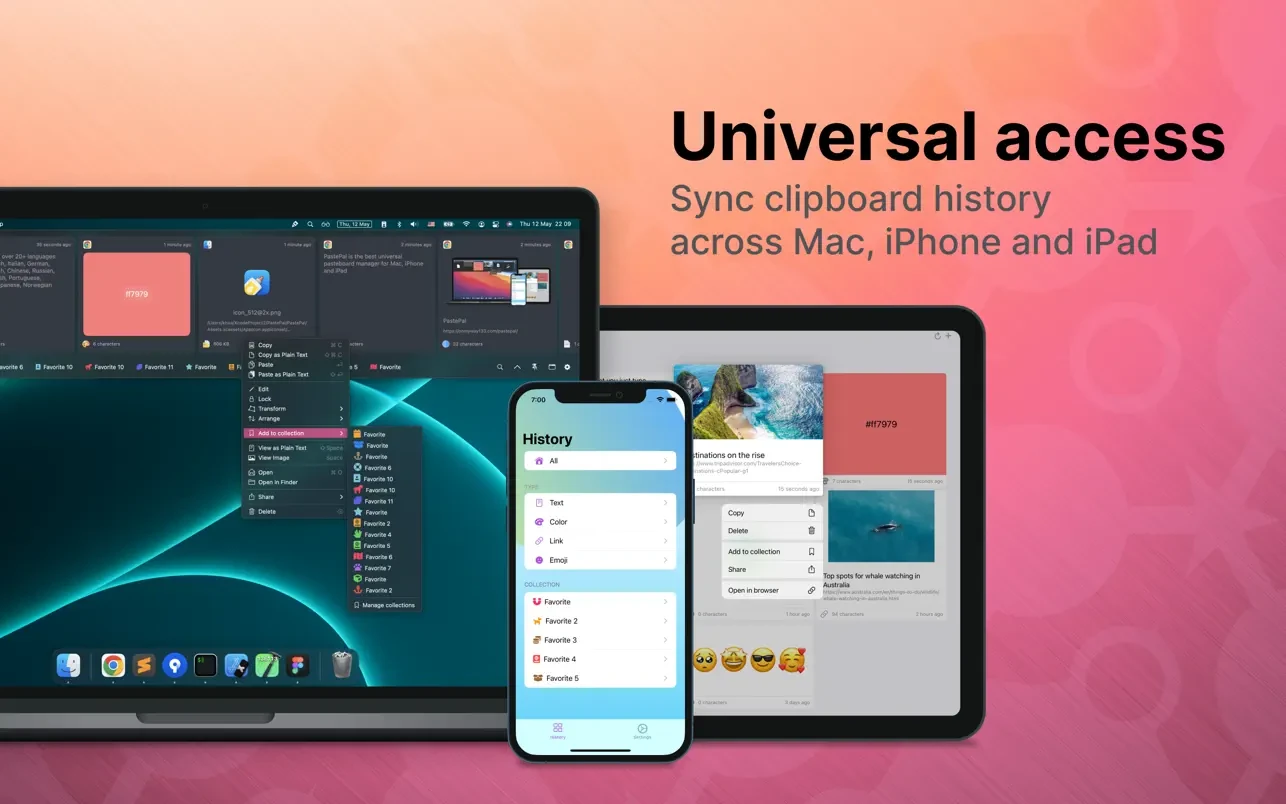
The application is universal and available across Mac, iPhone, and iPad devices. You can manually enable iCloud synchronization in the "Settings" section, and all of your clipboard data will be securely synced across every connected device. After you pastepal download and install it on your Mac, the syncing process becomes seamless and reliable.
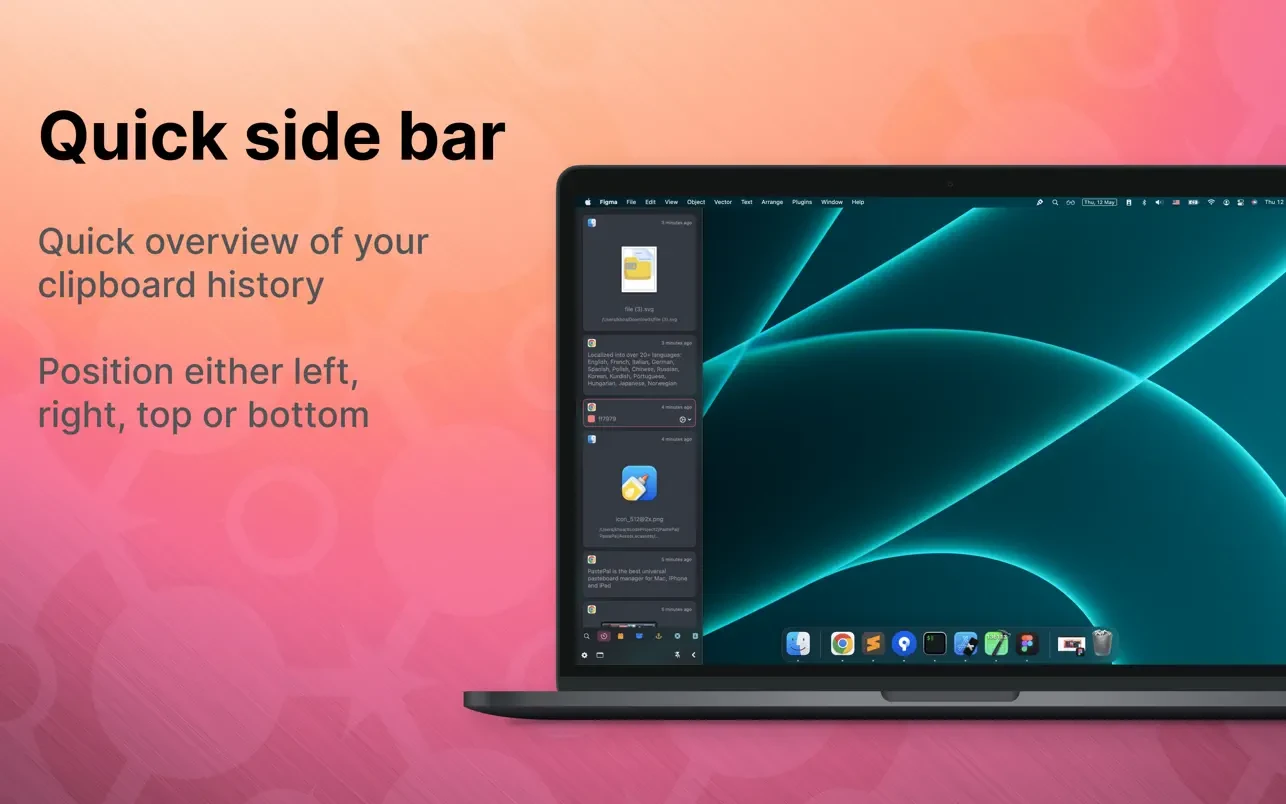
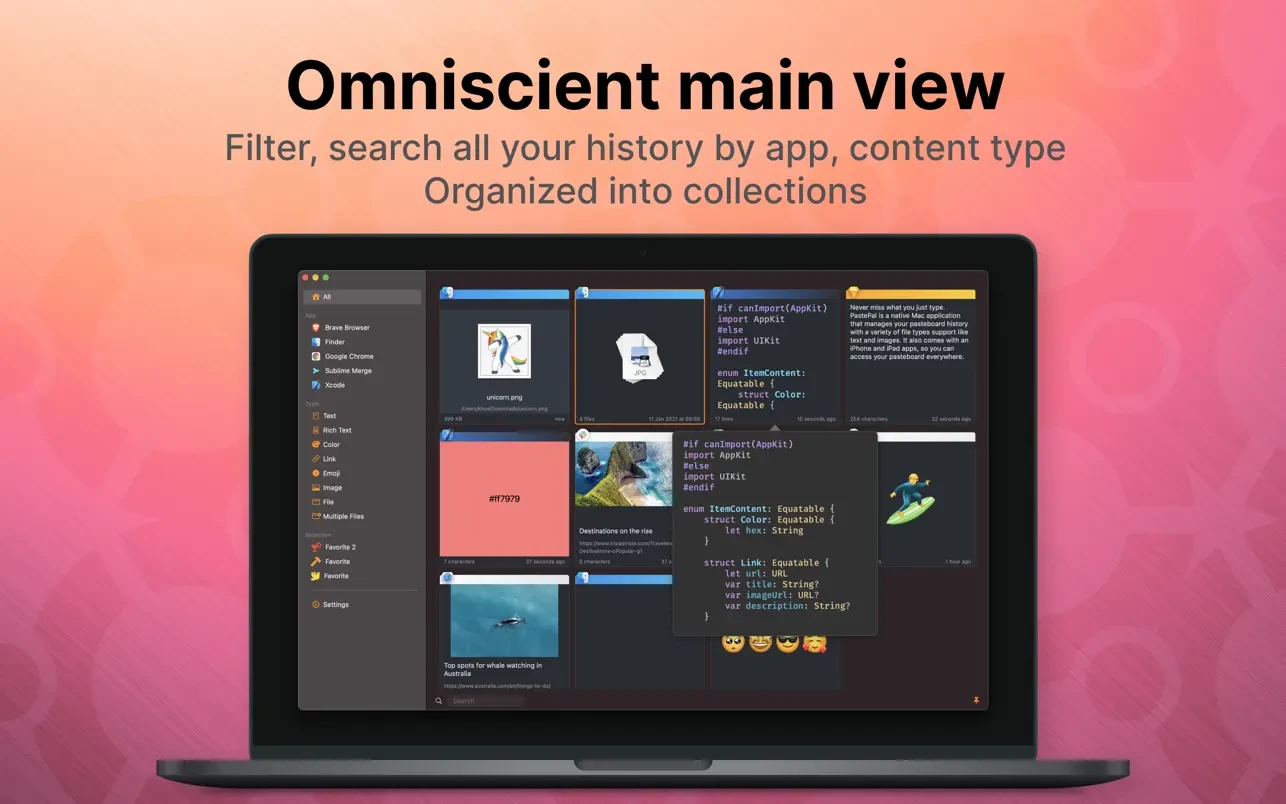
Features: - Light and dark mode support - Side panel window for quick access to your most recent clipboard history. You can position it at the top, left, bottom, or right edge of your screen. - Main window for a comprehensive full overview. Within it, you can filter entries by applications, content type, and organize items into custom collections - Pagination. For handling large volumes of clipboard data, a built-in pagination feature is included, allowing you to navigate through multiple pages of your saved history effortlessly. - Configuration of allowed and ignored lists for applications, folders, and specific content words - Automatic trimming of older clipboard history. You can define specific time frames during which your clipboard history will be retained and stored. - Keyboard shortcuts for toggling windows, copying, and deleting individual history entries - Quick access through the menu bar status icon on your pastepal mac desktop
Frequently Asked Questions
You May Also Like
Reviews & Comments
No comments yet.