BetterSnapTool
Description
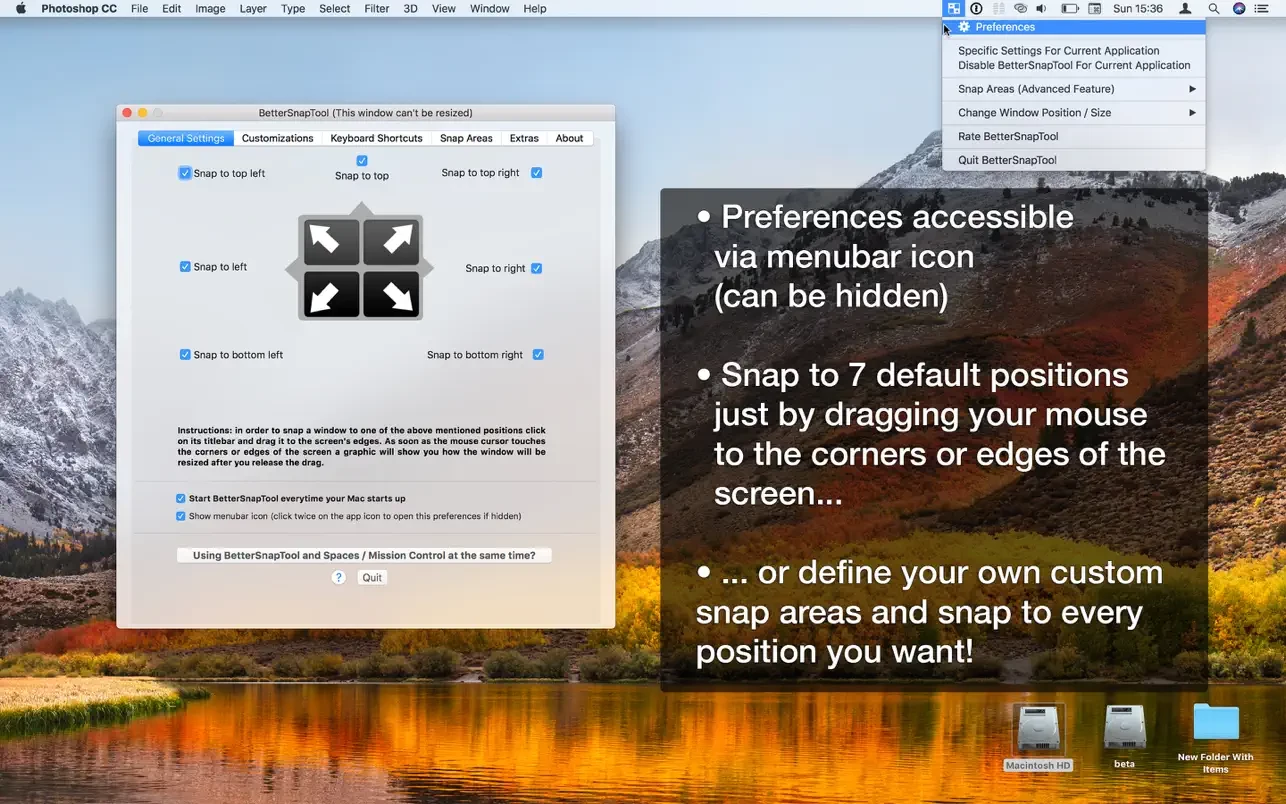
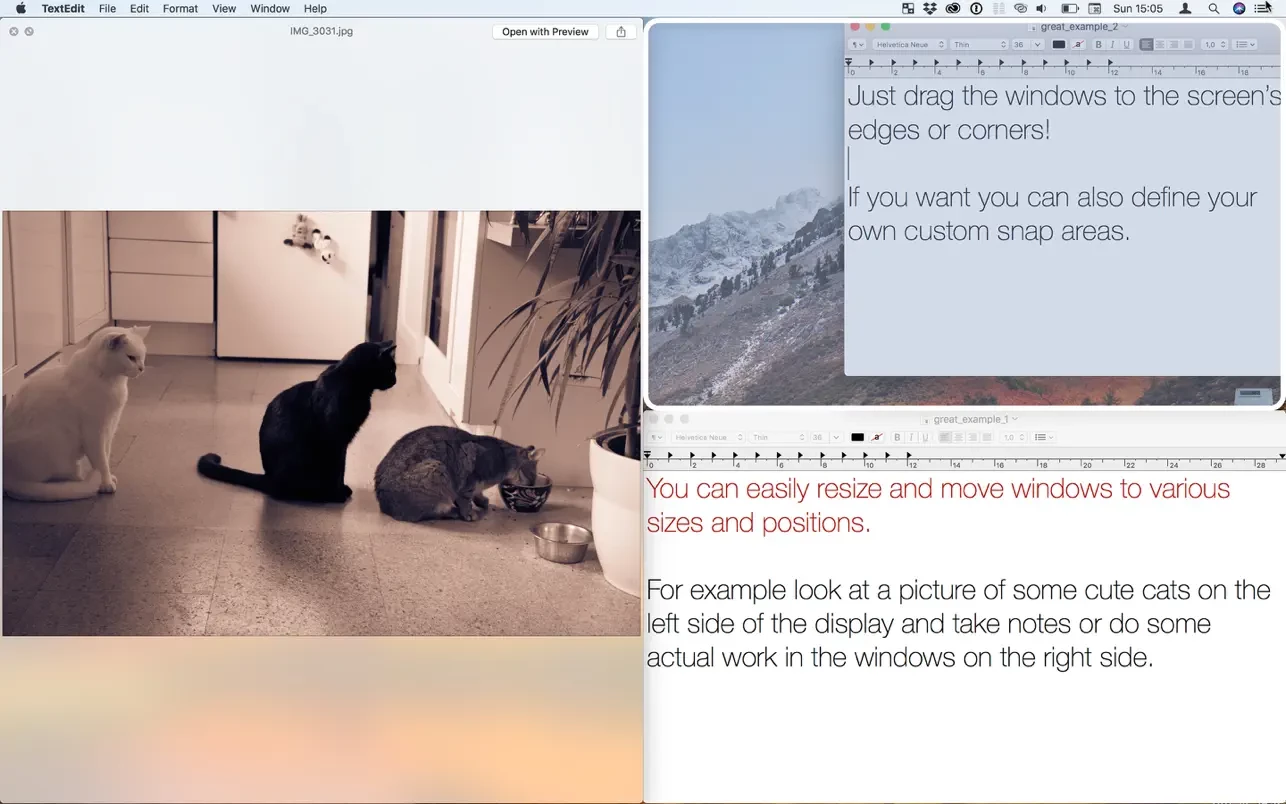
BetterSnapTool allows you to easily manage the position and size of windows on your Mac by dragging them to one of the screen corners or to the top, left, or right edge of the screen. This makes it simple to maximize windows, place them side by side, or even resize them to exactly a quarter of the screen area.
If you need something more than the standard snap areas, the BetterSnapTool app now allows you to create your own fully customizable snap areas anywhere on your screen.
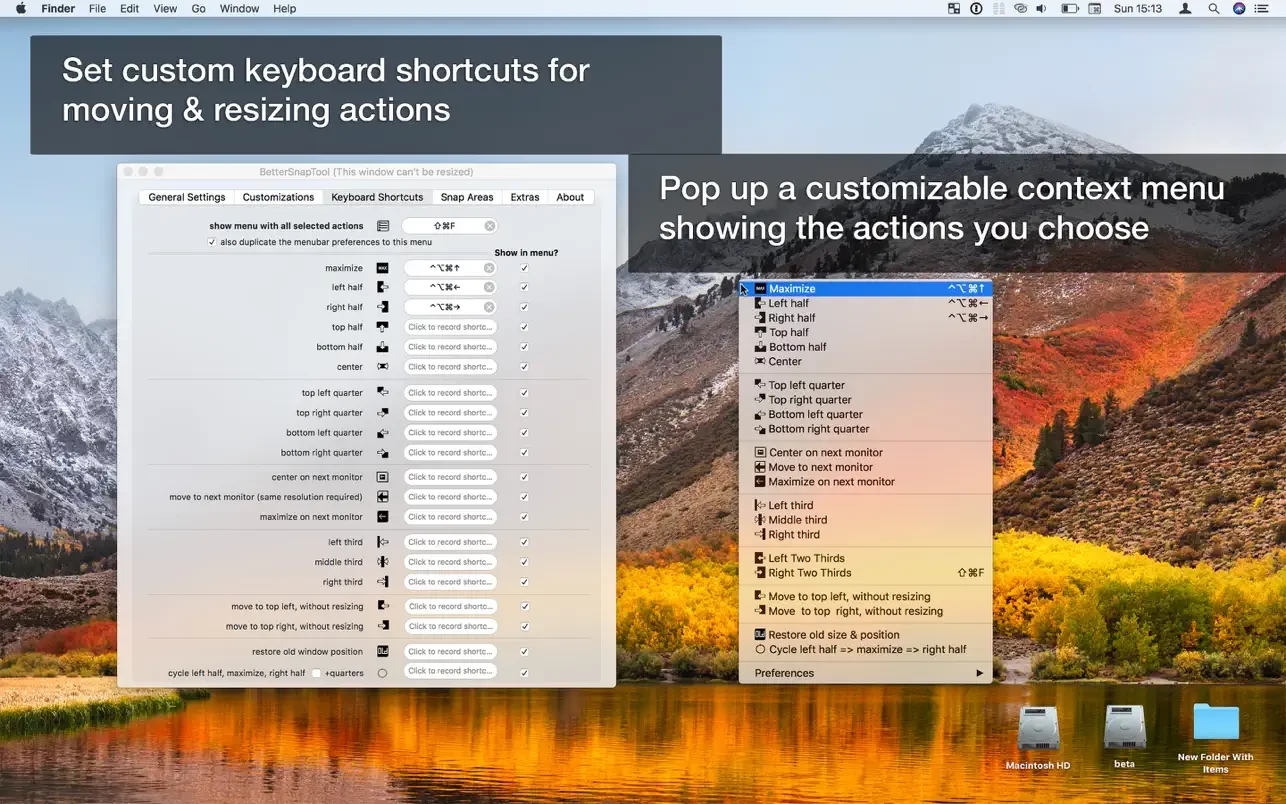
To be even more productive, you can also set up your own custom keyboard shortcuts for moving and resizing windows on your Mac.
Since so many positions are available, BetterSnapTool mac also provides an overview menu from which you can quickly select the exact window position that you want.
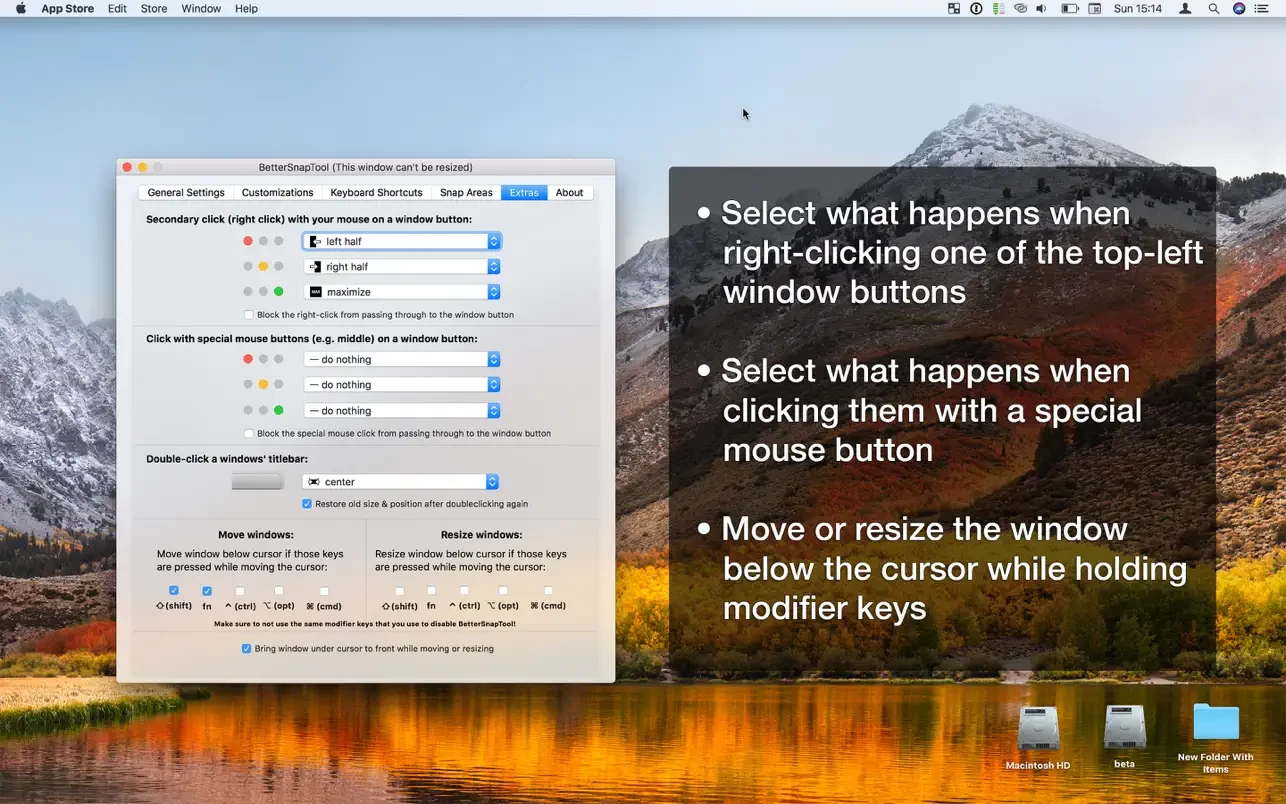
You can also configure what should happen when you right-click on one of the buttons located in the upper-left corner of a window.
Additional features are included:
• move or resize the window under the cursor by holding configurable modifier keys.
• choose what happens when you double-click on the title bar of a window
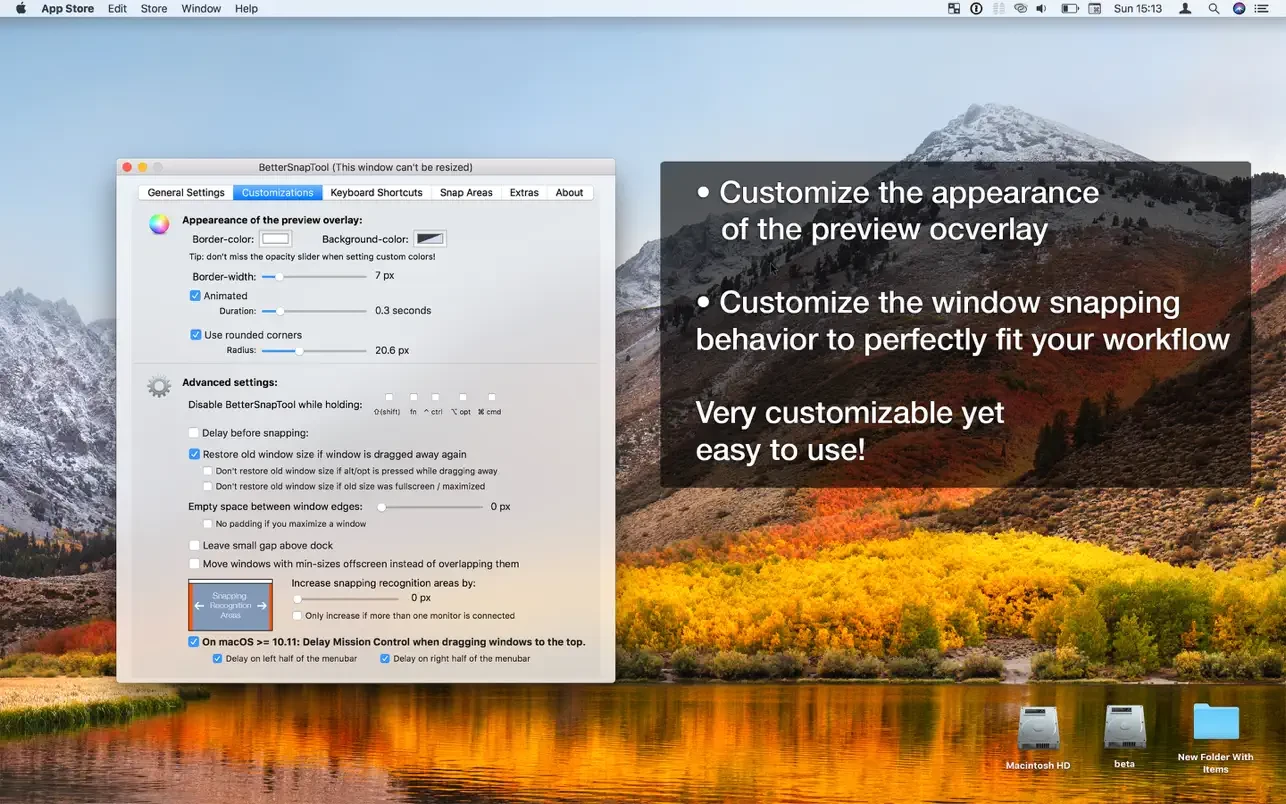
BetterSnapTool is extremely customizable and will completely change the way you work with your Mac every day!
It supports multiple monitors, hidden docks, and much more. After the bettersnaptool download, you can customize the design of preview overlays and even set app-specific snap sizes for individual applications!
Frequently Asked Questions
You May Also Like
Reviews & Comments
No comments yet.