
BetterMouse
Description
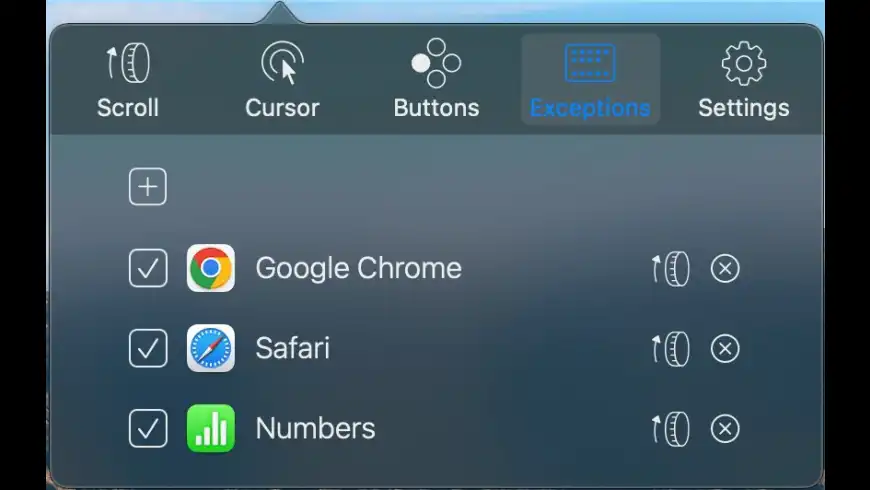
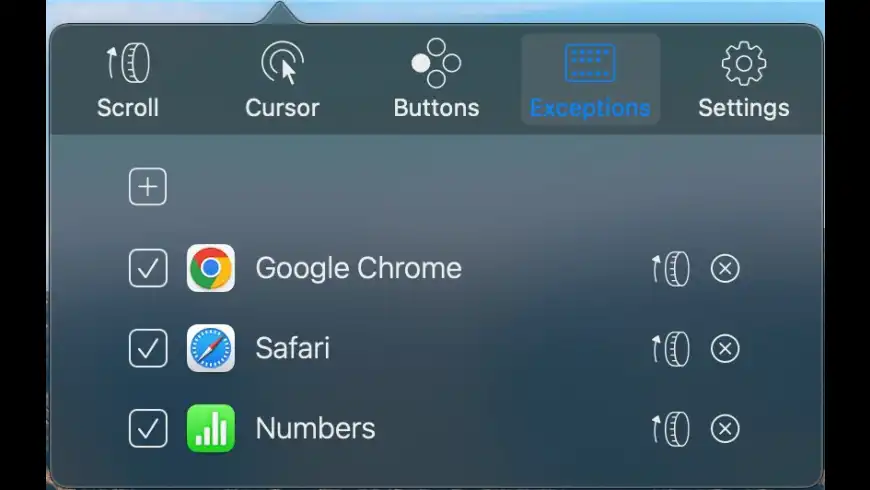
BetterMouse is a utility for macOS that enhances the performance and functionality of your external mouse, designed as a replacement for bloated, intrusive, and resource-hungry mouse drivers such as Logitech Options. The BetterMouse app is a feature-rich, lightweight, efficiency-optimized, and completely secure solution that aims to satisfy all of your needs when using a third-party mouse on macOS.
Features:
Scrolling
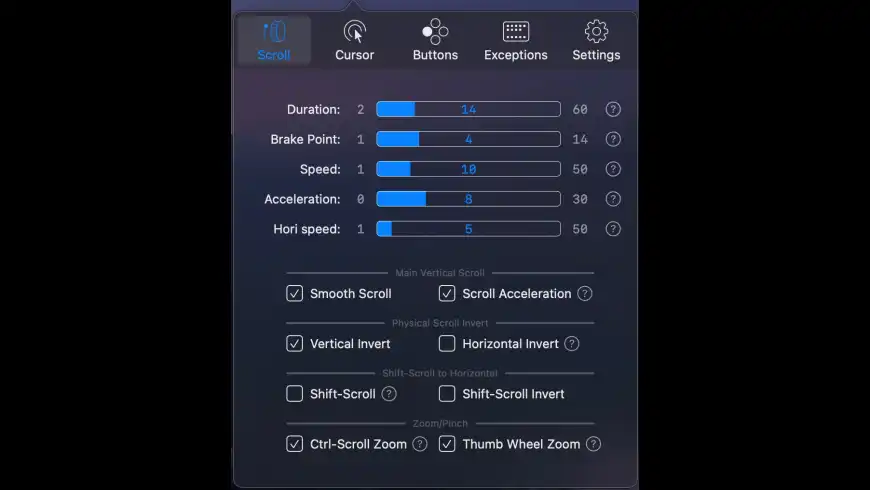
• Soft smooth scrolling with fully customizable settings for duration, direction, acceleration, and more.
• Precise configurable discrete scrolling with or without acceleration support.
• Shift-scroll for horizontal scrolling toggle on/off with adjustable speed and direction.
• Right-click to activate panoramic scrolling functionality.
• Right-click with the Ctrl key held down for additional control.
• Ctrl-scroll for zoom/pinch gesture emulation.
• Zoom scaling adjuster optimized for high-resolution displays.
Cursor
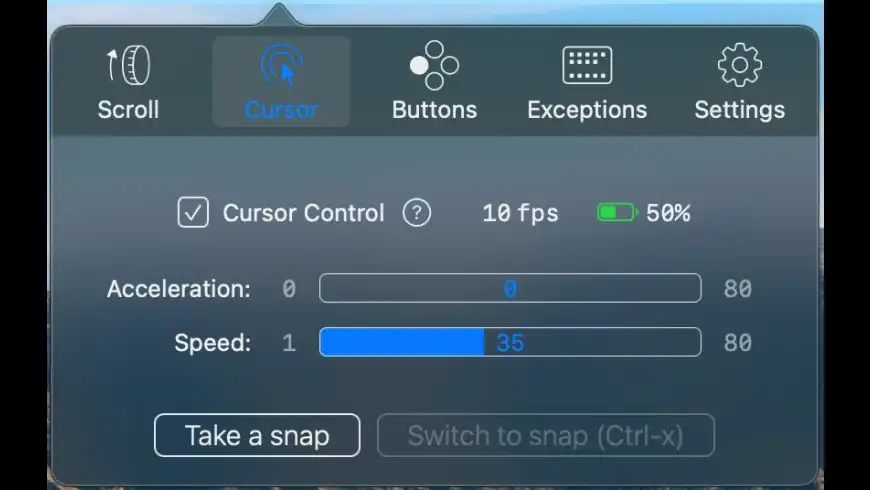
• Separate acceleration and cursor speed control, with the option to completely eliminate acceleration.
• Accurate mouse polling rate counter displayed in frames per second.
• Individual DPI, scroll wheel, and thumb button settings for supported Logi mice.
• Built-in receiver unifying and pairing tool is included for convenience.
Button/Gesture Mapping
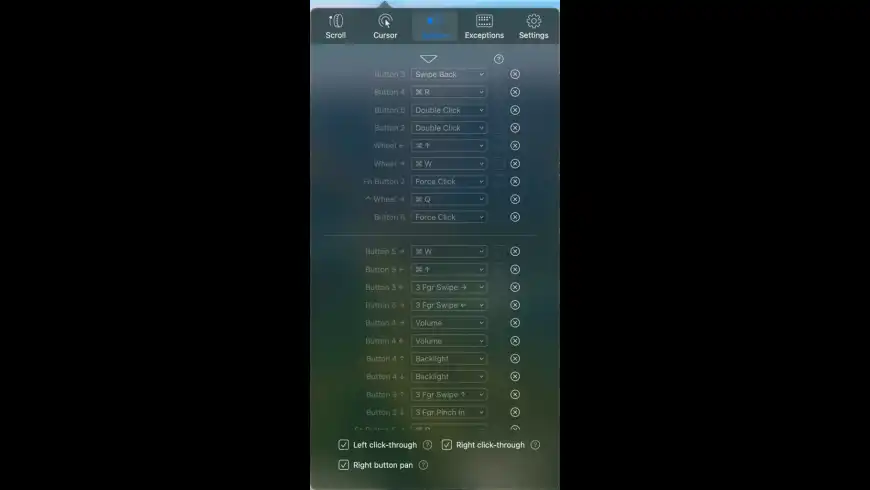
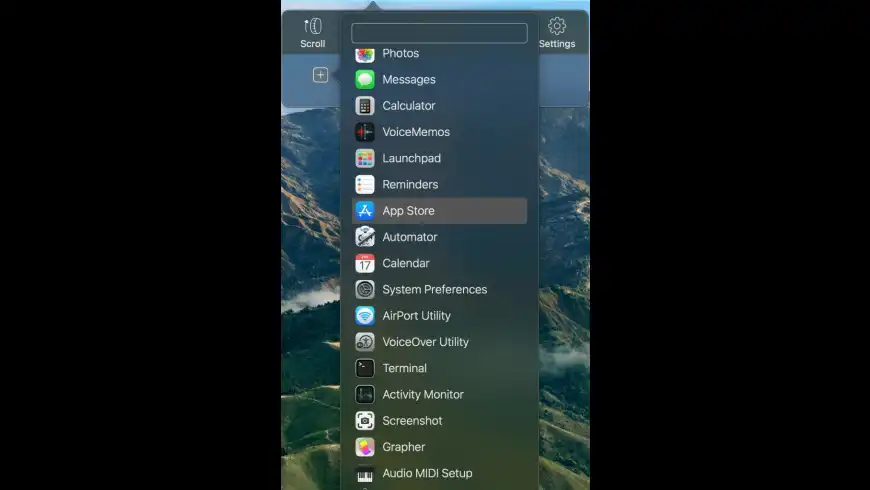
• Map every extra mouse button to any keyboard shortcut and a wide range of extensive special actions.
• Map up/down/left/right gestures for every additional mouse button independently.
• Map buttons and gestures combined with modifier keys for advanced workflows.
• Click-Through function for left/right click to directly interact with inactive windows using a single click.
• Click-through option available for each individual mapping independently of others.
• Unique fast version of Spaces switching and Mission Control gestures for seamless navigation.
Keyboard
• Modifier key remapping for each connected keyboard independently on your Mac.
• Remap each individual modifier key separately, including the Caps Lock key. After you complete the BetterMouse download, you can configure all these keyboard settings right away on your BetterMouse Mac setup.
Frequently Asked Questions
You May Also Like
Reviews & Comments
No comments yet.