AI Transcription
Description
Transcribe audio and video files in the blink of an eye, automatically, completely offline, and with highly accurate results. AI Transcription leverages OpenAI Whisper technology and Apple Speech Recognition to convert speech (for example, in podcasts, presentations, lectures, or voice messages) into text and subtitles directly on your Mac.
Features
• AI-powered audio-to-text converter designed for your Mac desktop.
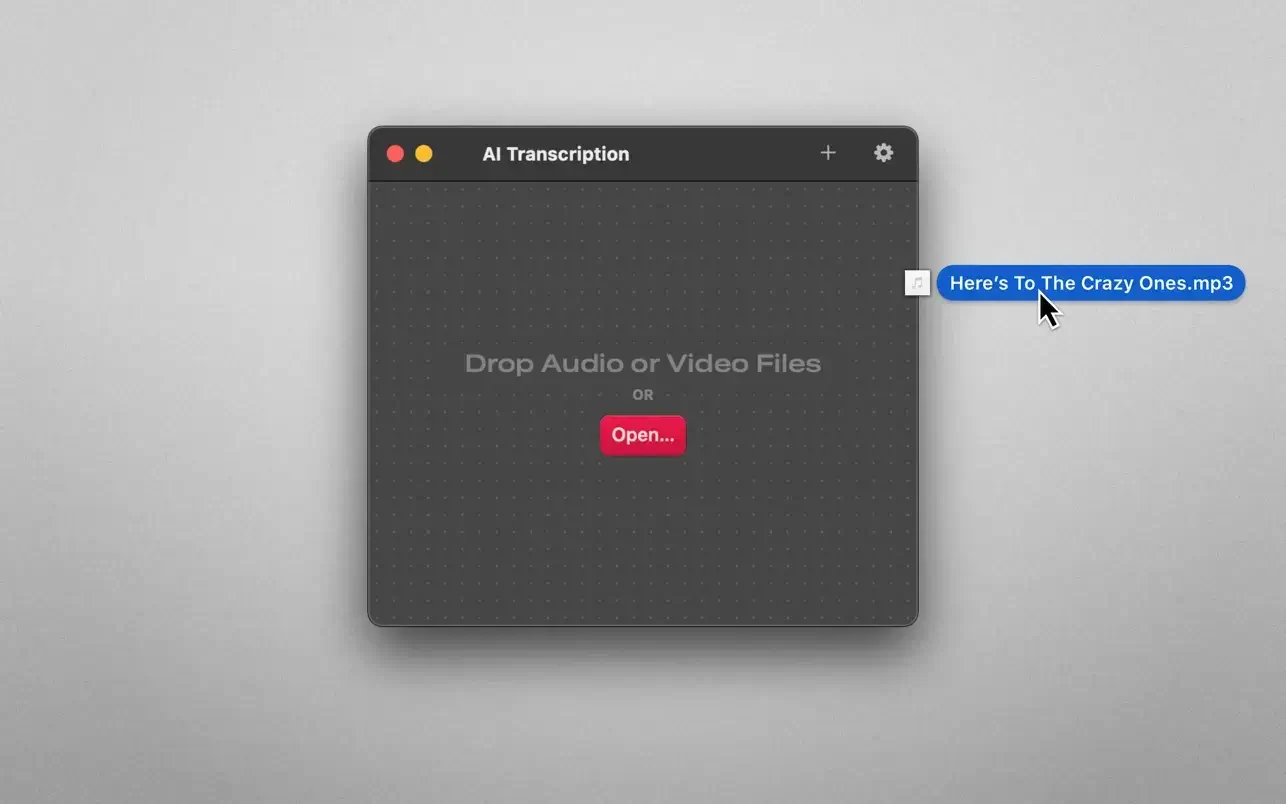
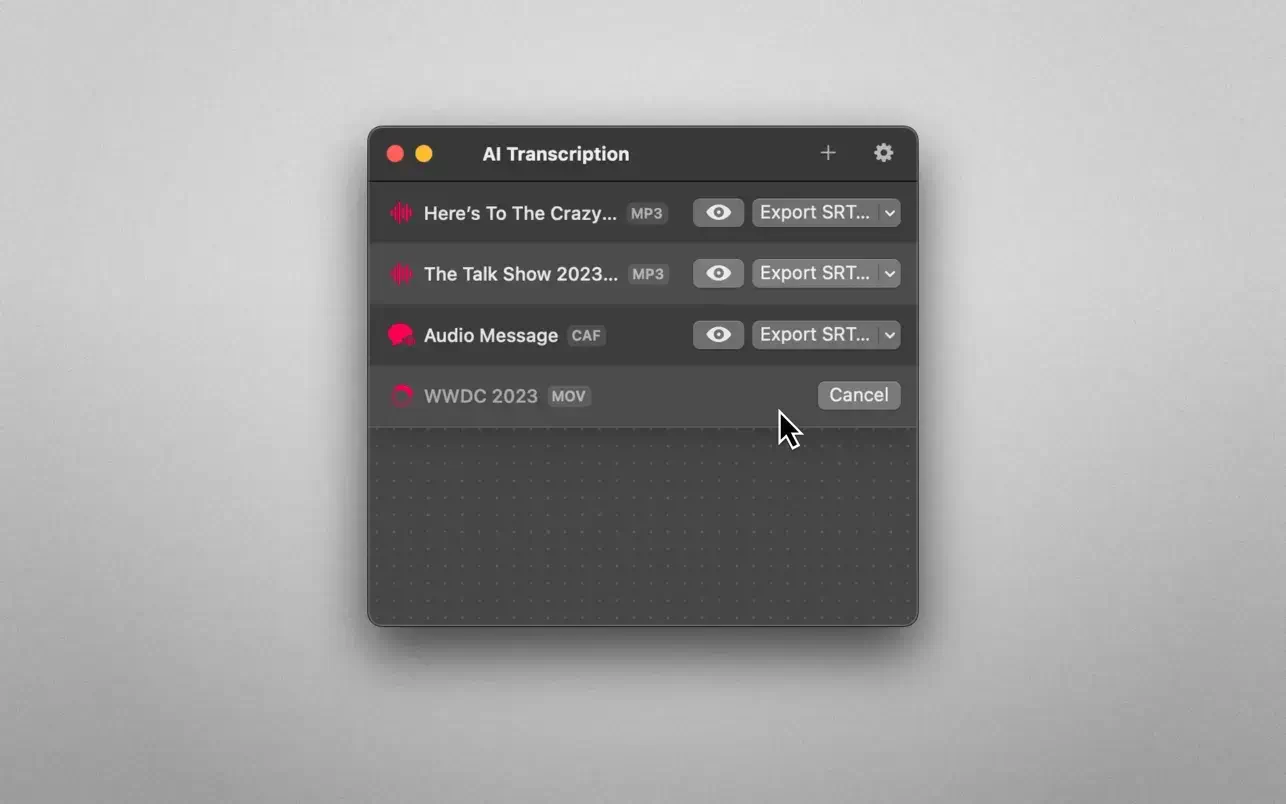
• Simply drag and drop your file: the ai transcription app begins processing automatically.
• Enhanced by OpenAI Whisper and Apple Speech Recognition technologies for superior accuracy.
• Privacy by design: your audio never leaves your Mac. Everything is computed on-device, entirely offline, ensuring complete data security.
• User-friendly, lightweight design that remains remarkably powerful under the hood.
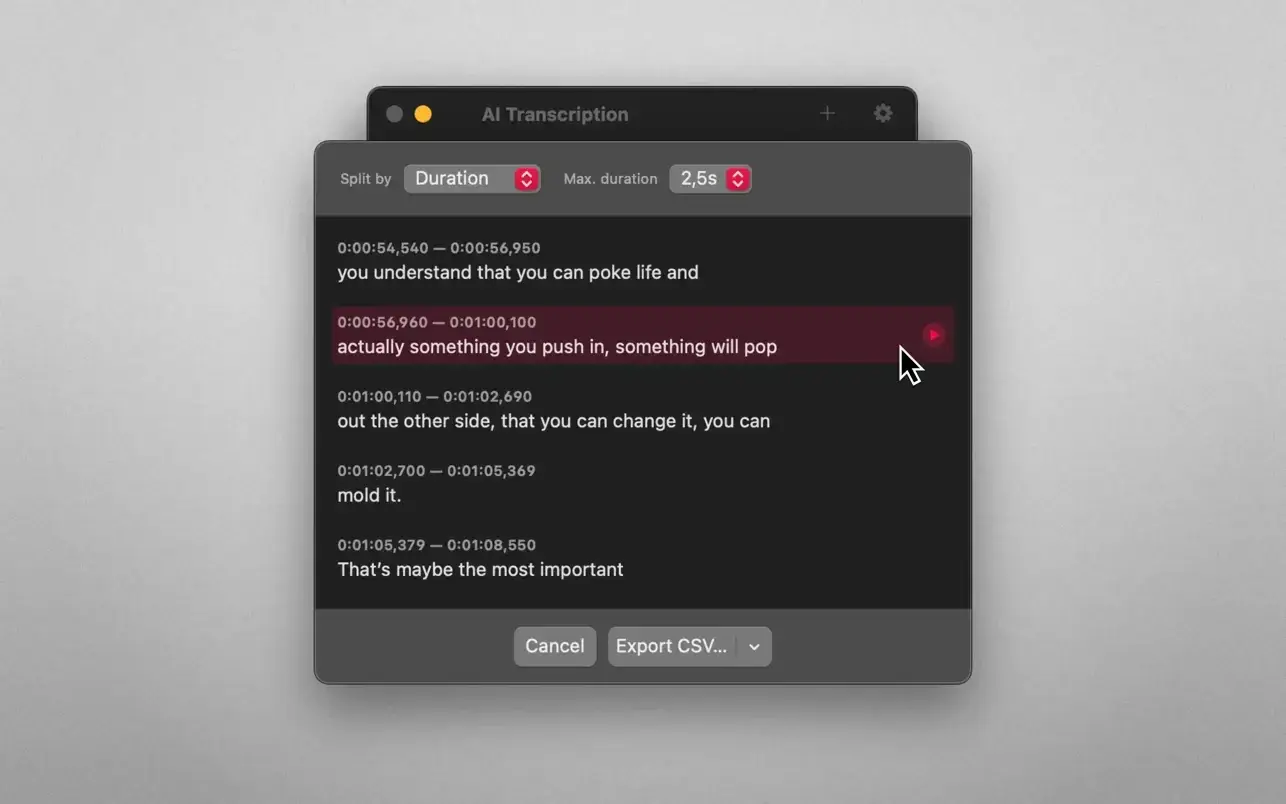
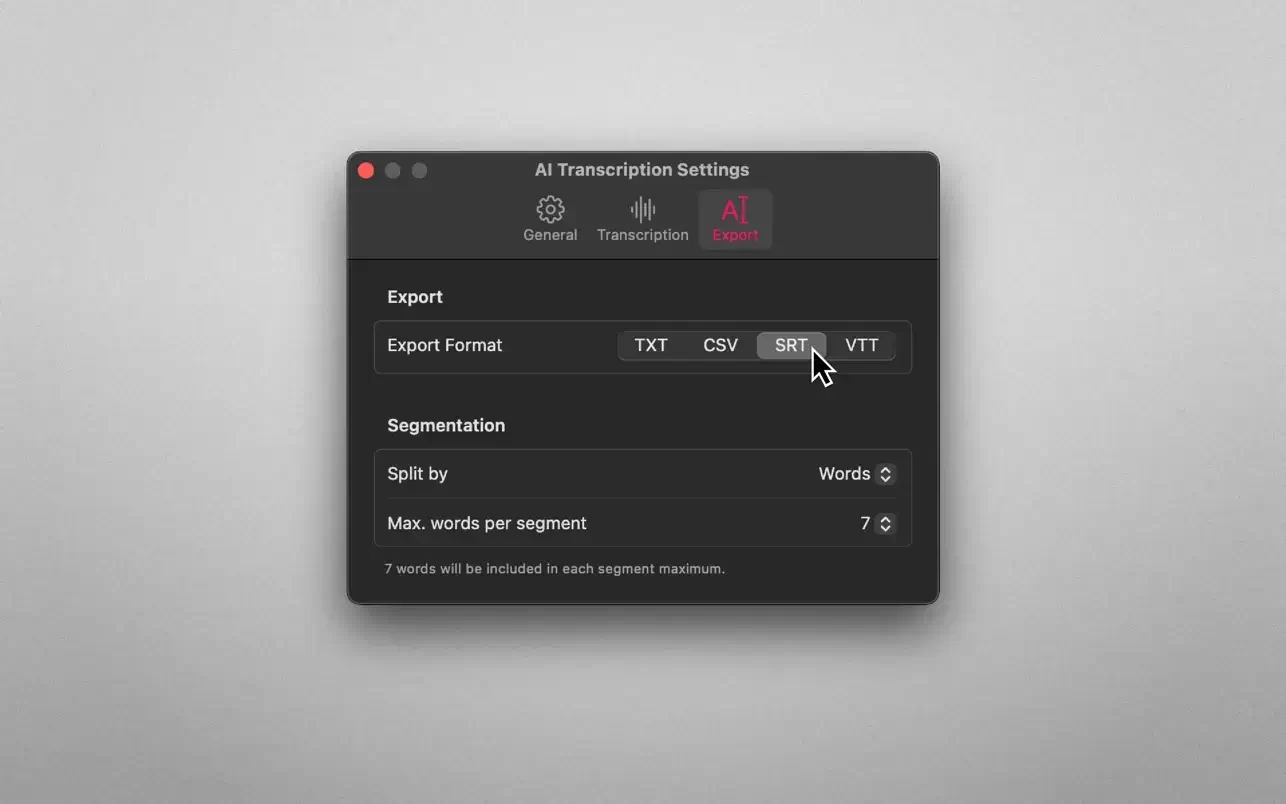
• Export your transcriptions as plain text, CSV files, SRT, and WEBVTT subtitle formats.
• Timing options: split segments by words, sentences, and duration for precise editing.
• Supports popular input formats including MP3, WAV, CAF, AIFC, M4A, and MP4.
This ai transcription mac application would not have been possible without the work of Georgi Gerganov and his excellent port of the OpenAI Whisper model to C/C++ (whisper.cpp). Enjoy a seamless ai transcription download and experience effortless speech-to-text conversion on your Mac.
Frequently Asked Questions
You May Also Like
Reviews & Comments
No comments yet.