
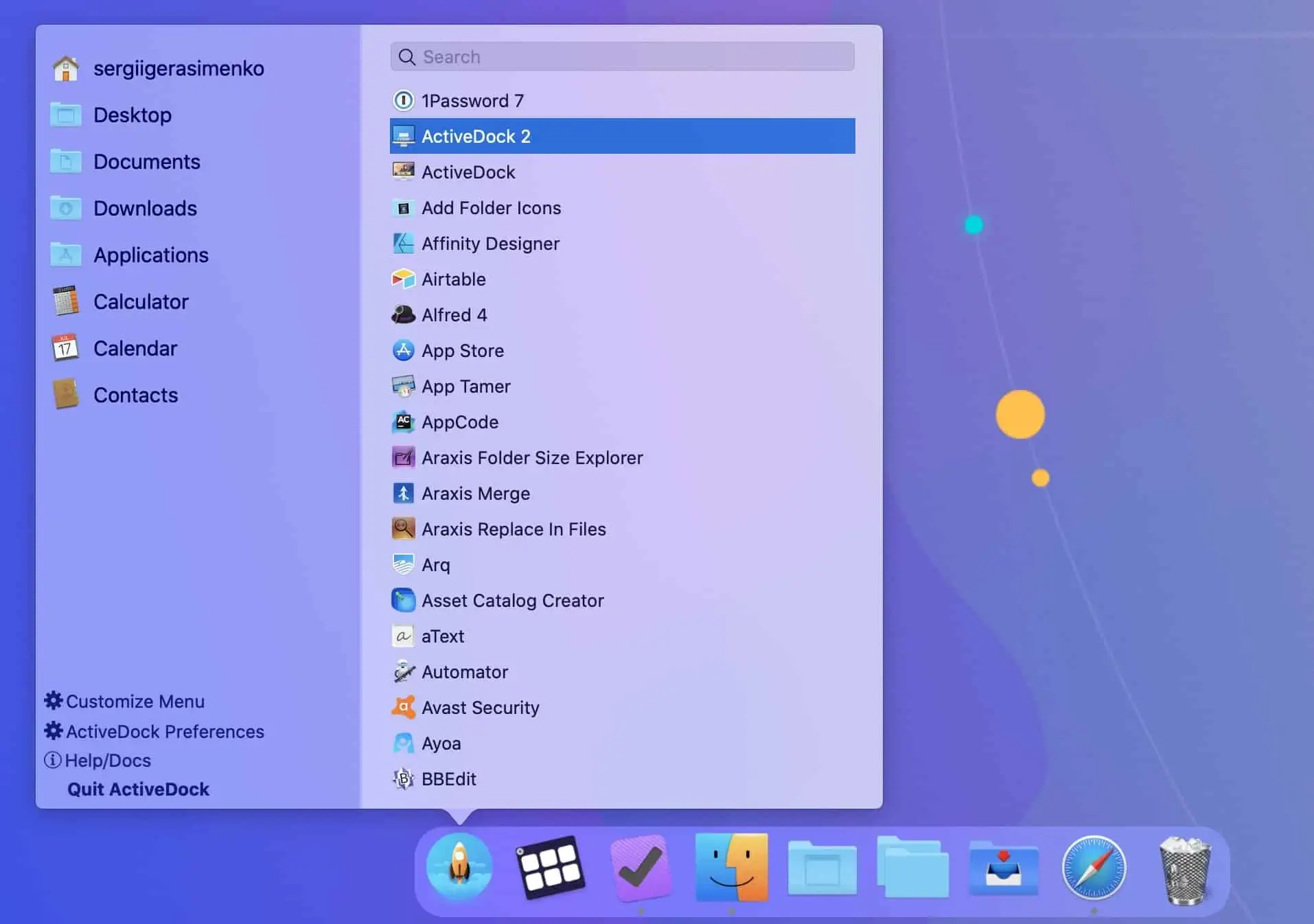
Description
ActiveDock is a complete replacement for the Apple Dock with extensive customization capabilities. It provides tools for quickly switching between applications and windows, as well as managing windows using live preview directly in the Dock on your Mac.
Unfortunately, the default Apple Dock lacks many useful features, such as window management and window switching, appearance customization, and the ability to hide application icons from the dock panel.
The solution: ActiveDock app is a full replacement for both Apple Launchpad and Dock, bringing a wide range of powerful new features to your Mac desktop experience.
Features:
- Save time when working with many applications simultaneously on your Mac. - Get quick access to the applications and documents you need most. - Customize the appearance and set your own custom application icons. - A Windows-style Start button for launching applications conveniently. - Create groups and folders of applications and documents for fast and easy access. - Hide or exclude specific application icons from your activedock mac dock panel.
Frequently Asked Questions
You May Also Like
Reviews & Comments
No comments yet.