
Description
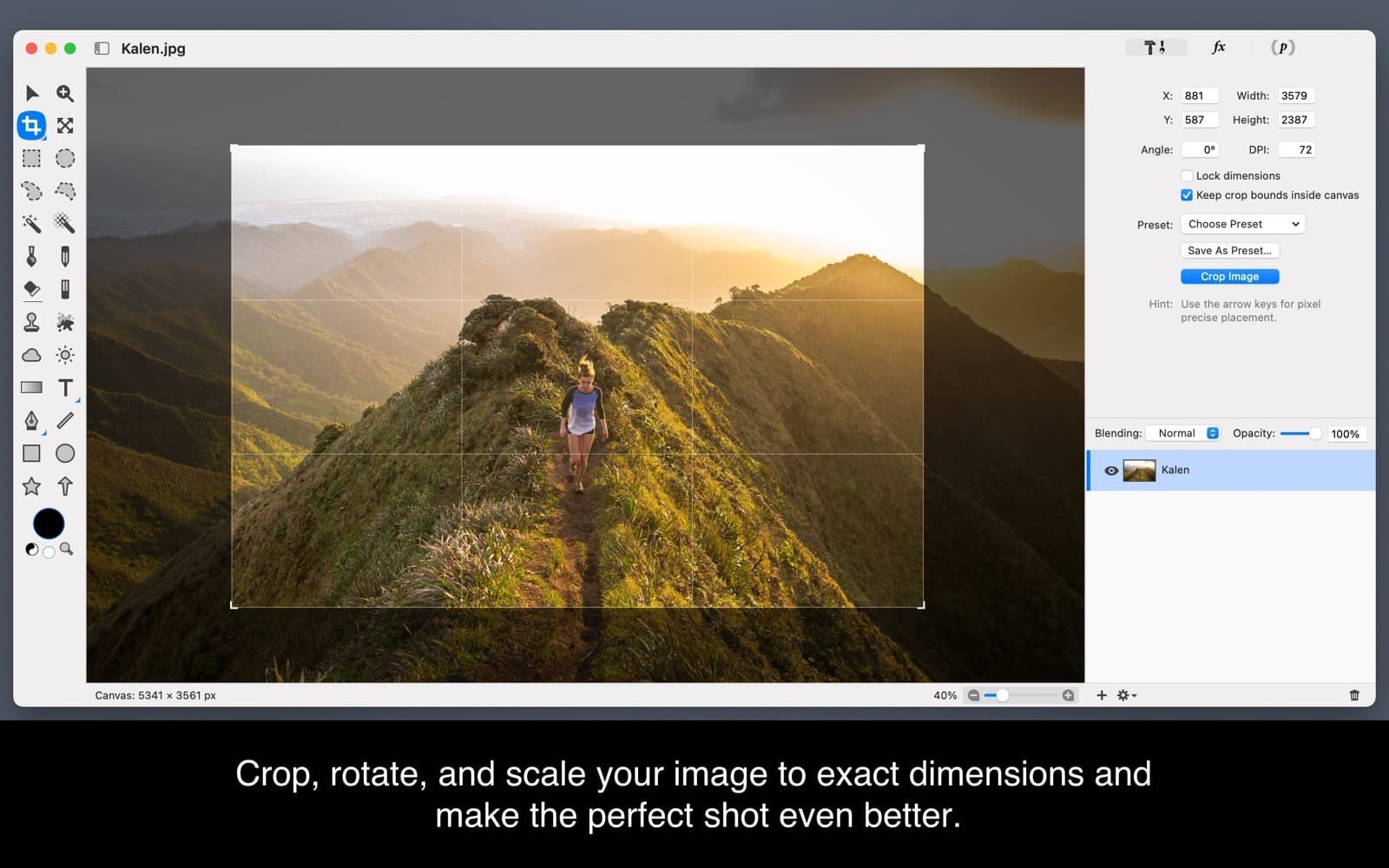
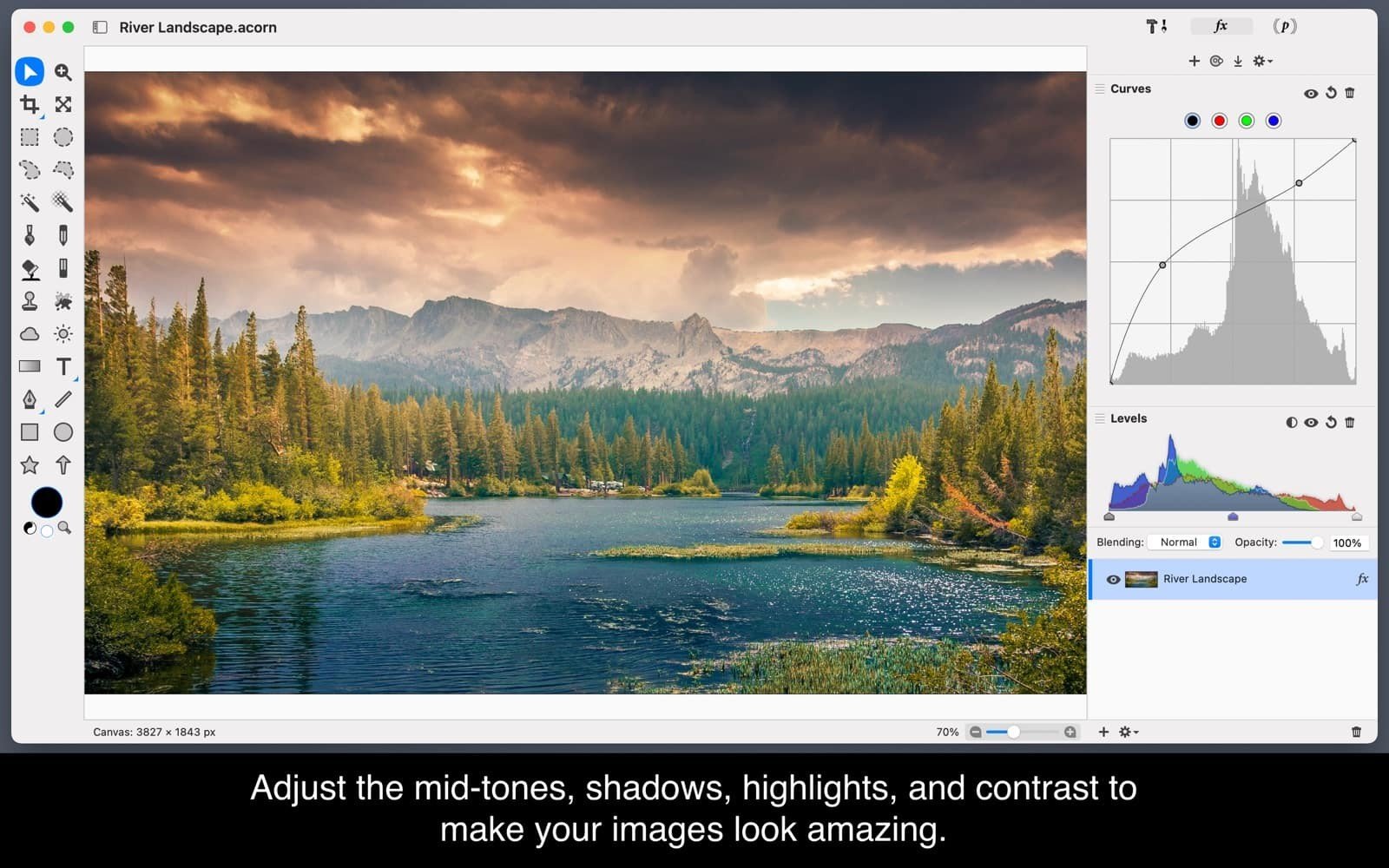
Acorn is an entry-level image editor for Mac that provides basic drawing and processing tools, along with full layer support. The acorn app may still be far from reaching the level of Photoshop, but it can already compete quite confidently with Pixelmator. All essential tools and their associated parameters are conveniently placed into a single panel; layers are also displayed right there in the same workspace. Additional functionality has been moved into the menu — this includes filters, working with levels and color adjustments, changing the canvas and image dimensions, and much more.
Everyone needs to edit images at some point, but not everyone has the time to do it properly. That is exactly why you need the acorn mac application, which will save your valuable time while delivering high-quality photo editing results. With the help of this program you can add text or shapes to a photo, merge and combine images together with another photograph, work with multiple layers, and so on.
Key Features:
Creating and editing screenshots
Combining multiple filters to produce stunning visual effects
Working with layers
Creating new images and layers using the built-in iSight camera
Quickly resizing both the image and the canvas
Full-screen editing mode
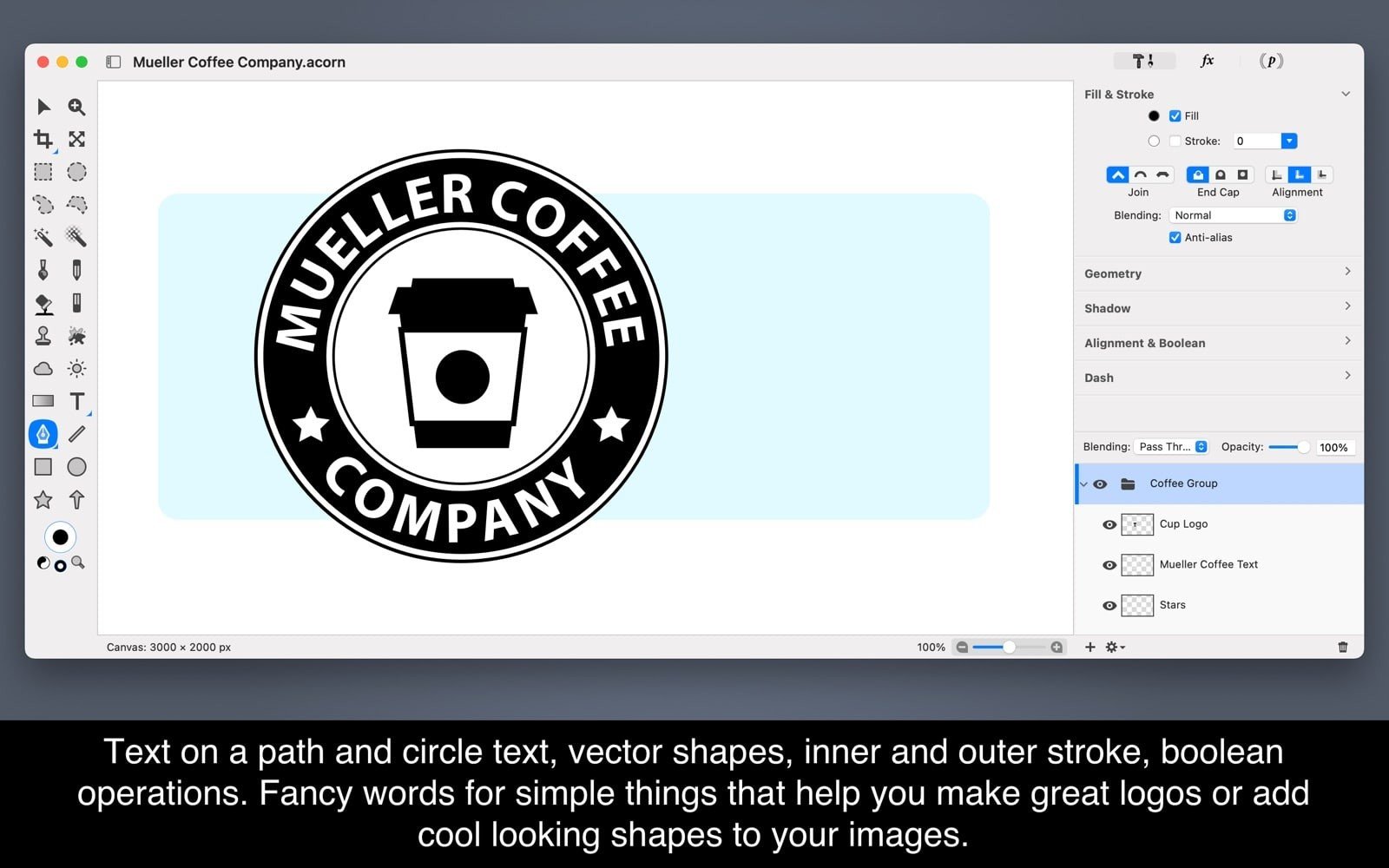
Working with vector and text layers
Applying various text styles
Gradient fill tool
And much more — acorn download is the right choice for anyone looking for a powerful yet accessible image editor on Mac
Frequently Asked Questions
You May Also Like
Reviews & Comments
No comments yet.