
Description
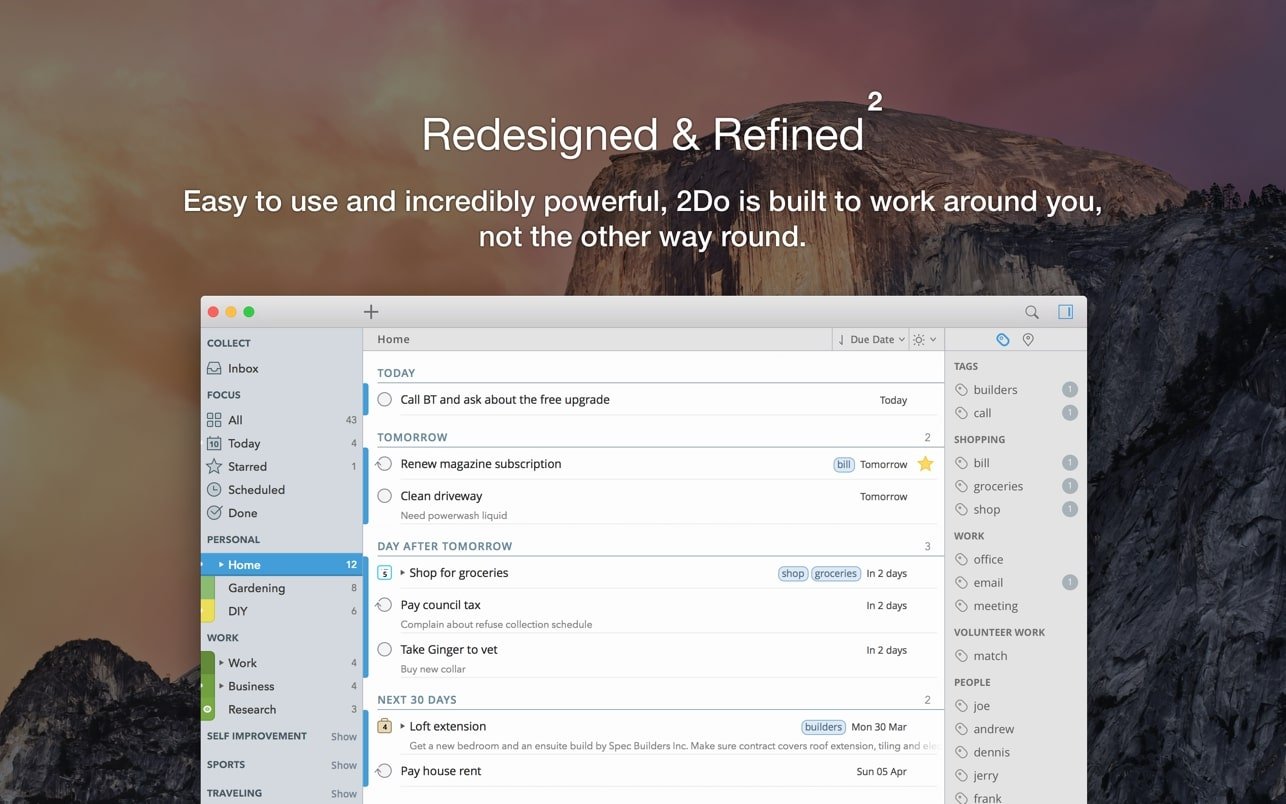
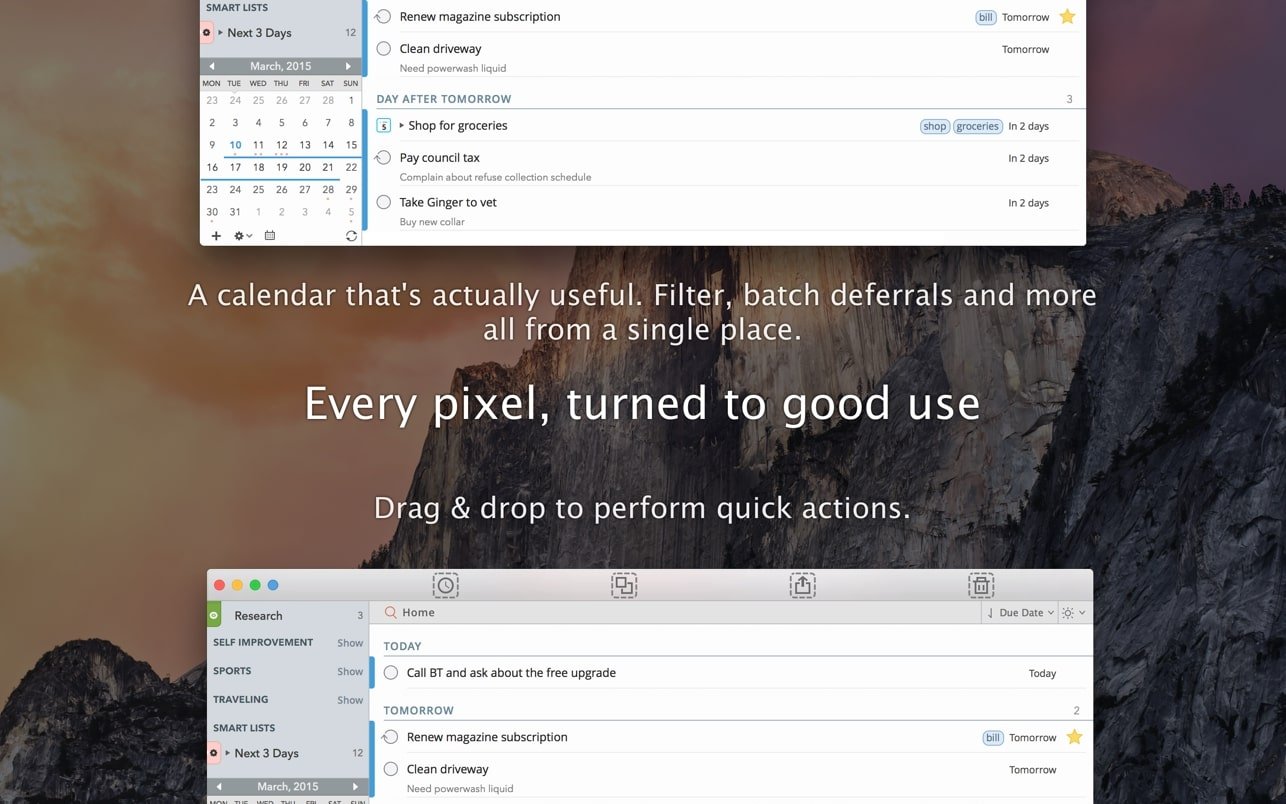
2Do succeeds where other task planning applications on Mac fall short: it adapts to your specific needs rather than forcing you to adjust them to fit its framework. This versatile task manager for Mac lets you choose from a comprehensive range of tools and options, utilizing the ones that best match your workflow while leaving unnecessary features aside. The 2do app supports planning across multiple projects, subtasks, and reminders, allowing you to focus on individual days or step back to evaluate the bigger picture at a glance. With 2Do, even complex long-term assignments can be broken down into simple, manageable tasks and seamlessly integrated into your daily workflow. Start involving this powerful organizer in the process of rationalizing your time, and it will become the very first step toward building a logical, straightforward, and well-structured schedule.
Tasks, Projects, and Checklists
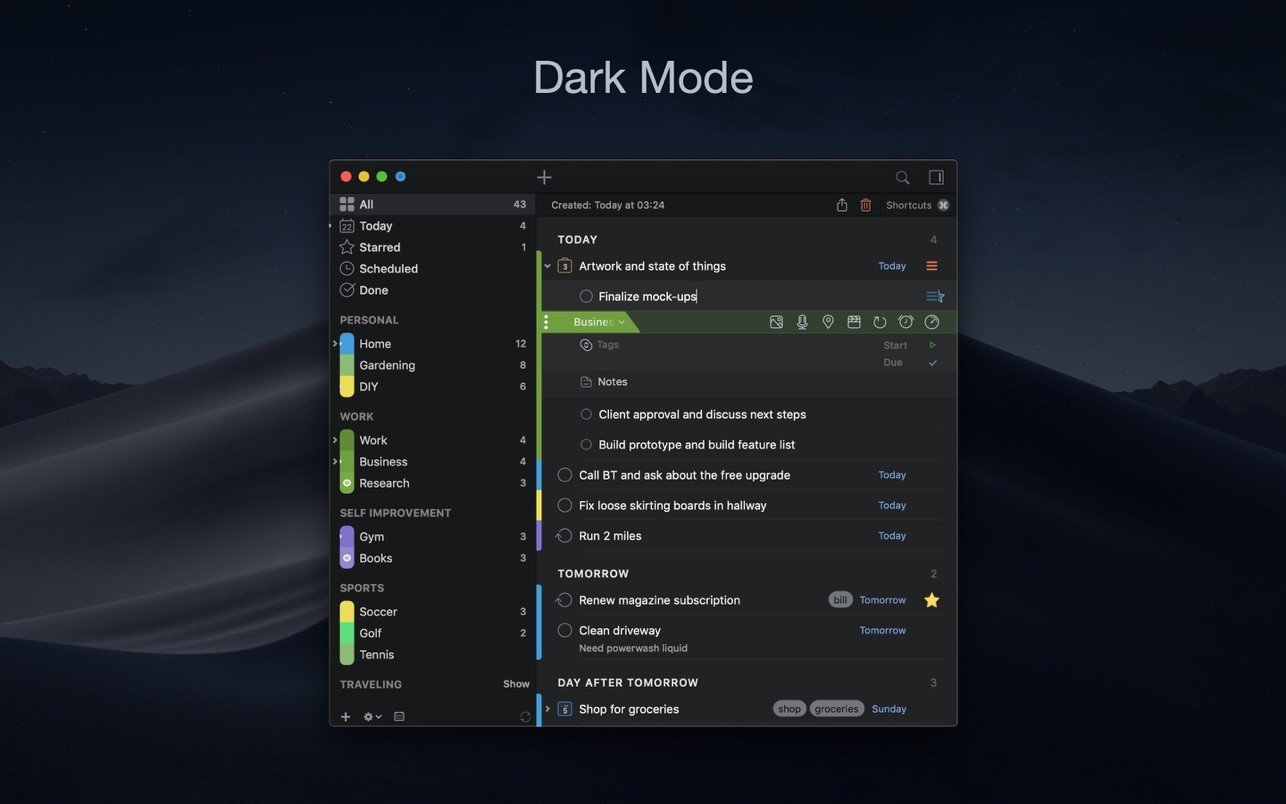
Break down large-scale assignments using the subtask feature in 2do mac, create recurring tasks on a daily or weekly basis, and attach location details or contact information to individual activities. This task manager for Mac provides you with a dedicated tool for every possible need and allows you to plan "information-rich" assignments and projects within a single convenient application that keeps everything organized in one place.
Search and To-Do List Groups
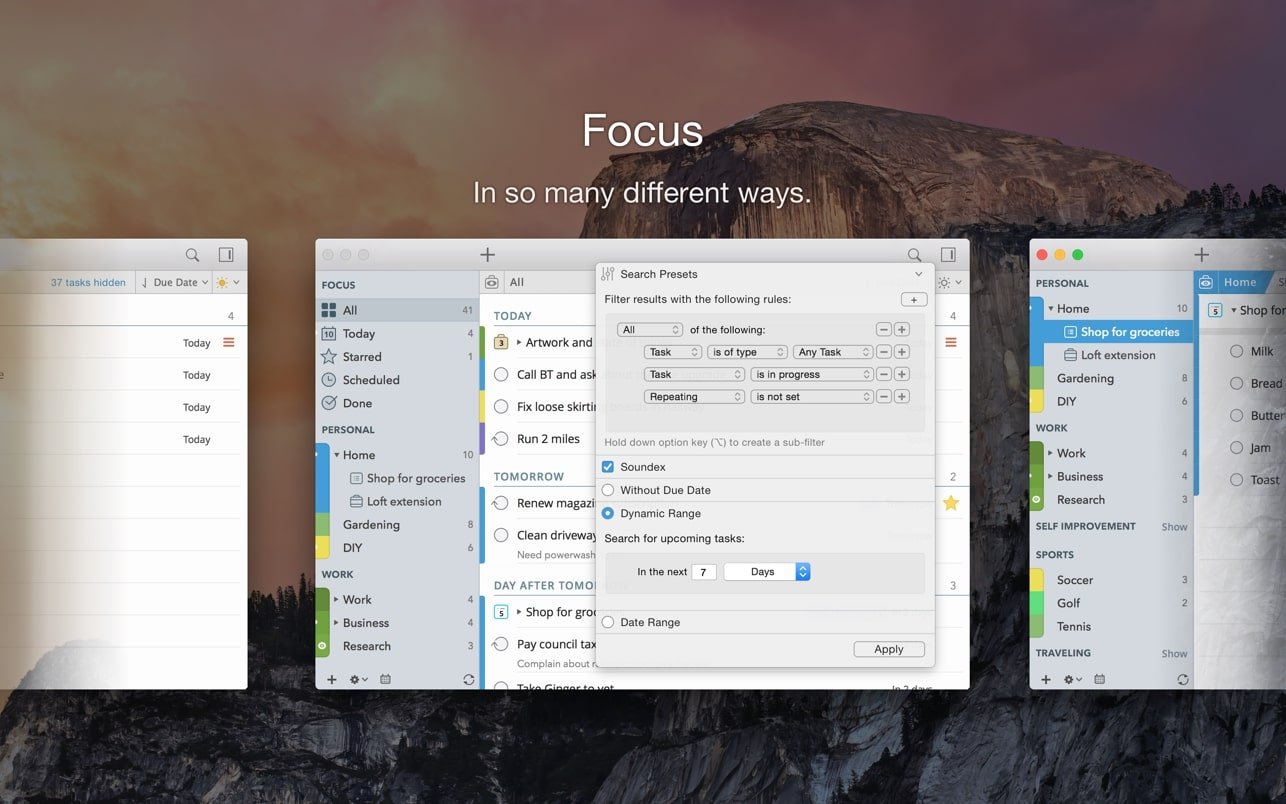
Never miss key information, even when your schedule is planned down to the very last minute. This digital to-do list offers two powerful solutions: first, it supports customizable groups that allow you to sort assignments and projects into color-coded categories — this is perfect for separating work-related and personal matters at a single glance; second, it provides robust tagging and search capabilities, so that whatever you are looking for can be found extremely quickly and effortlessly.
Receive Notifications
You can forget about manually checking your calendar throughout the day. With the notification feature of this task dispatcher on Mac, you can set up alerts for the opening of any task, and when the scheduled time arrives, the application will trigger a pop-up notification even if the main window is closed or minimized. An audio signal will prove absolutely indispensable, ensuring you never miss an important event or deadline.
Quick Task List Additions
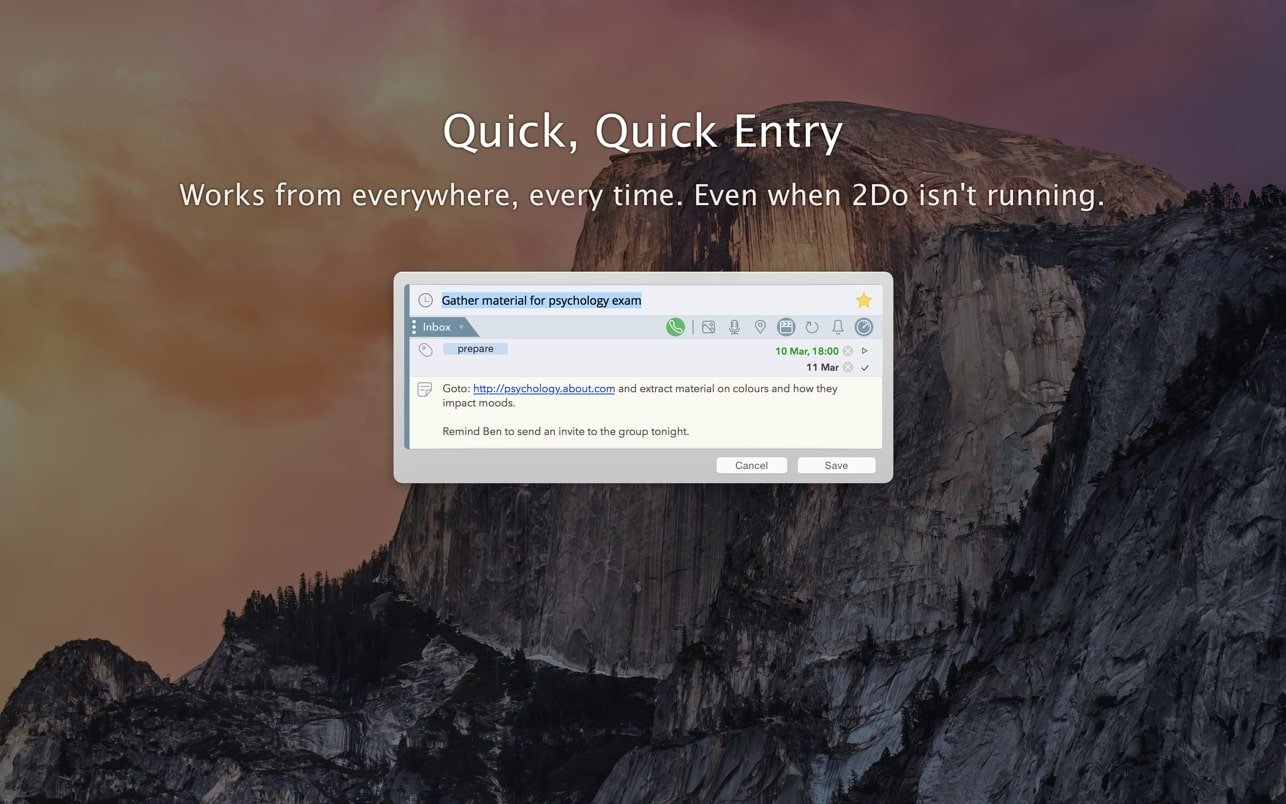
Do not interrupt your workflow when creating to-do lists on Mac without opening the main application window. With the instant addition feature available in the menu bar, the 2do app will let you easily jot down small reminders and then move on to the next assignment on your list without breaking your concentration. These quick additions remain accessible even if the application itself is not currently running.
Fast and Secure
Keep your information securely protected with features designed to prevent both data loss and unwanted surveillance of your personal details. After you 2do download and install this task dispatcher for Mac, it puts your security above everything else, providing automatic backup, cloud synchronization, and flexible password protection to ensure the confidentiality of all your information or specific individual projects and lists that require privacy.
Streamlined Workflow
Take full advantage of the numerous shortcuts and assignable hotkeys for a seamless, uninterrupted workflow that no other task dispatcher can deliver on Mac. Most keyboard shortcuts are fully customizable to accommodate both keyboard enthusiasts and those who prefer using a mouse, so you will get the absolute maximum out of this application regardless of your personal preferences or working style.
Frequently Asked Questions
You May Also Like
Reviews & Comments
No comments yet.