
macOS Catalina
Description
With macOS Catalina, you will fall even more in love with your Mac. Three completely new applications: Apple Music, Apple TV, and Podcasts. A brand-new Find My app that will help you locate a lost Mac. Your favorite iPad apps are now available on Mac. The ability to use iPad as a second display for your Mac. No matter what you do, your Mac will exceed all of your expectations when you download macOS Catalina.
Apple Music
50 million songs available with an Apple Music subscription, ready to be downloaded or streamed online directly on your Mac.
iTunes Store, where you can purchase individual songs or complete albums to enjoy on your Mac.
Your entire music collection — everything you have purchased, downloaded, or imported from CDs — is now housed in a beautifully redesigned media library.
Apple TV
Purchase or rent the latest movies and enjoy them right on your Mac.
Start watching on one device and seamlessly continue on another, including Apple TV, iPhone, iPad, and compatible smart TV models.
Podcasts
Discover podcasts by title, topic, guest, host, or specific content within episodes on your Mac.
Subscribe to your favorite podcasts and new episodes will be downloaded automatically to keep you up to date.
Start listening to an episode on your Mac, then continue on iPhone, iPad, or Apple Watch wherever you go.
Sync and Backup
Sync your content, perform backups, update software, and restore your devices through Finder whenever you connect an iPhone or iPad to your Mac.
App Store and Apple Arcade
One subscription gives you access to over 100 exciting new games with no ads and no additional in-app purchases required.
Discover new games, receive personalized recommendations, and browse expert-curated collections in the all-new Arcade tab within the App Store on your Mac.
Play games across iPhone, iPod touch, iPad, Mac, and Apple TV for a seamless gaming experience.
Mac Catalyst
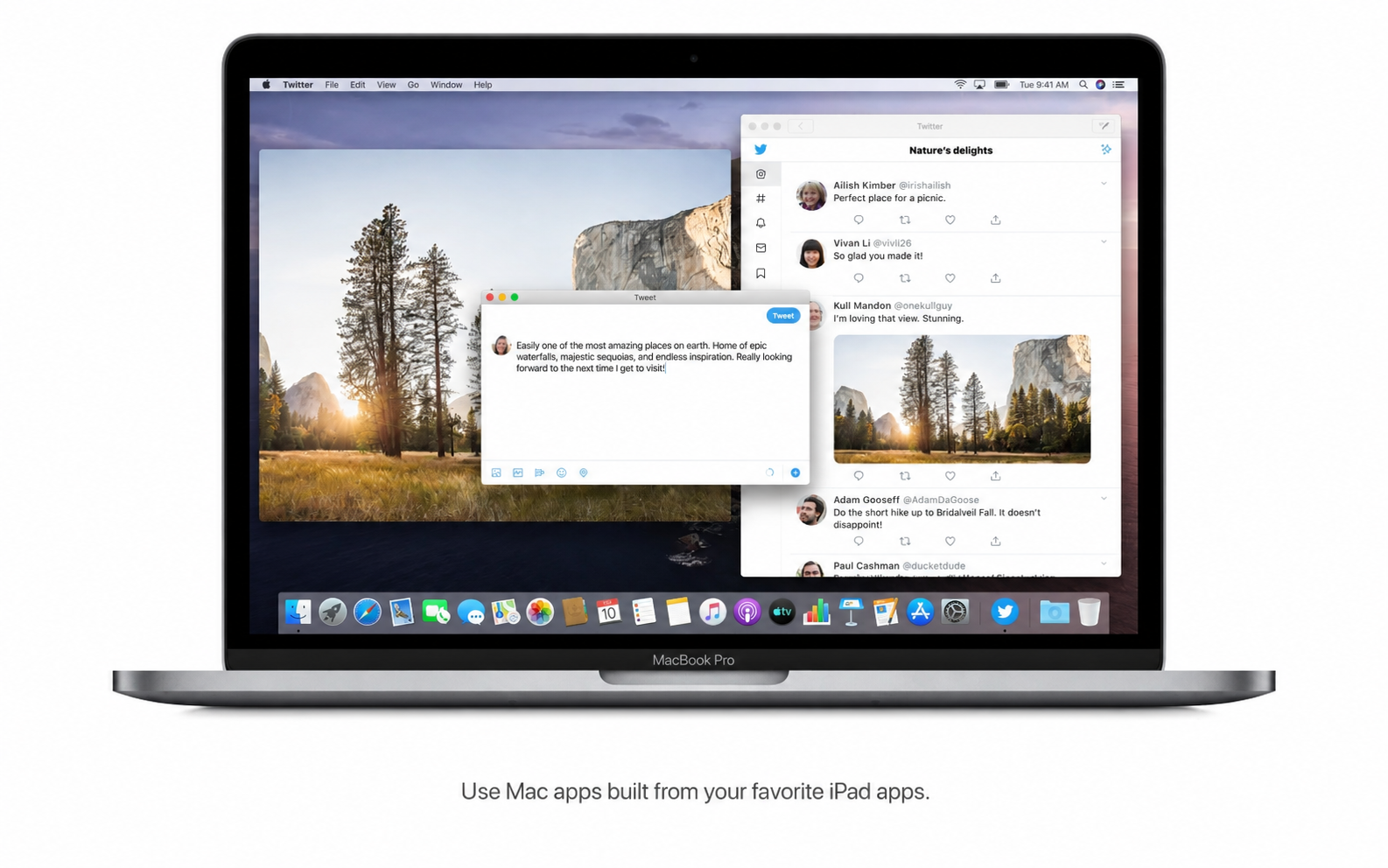
With Mac Catalyst, developers can easily build apps for Mac based on their existing iPad applications, bringing even more software to the platform.
Sidecar
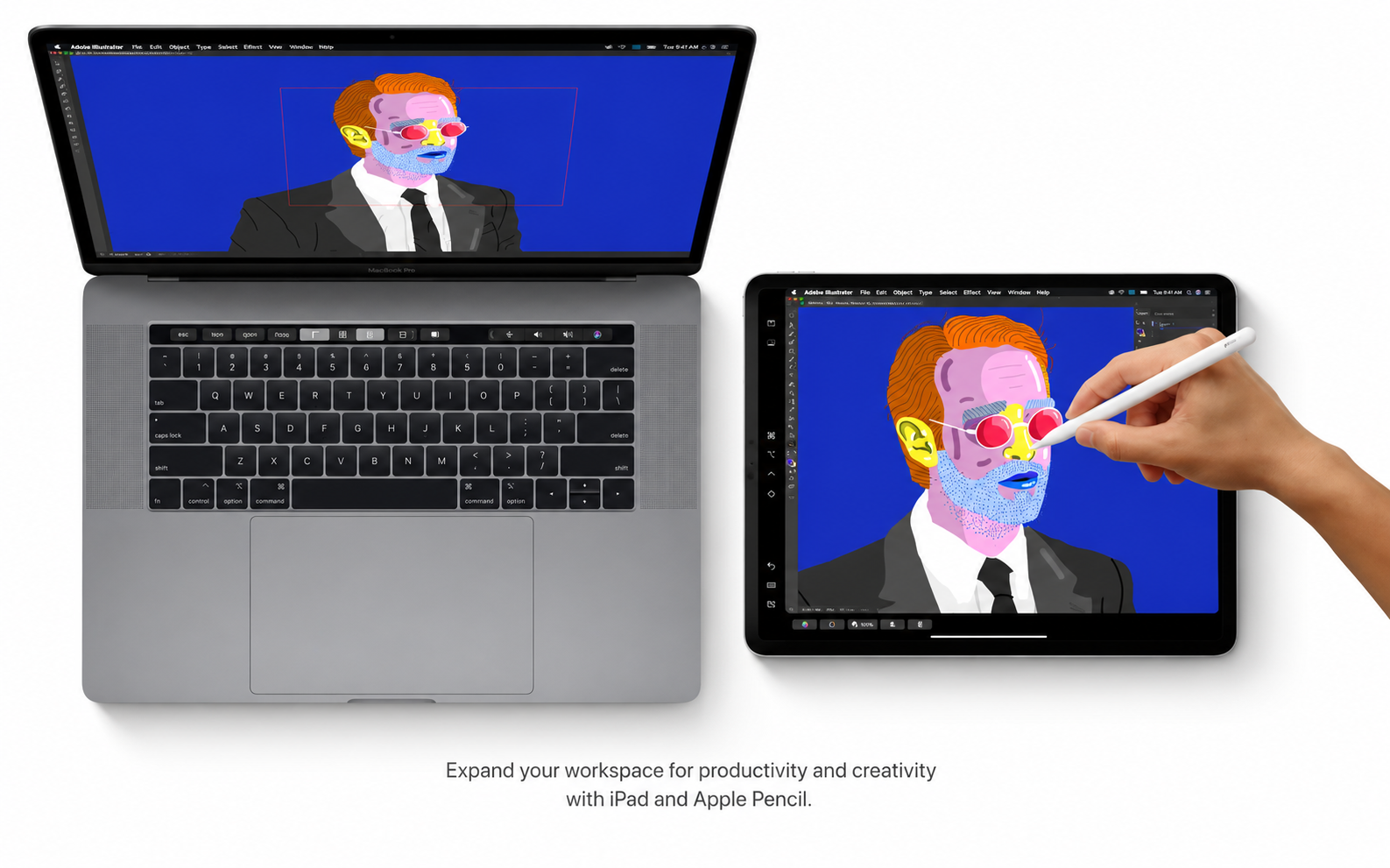
Expand your Mac workspace by connecting your iPad as a second display for increased productivity and screen real estate.
Open applications on separate screens, display your canvas on Mac, and place your tools and color palettes conveniently on iPad.
Use Apple Pencil in professional creative applications on your Mac for precise drawing and illustration work.
Continuity Markup and Continuity Sketch
Create a sketch on your iPad or iPhone and instantly insert it into a document on your Mac.
Using your iPad or iPhone, sign PDF files and annotate screenshots that are stored on your Mac with ease and precision.
Accessibility
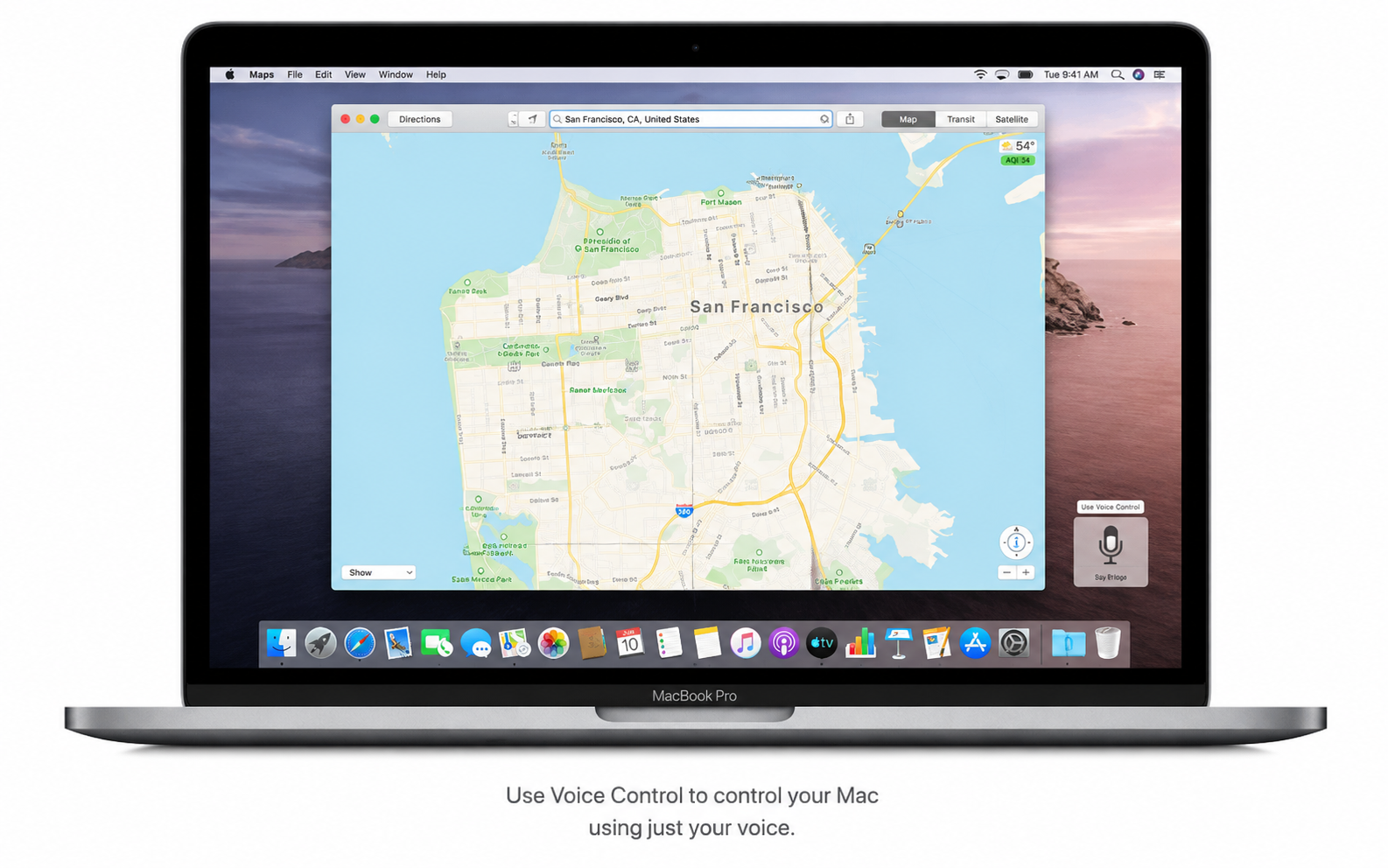
The Voice Control feature lets you operate your entire Mac using nothing but your voice commands.
When you enable hover text, a dedicated window opens displaying large, high-resolution text beneath the cursor for improved readability.
When you are using dual displays, the Zoom Display feature allows you to magnify the view on one of them for better visibility.
Security
The apps you use on your Mac are checked by Apple for known malicious software to keep your system protected and secure.
New data protection mechanisms ensure that apps must request your explicit permission before accessing your personal data and files.
Find My
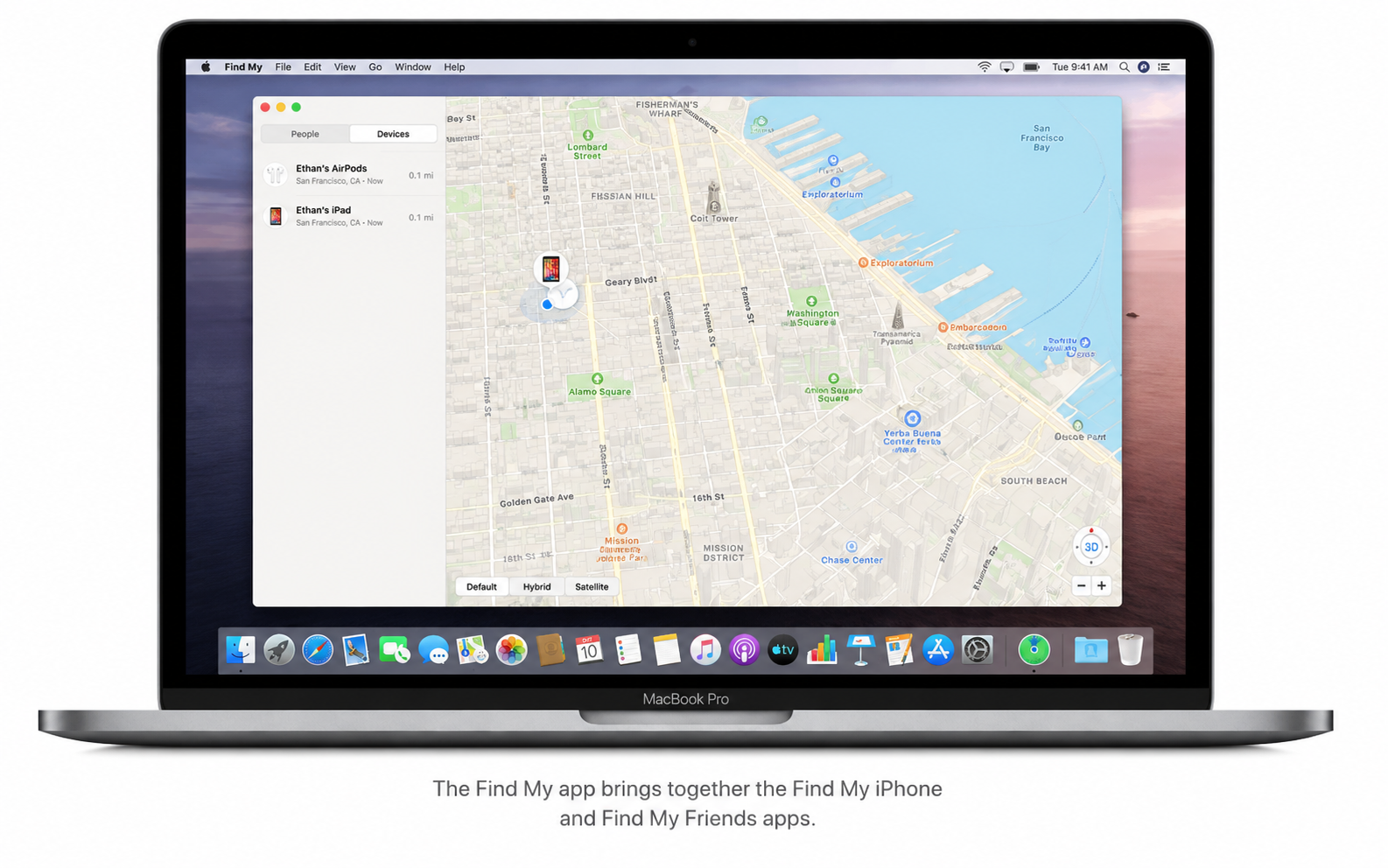
A convenient new application helps you locate all your devices and see where your friends and family members are on a map.
You can track the location of your devices even when they are not connected to Wi-Fi or a cellular network, using secure Bluetooth signals.
Activation Lock provides an additional layer of protection on Mac models equipped with the Apple T2 Security Chip.
Photos
A stunning, dynamic interface in catalina macOS lets you experience your photographs and cherished memories in an entirely new way.
Watch memory videos, set their duration, choose the mood and style, and add a custom title to personalize each memory reel.
Safari
The redesigned start page interface displays sites from your browsing history, bookmarks, reading list, iCloud tabs, and even links that have been sent to you in Messages.
Safari suggests strong, unique passwords to help protect all of your online accounts and keep your credentials safe on Mac.
Notes
In gallery view, your notes are displayed as clear, visual thumbnails that make browsing through them quick and intuitive.
The improved search function finds text within scanned documents and recognizes objects in images, making it easier to locate what you need with a macos catalina download.
Using the Shared Folders feature, you can grant other users full access to all notes stored within a selected folder for collaboration.
Reminders
With the new quick-editing buttons, you can easily add a date, location, flag, attachment, and other helpful details to any reminder on your Mac.
Frequently Asked Questions
You May Also Like
Reviews & Comments
No comments yet.