Sonarworks SoundID Reference
Description
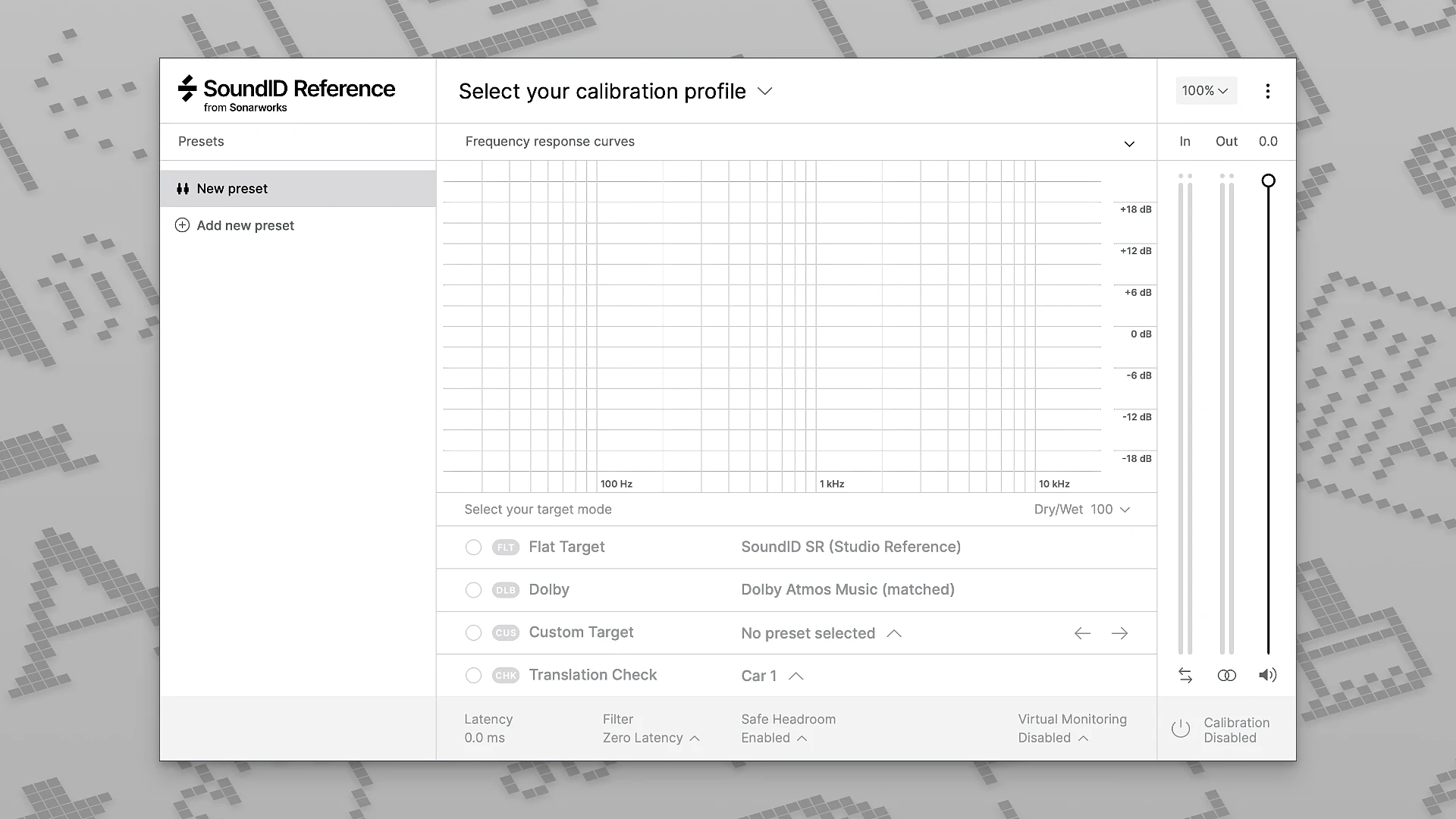
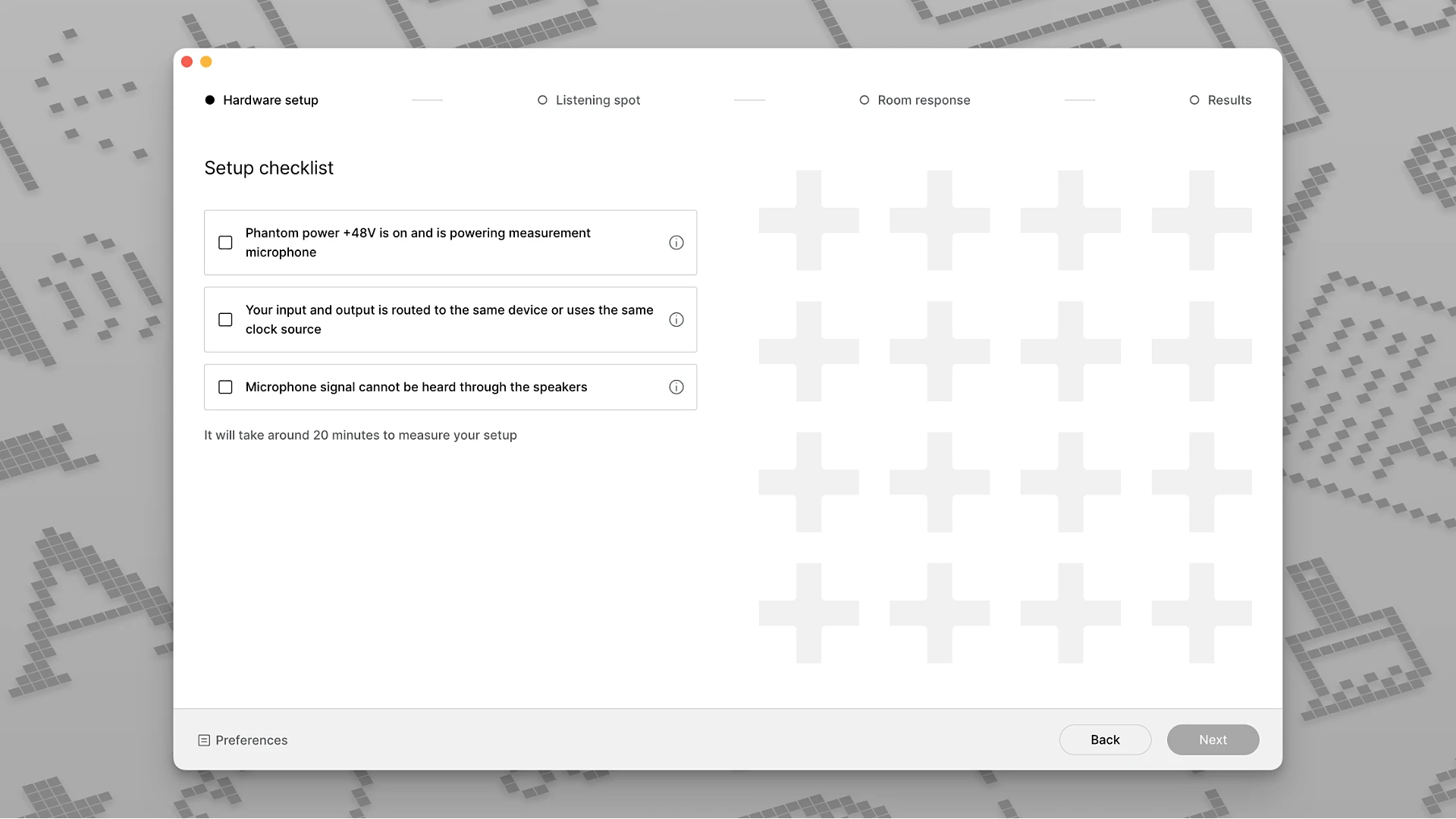
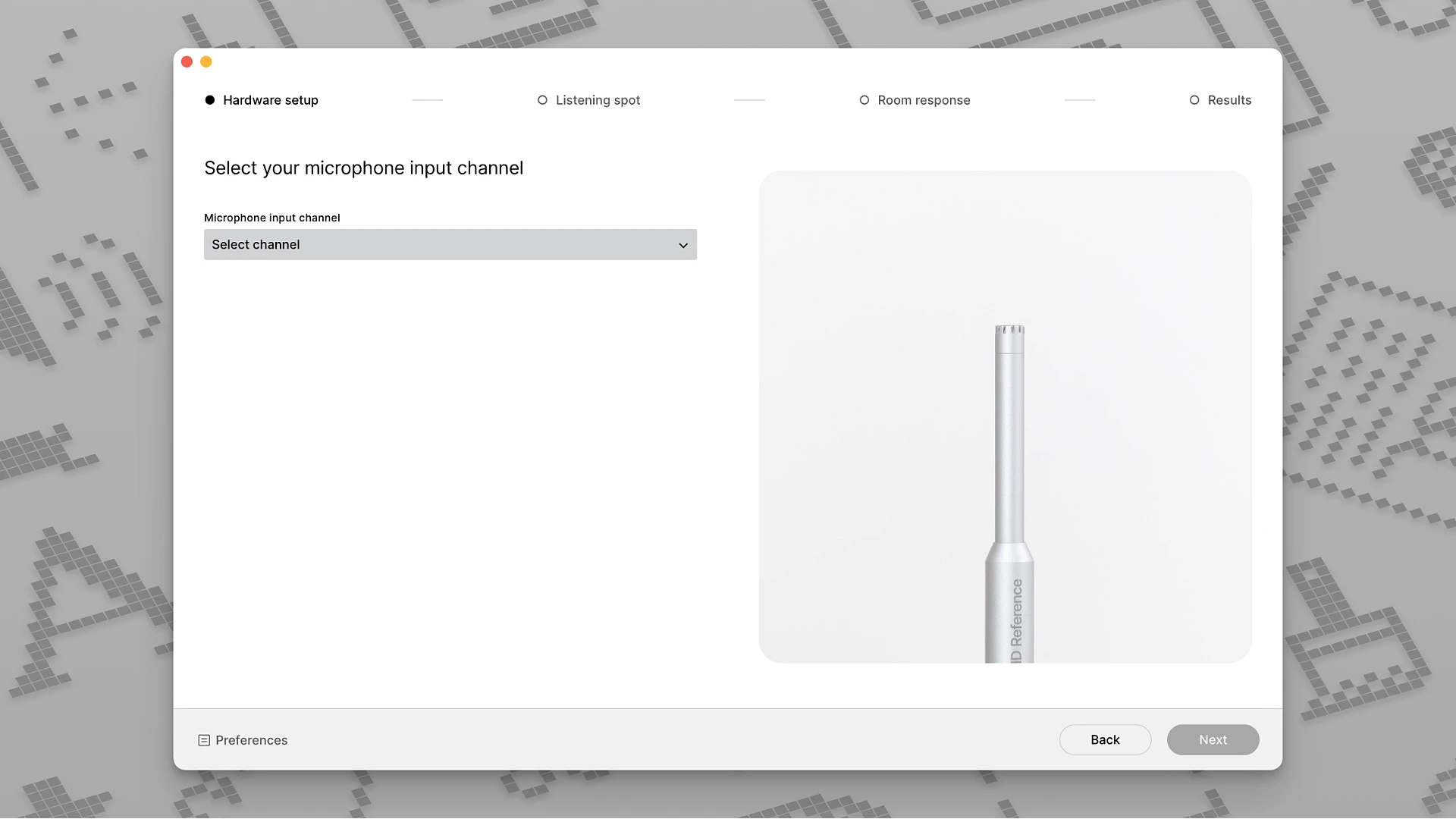
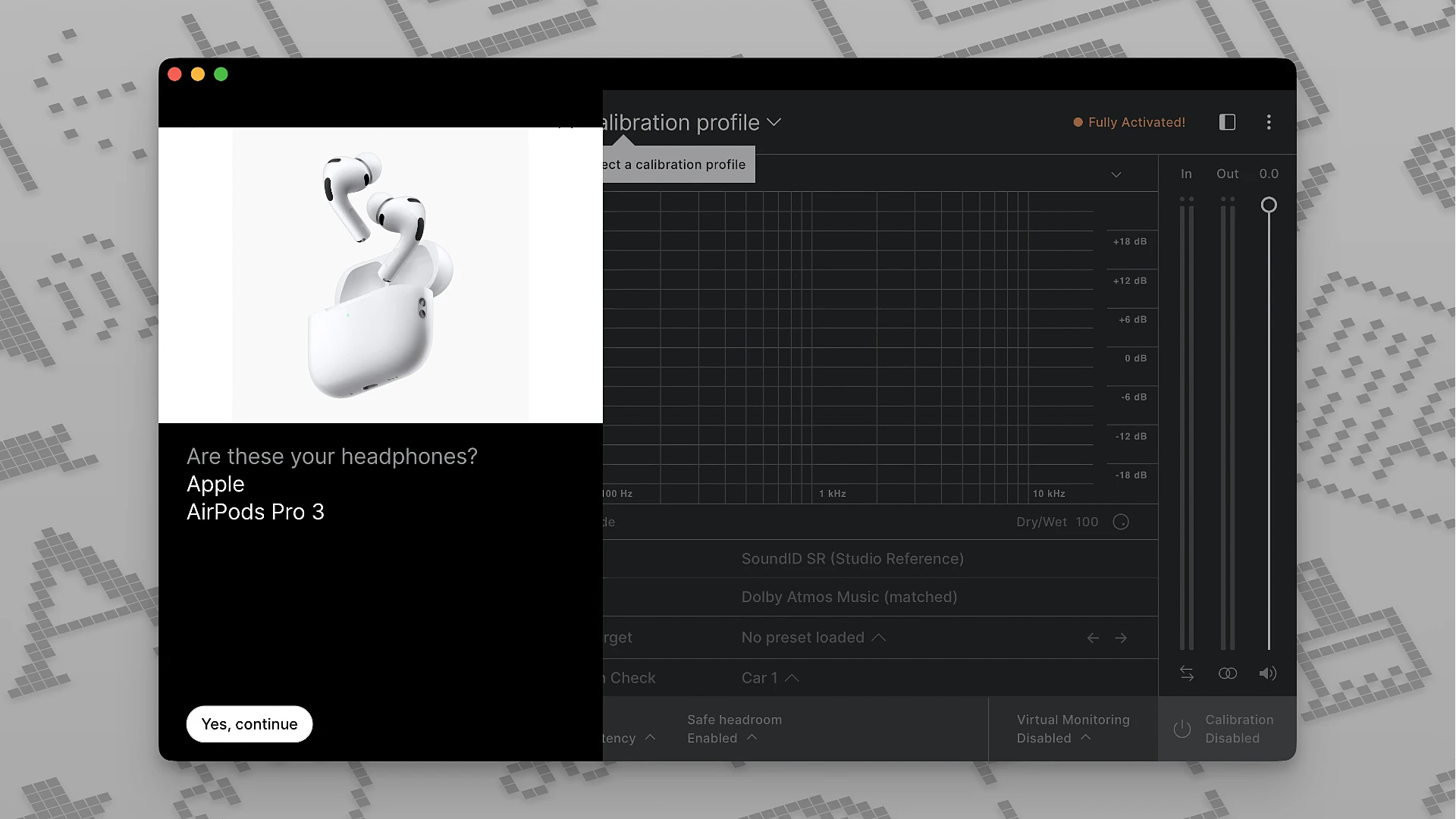
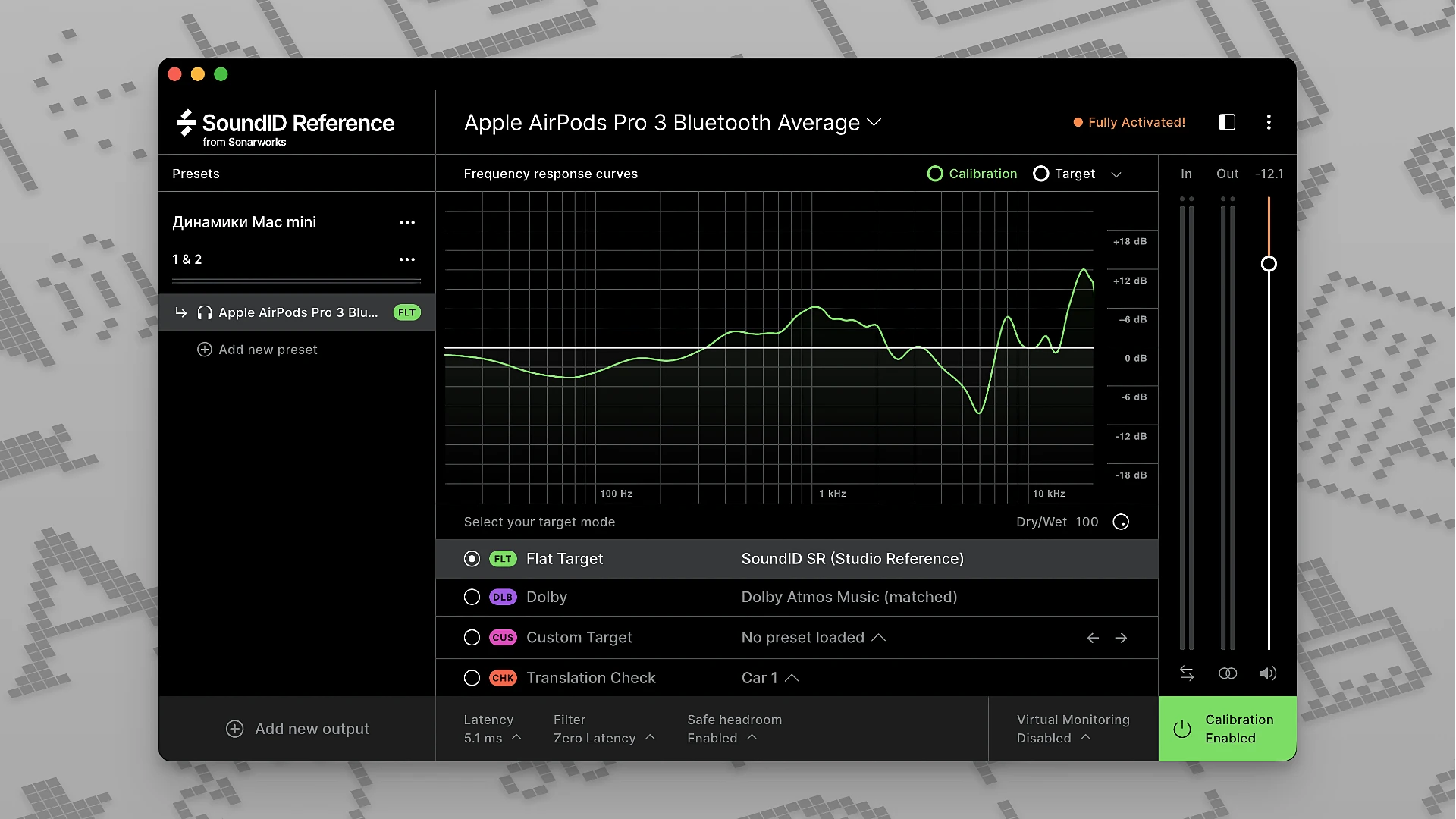
Sonarworks SoundID Reference is a powerful application and plugin designed for calibrating studio monitors and headphones on Mac. It allows you to hear audio as accurately and transparently as possible, eliminating the colorations and distortions introduced by room acoustics or the specific frequency response characteristics of your headphones.
Once the calibration process is complete, the system corrects the audio output so that music is reproduced in a truly balanced way — without excessive bass buildup, harsh high frequencies, or dips in the midrange. This enables audio engineers and producers to make far more precise and confident decisions during mixing and final mastering stages on their Mac workstations.
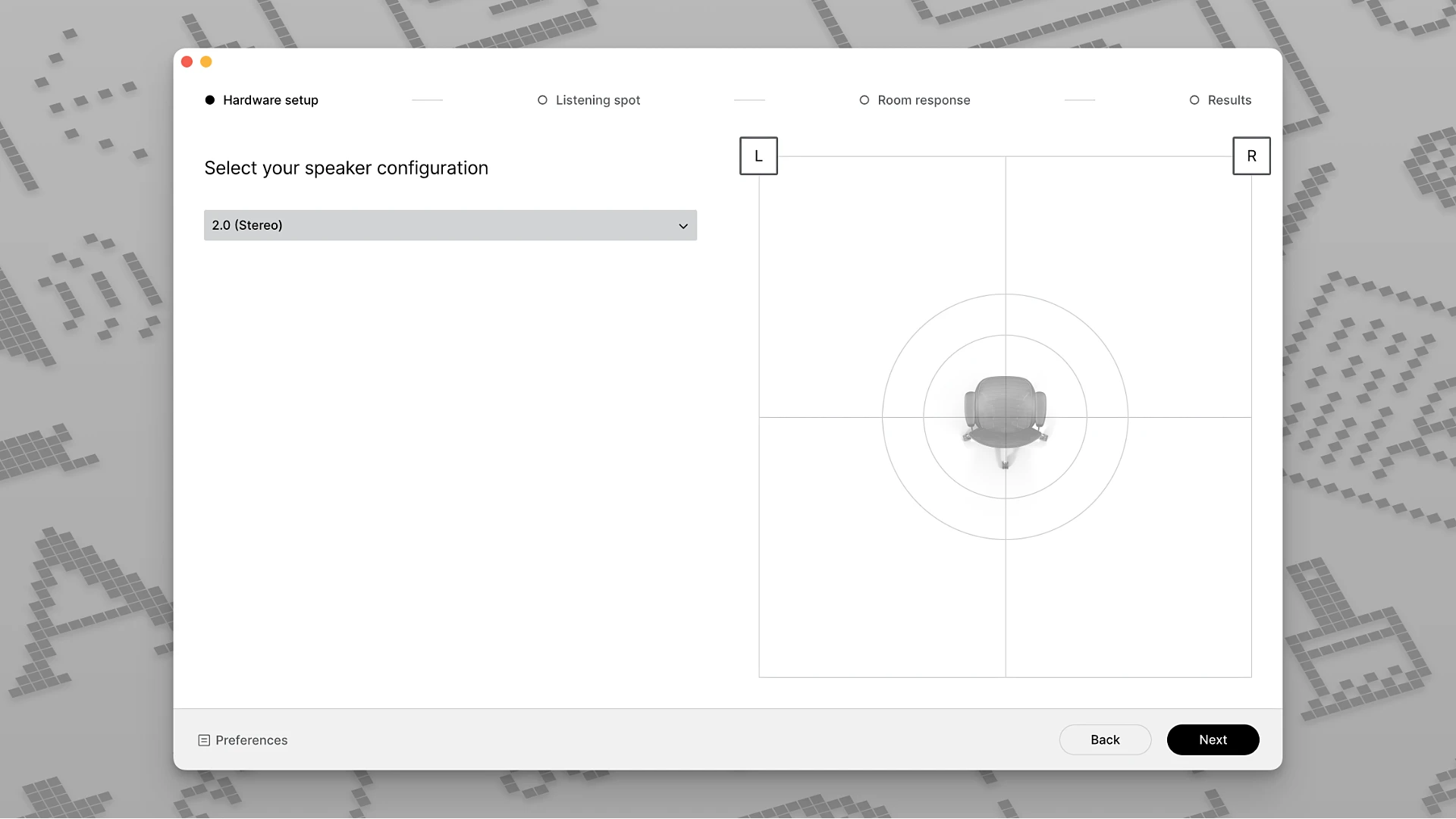
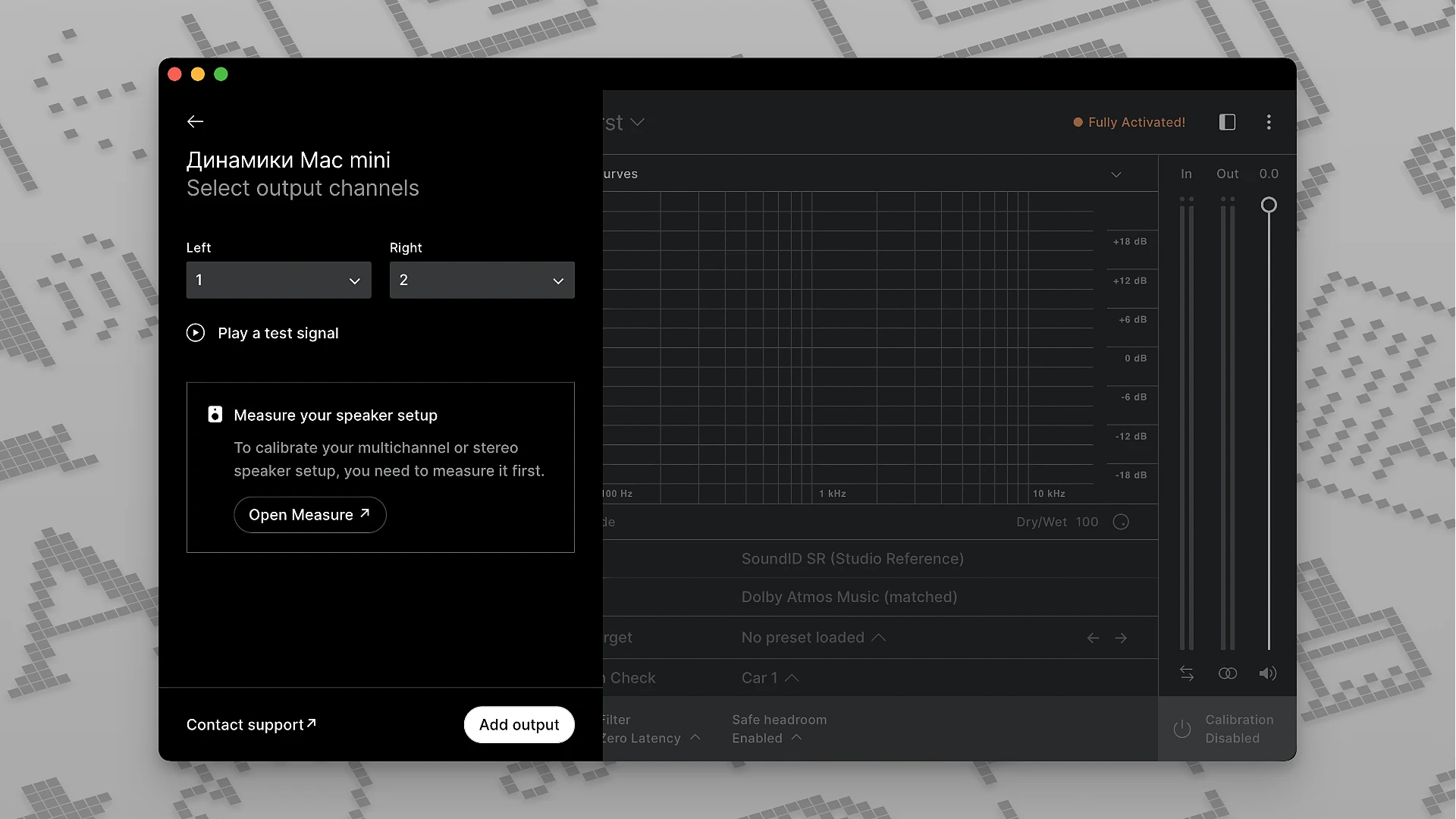
The sonarworks soundid reference plugin supports not only standard stereo monitoring but also multichannel speaker systems, including complex immersive audio formats. This capability is particularly essential for professionals working in film post-production and with modern spatial audio formats on Mac.
Sonarworks SoundID Reference was developed as the successor to the earlier Reference 4 and has been completely redesigned from the ground up. It introduces a range of new features along with significantly improved calibration accuracy. You can perform a sonarworks soundid reference download to get started with the latest version on your Mac setup.
Additionally, calibration profiles you create can be exported and loaded into compatible hardware devices. This ensures that the same consistent and accurate sound reproduction is maintained not only within your software environment on Mac but also across external monitoring equipment. With sonarworks soundid reference for mac, your entire studio workflow benefits from reliable, calibrated audio.
Frequently Asked Questions
You May Also Like
Reviews & Comments
No comments yet.