NUGEN Audio Mastercheck2
Description
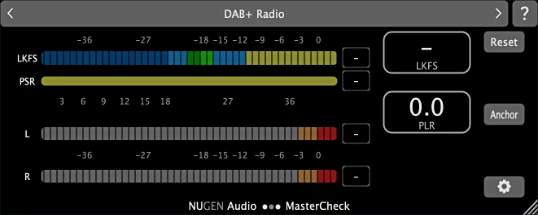
NUGEN Audio Mastercheck2 is a plugin designed for the final stage of track verification on Mac, ensuring that your music sounds equally impressive across every platform — from streaming services to physical media formats. It reveals exactly how your sound will change after the loudness normalization and compression applied by Spotify, YouTube, Apple Music, and other major services.
This NUGEN Audio Mastercheck2 plugin allows you to hear in advance how the codecs and algorithms used by various platforms will affect your track on your Mac system. This helps you avoid unpleasant surprises after release — such as loss of density, the appearance of unwanted distortion, or inter-sample clipping.
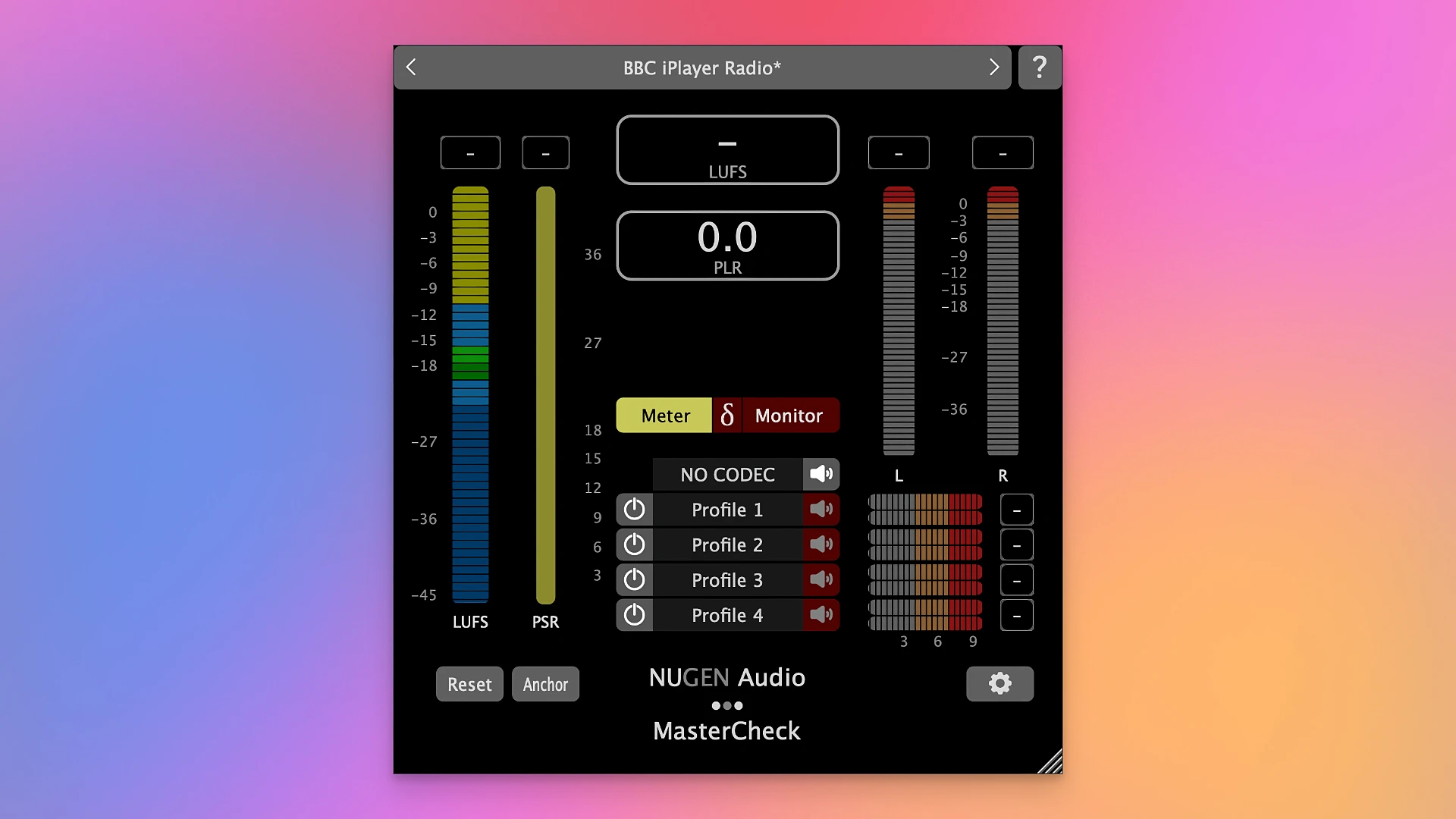
NUGEN Audio Mastercheck2 for mac emulates popular streaming formats in real time and demonstrates how your music will sound on different services. You can compare your track against reference mixes, with automatic loudness matching, so you can objectively evaluate the tonal balance and overall presentation of your master.
The tool also monitors true peaks and potential encoding artifacts, helping you preserve the clarity and purity of your sound on Mac. It measures integrated loudness and dynamic range, allowing you to achieve a modern, competitive result without pushing your master into overload or sacrificing quality.
NUGEN Audio Mastercheck2 download includes support not only for standard stereo but also for immersive formats up to and including Dolby Atmos, and its fully scalable interface adapts seamlessly to any workflow on your Mac — whether you prefer a vertical or horizontal layout for your session.
Frequently Asked Questions
You May Also Like
Reviews & Comments
No comments yet.